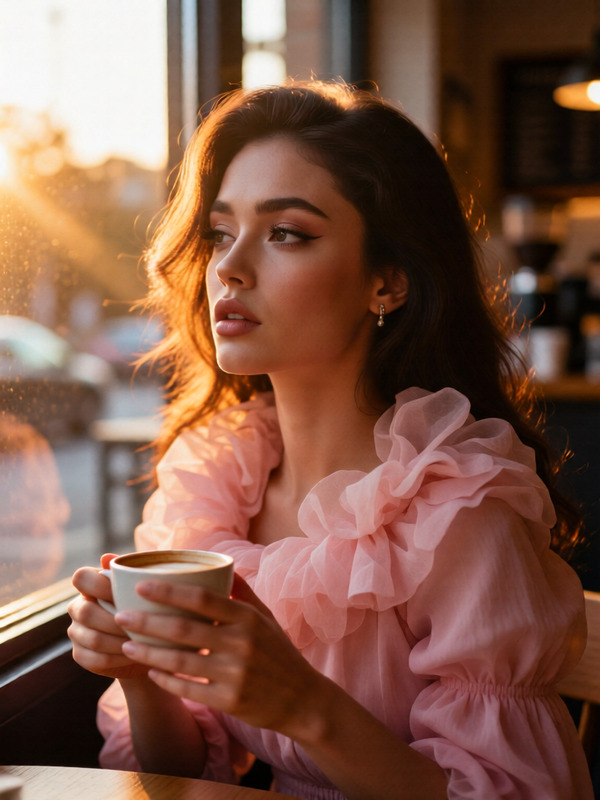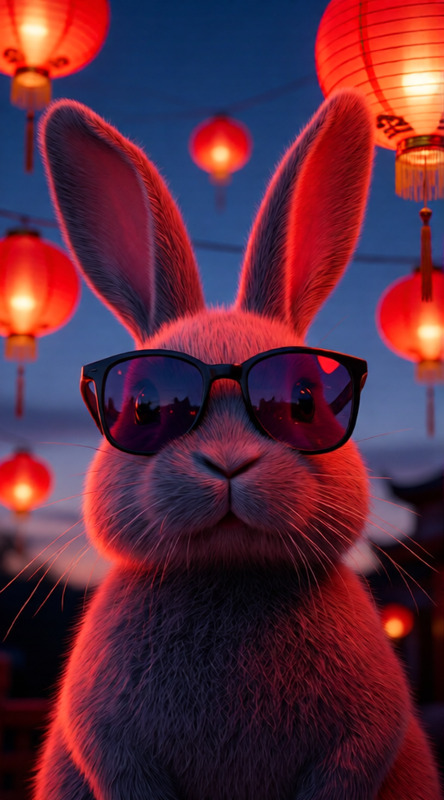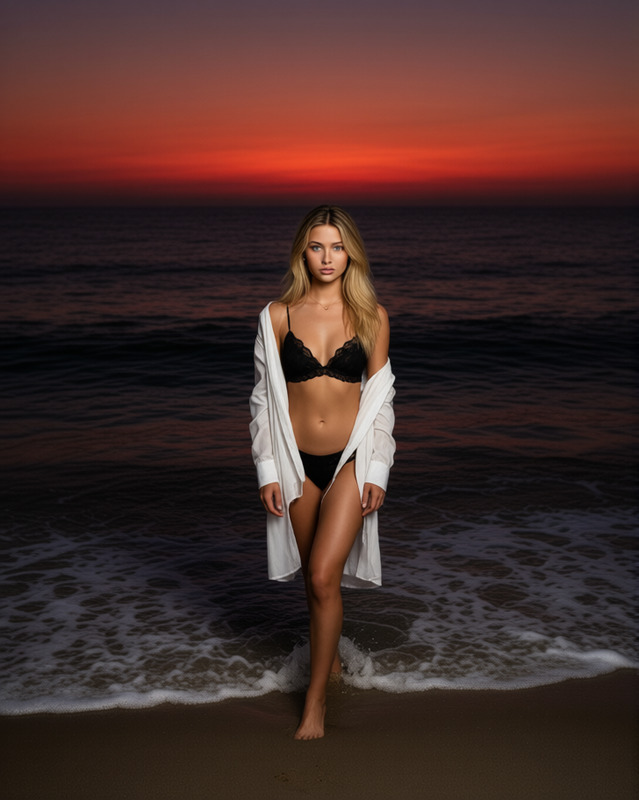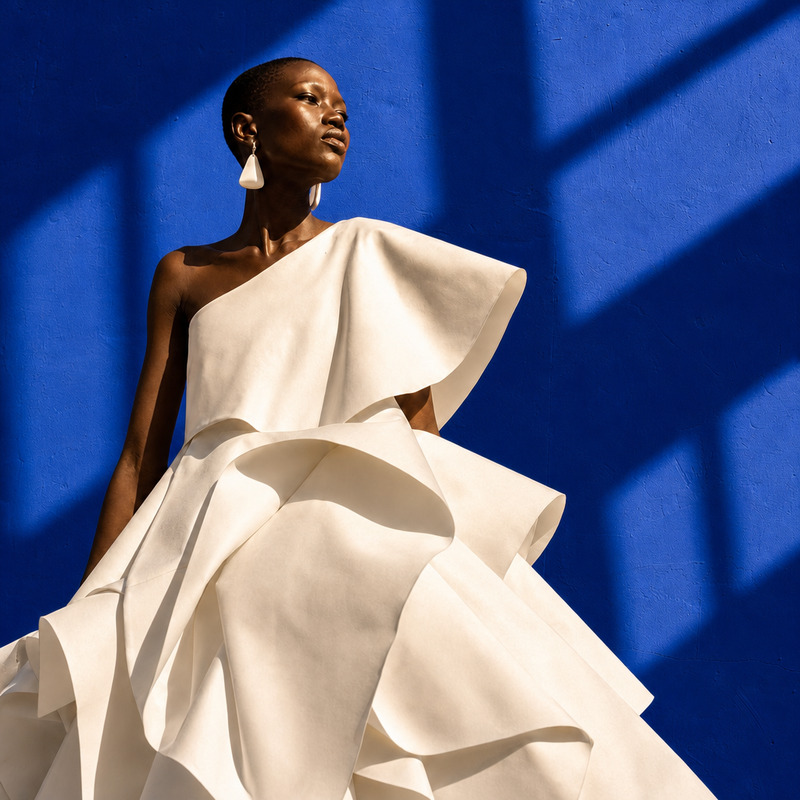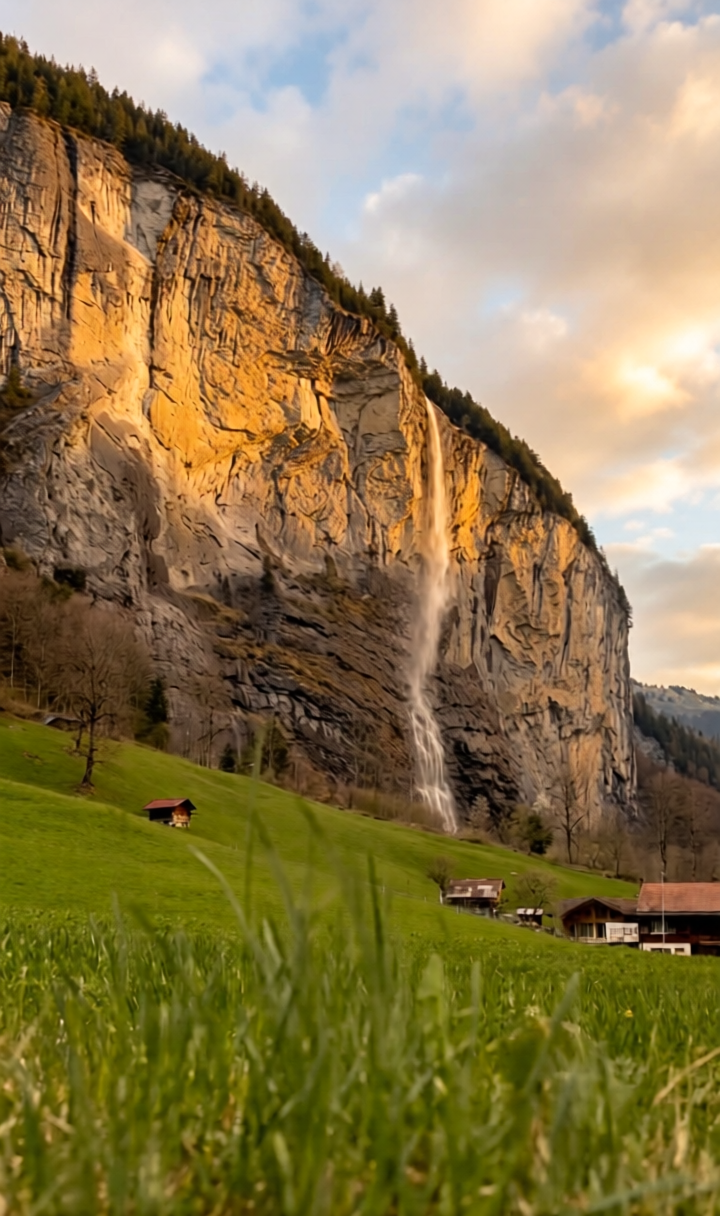
Warm Photo
- Model
- Qwen Edit
- Image
- 720 × 1216 px
Prompt
a bit warmer
Any aspect ratio
Overview
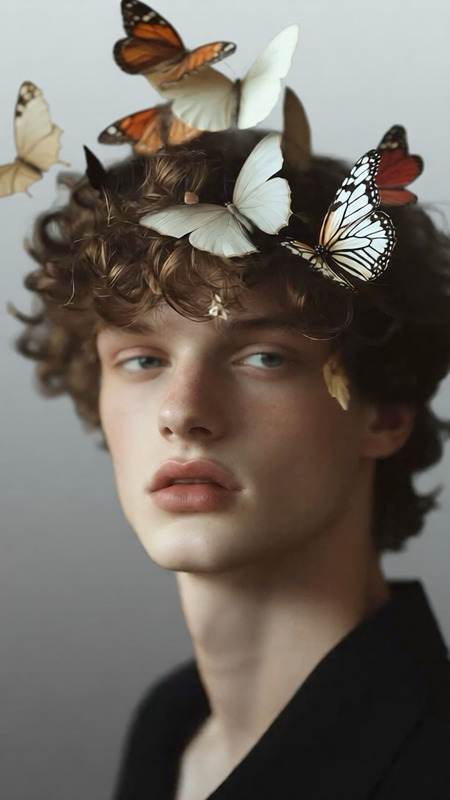
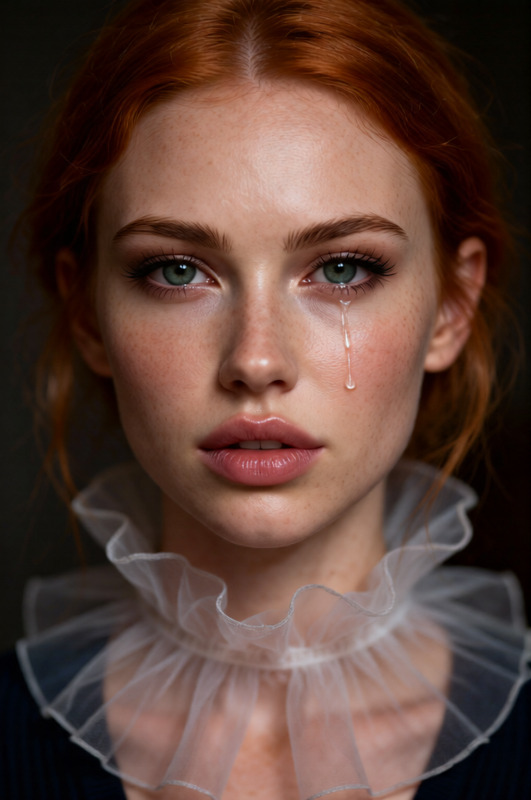
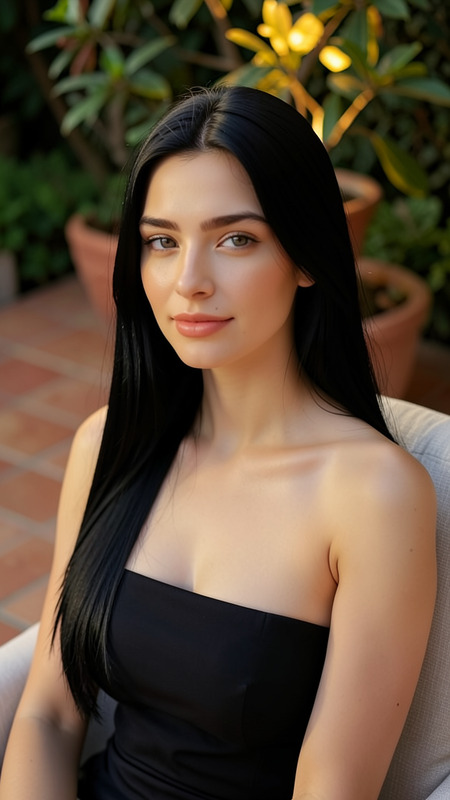
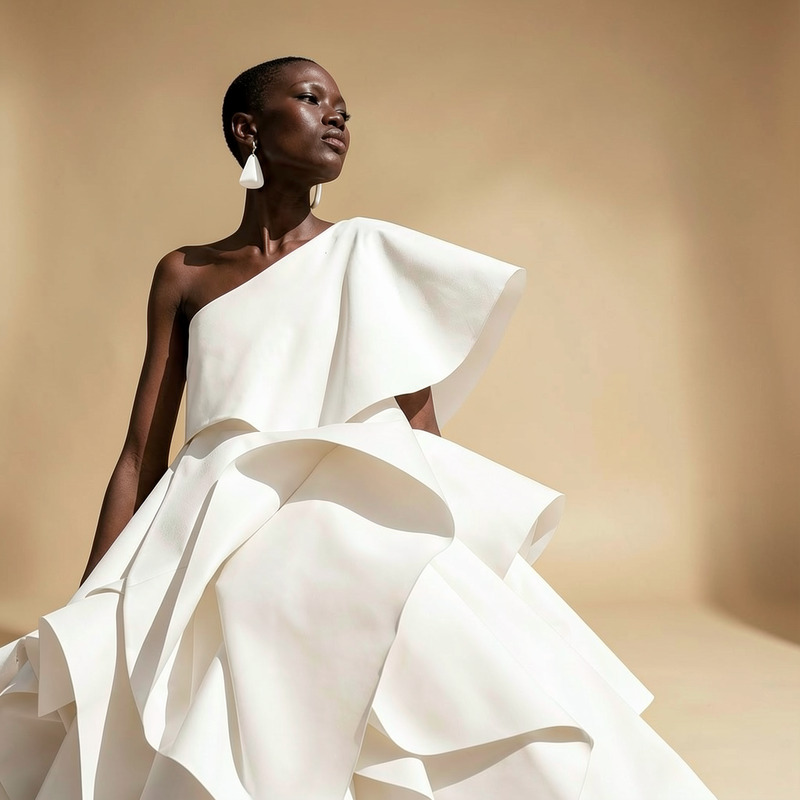
The Warm Photo template in the AI Image Editor is your go-to solution for adding a cozy, inviting glow to your images. Whether you're enhancing a sunset or making a portrait more inviting, this template helps bring out warmth in every frame.
What It Does
Using the sophisticated qwen-edit model, the Warm Photo template subtly adjusts your image's color temperature to achieve a more engaging and visually appealing look. Your photos will take on a warmer hue, enriching their storytelling potential without a complicated process.
Who It's For
This template is perfect for photographers, marketers, and content creators looking to enhance imagery with a warm touch. It's ideal for those interested in improving engagement on platforms like newsletters, blogs, and social media. Moreover, users of the AI Image Generator can find this template especially beneficial for adding final touches to their creations.
Summary
Enhance your visuals with the Warm Photo template. By utilizing the power of AI and the capabilities of the AI Voice Changer for narrated content, you can create cohesive and compelling audiovisual experiences. Perfect for anyone needing vibrant imagery with minimal effort.
How To
Choose the Warm Photo Template

Customize Your Image

Generate the Warm Image

Use Cases
Social Media Posts
Marketing Campaigns
Photography Portfolios
Best Practices
Start Subtle
It's often best to begin with slight adjustments and increase the warmth gradually to avoid oversaturation.Use Warm Photos for Emotion
Warmer photos can evoke feelings of nostalgia and happiness, perfect for emotional campaigns.Combine with AI Tools
Use other tools like the AI Image Upscaler to ensure your images are both warm and high-quality.