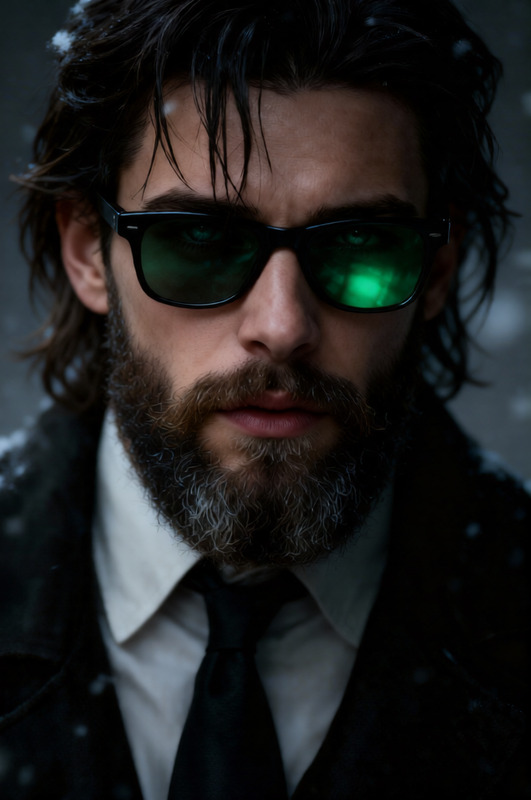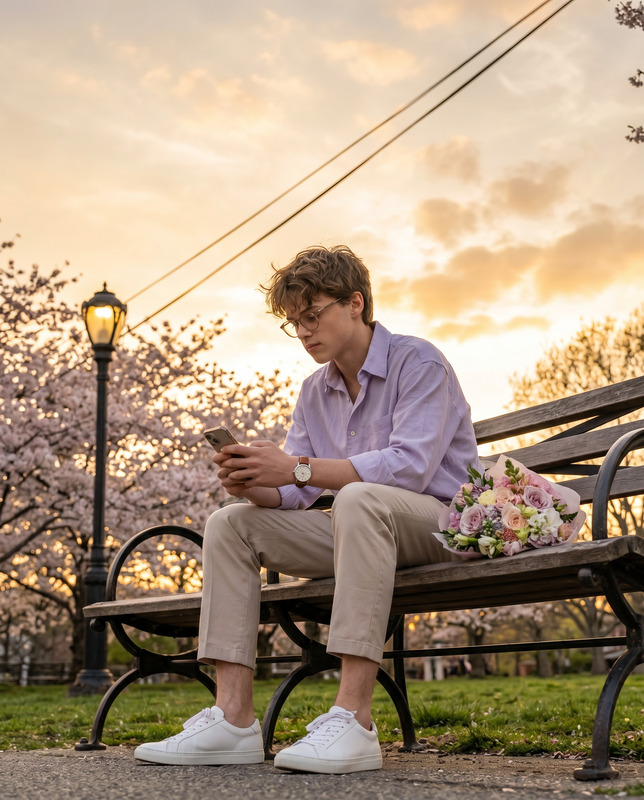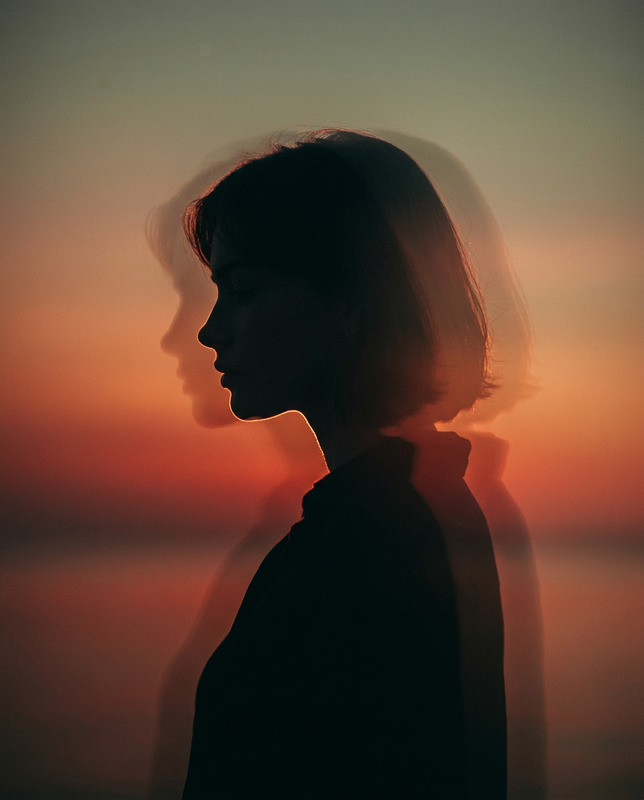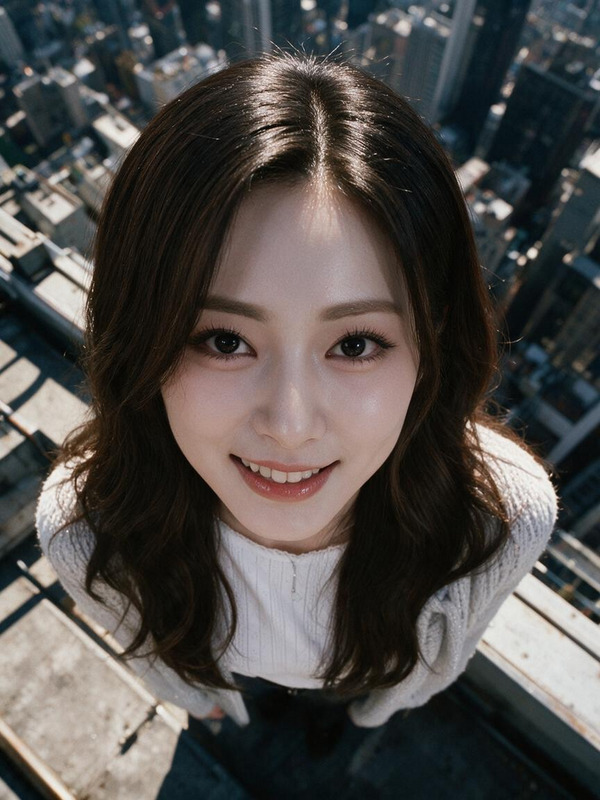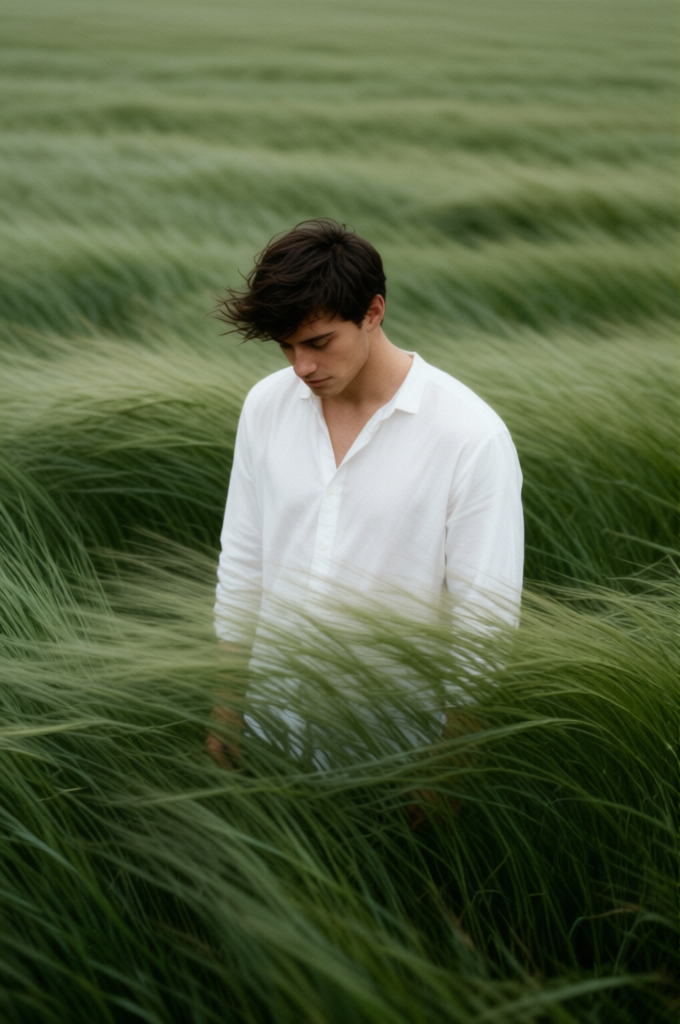
Lost in Thought
- Model
- Qwen Edit
- Image
- 680 × 1024 px
Prompt
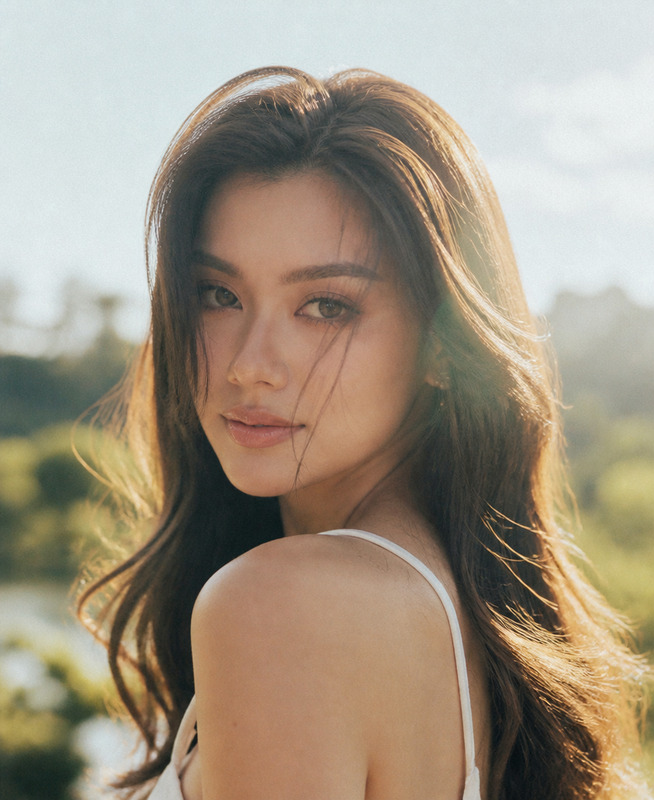
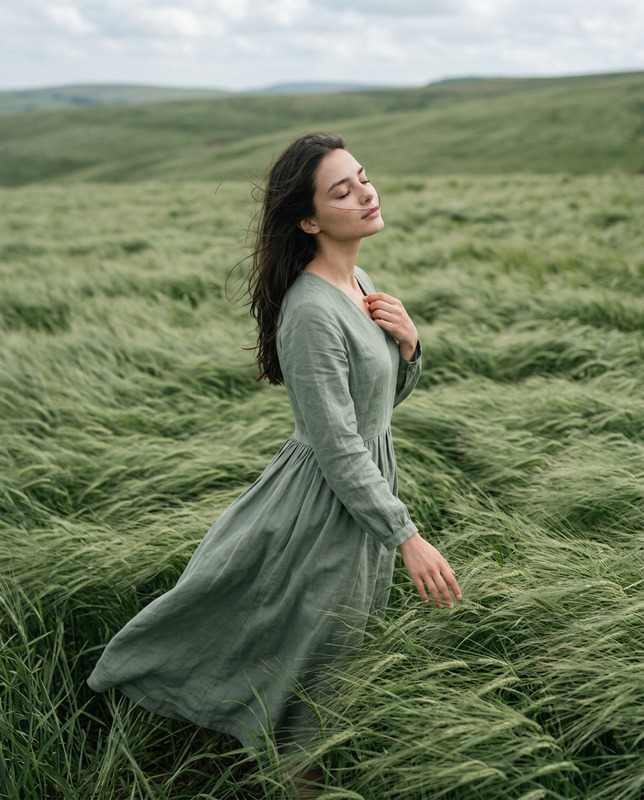
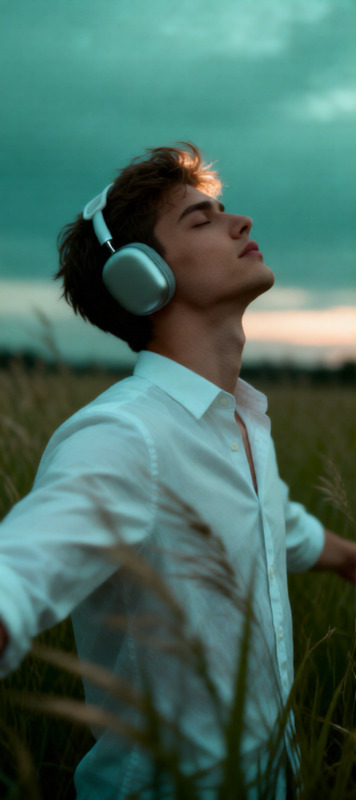
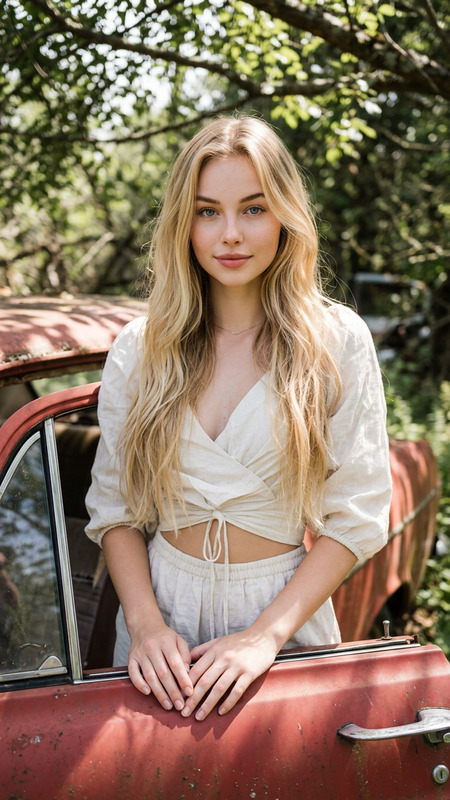
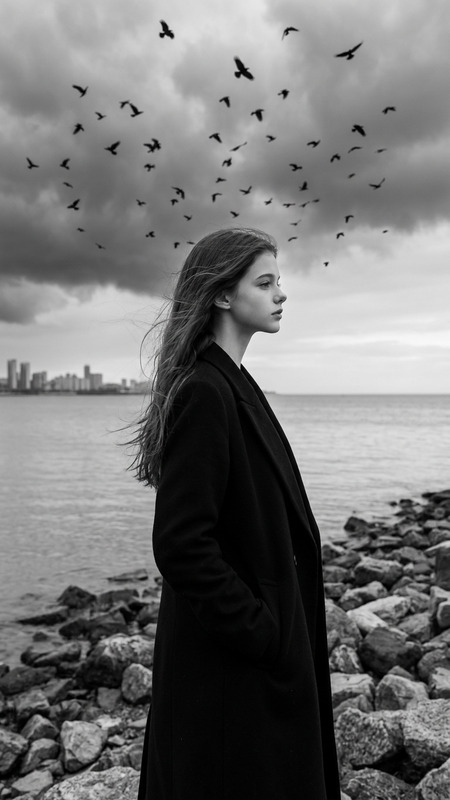
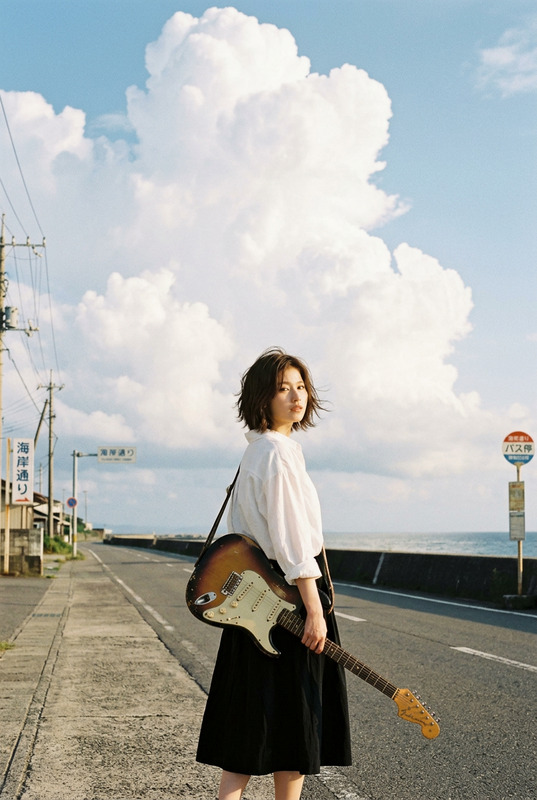
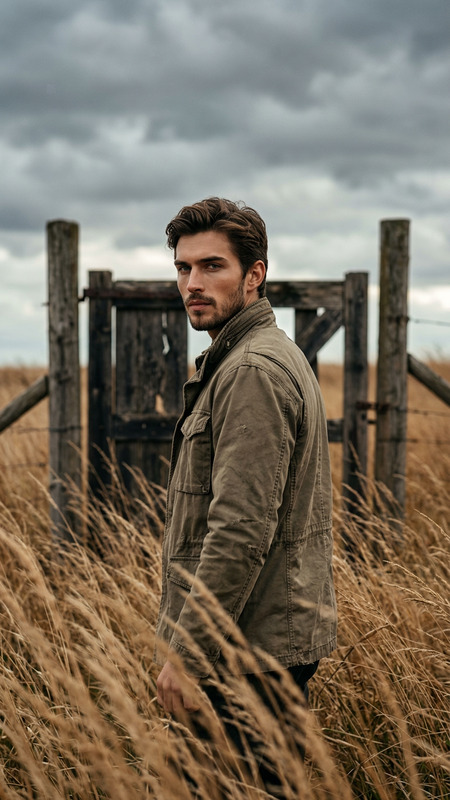
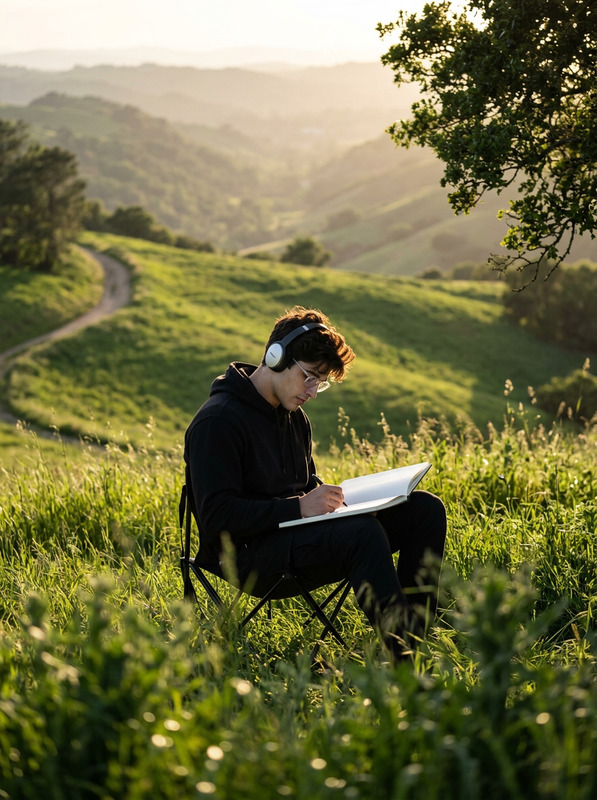
Create a 3:4 cinematic, atmospheric editorial portrait using the attached photo as the exact face and identity reference. A solitary man/woman stands alone in the middle of vast, wind-swept sage green grass fields. Tall grass surrounds the subject completely, flowing in strong currents like ocean waves, partially obscuring the body and creating motion, depth, and solitude. The subject wears a simple, loose white shirt that softly contrasts with the rich green landscape. Dark hair is slightly messy, with natural strands moving in the wind. The head is gently tilted downward, eyes cast toward the ground, conveying a quiet, introspective, melancholic mood. Expression is calm, distant, and emotionally restrained. Compose the frame slightly off-center, from a subtle elevated angle. No visible horizon, the frame is fully immersed in grass texture. Use a muted natural palette of sage green, deep olive, and soft off-white. Shoot vertical 3:4, telephoto perspective, shallow depth of field, cinematic framing. Film photography aesthetic with visible grain, soft edge falloff, atmospheric light, wind-driven motion blur in the grass. Quiet, poetic storytelling; ultra-detailed yet natural, magazine-cover editorial quality. No text, no watermark.
Any aspect ratio
Overview
The "Lost in Thought" template is an advanced AI Image Editor designed to transform your photos into visually breathtaking cinematic portraits. Leveraging the power of the Qwen-Edit model, this template crafts stunning, editorial-quality images with a natural film photography aesthetic. Perfect for achieving a poetic storytelling effect in your projects, this tool enhances your images with cinematic depth and atmosphere.
What it Does
This template takes your source photo and applies an intricate AI-driven process to create a 3:4 portrait immersed in sage green fields. It emphasizes a solitary figure enveloped by motion-filled tall grass, capturing a mood of introspection and calm. The result is a high-quality image featuring film-like grain, soft edge falloff, and motion blur.
Ideal for use with our AI Image Editor suite, it produces a magazine-cover standard of detail, perfect for anyone looking to enhance photographic projects with AI Product Photography or create meaningful, emotive storytelling images.
Who It's For
This template caters to photographers, graphic designers, and content creators who seek to blend artistic expression with AI technology. Whether you're working on a mood board or crafting content for editorial or marketing campaigns, "Lost in Thought" provides the tools needed to achieve a unique and compelling visual narrative.
Summary
"Lost in Thought" transforms ordinary portraits into cinematic, atmospheric works of art by integrating powerful AI editing capabilities. Whether you're focusing on personal projects or professional photography, this template offers unparalleled image quality and storytelling potential, aligning well with other tools like the AI Photo Relighting tool to perfect your shots.
How To
Choose Your Template

Customize Your Inputs

Generate Your Image

Use Cases
Editorial Photography
- Use for magazine features
- Create storytelling images for portfolios
Marketing Campaigns
- Social media advertisements
- Email campaign images
Creative Projects
- Art galleries
- Photo exhibitions
Best Practices
Select High-Resolution Images
To achieve the best results, use high-resolution source images. This enhances detail and allows the AI to add rich textures and natural atmospheric effects.Adjust and Experiment
Take advantage of customizable prompts to experiment with different moods and styles, allowing for a range of creative outputs.Explore Complementary Tools
Combine this template with other products like the AI Image Upscaler to improve image clarity and quality further.