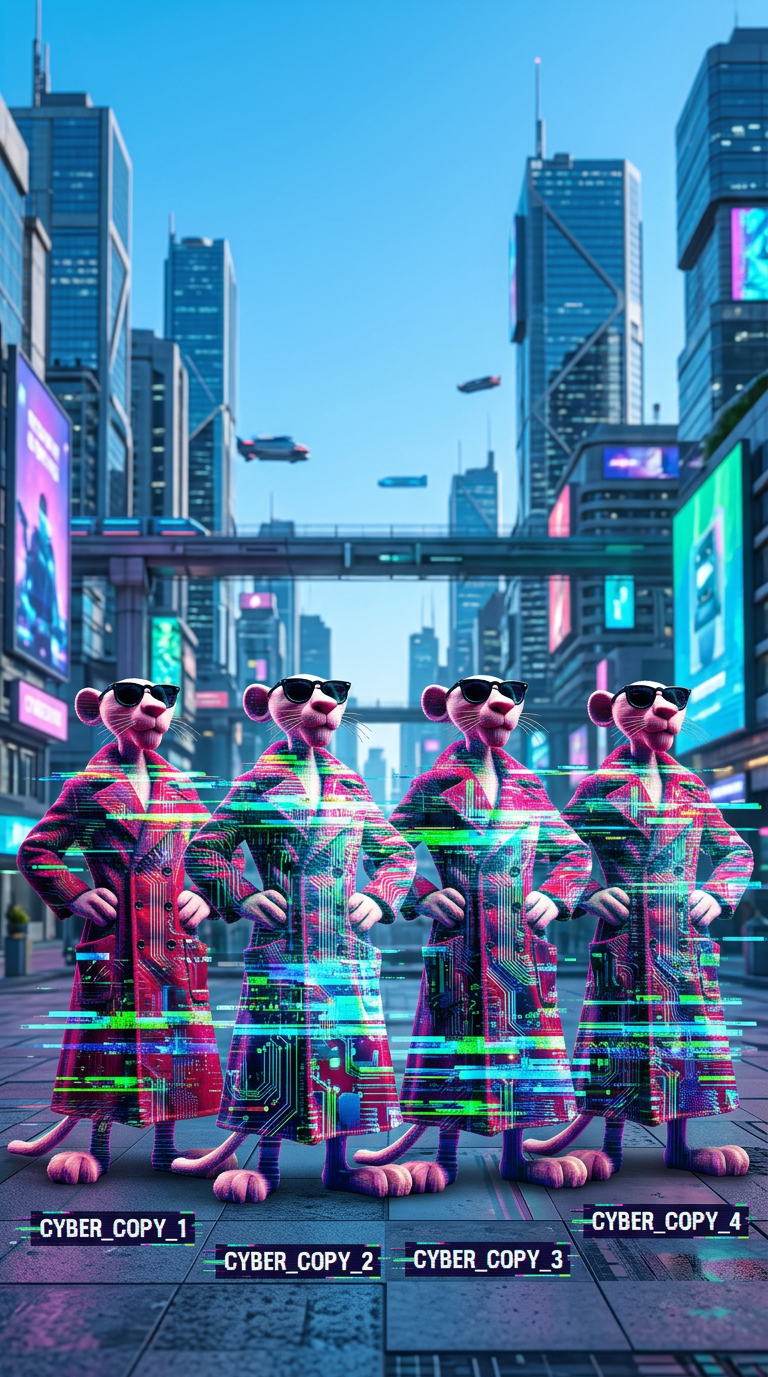
Glitch Clone City
- Model
- Nano Banana 2
- Image
- 768 × 1377 px
Prompt
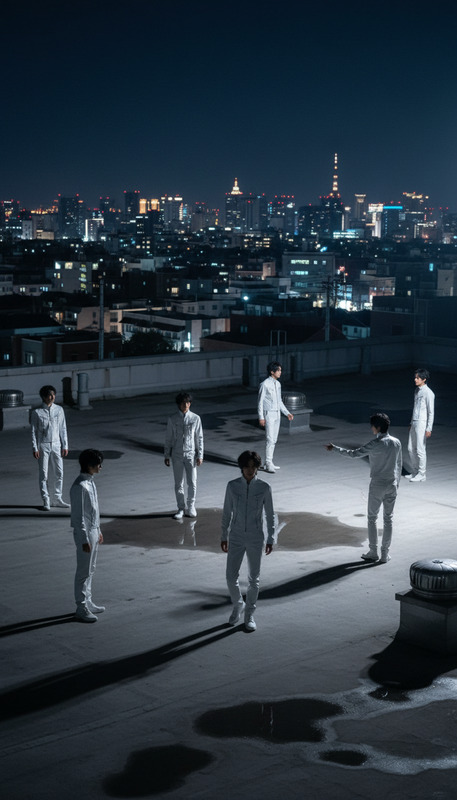
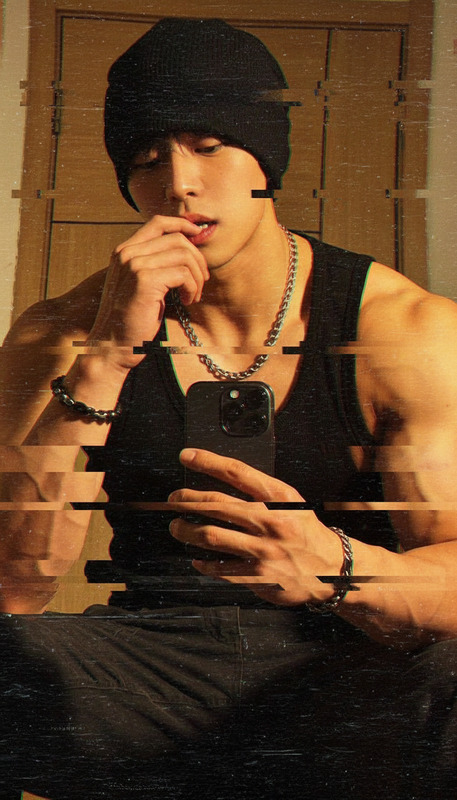
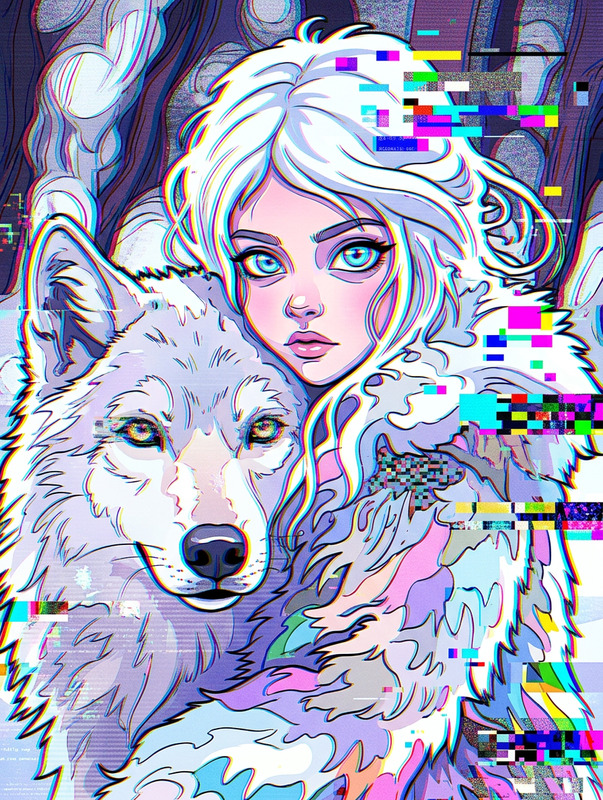
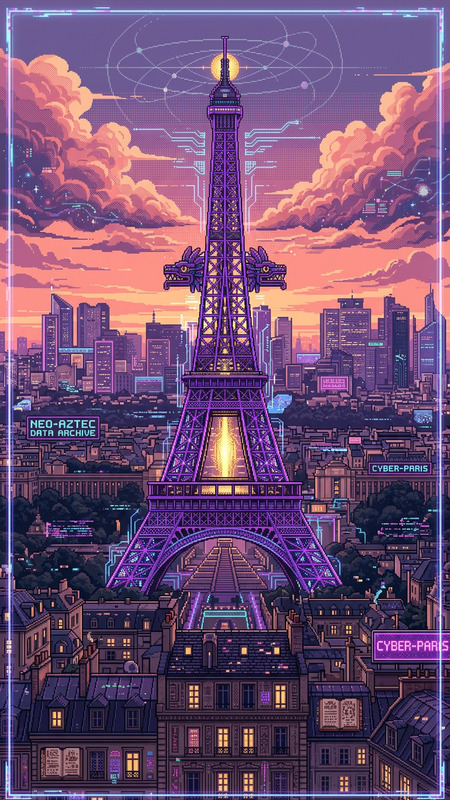
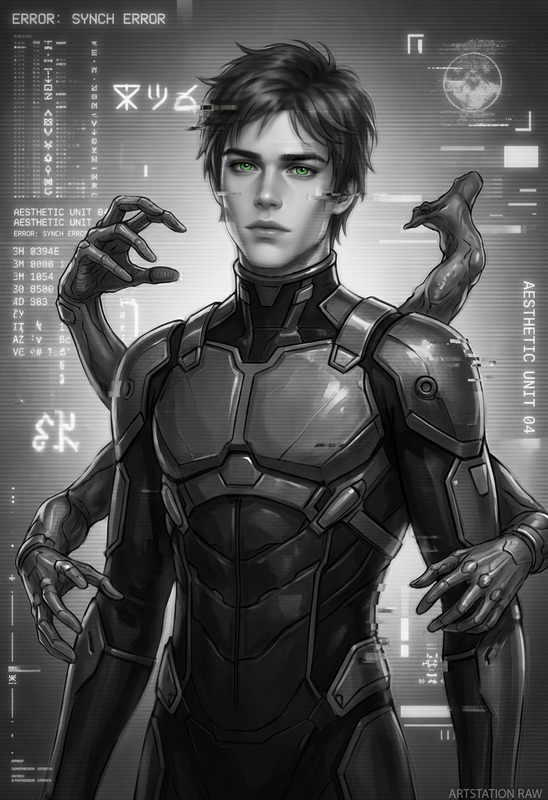
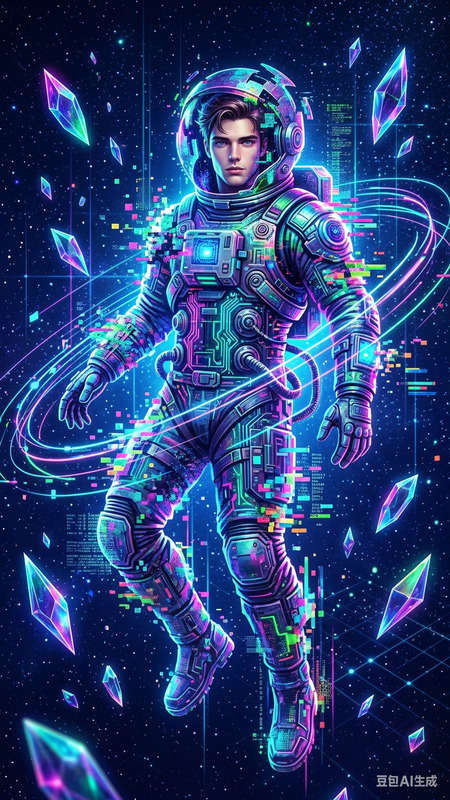
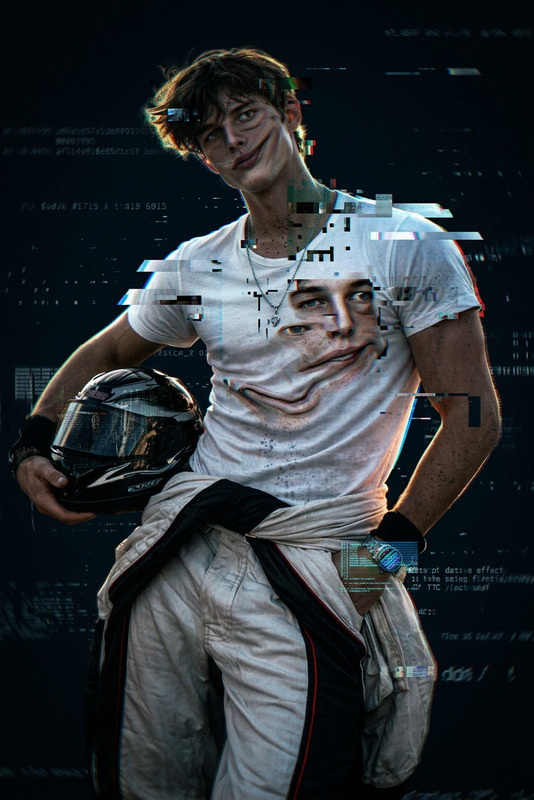
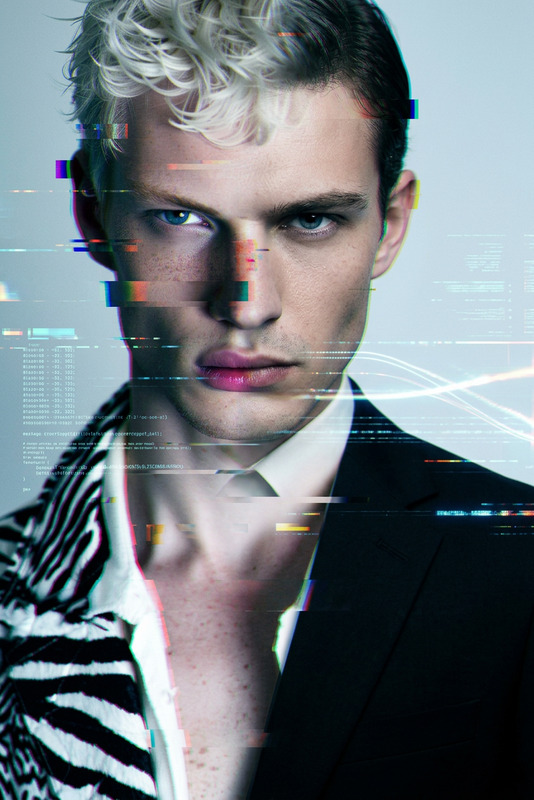
A subject transforms into multiple identical copies forming human silhouettes in an urban cityscape. Each silhouette is filled with colorful glitch effects and digital circuit-board textures, with bright blues, greens, pixel distortions, and horizontal glitch lines. The figures are evenly spaced in a balanced composition against modern buildings and a clear blue sky. Futuristic cyberpunk atmosphere, vibrant colors, high detail, artistic digital distortion effects.
Any aspect ratio
Overview
Welcome to the Glitch Clone City template, where state-of-the-art AI technology meets stunning digital art. This AI Image Editor template uses the nano-banana-2 model to transform your ideas into a vibrant digital cityscape filled with colorful glitch effects. Create multiple silhouetted clones in an urban environment, perfect for capturing a futuristic, cyberpunk ambiance.
What It Does
The Glitch Clone City template turns any image into a futuristic urban landscape teeming with digital clones and glitchy effects. Ideal for visual storytelling, this template fills human silhouettes with vivid blues, greens, and intriguing digital textures like circuit-boards and pixel distortions.
Utilize it to add a unique artistic touch to projects requiring a modern twist. Explore our range of products such as AI Video Generator to further amplify your creative workflow.
Who It's For
Designed for digital artists, content creators, and storytellers aiming to incorporate a dynamic glitch effect into their work. Perfect for those in advertising, marketing, or entertainment industries looking to stand out with a distinctive visual style.
Whether you're creating projects for social media, campaigns, or presentations, this template is your go-to solution for a modern, eye-catching aesthetic.
Summary
Glitch Clone City delivers a high-detailed digital aesthetic that stands as an excellent addition to any creative project. Incorporating digital distortion effects with a balanced composition, it offers a fresh look at urban landscapes. Dive deeper into possibilities with Image-to-Video transformations.
How To
Choose Your Template

Customize Your Inputs

Generate and Download

Use Cases
Social Media Visuals
- Instagram posts
- Facebook banners
- Twitter headers
Advertising Campaigns
- Billboards
- Online ads
- Posters
Digital Art Projects
- Art installations
- Digital galleries
Best Practices
Optimize Image Selection
For best results, choose high-resolution images with clear subject outlines to ensure the glitch effect is pronounced and impactful.Adjust Prompt Details
Modify the prompt to tweak glitch intensity and color scheme to closely match your project requirements.Experiment with Layouts
Utilize different compositions by strategically placing your silhouettes to maximize the artistic effect within the urban cityscape.