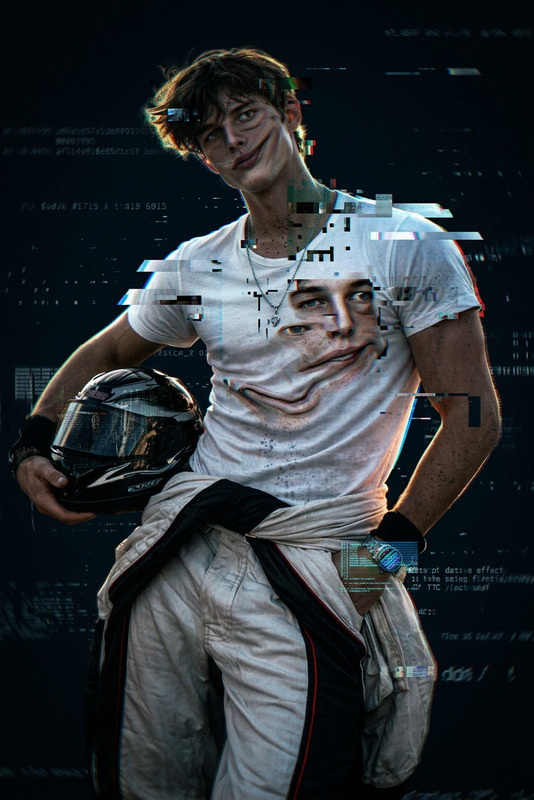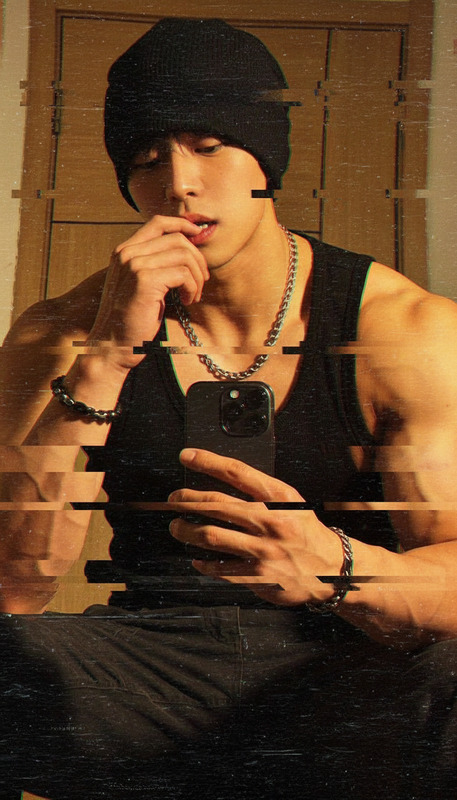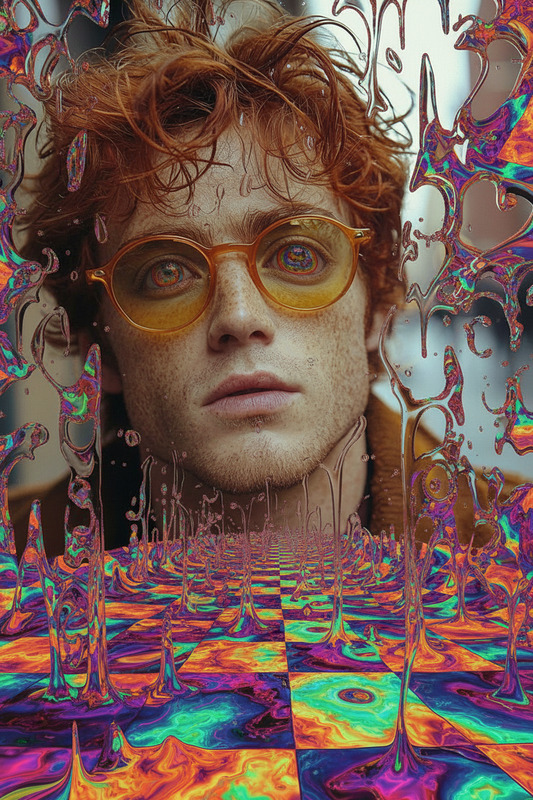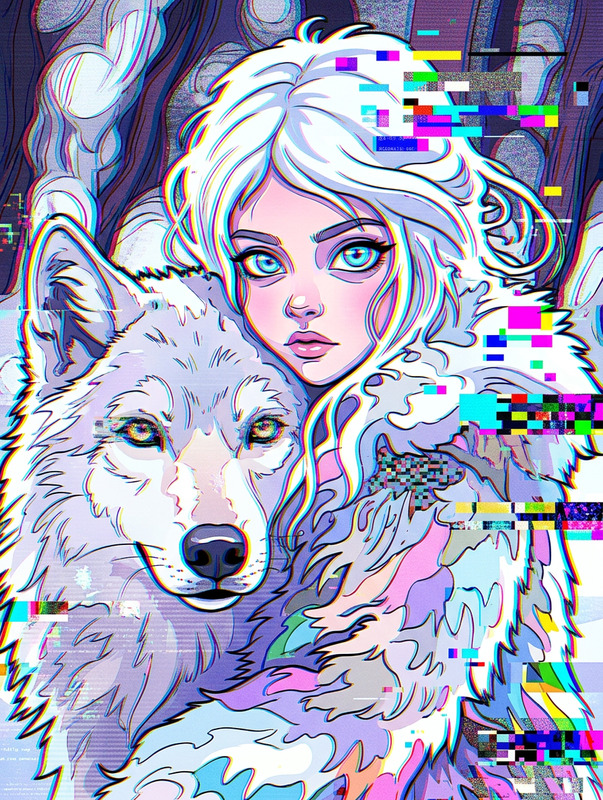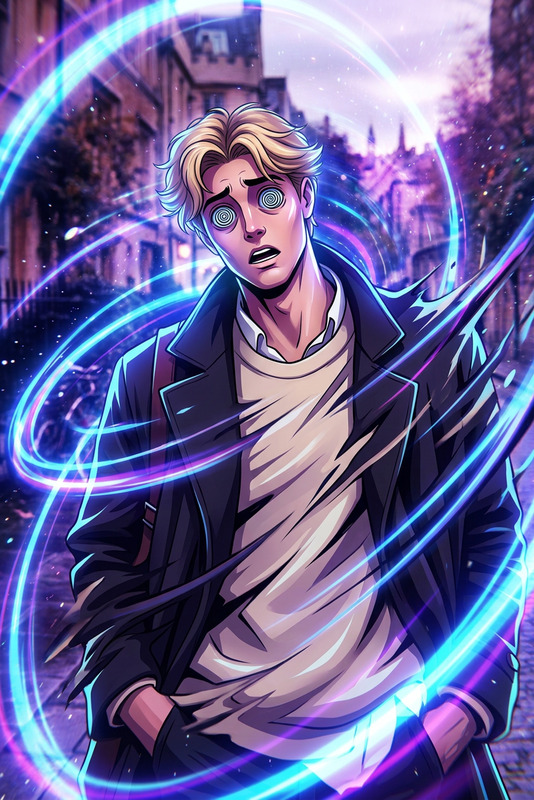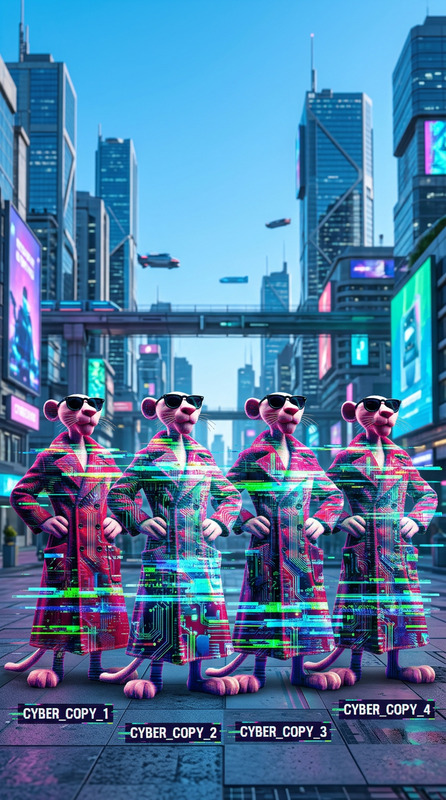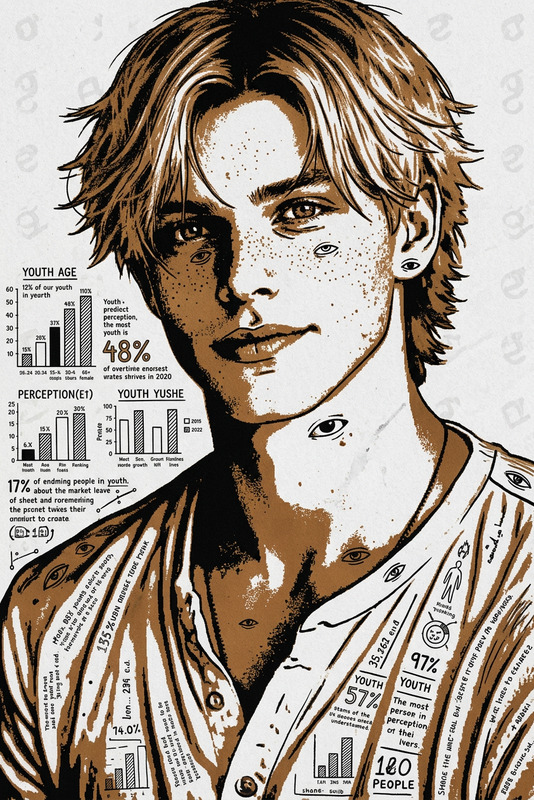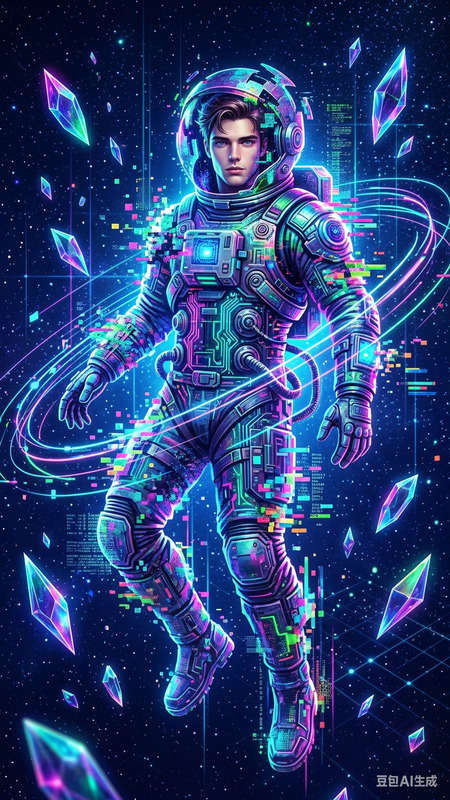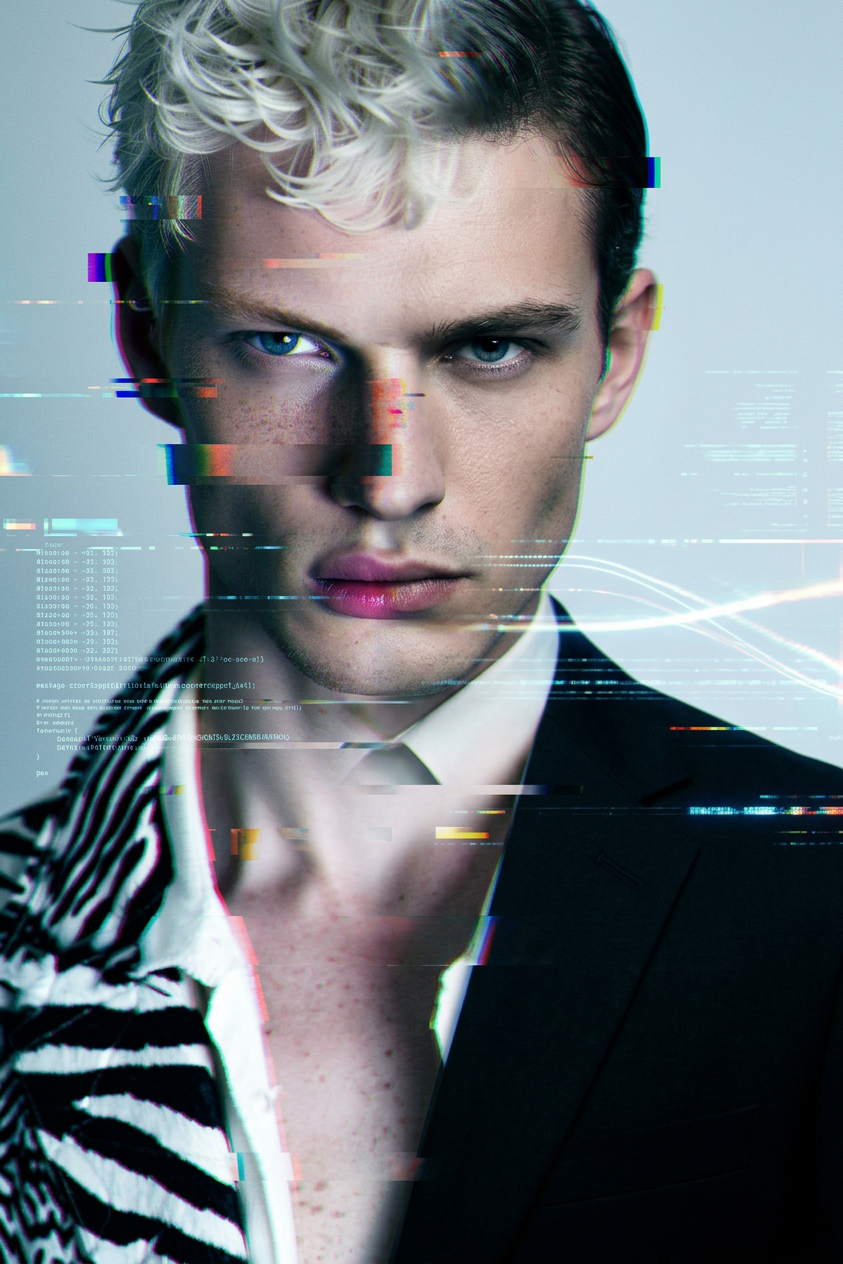
Glitch agent reveal
- Model
- Nano Banana 2
- Image
- 843 × 1264 px
Prompt
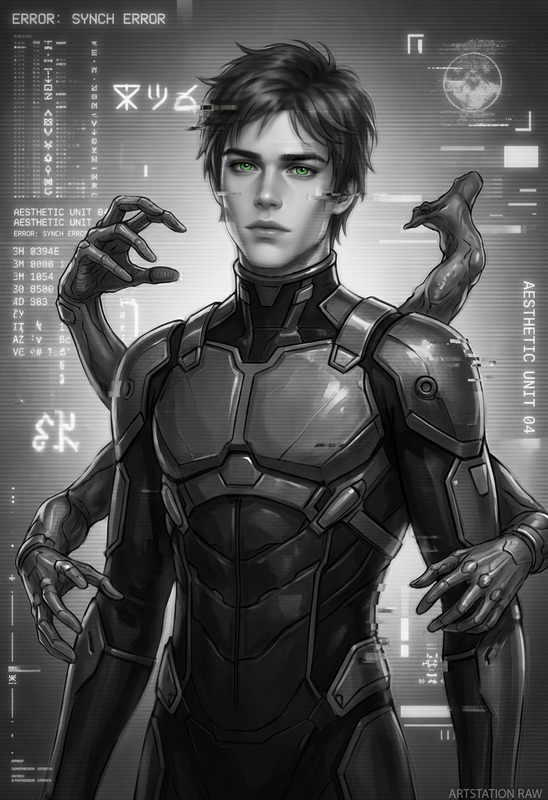
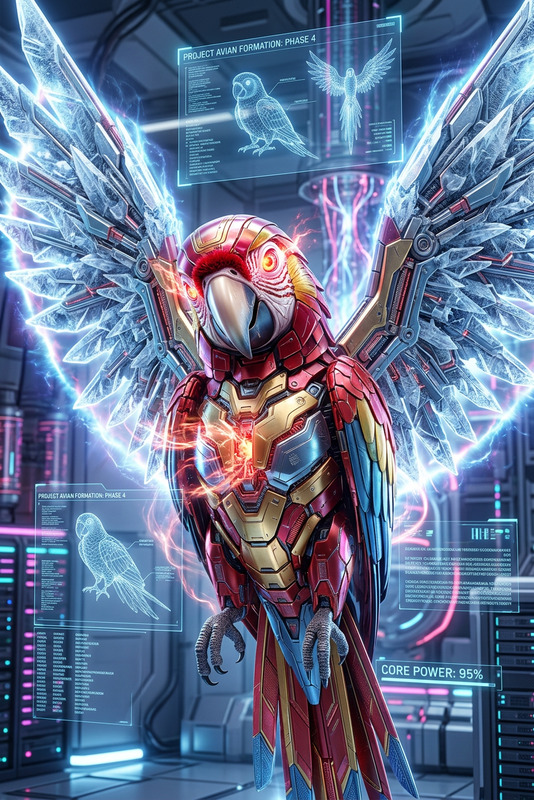
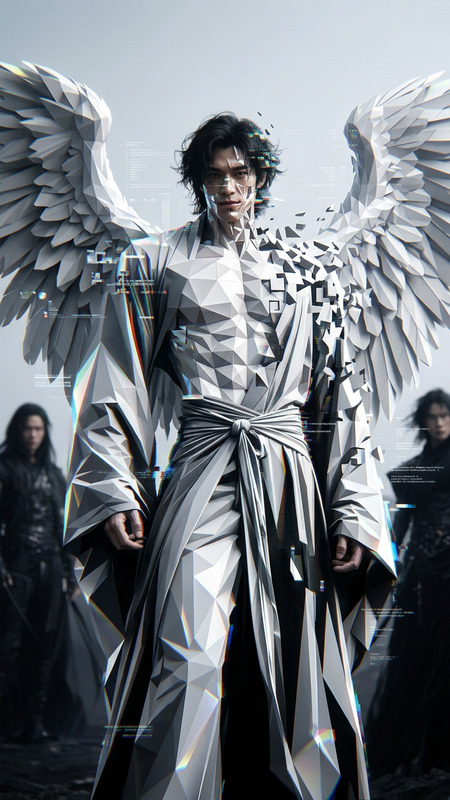
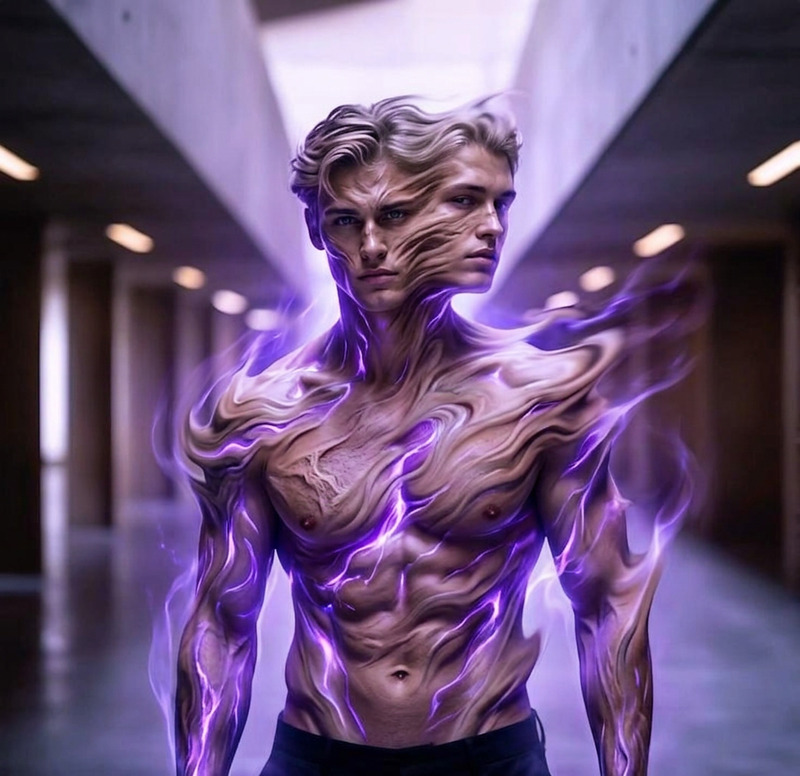
A subject rapidly glitching and morphing into a sharp-suited agent, face and body distorting through digital artifacts and frame tearing, features snapping into a clean, composed identity, suit materializing seamlessly, fast surreal transitions, powerful and mysterious aura, cinematic lighting, ultra-detailed, 4K.
Any aspect ratio
Overview
The Glitch Agent Reveal template provides a dynamic way to morph ordinary images into glitchy, visually captivating agents. Utilizing the AI Image Editor, this template employs the advanced capabilities of the nano-banana-2 model to create high-resolution images that transition through surreal and cinematic effects. It's designed to infuse a powerful and mysterious aura into your projects.
What It Does
This template transforms your images with glitch effects, simulating the rapid morphing of a subject into a sleek agent. Distorted frames, artifacting, and vivid digital transitions bring this transformation to life, resulting in a dramatic and detailed final image. This is ideal for creating tech-themed visuals and dramatic reveals.
Who It's For
Perfect for digital artists, video game designers, and content creators working in tech-themed environments, the Glitch Agent Reveal template offers an engaging tool for projects that require a cinematic and edgy transformation. It's equally valuable for marketers looking to create striking visuals for social media campaigns or promotions.
Summary
Transform your creative vision with the AI Image Editor through the Glitch Agent Reveal template. Use the power of the Glitch Effects to create stunning, high-definition images that command attention and inspire intrigue.
How-to Guide
Choose the Template

Customize Your Image

Generate the Image

Use Cases
Video Game Character Introductions
- Character transformations
- Enhanced in-game storytelling
Promotional Visuals for Tech Products
- Eye-catching social media content
- Innovative tech presentations
Cinematic Art Projects
- Exhibition displays
- Art installations
Best Practices
Use High-Quality Source Images
Start with high-resolution images to maximize the effect's detail and clarity.Experiment with Prompt Details
Adjust the emphasis on glitch effects by tweaking the prompt to balance distortion and clarity.Consider Lighting and Contrast
Enhance cinematic quality by playing with lighting conditions in your source image, aligning with the template's lighting effects.