Urban Glitch Pop Portrait
- Model
- Nano Banana 2
- Image
- 896 × 1197 px
Prompt
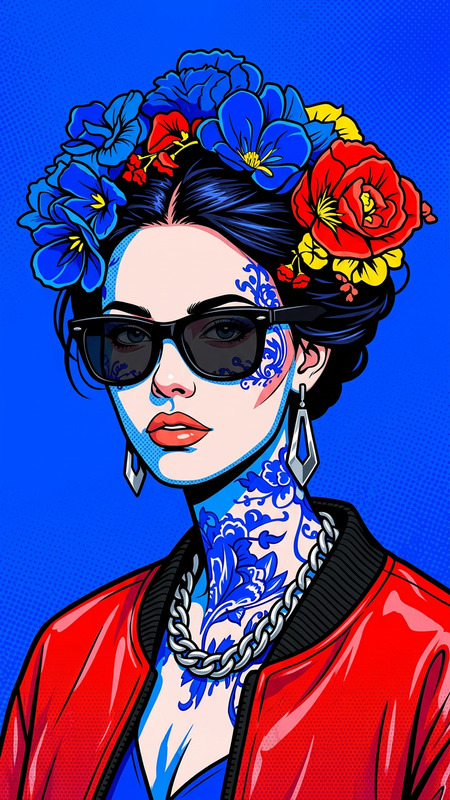
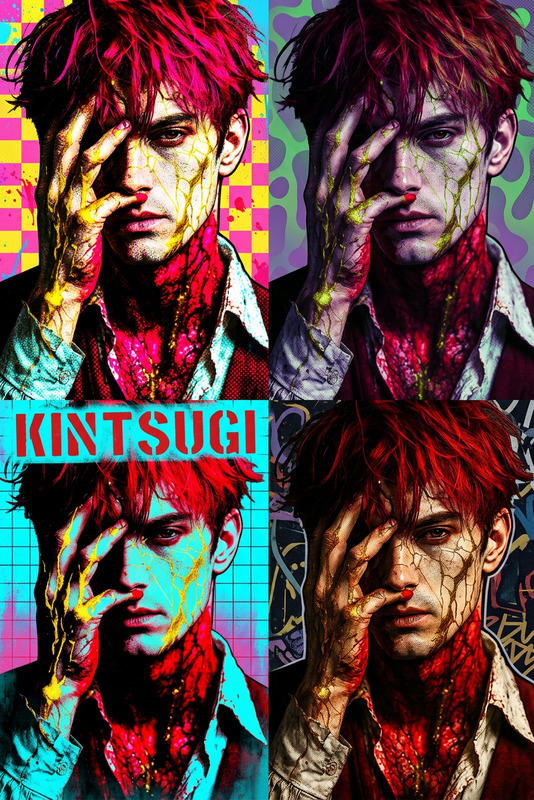
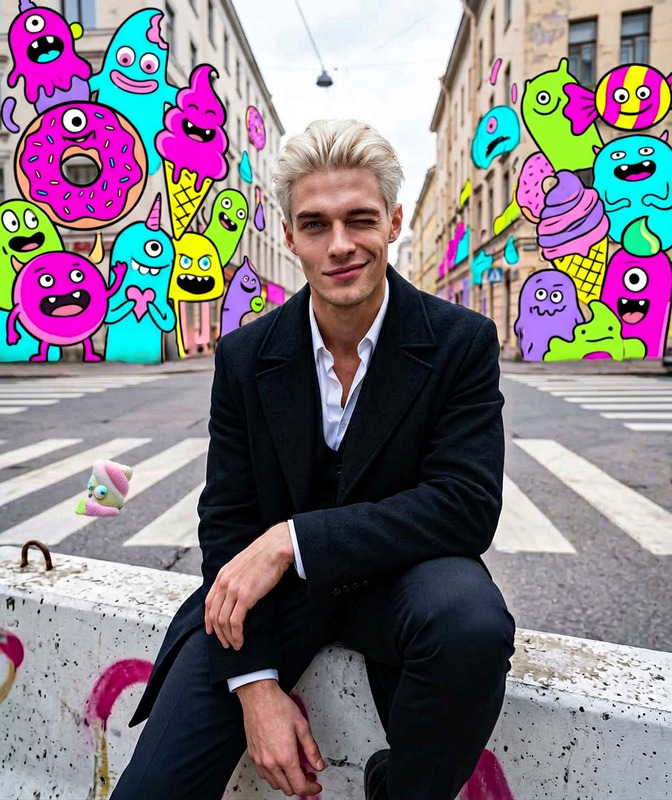
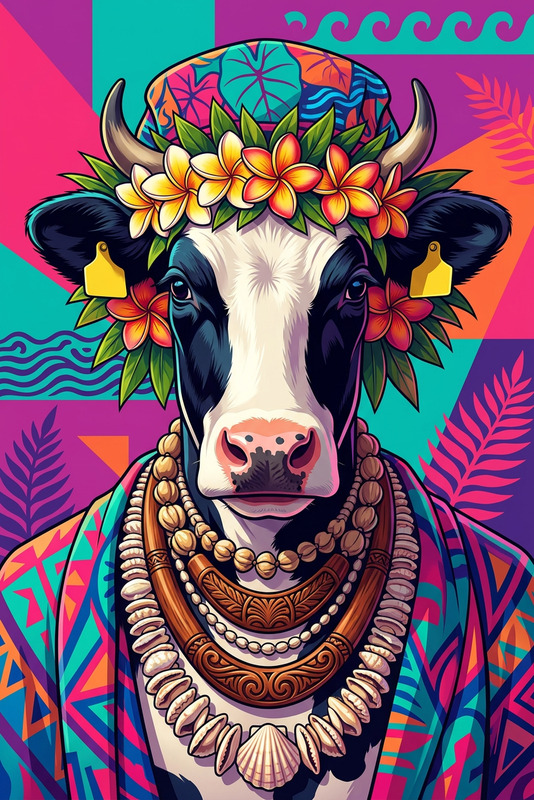
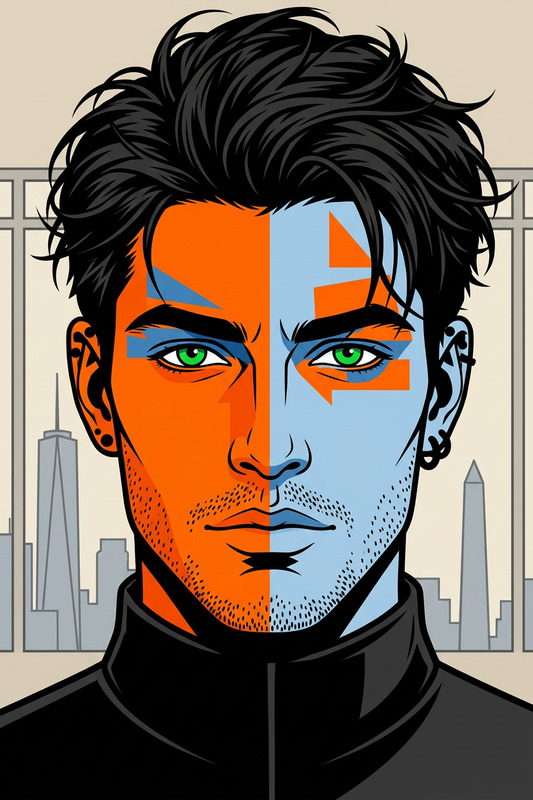
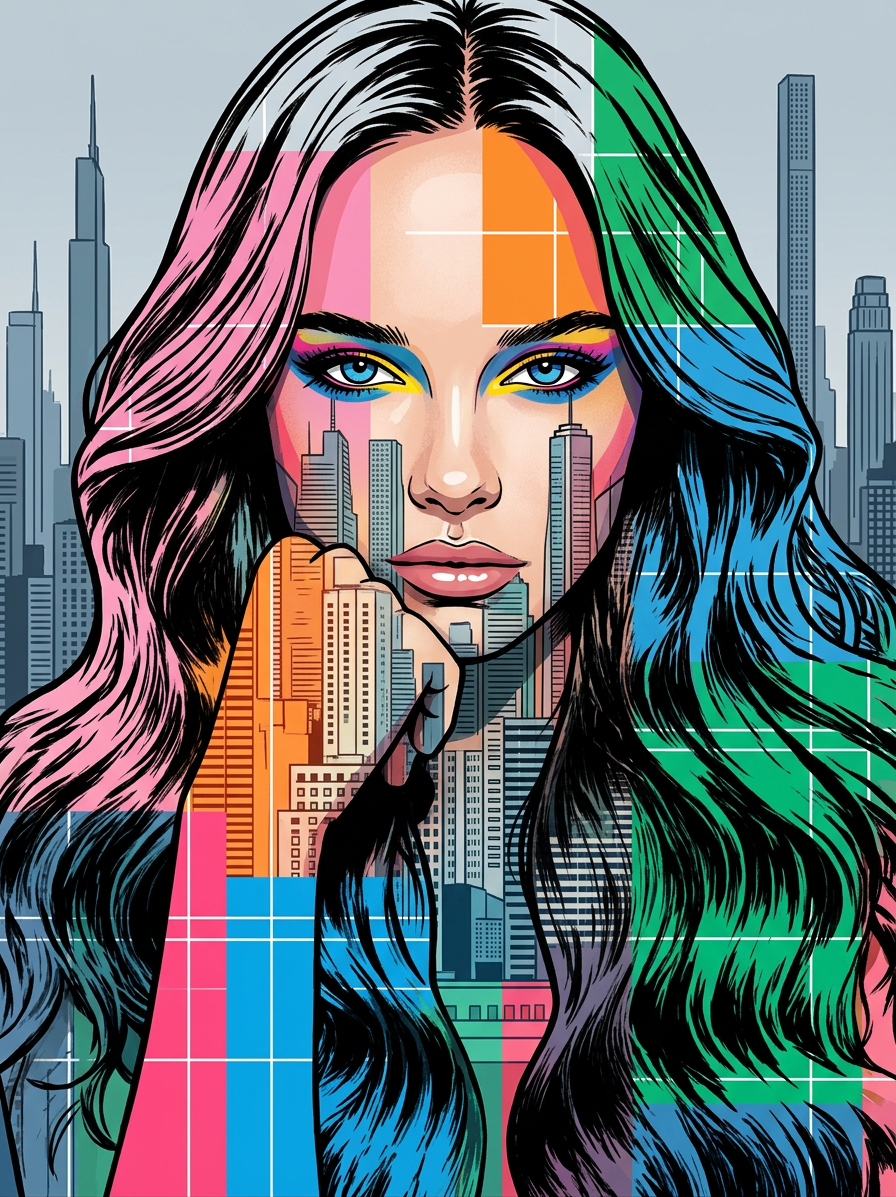
The subjects face merged with a cityscape in a front-facing central composition, featuring black ink hair and outline, dramatic eyes with colorful eyeshadow (blue, pink, yellow), geometric color blocks (pink, orange, blue, green) and white grid lines creating a glitch effect, set against a muted skyscraper silhouette background in grey and blue with tall slender buildings, bright clean lighting, vibrant contrast, minimalist yet highly detailed pop art style
Any aspect ratio
Overview
The Urban Glitch Pop Portrait template is an innovative tool in the AI Image Editor suite that combines portrait artistry with urban landscape aesthetics. Powered by the nano-banana-2 model, this template allows you to transform your images into vibrant glitch art with striking contrasts and minimalistic pop art styles.
What It Does
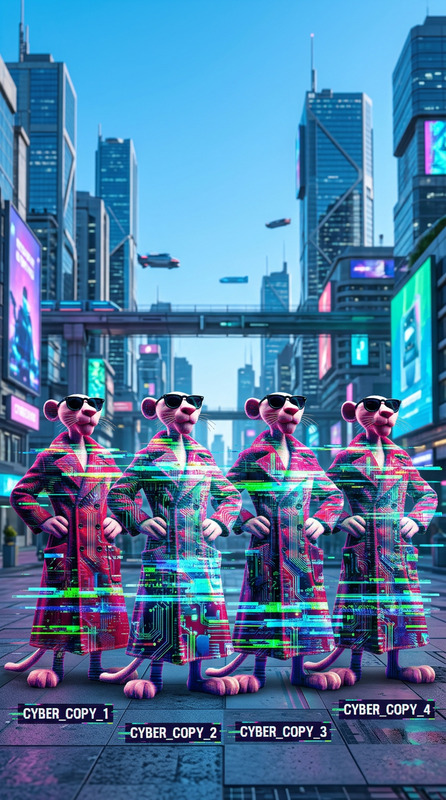
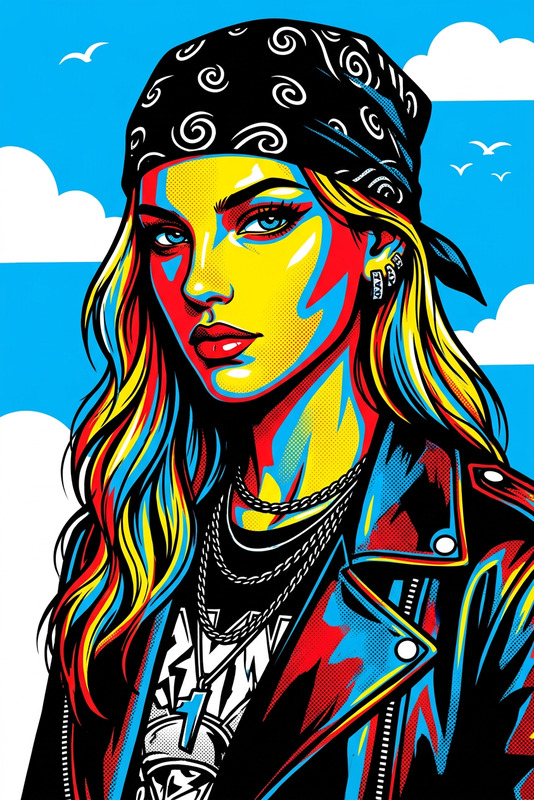
This template merges a subject's face with a cityscape, achieving a striking front-facing composition. Features include black ink hair, vivid eyes with colorful eyeshadow, and geometric color blocks combined with a white glitchy grid. It also overlays onto a muted skyscraper background, resulting in a vibrant yet minimalist urban pop art piece. The detail and contrast achieved through this technology make it ideal for creating standout portraits.
Who It's For
This is perfect for digital artists looking to expand their creative horizons, marketers in need of eye-catching visuals, and content creators aiming for a unique aesthetic appeal. Artists will appreciate how it streamlines the creation of complex artistic pieces, while marketers will value how these images can capture audience attention. Photographers can use this to enhance their portfolios with novel, colorful compositions.
Summary
The Urban Glitch Pop Portrait template is ideal for those wanting to infuse their work with a modern, colorful edge. By leveraging this tool, users can easily produce high-impact visuals reminiscent of pop art, suitable for various creative and professional applications. Explore other innovative tools like the AI Image Generator for generating unique inputs and AI Photo Relighting to adjust lighting effects post-editing.
How To
Choose the Template

Customize Your Inputs

Generate and Download

Use Cases
Digital Art Creation
- Unique art styles
- Customizable color palettes
Marketing Visuals
- High-contrast visuals
- Modern pop culture appeal
Social Media Content
- Eye-catching compositions
- Consistent and unique aesthetics
Best Practices
Select High-Quality Images
Ensure the base portrait is clear for best effects with the glitch art elements.Experiment with Color Balances
Use the color settings to optimize the look; balanced contrast can enhance the art's pop effect.Use Consistent Lighting
Consistent lighting can help achieve the best contrast ratios, crucial for pop art styles.