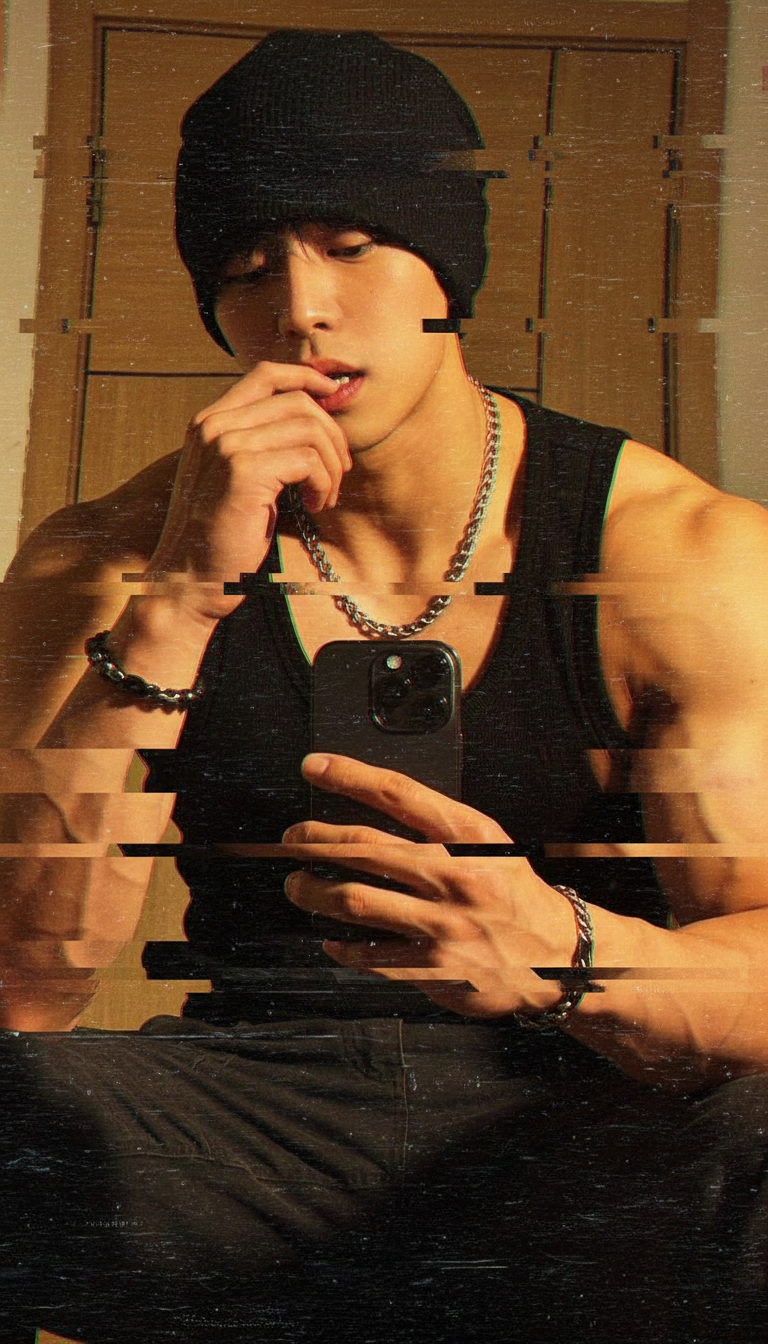
Glitch
- Model
- Nano Banana
- Image
- 768 × 1344 px
Prompt
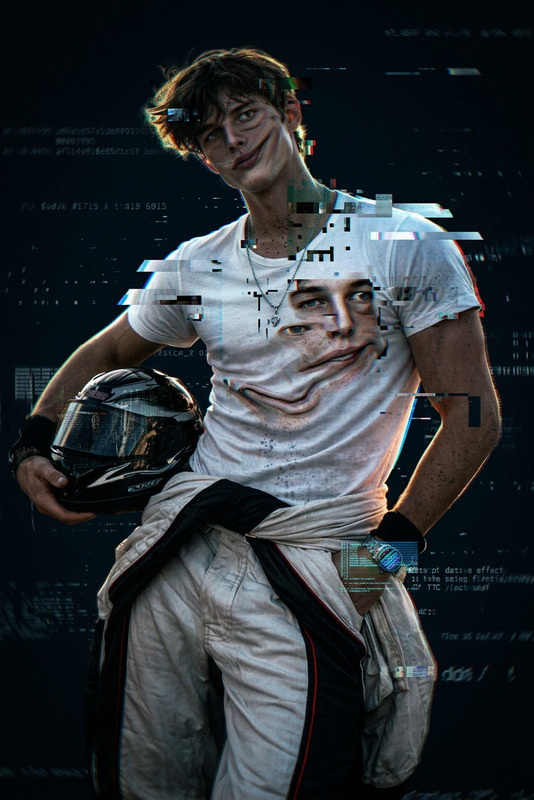
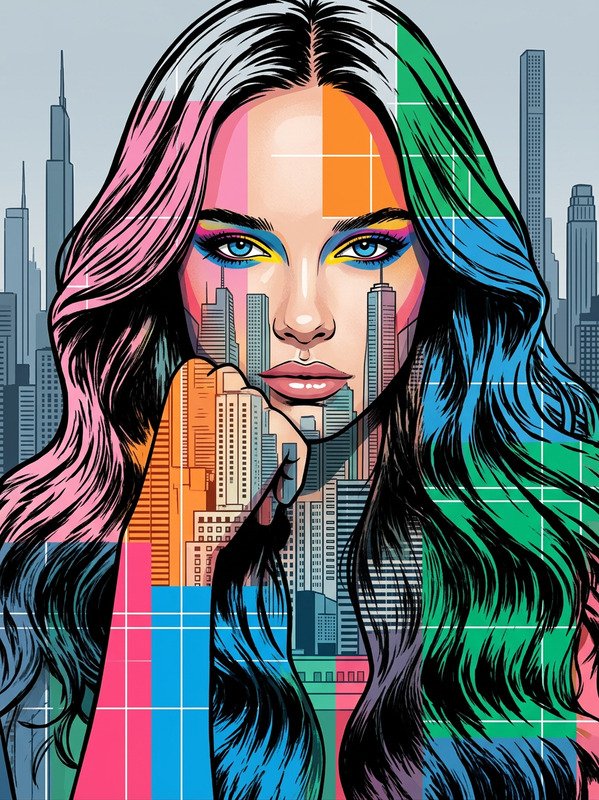
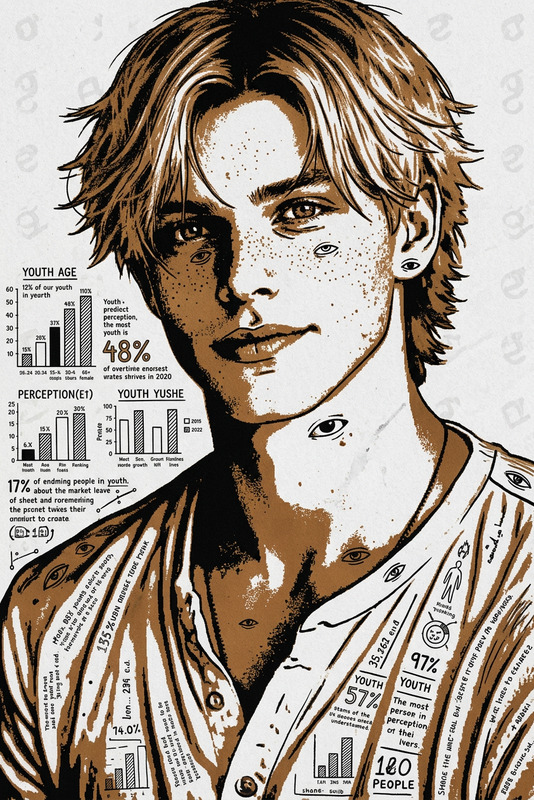
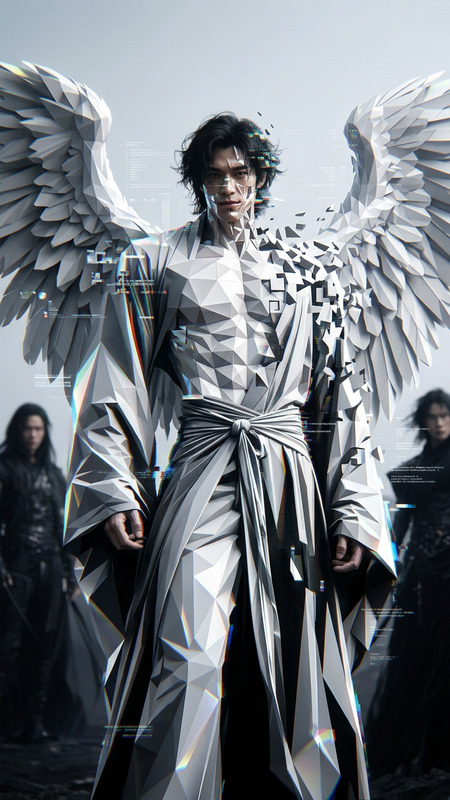
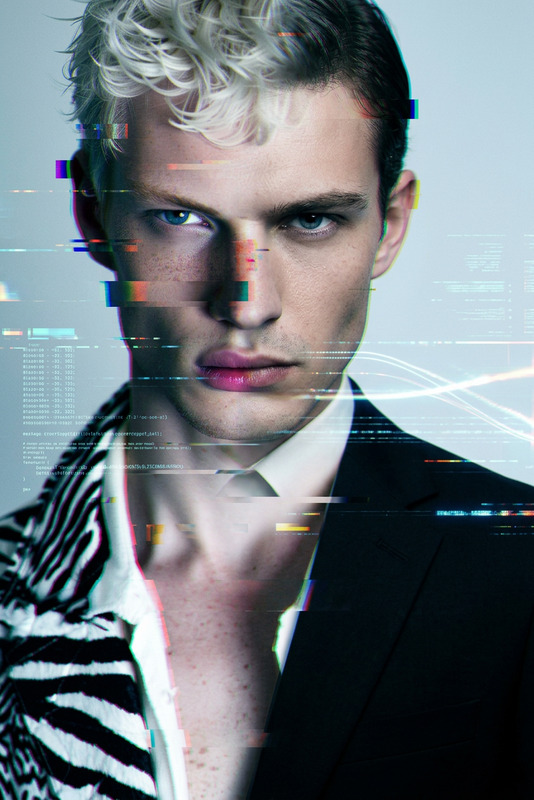
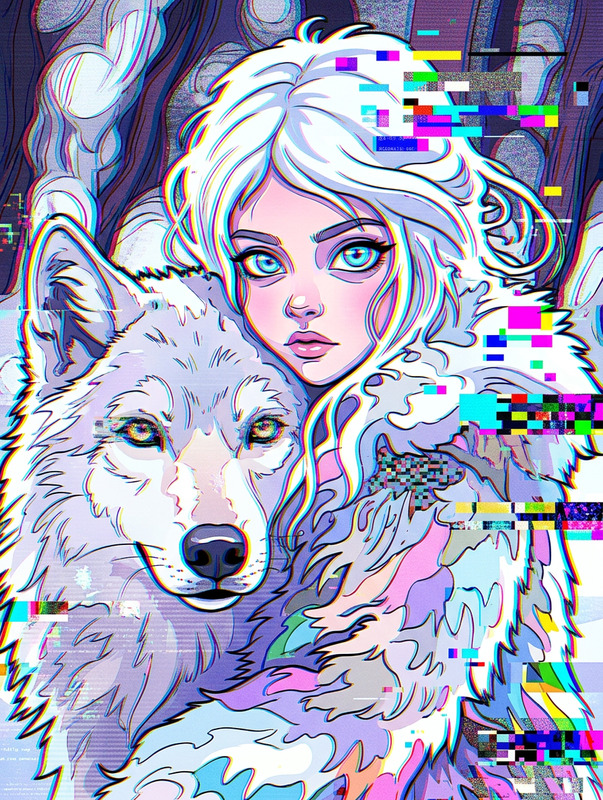
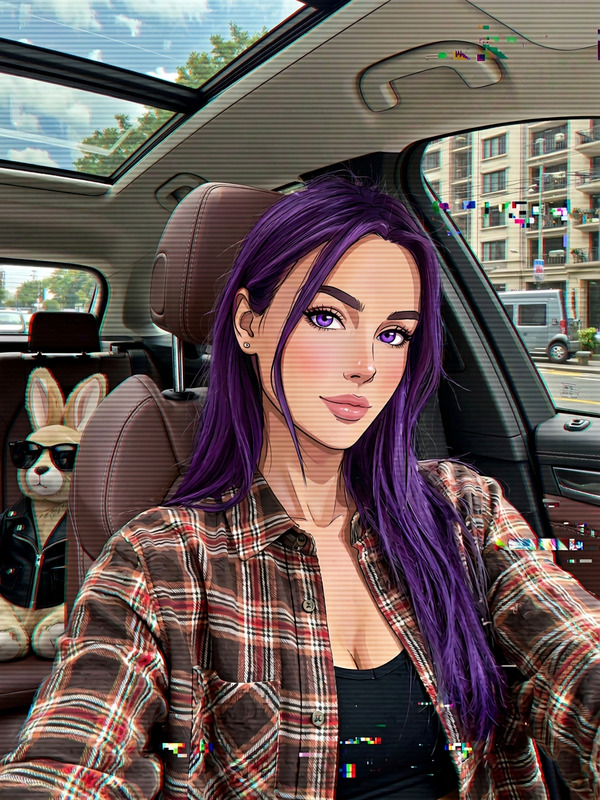
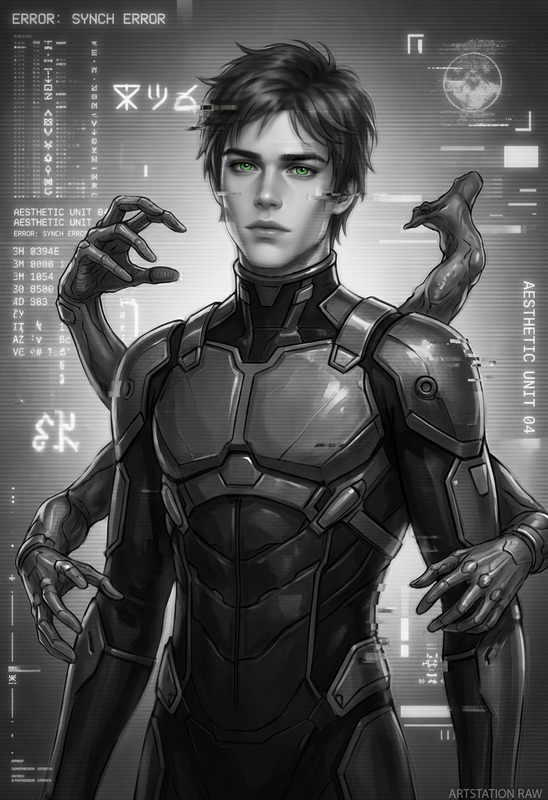
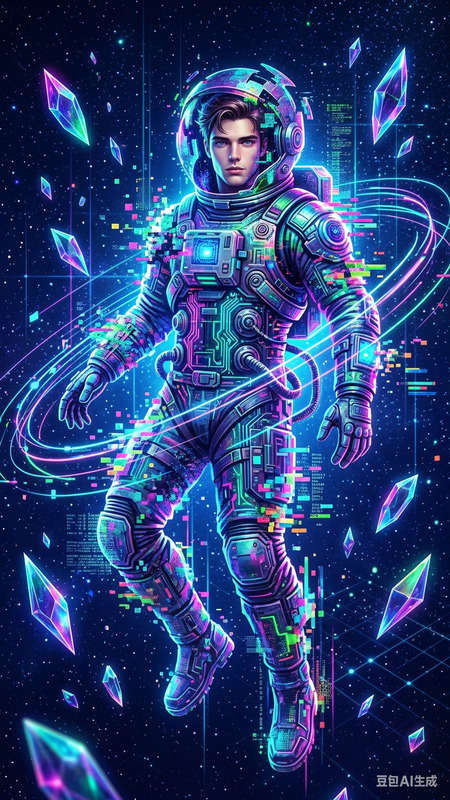
A subject distorted by digital glitches, with screen tearing, pixel displacement, RGB shifts, and flickering artifacts, creating a broken cyber aesthetic, high contrast, sharp details, and a chaotic tech-driven atmosphere.
Any aspect ratio
Overview
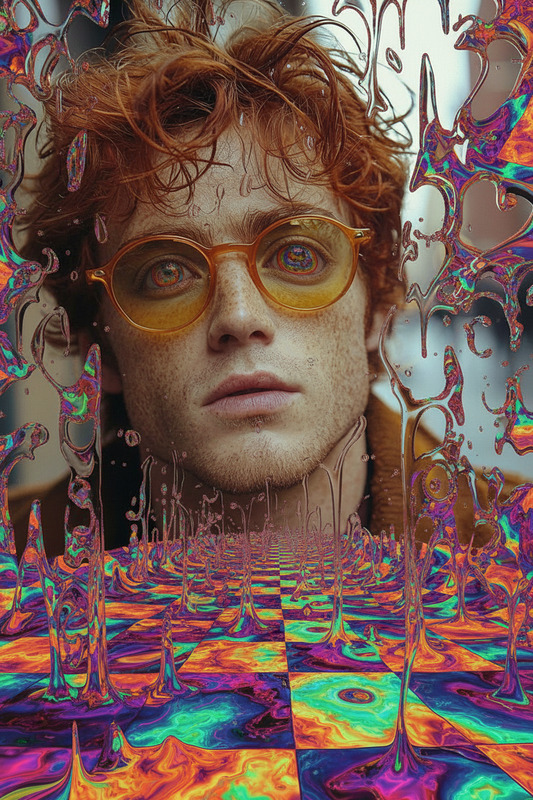
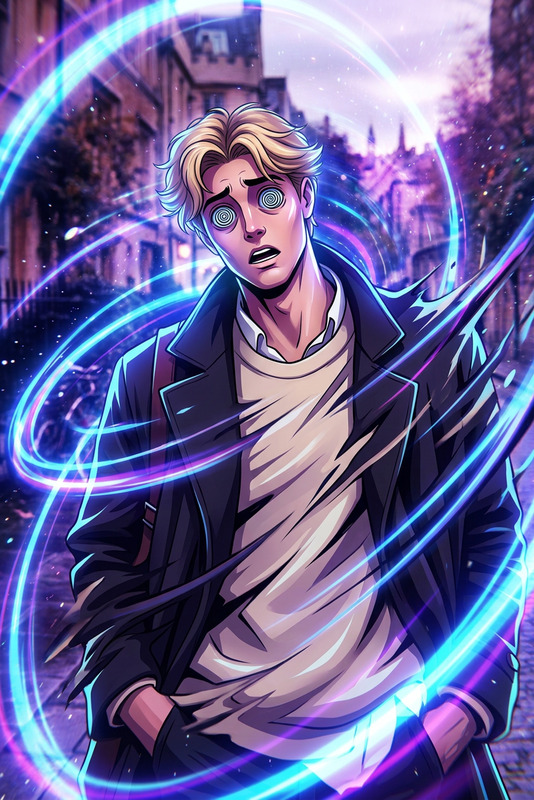
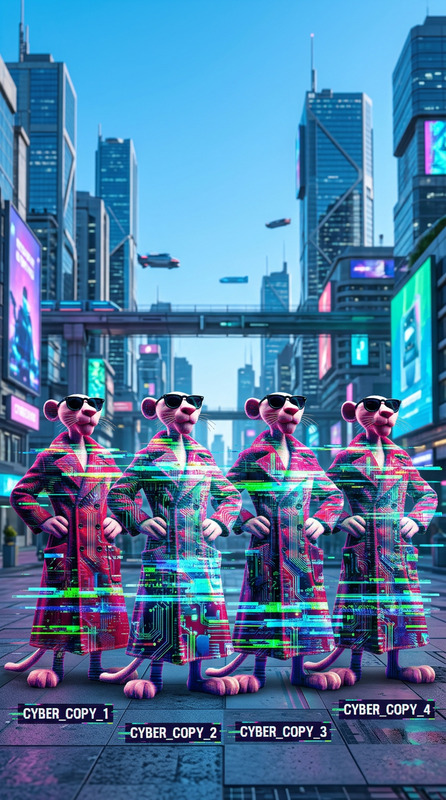
Embrace the chaotic beauty of a digital glitch aesthetic with our state-of-the-art AI Image Editor. Utilizing the nano-banana model, the Glitch template distorts subjects using digital artifacts, screen tearing, and pixel displacement. Whether you're a digital artist or a content creator, this tool offers a high-contrast, tech-driven vibe that's sure to captivate your audience.
What It Does
The Glitch template provides a comprehensive way to create images that mimic digital errors and artifacts. By fusing screen tearing, RGB shifts, and flickering effects with sharp details, this template delivers a stunning visual output that transforms ordinary subjects into extraordinary cyber visuals. Pair it with our AI Image Generator for endless creative combinations.
Who It's For
Designed for digital artists, video creators, and graphic designers, the Glitch template is perfect for anyone wanting to incorporate a retro-futuristic edge into their projects. This is also ideal for social media influencers and marketers aiming to create gripping visuals for platforms like Instagram and TikTok. Consider using it in tandem with our AI GIF Generator to expand your multimedia toolkit.
Summary
The Glitch template is a specialized AI-driven tool that transforms typical images into vibrant, glitch-inspired masterpieces. Offering customizable parameters, it's a go-to solution for creating dynamic, high-contrast visuals that stand out. Enhance its use by exploring the capabilities of the AI Image Upscaler for an added layer of detail.
How-To
Choose the Glitch Template

Customize Your Glitch Effect

Generate Your Glitch Image

Use Cases
Digital Artwork
Social Media Content
Music Video Effects
Best Practices
Start with High-Resolution Images
High-resolution images provide a better base for applying glitch effects, ensuring that details remain sharp.Experiment with RGB Shifts
Adjust the intensity of RGB shifts to explore different glitch aesthetics. A more extreme shift can increase the chaotic look.Combine with Other Templates
Use the Glitch template alongside other tools like the AI Video Generator for a cohesive multimedia project.