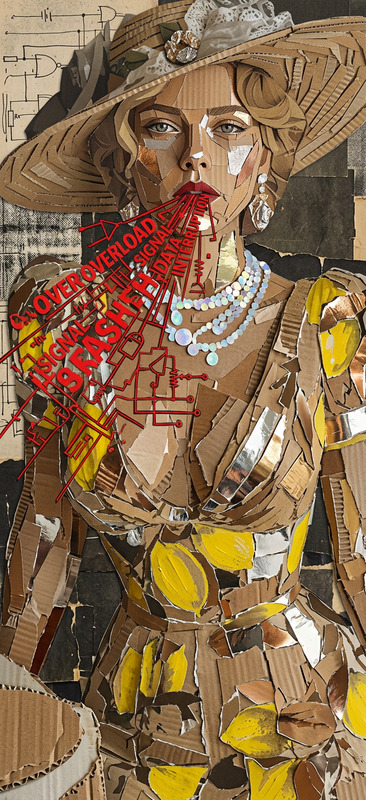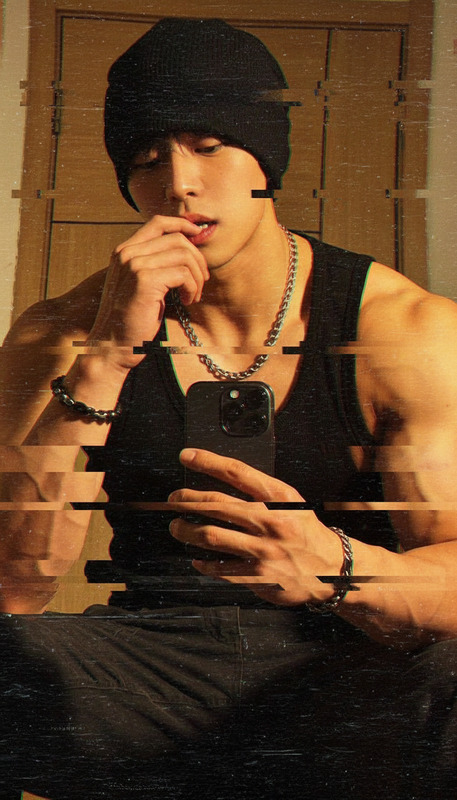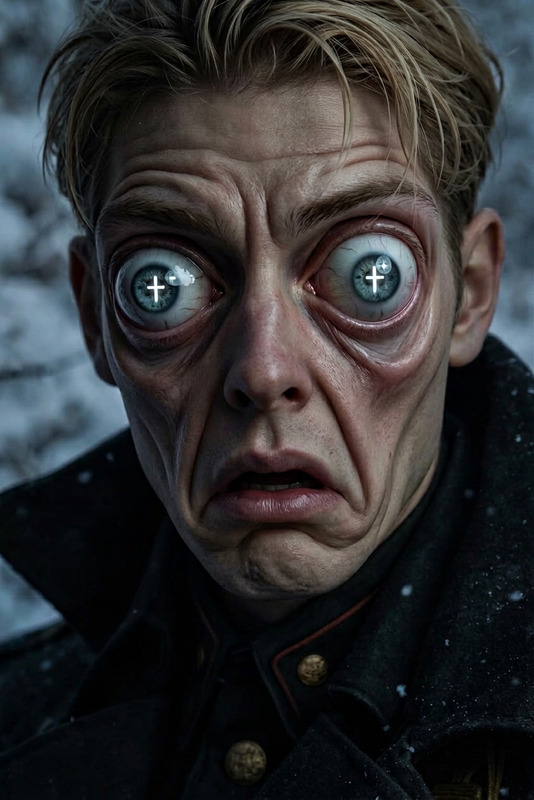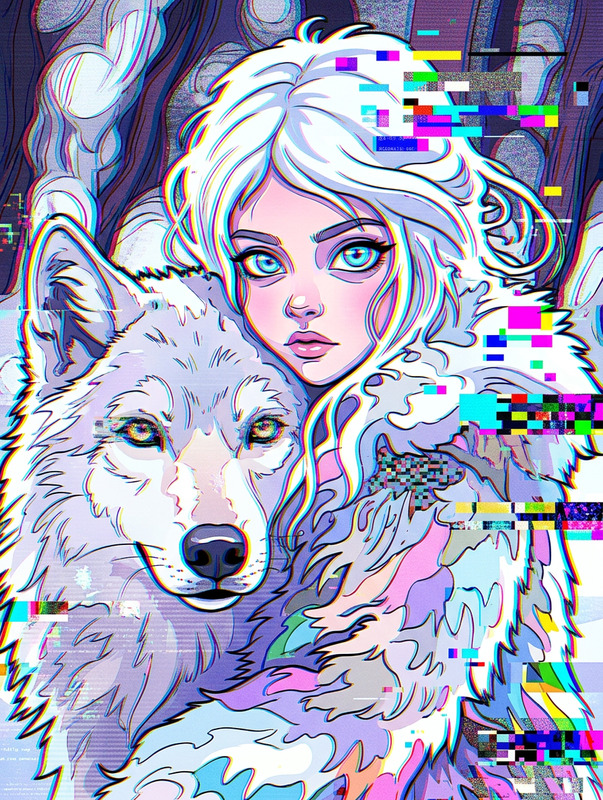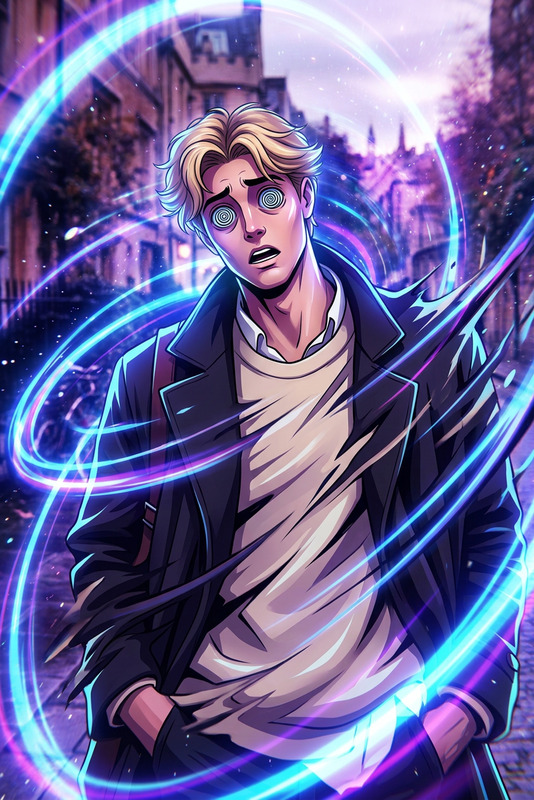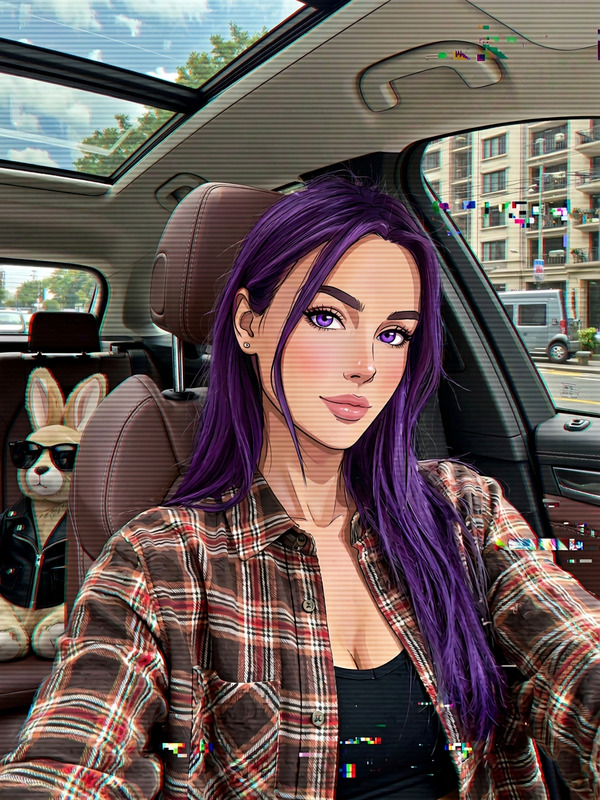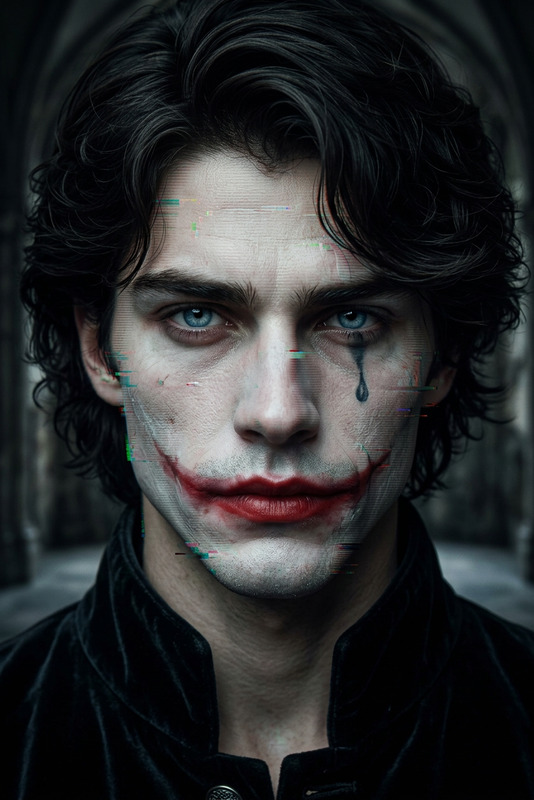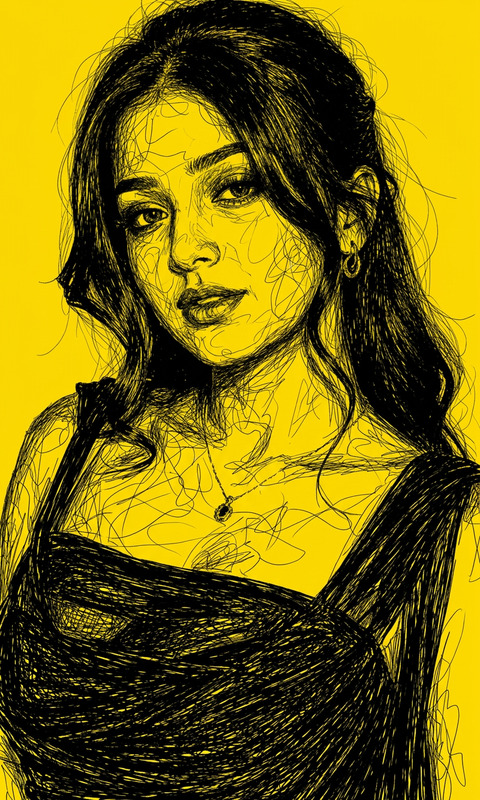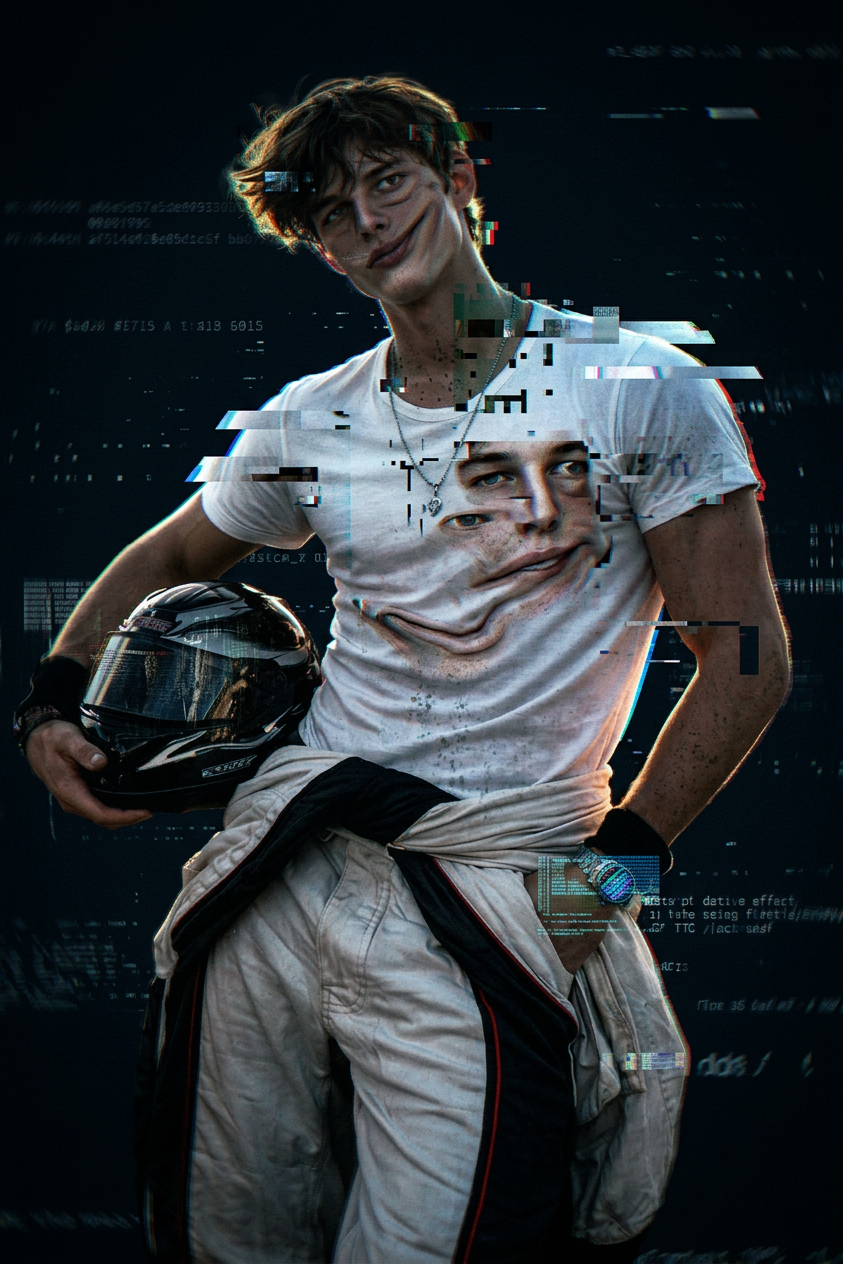
Distorted Glitch Face Effect
- Model
- Nano Banana 2
- Image
- 843 × 1264 px
Prompt
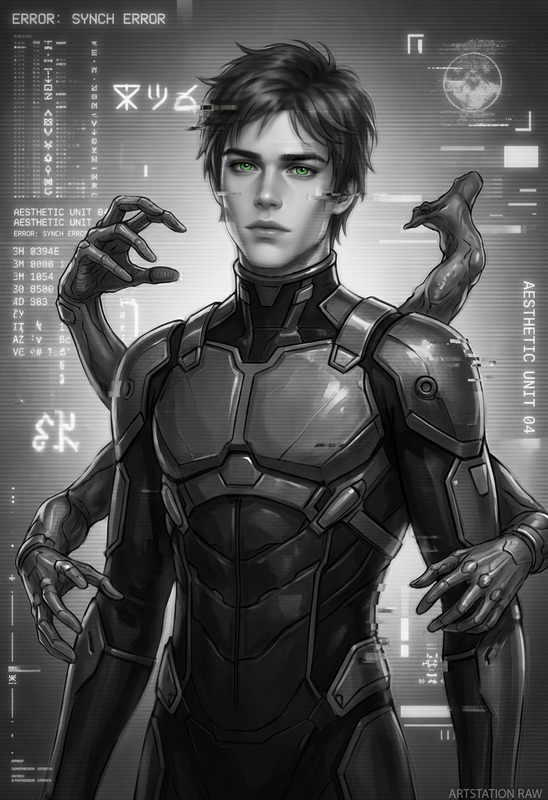
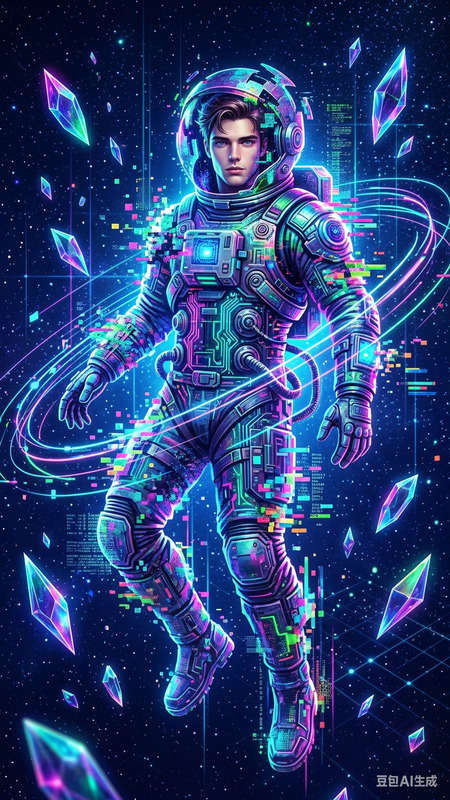
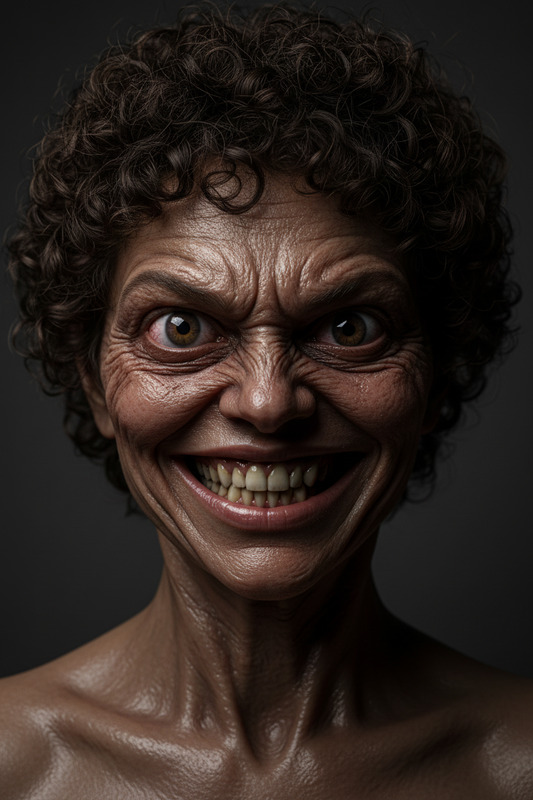
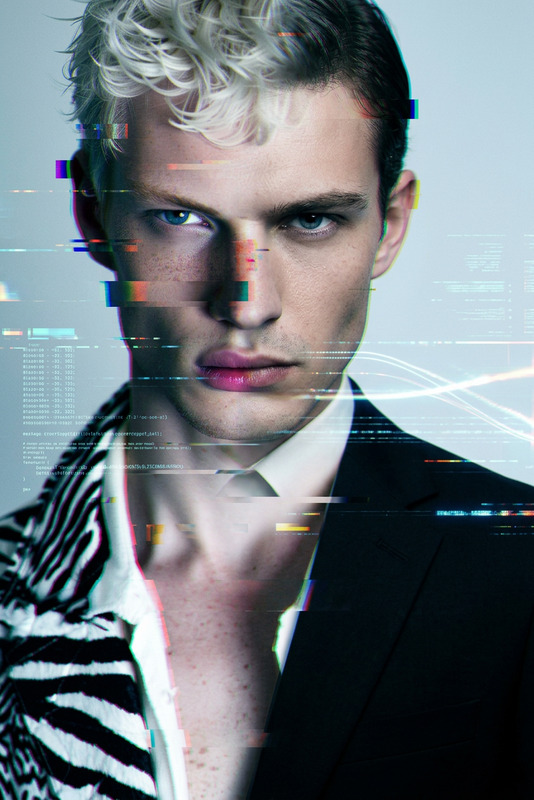
A medium close-up of a subject with distorted facial features, warped into an uncanny, surreal form. The face stretches and compresses unnaturally, with glitch artifacts, digital tearing, and flickering overlays disrupting the image. Harsh lighting and low-resolution noise create a gritty, unsettling texture. The background remains dark and minimal, while subtle motion distortion and frame warping add a cult-classic, eerie digital chaos aesthetic.
Any aspect ratio
Overview
The Distorted Glitch Face Effect template leverages the AI Image Editor to transform your images into eerie, surreal works of art. Utilizing the power of the nano-banana-2 model, this tool creates a haunting digital chaos aesthetic by incorporating glitch artifacts into your visuals.
What It Does
This effect twists and distorts facial features, enveloping them in a cacophony of digital tearing, flickering overlays, and glitchy artifacts. The result is an image with an unsettling, gritty texture, reminiscent of cult-classic horror films. Ideal for projects where a distinct visual twist is desired, this template offers both image-to-video transformations and static image alterations.
Who It's For
Visual artists, video editors, and creators who thrive on pushing the boundaries of conventional aesthetics will find this template invaluable. It's an excellent choice for content creators in the realms of horror, sci-fi, and conceptual art, offering a distinct twist for meme videos and other projects with experimental visual storytelling.
Summary
With the Distorted Glitch Face Effect, users can transform ordinary images into unique artistic expressions. Embrace digital chaos in your next project, creating mesmerizing visuals that stand out in today's media landscape. For more tools that enhance visual storytelling, consider exploring the AI Meme Generator and AI Image Upscaler.
How To
Choose Your Template

Customize Your Visuals

Generate Your Art

Use Cases
Cult-Classical Film Aesthetics
- Vintage horror scenes
- Sci-fi movie themes
Experimental Photography
- Gallery exhibitions
- Creative photo shoots
Social Media Content
- Instagram stories
- TikTok videos
Best Practices
Balance Distortion with Clarity
Ensure the distortions enhance the visual without overshadowing the subject completely. Strive for a blend where features are still identifiable.Adjust Lighting for Impact
Use harsh lighting settings to accentuate the glitch effect, creating a more pronounced eerie feel.Experiment with Backgrounds
While a dark background enhances the subject, try minimal color infusions to add depth to the image.