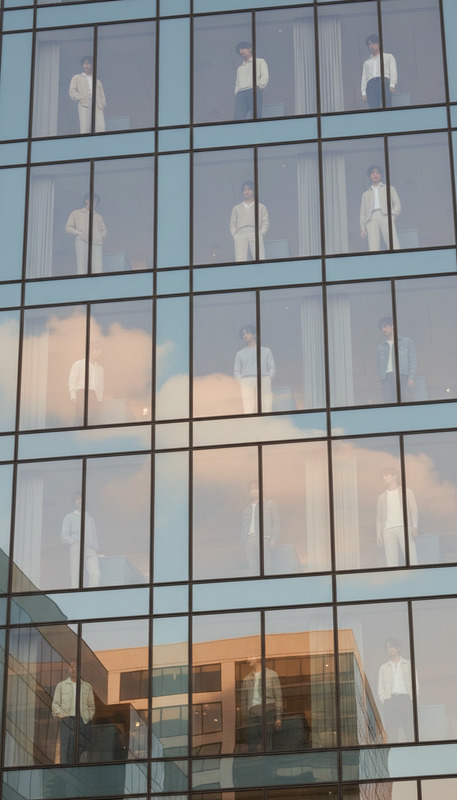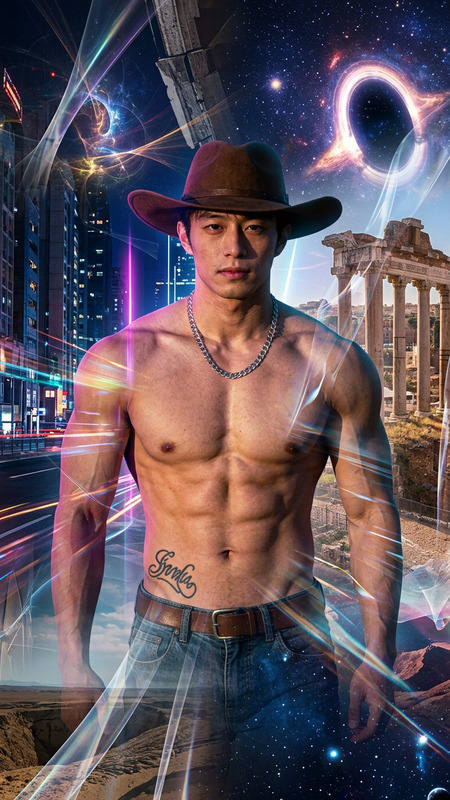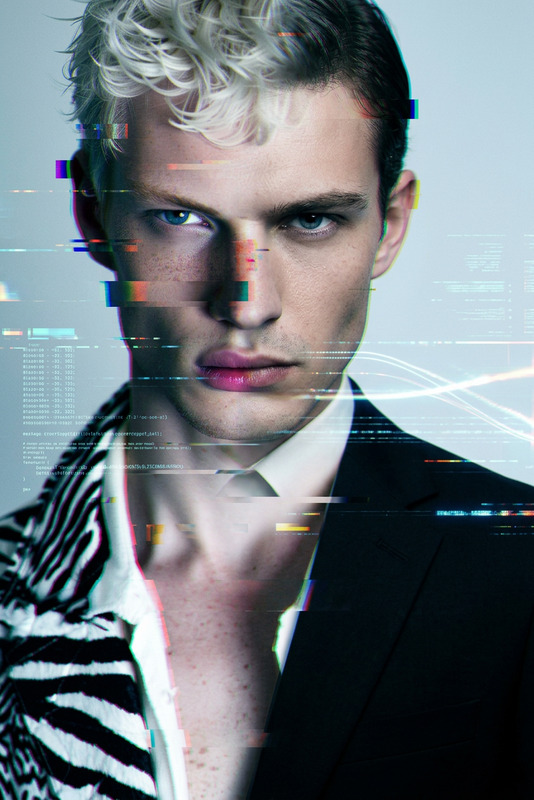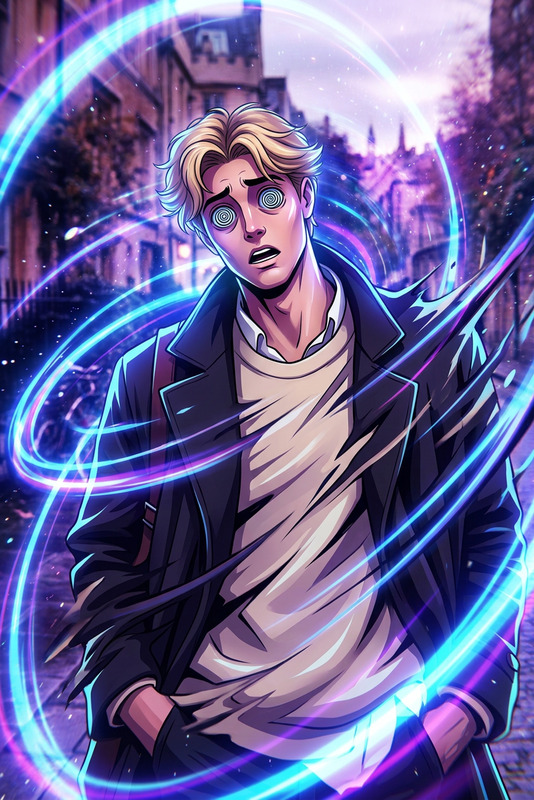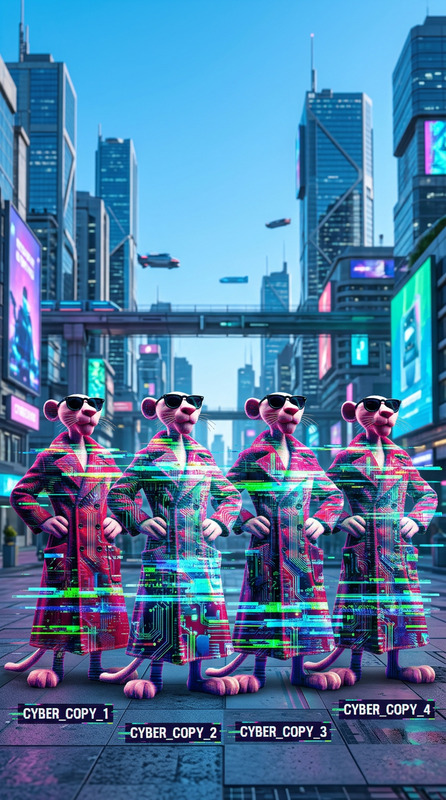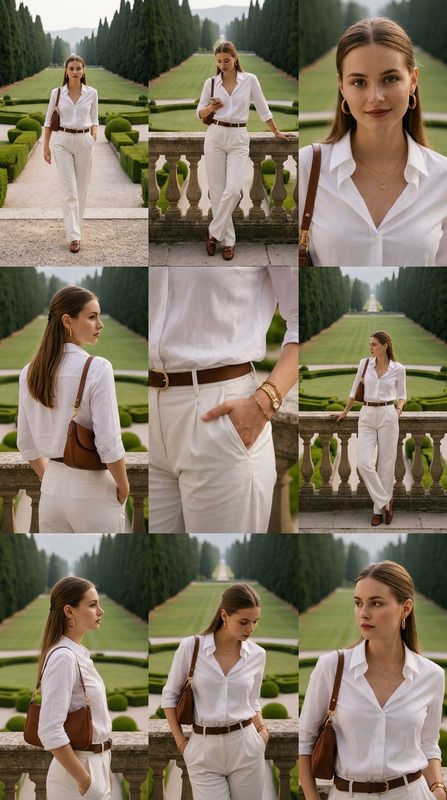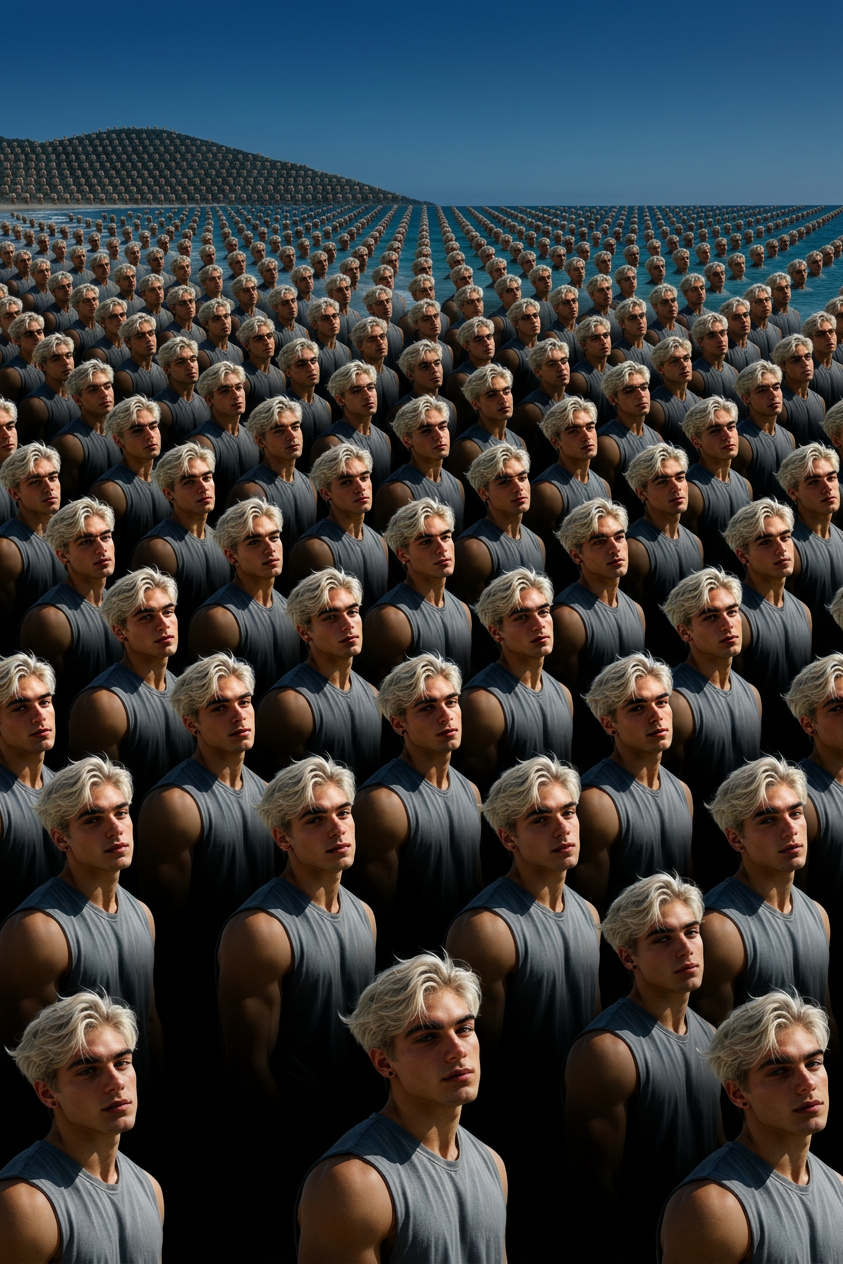
Infinite Clone Grid
- Model
- Nano Banana 2
- Image
- 843 × 1264 px
Prompt
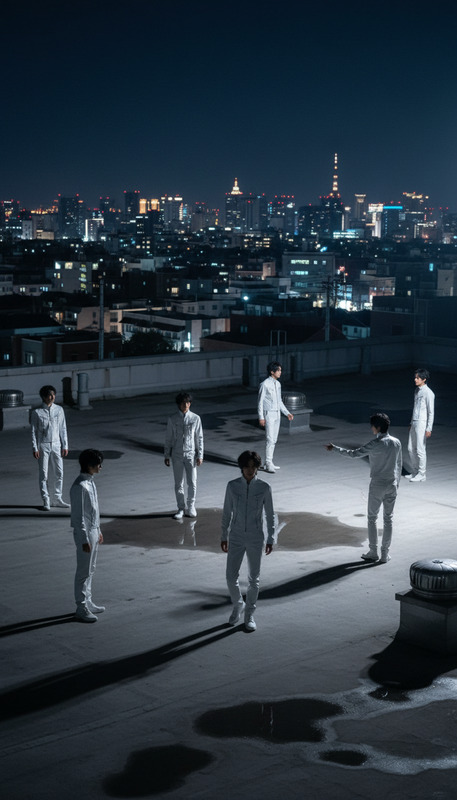
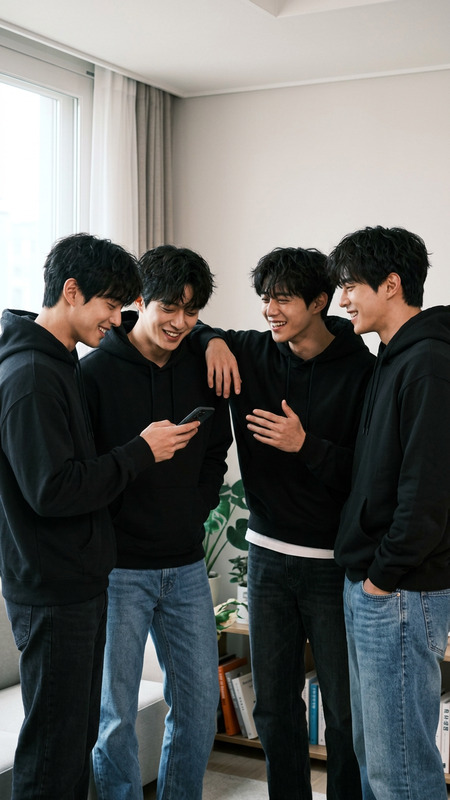
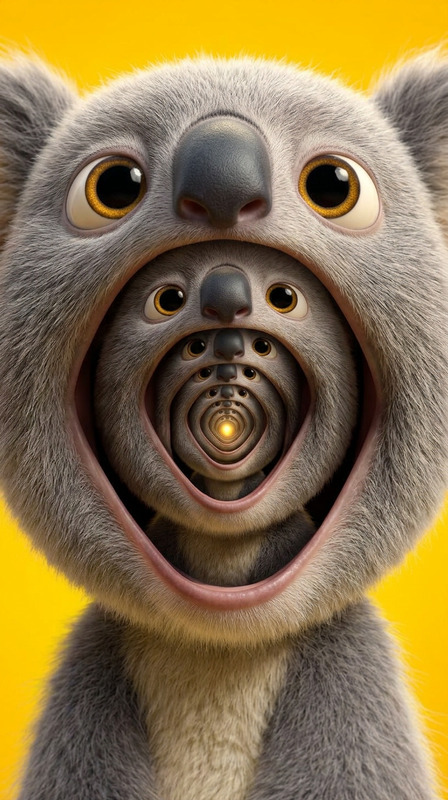
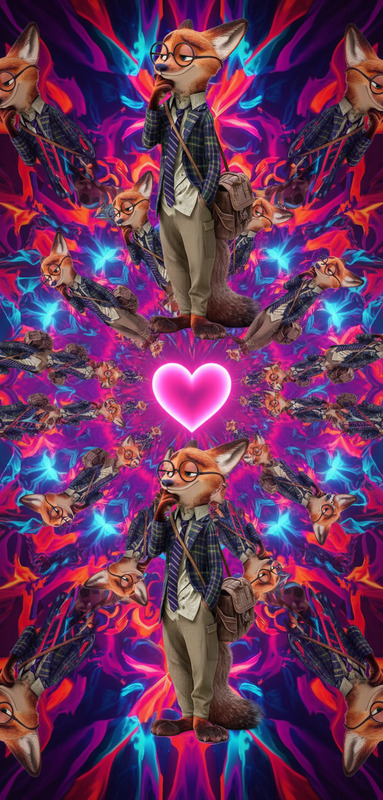
Subject suddenly duplicates into a massive crowd of identical versions, instantly filling the scene in a perfectly repeating grid that extends endlessly. The duplication spreads outward in waves from the original, creating a seamless pattern of clones. Subtle synchronized movements add an eerie, hypnotic rhythm. Cinematic lighting with deep shadows between rows, wide-angle perspective, slow camera pull-back revealing massive scale, ultra-detailed, surreal and unsettling atmosphere.
Any aspect ratio
Overview
Transform your creative projects with the Infinite Clone Grid template, a powerful tool within our AI Image Editor. Using the versatility of the nano-banana-2 model, this template crafts visuals where subjects duplicate into vast, seamless grids. Perfect for surreal scenes or any project demanding a high impact, dynamic visual approach.
What It Does
The Infinite Clone Grid generates sprawling views of cloned subjects within a single scene. It operates by taking an original input and multiplying it into an expansive grid, styled with synchronized movements and dramatic cinematic lighting. The effect produces a surreal and unsettling atmosphere that captivates and engages audiences.
Who It's For
This template is ideal for filmmakers, digital artists, and content creators striving for uniqueness in their visual storytelling. Anyone looking to produce visually stunning, immersive content with hypnotic visual patterns will find this tool indispensable. It's especially useful for those involved in marketing presentations or social media content creation.
Summary
Utilize the Infinite Clone Grid to push the boundaries of visual storytelling. With capabilities rooted in the robust AI Image Editor environment, and leveraging the nano-banana-2 model's power, this tool supports high-detail, synchronized cloning with dramatic lighting and perspectives for impactful visuals.
How-to
Choose the Template

Customize Duplications

Generate and Export

Use Cases
Dynamic Storytelling
- Viral marketing campaigns
- Art installations
- Short films
Augmented Presentations
- Corporate showcases
- Product launches
- Event promotions
Social Media Content
- Instagram posts
- Facebook banners
- TikTok videos
Best Practices
Select High-Quality Input
Use high-resolution images or videos for the subject to ensure the duplicated grid maintains clarity and detail.Experiment with Lighting
Play with different lighting settings to achieve the dramatic cinematic effects described in the prompt.Opt for Sync Movements
Ensure the cloned subjects have subtle synchronized movements to achieve the desired hypnotic rhythm effect.