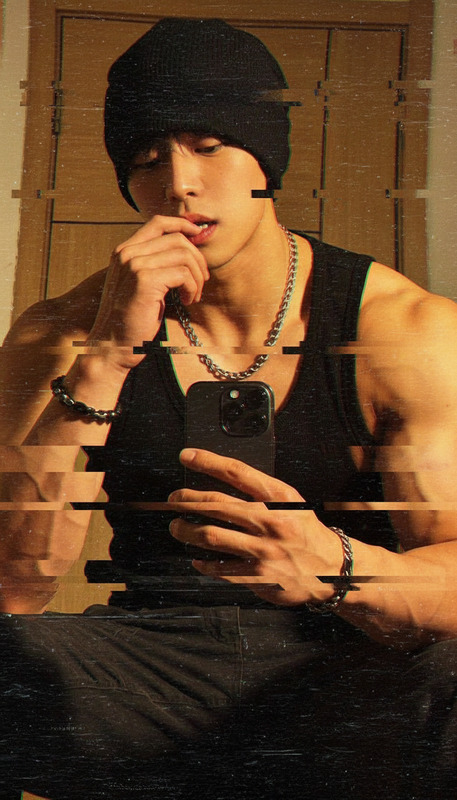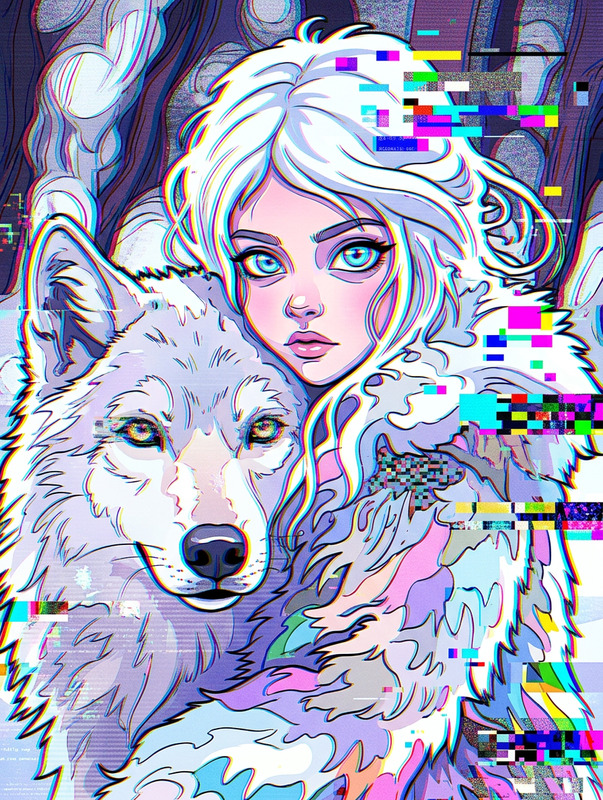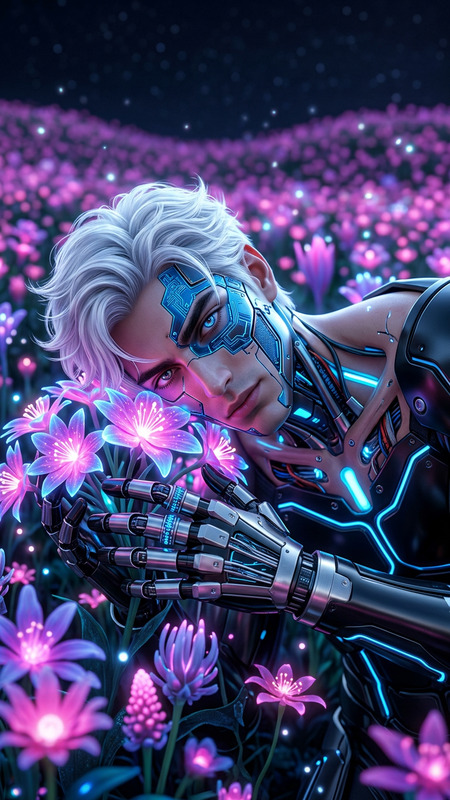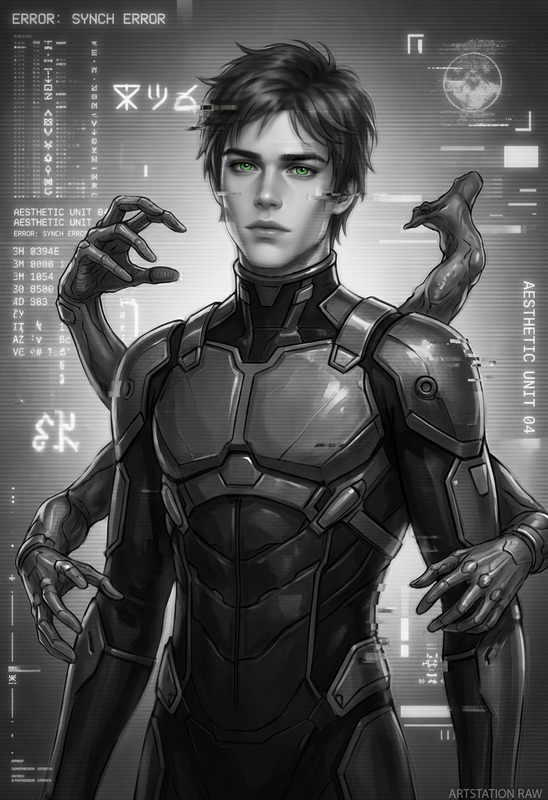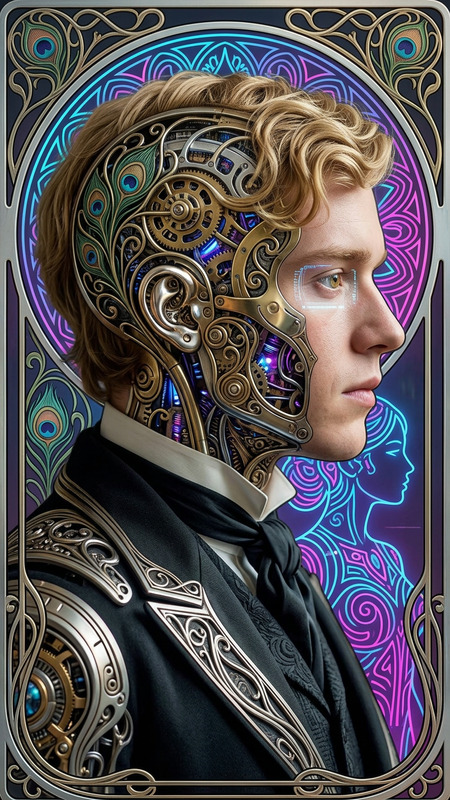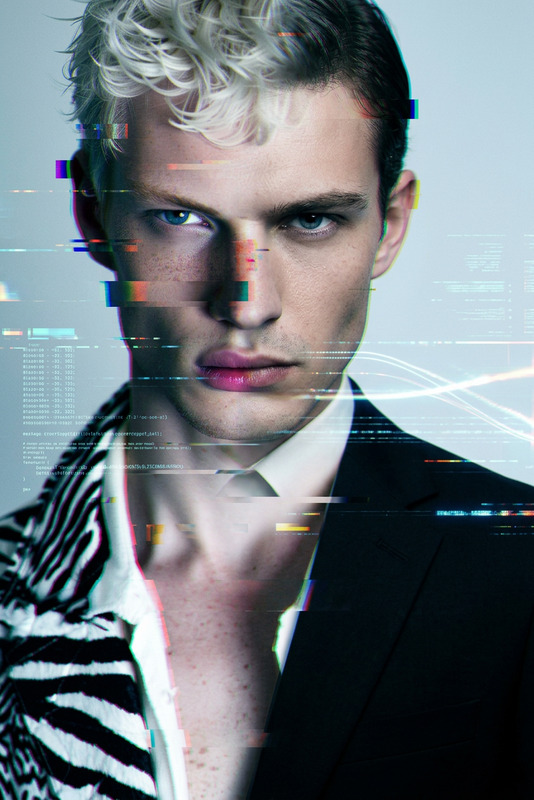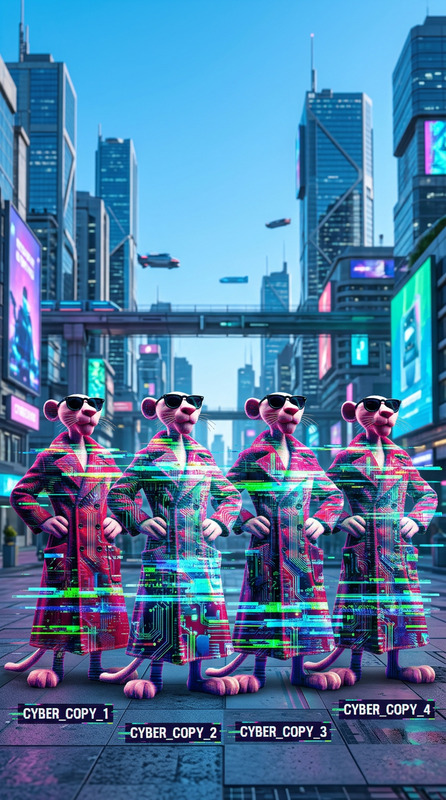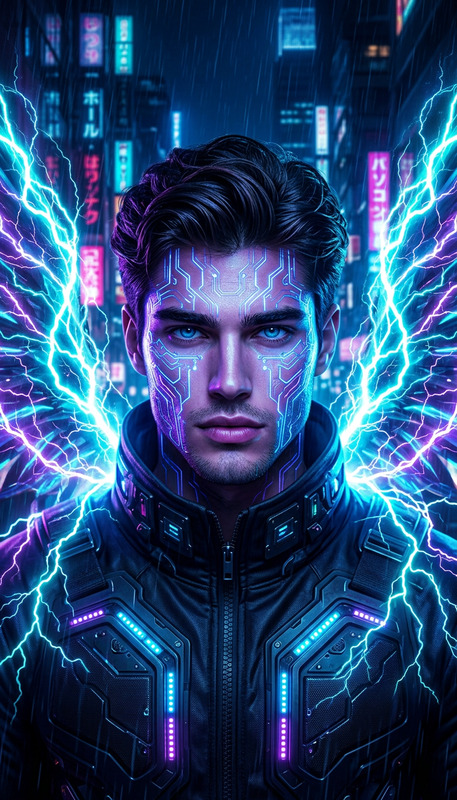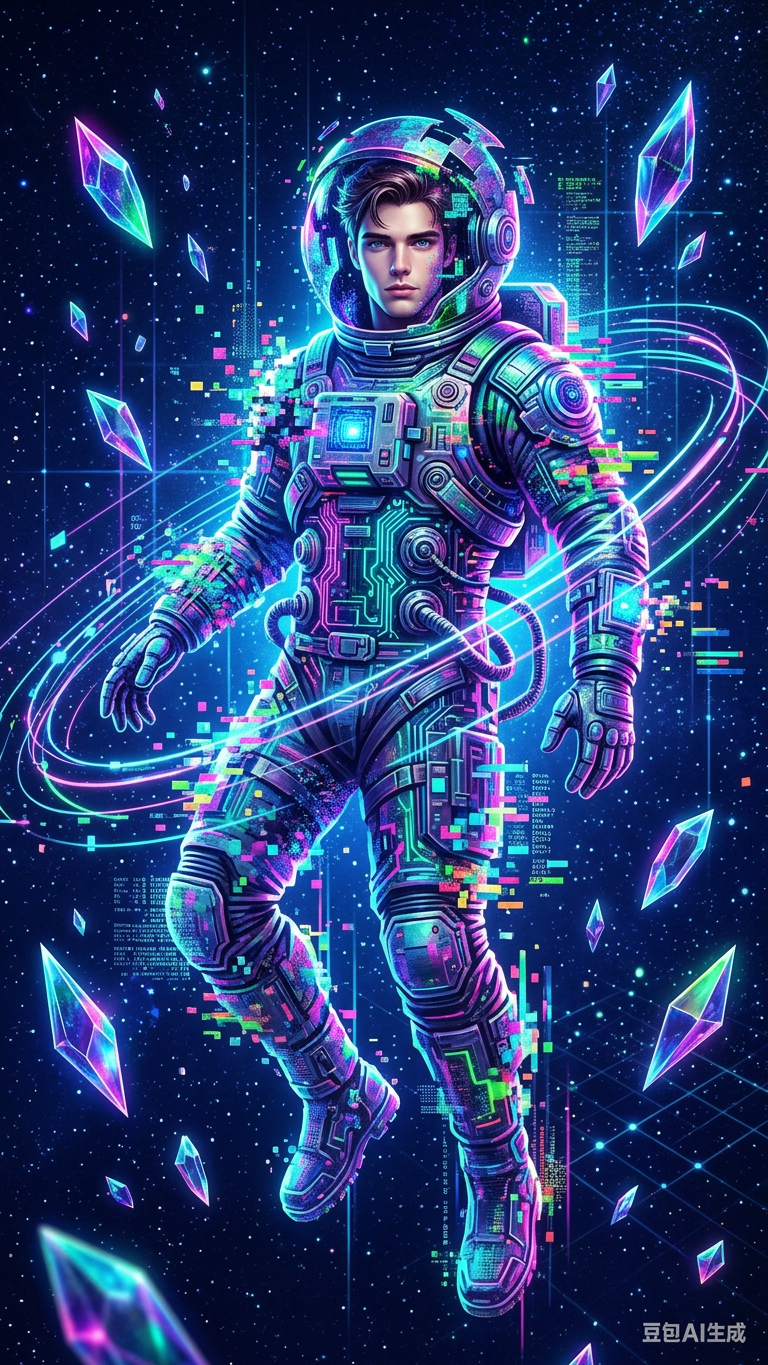
Glitch Astronaut
- Model
- Nano Banana 2
- Image
- 768 × 1365 px
Prompt
Generate a full-body portrait of a subject transforming into a cybernetic astronaut composed entirely of colorful pixel structures and glitch effects; the figure floats centered in a deep space environment, surrounded by spiraling data streams, geometric light trails, and floating crystalline shards reflecting vibrant neon hues; the background is a rich dark blue filled with subtle stars and digital particles; lighting is ethereal and synthetic, with glowing highlights and sharp neon accents defining the form; the composition is vertical and dynamic, emphasizing motion and immersion; the overall aesthetic blends retro pixel art with futuristic digital surrealism, creating a vivid, high-detail, and visually striking cosmic scene.
Any aspect ratio
Overview
The Glitch Astronaut template offers a unique way to transform images into captivating cosmic portraits. Using the power of the AI Image Editor, this template combines retro pixel art with digital surrealism to craft an otherworldly scene of a cybernetic astronaut adrift in deep space.
What It Does
This template provides a detailed transformation where the subject is reimagined as a cybernetic astronaut. It integrates vibrant neon lights, dynamic geometric trails, and crystalline shards to produce a futuristic image. With models like nano-banana-2, the end result is a high-resolution, visually striking image that showcases a fusion of art styles.
Who It's For
Perfect for digital artists, graphic designers, and content creators seeking a touch of futuristic aesthetics in their work. The AI Video Generator users who want to enhance their visual content with cosmic themes will find this template especially useful.
Summary
Designed to bring your vision of digital cosmos to life, the Glitch Astronaut template harnesses an AI-driven approach to image editing. An ideal tool within the Image to Video workflows, it enables creators to seamlessly integrate complex, high-detail visuals into their projects.
How-To
Choose the Template

Customize Your Input

Generate Your Image

Use Cases
Concept Art Development
Social Media Graphics
Video Game Art
Best Practices
Select Clear Starting Images
Opt for high-quality portraits to maximize the detail in the generated output.Experiment with Lighting
Modify the synthetic lighting and neon accents to achieve the desired mood and effect.Utilize High Resolution
Ensure your output resolution matches your project's needs for crisp and detailed visuals.