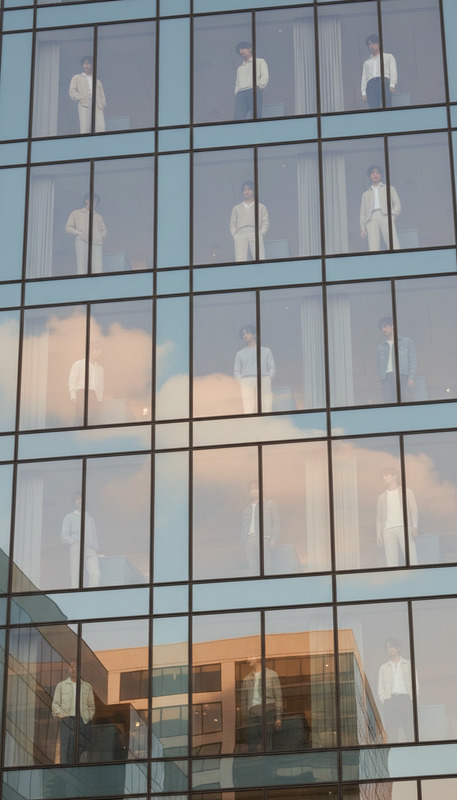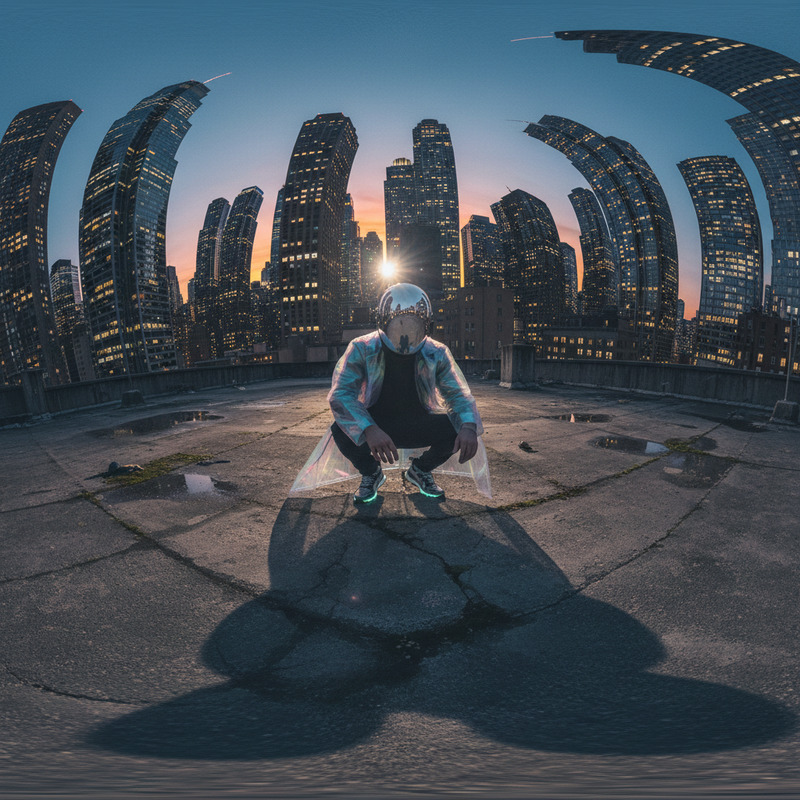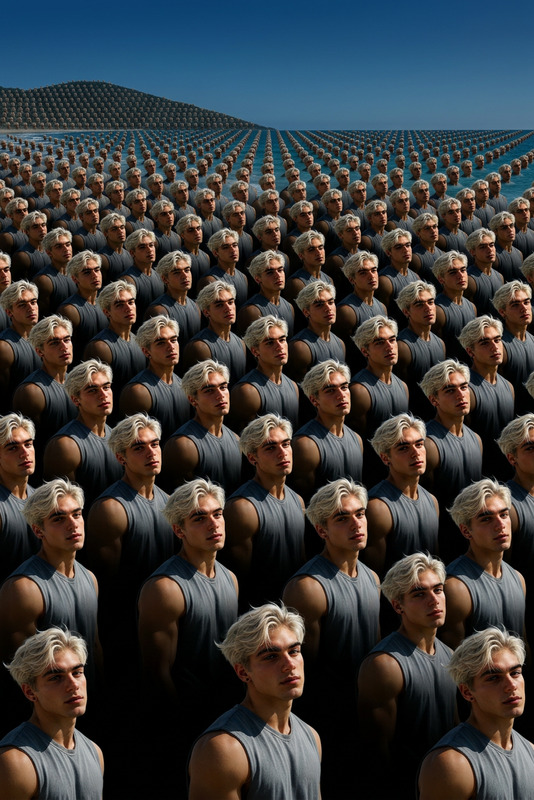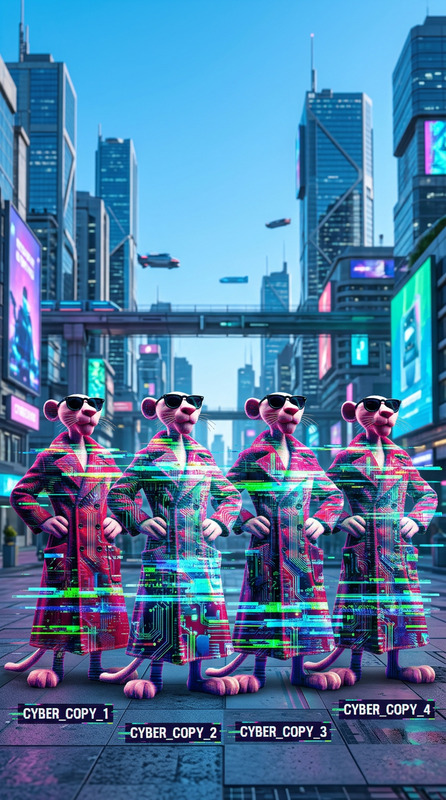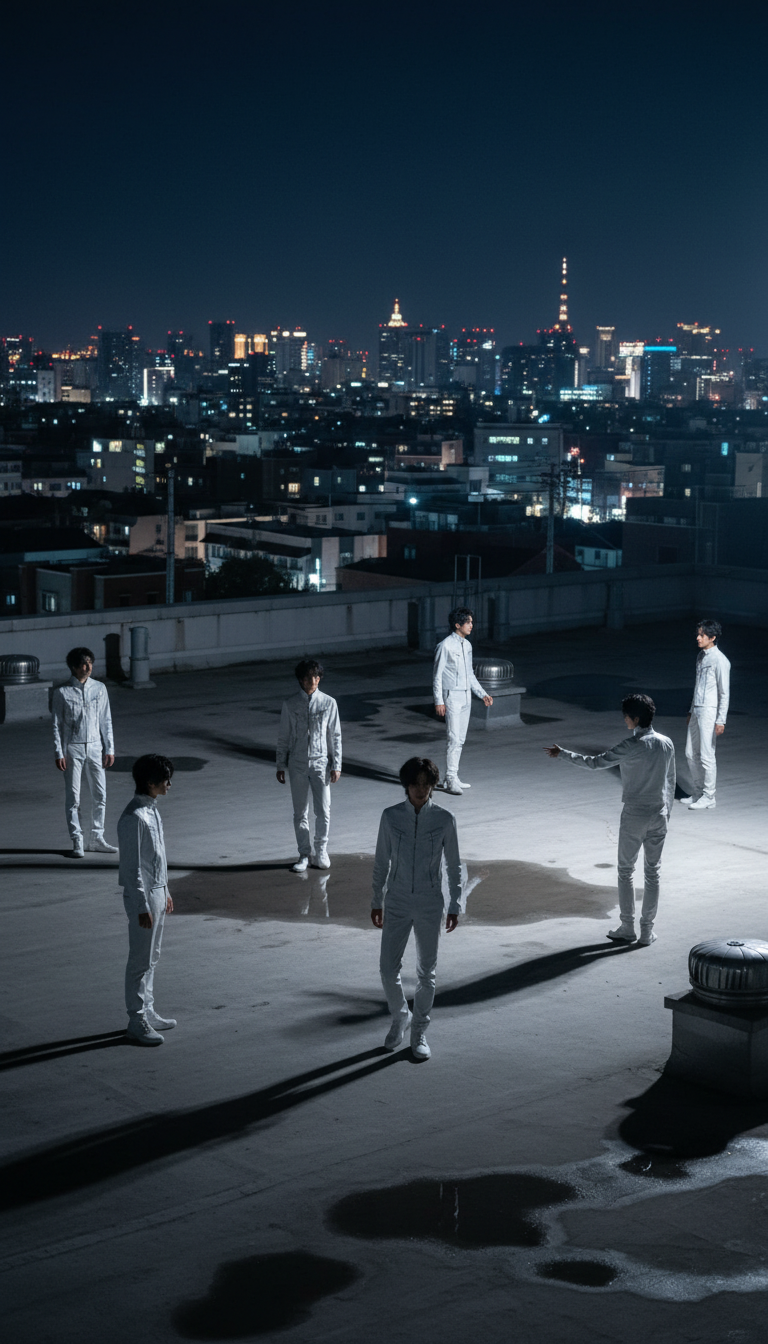
Multiple Clones on Rooftop
- Model
- Nano Banana
- Image
- 768 × 1344 px
Prompt
snapshot of a subject duplicated multiple times across a wide urban rooftop at night. The subject wears a glossy white vinyl outfit with a high collar and zippers. Some figures stand still while others move or gesture toward the skyline, creating layered depth and varied scale. City lights softly reflect on the shiny material, with figures drifting in and out of shadow. Casual framing with slight cropping enhances the candid, dreamlike repetition.
Any aspect ratio
Overview
Welcome to the "Multiple Clones on Rooftop" template, a unique offering from our AI Image Editor suite. Designed using the advanced nano-banana model, this template creates stunning visuals by duplicating a single subject multiple times in one setting. It's perfect for projects needing impact and depth.
What It Does
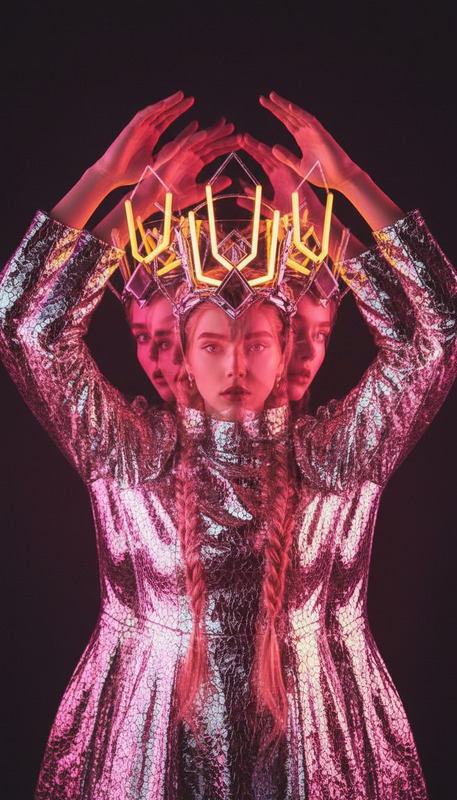
Using this template, you'll produce an image where a subject is cloned across a rooftop setting. The clones, some in motion and others static, appear in a dynamic, layered composition that plays with light and shadow. The template employs advanced techniques from the AI Image Editor to ensure seamless integration and natural reflections from the city skyline onto the glossy outfits.
Who It's For
This template is ideal for creative professionals working in visual effects, digital marketing, or anyone seeking to add a surreal twist to their imagery. Whether you're producing content for AI Product Photography or enhancing social media visuals, this template provides a distinctive style that stands out.
Summary
Through the "Multiple Clones on Rooftop" template, users can craft mesmerizing visuals that bring a captivating, otherworldly dimension to any project. By leveraging the nano-banana model's capabilities, this tool offers an intuitive yet powerful way to transform a simple photo into a memorable visual statement.
How to Use
Step 1: Choose

Step 2: Customize

Step 3: Generate

Use Cases
Visual Effects Enhancement
- Create engaging intros for videos
- Add depth to digital storytelling
Marketing and Advertisements
- Design eye-catching ad imagery
- Enhance product photographs with clone effects
Social Media Content
- Create viral social media posts
- Boost influencer content appeal
Fashion Photography
- Stage experimental photoshoots with model duplicates
- Craft captivating magazine spreads
Best Practices
Clarify Your Subject
Ensure the subject photo is clear and fits the prompt for best results. High-quality images enhance the final output significantly.Use Lighting Strategically
The urban setting and glossy outfit exploit light and shadow creatively. Consider how these effects can emphasize the mood you're aiming for.Balance Clones for Depth
Distribute clones thoughtfully to achieve a balanced composition that guides the viewer's eye through the image.