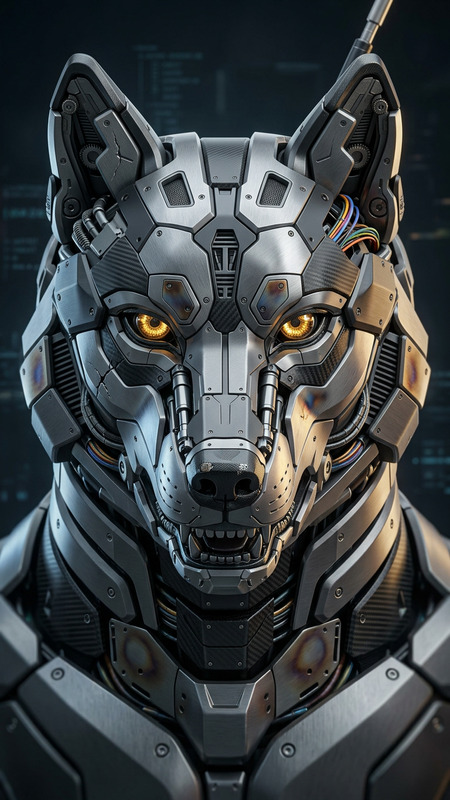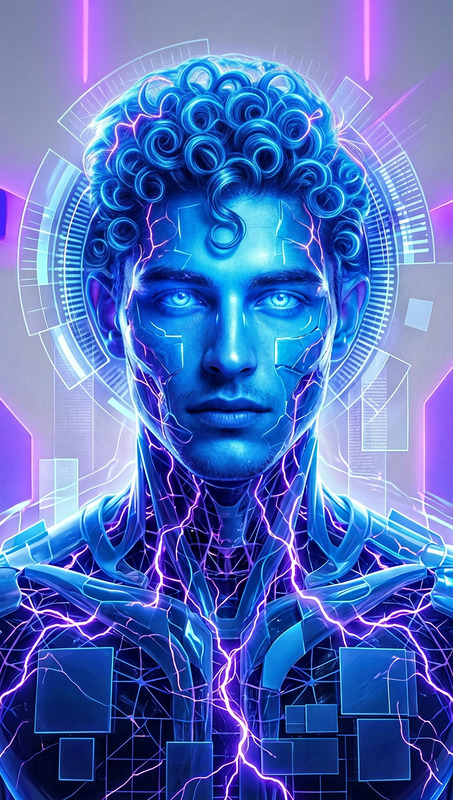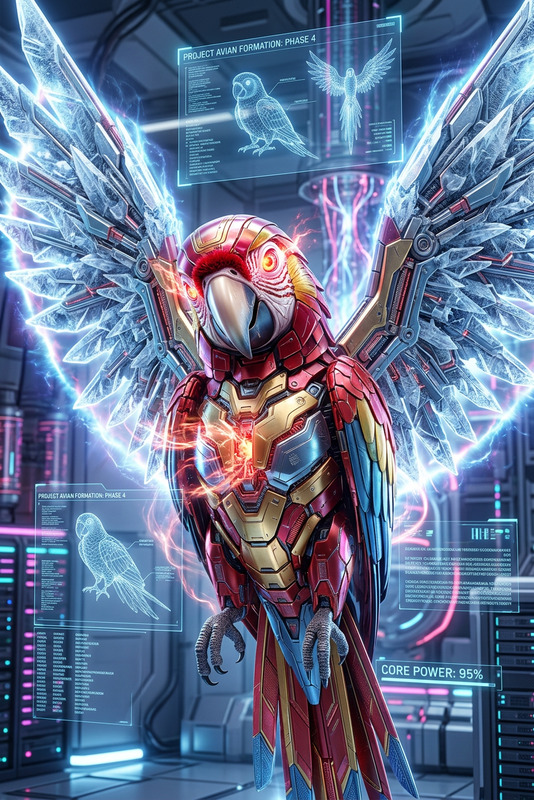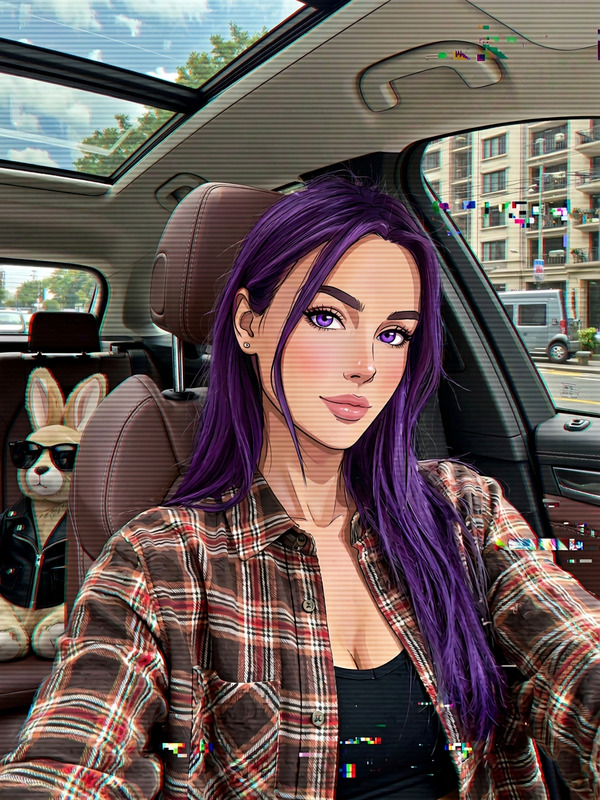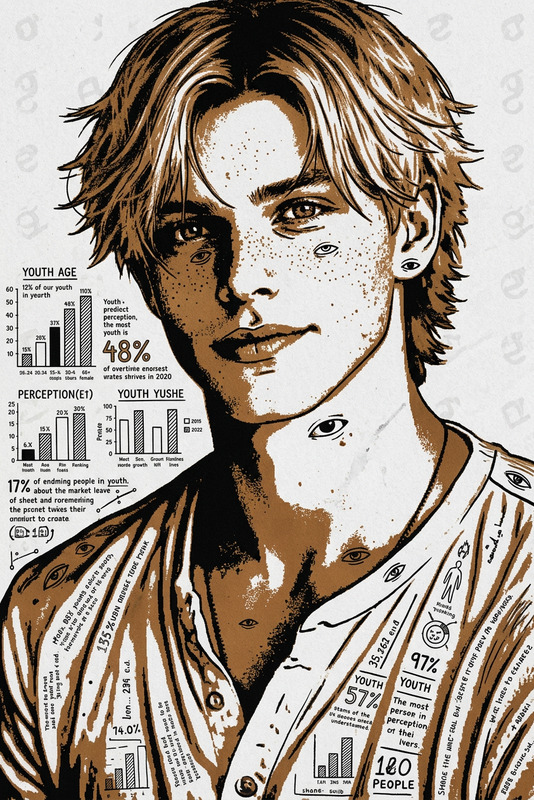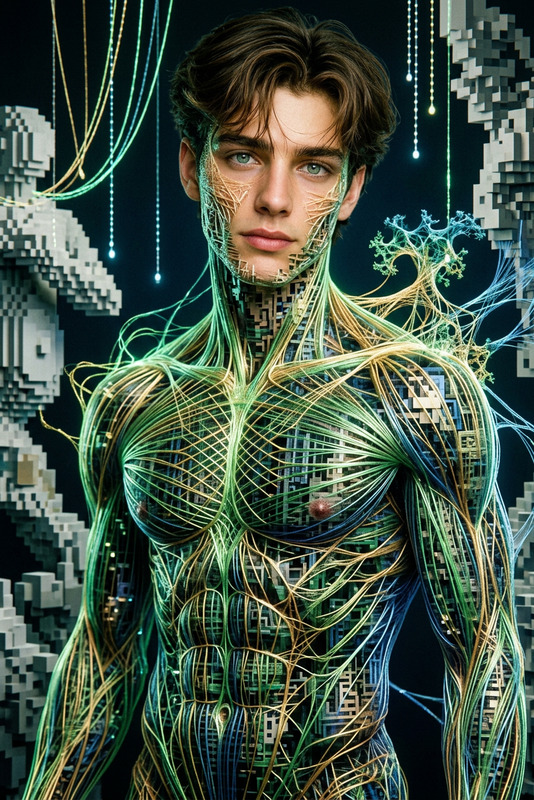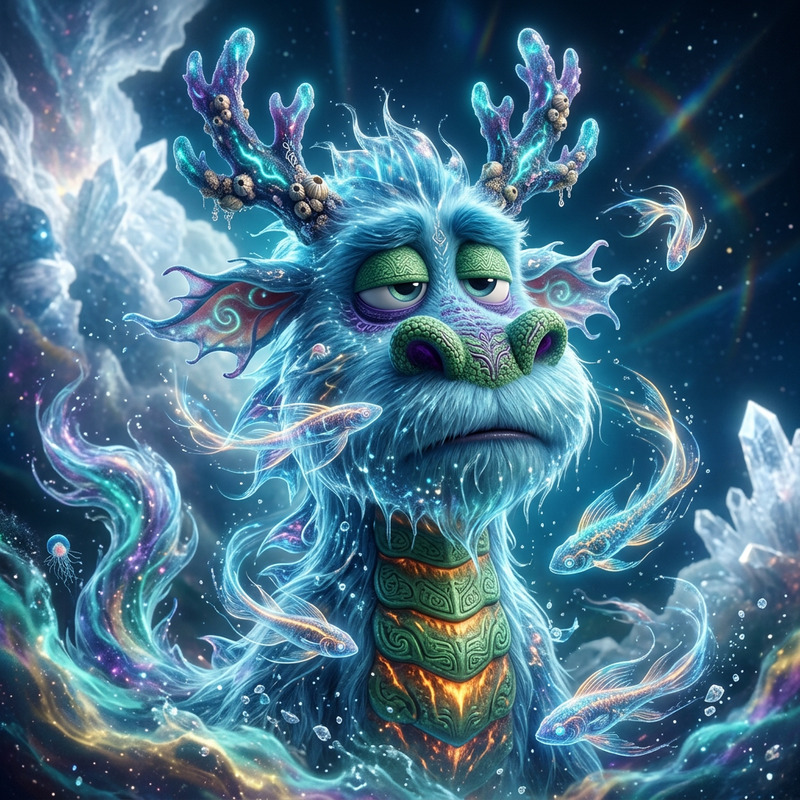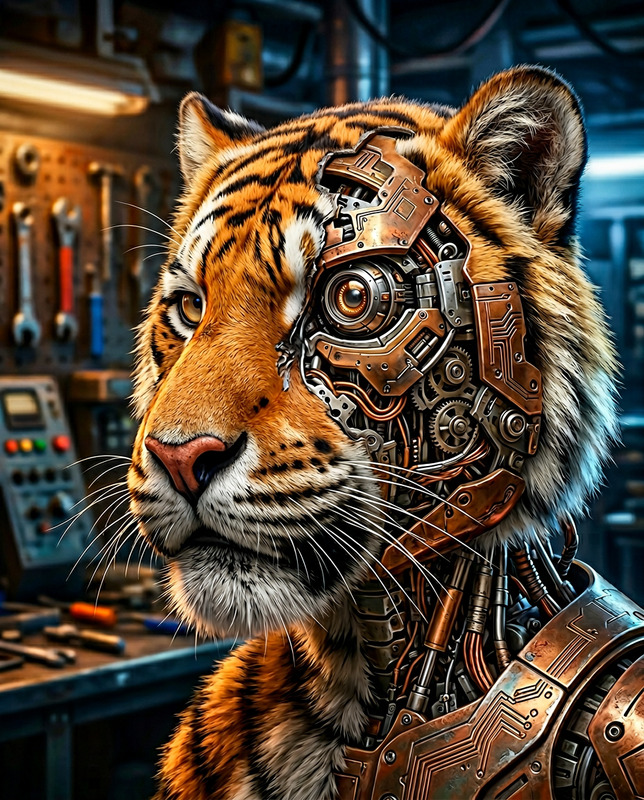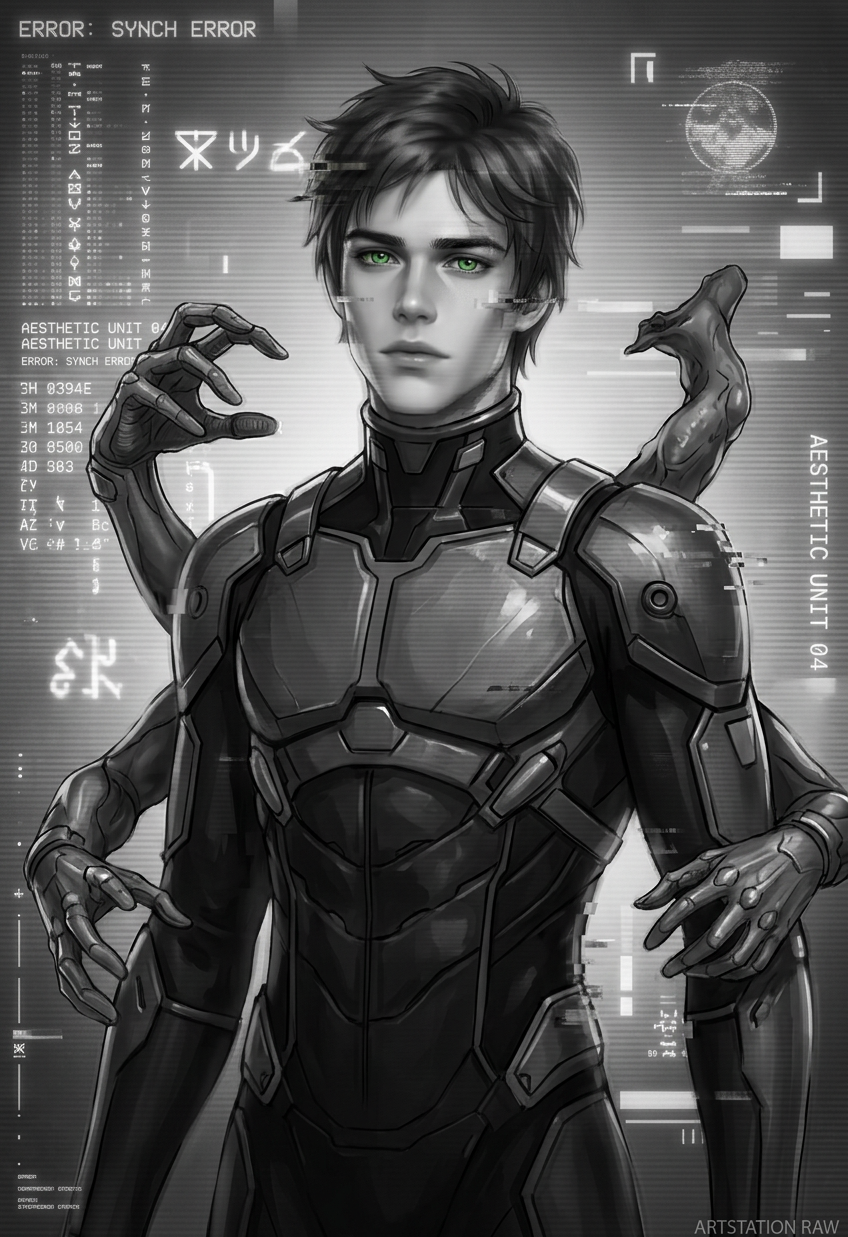
Monochrome EVA Glitch Entity
- Model
- Nano Banana 2
- Image
- 848 × 1237 px
Prompt
A hyper-realistic painting of a surreal humanoid entity in a futuristic EVA-style plugsuit. The subject is rendered in an anime-inspired style with intricate detailing, presented in monochrome black and white. The image features intentional glitch aesthetics such as jpeg artifacts, low-resolution textures, blur, haze, and a subtle 3D-rendered plastic-like finish. The subject has unconventional, distorted anatomy with malformed limbs, extra appendages, and tentacle-like fingers, creating an eerie, experimental effect. Includes integrated text elements, watermark-style graphics, and a raw, ArtStation-inspired composition.
Any aspect ratio
Overview
The Monochrome EVA Glitch Entity template is an innovative tool designed for creators who want to explore the boundaries of surrealism and futuristic design. Utilizing the powerful capabilities of the AI Image Editor and the state-of-the-art nano-banana-2 model, this template allows artists to produce visually striking images that blend hyper-realism with intentional digital artifacts.
What It Does
This template transforms your source images into monochrome masterpieces, embedding realistic glitch aesthetics characteristic of degraded digital media. The process involves creating an anime-inspired humanoid figure in an EVA-style plugsuit, with a focus on details like jpeg artifacts, low-resolution textures, and blur effects. Integrated text and watermark-style graphics enhance the ArtStation-like compositional appearance.
Who It's For
The Monochrome EVA Glitch Entity template is perfect for artists, designers, and content creators looking to add a unique and experimental touch to their work. If your projects involve creating dynamic visuals for ads or artistic exhibitions, or if you're interested in experimenting with futuristic and glitch aesthetics, this tool is catered for your needs.
Summary
With a focus on intricate details and surreal imagery, this template provides a platform to enhance any project where a futuristic, experimental tone is desired. For those needing an edge in creative content, integrating this tool can significantly elevate the final aesthetic. It's a seamless addition to any toolbox that already includes tools like the AI Image Editor or the AI Clothes Changer.
How to Use
Open Template

Customize Your Design

Generate Your Image

Use Cases
Creative Digital Art Projects
- Anime-inspired gallery displays
- Surreal exhibitions
Marketing and Advertising
- Social media campaigns
- Brand storytelling
Graphic Design
- Posters and flyers
- Album covers
Best Practices
Utilize High-Quality Source Images
Ensure source images are of high quality to maximize the effectiveness of the glitch and detail effects.Experiment with Prompts
Adjust the text elements and glitch parameters to explore different design outcomes. This will give your images a unique personal touch.Blend Tools
Combine this template with other Magic Hour tools like the AI GIF Generator for animated versions of your glitch entities, enhancing engagement.