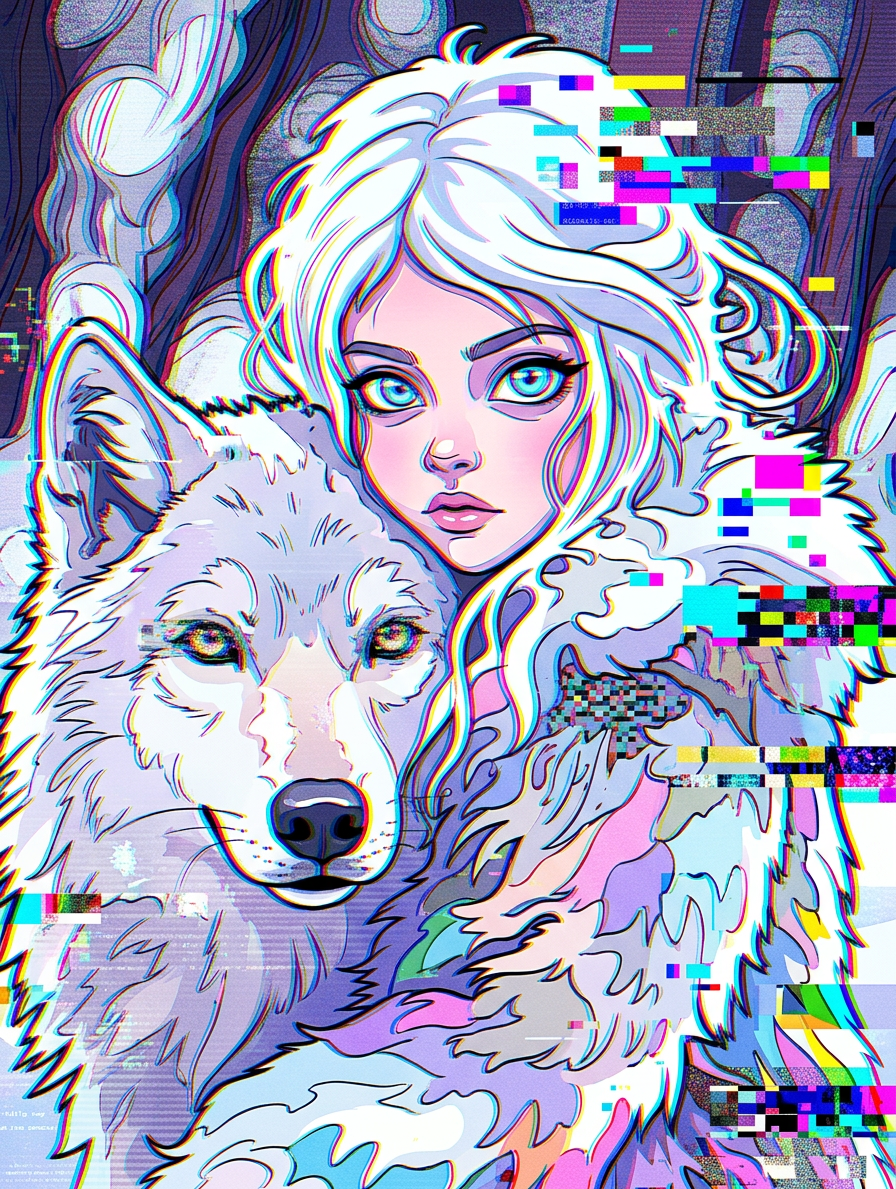
Glitch Cartoon Distortion Realm
- Model
- Nano Banana 2
- Image
- 896 × 1189 px
Prompt
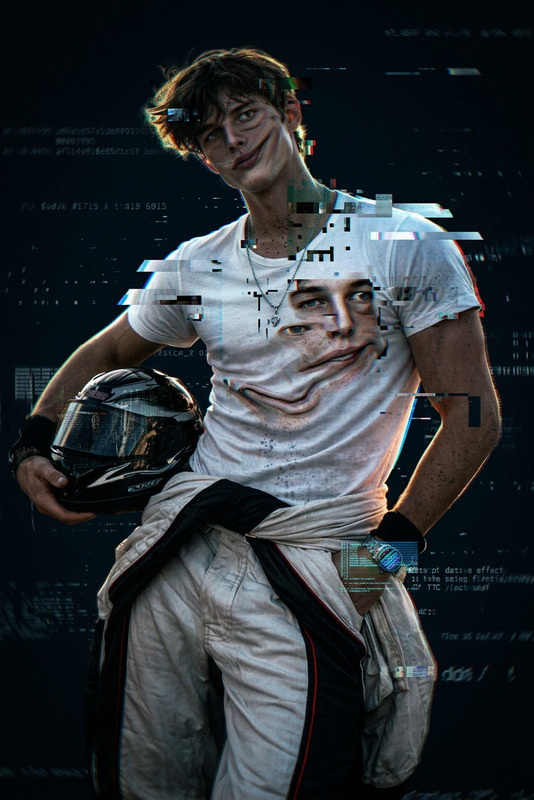
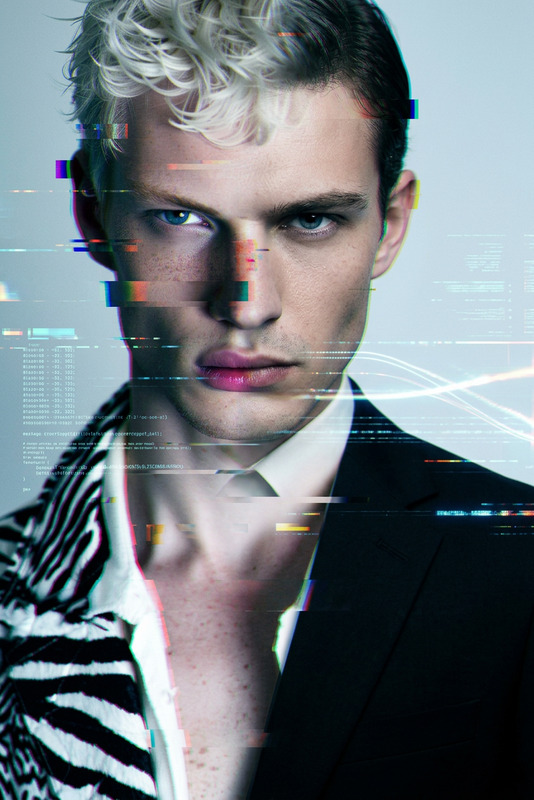
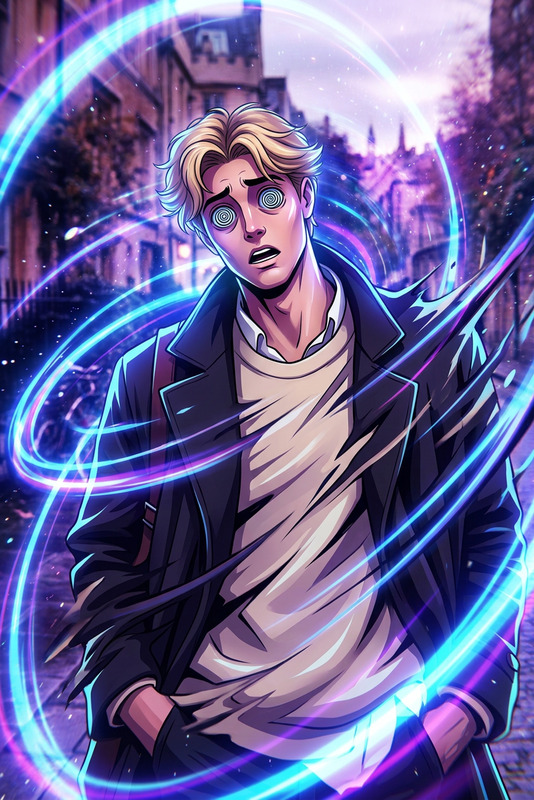
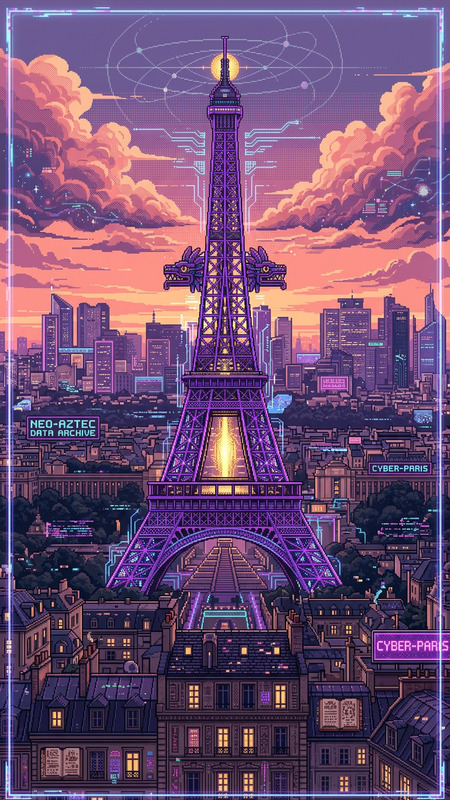
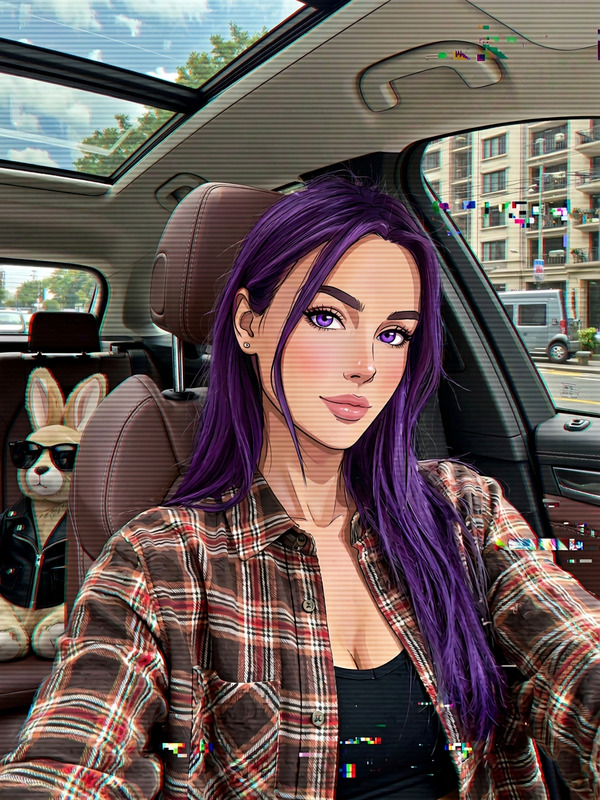
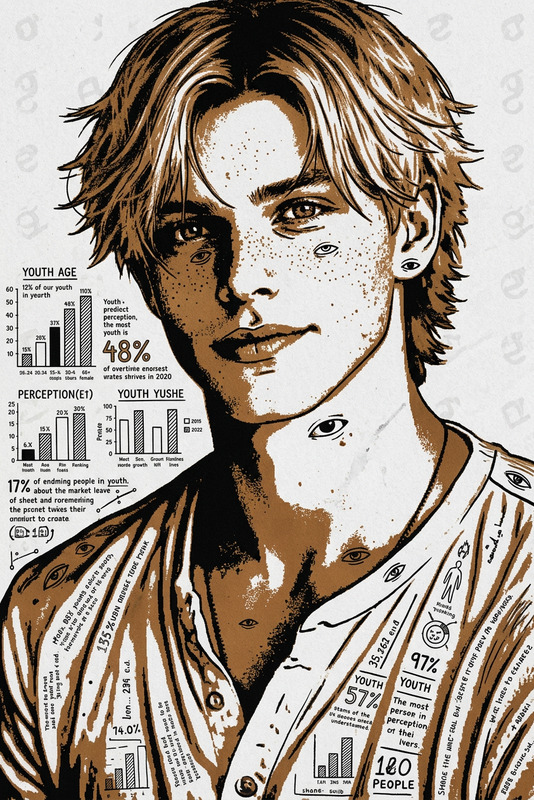
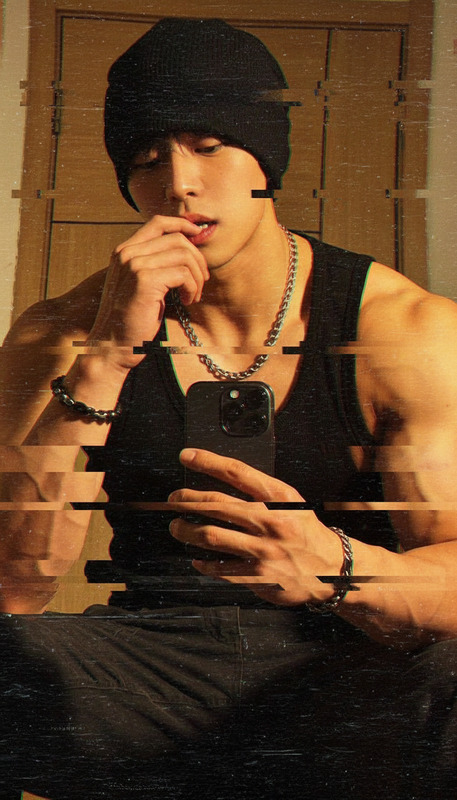
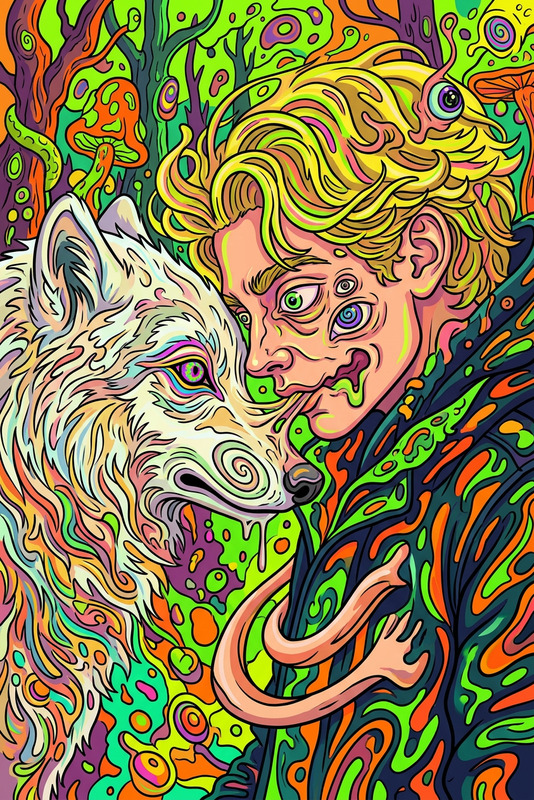
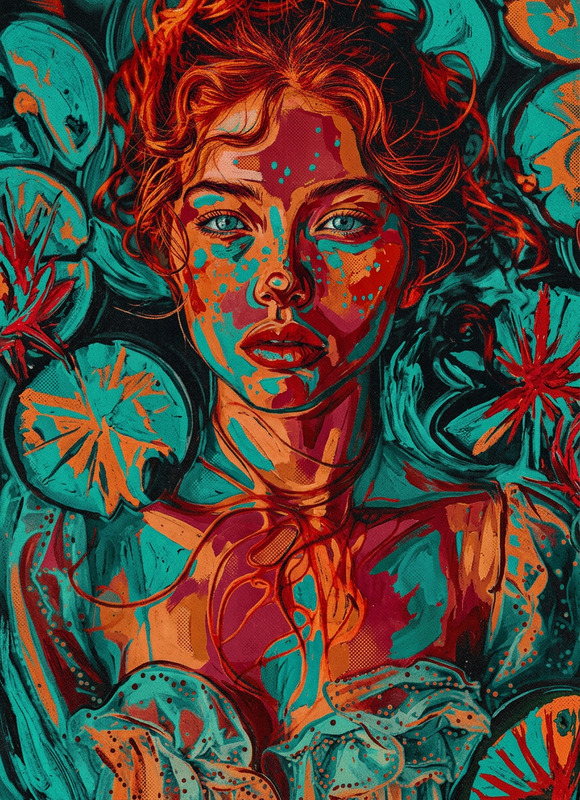
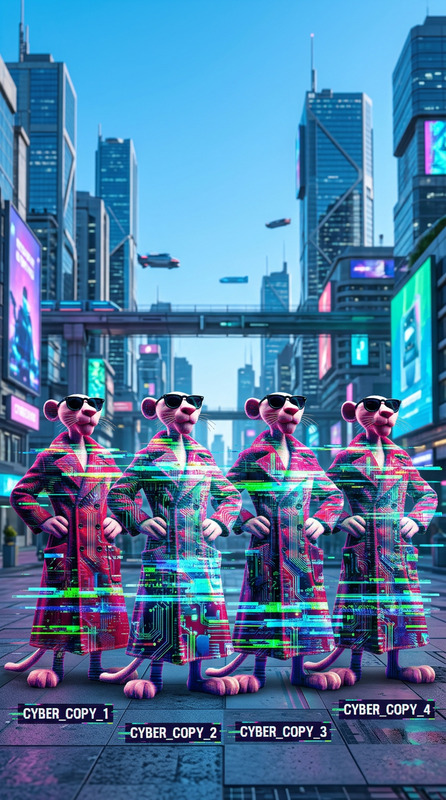
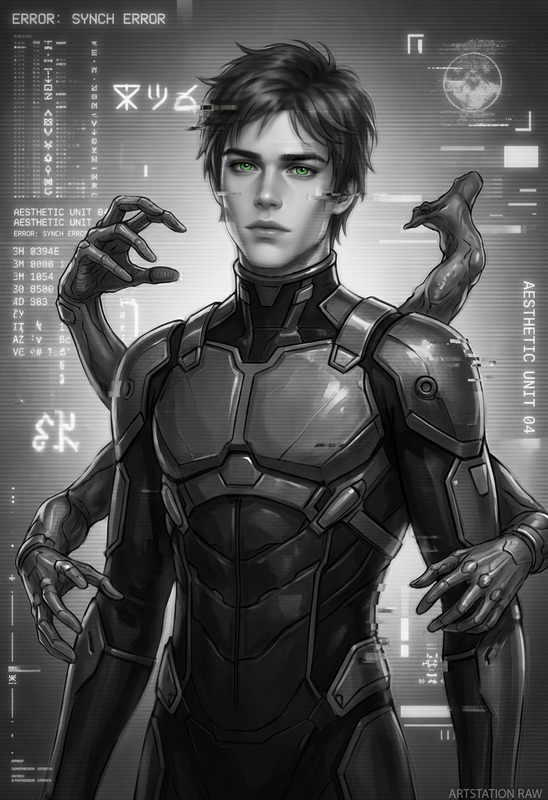
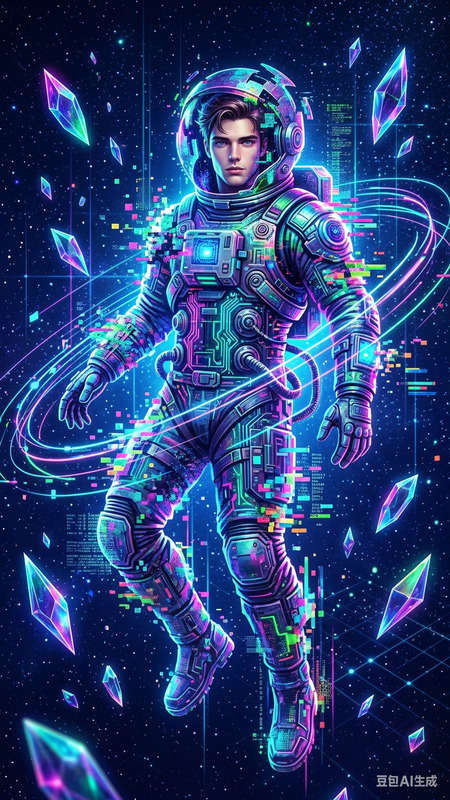
Subject and background transform into a surreal glitch world mixed with 2D cartoon animation. Subject morphs into a stylized animated character with warped proportions and distorted outlines. Analog interference ripples across the frame with RGB channel splitting, scanlines, static noise, frame tearing, and signal glitches. Melting shapes and jittering forms blend cartoon aesthetics with digital artifacts. Vibrant chaotic colors, high contrast lighting, distorted perspective, surreal disorienting atmosphere, experimental trippy aesthetic, ultra-detailed glitch animation style.
Any aspect ratio
Overview
Discover the artistic potential of glitch effects combined with cartoon animation in the Glitch Cartoon Distortion Realm. This AI Image Editor template transforms your images into vibrant, otherworldly visuals that blend 2D animation with digital artifacts. It's perfect for creators looking to push the boundaries of conventional image editing.
What It Does
This template morphs the subject and background into a surreal glitch world where elements pulse with analog interference and digital noise. Features include RGB channel splitting, scanlines, and melting shapes that blend cartoon aesthetics with glitchy visuals. The result is an ultra-detailed, vibrant animation that captivates your audience.
Who It's For
The Glitch Cartoon Distortion Realm is ideal for graphic designers, animators, and content creators who thrive in experimental digital art. Whether you're crafting eye-catching social media content or developing unique video projects, this template enables innovative effects and extraordinary storytelling. Pair it with the AI GIF Generator to expand your creative toolkit.
Summary
Embrace chaos with high-contrast lighting and surreal atmospheres through this tool’s diverse features. Transform mundane images into vibrant art pieces and add exceptional flair to your projects. For full transformations, consider using the AI Video Extender to evolve your creations from static art to engaging video narratives.
How to Use It
Choose Your Template

Customize Inputs

Generate and Download

Creative Use Cases
Social Media Campaigns
Music Videos
Art Installations
Film and Animation
Best Practices
Balance Colors and Contrast
Experiment with color settings to make sure the vibrant chaos doesn't overwhelm key elements in your image.Use High-Resolution Images
Starting with high-resolution files ensures the fine details of glitch effects are preserved.Experiment with Settings
Fine-tune the level of distortion and animation effects to achieve your creative vision without compromising legibility.