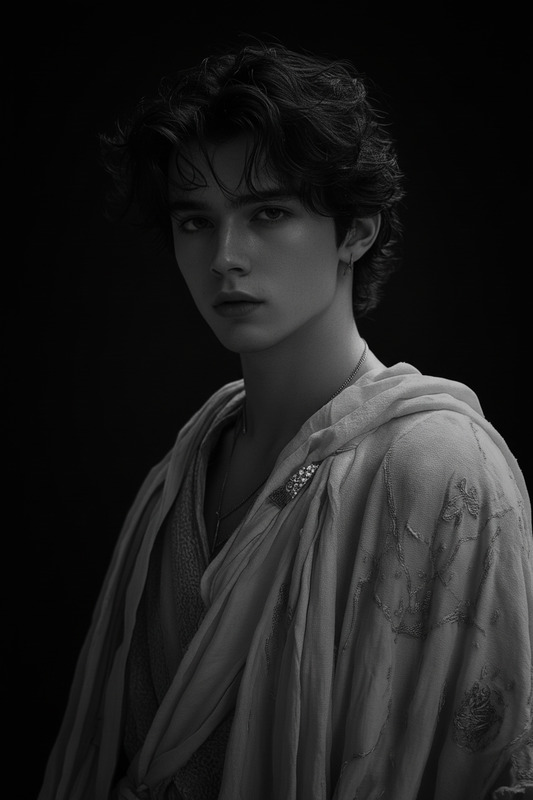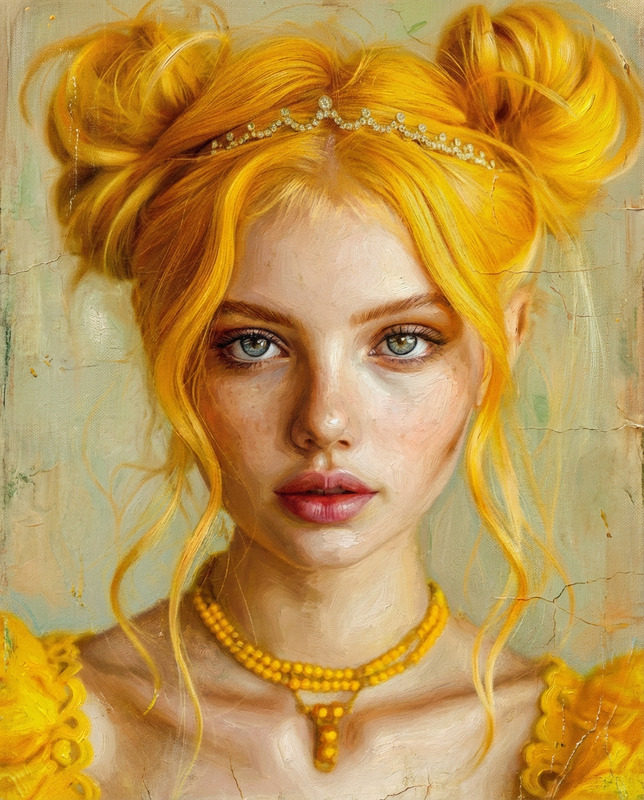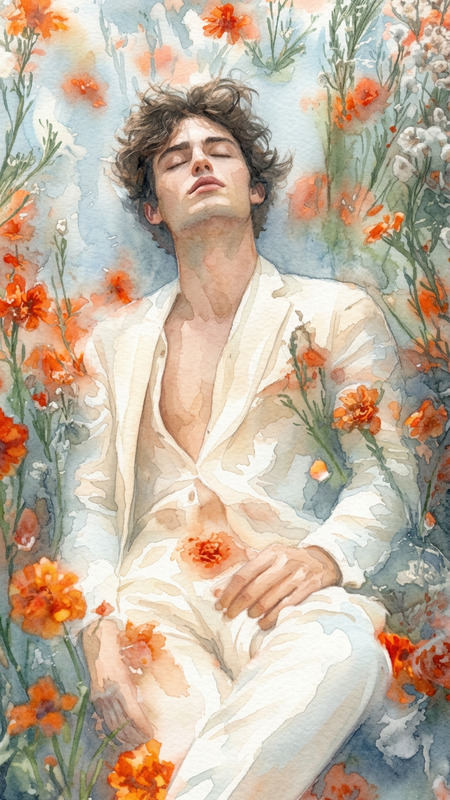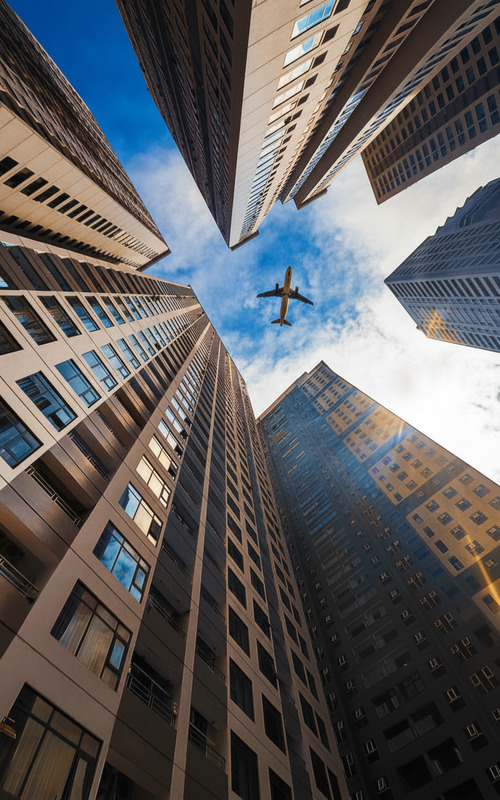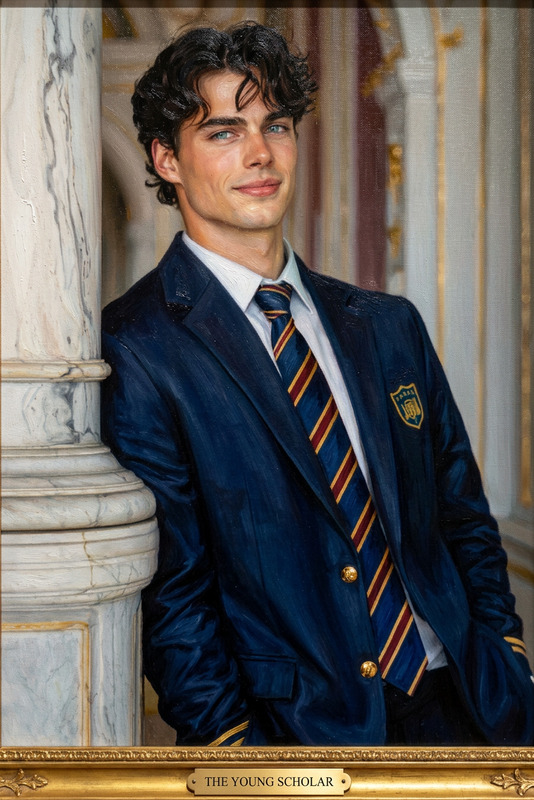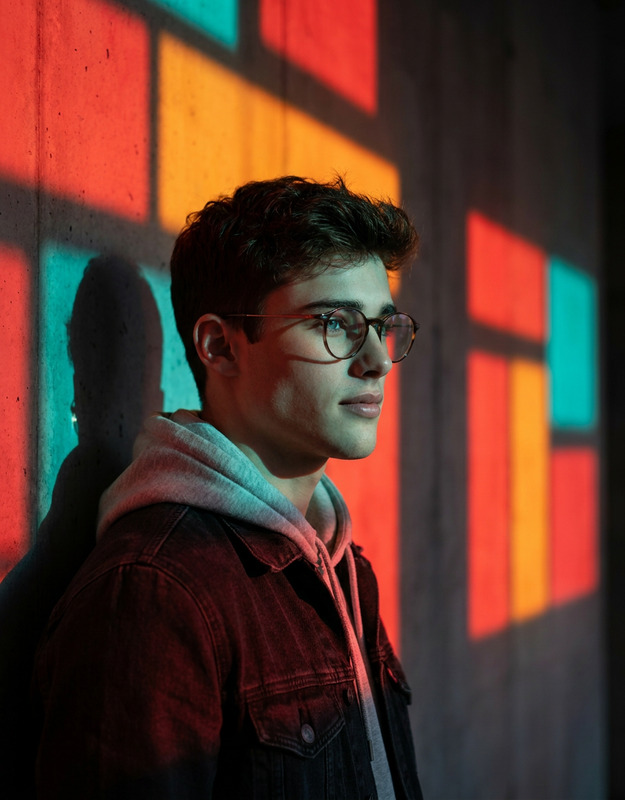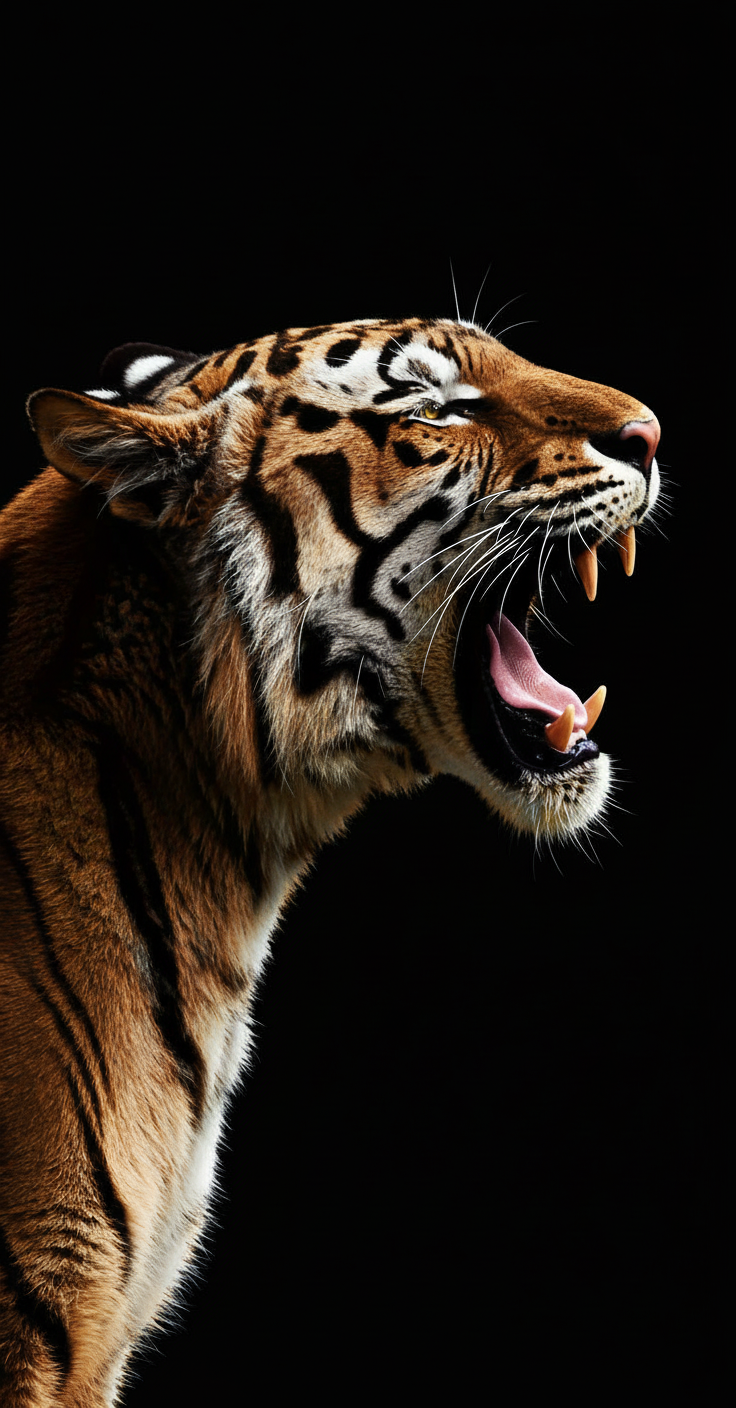
Modern Full-Color Photo
- Model
- Nano Banana
- Image
- 736 × 1408 px
Prompt
Render as a full-color photograph with modern, true-to-life color science. Use rich, accurate tones, balanced contrast, and contemporary digital camera quality. Ensure natural skin tones, vibrant yet realistic colors, and clean highlights and shadows. High clarity, sharp detail, and a polished look as if captured with a modern professional camera today.
Any aspect ratio
Overview
Transform your images into vibrant masterpieces with the Modern Full-Color Photo template. Designed for enhancing photos with rich, true-to-life colors, this template uses the advanced capabilities of the nano-banana model to apply a stunning modern photographic polish.
What It Does
This template provides a full-color photo enhancement, adding depth and vividness to your images. It applies balanced contrast and natural skin tones, ensuring each photo meets the aesthetic standards of a contemporary digital camera. Optimize your visuals with high clarity, sharp details, and balanced highlights and shadows—ideal for professional-level presentation.
Who It's For
Whether you're a photographer aiming for professional-grade images or someone seeking to enhance personal photos, the Modern Full-Color Photo template is crafted for you. Perfect for creators who want their work featured in product photography or alongside creative video style transfer projects.
Summary
Experience the ease of transforming your photos into AI Image Editor enhanced works of art. With this template, achieve professional-grade color science, adding a polished look to any photograph. Ideal for modern photo styling with a touch of sharp, clear, and vibrant aesthetics.
How to Use
Select the Template

Customize Your Inputs

Generate and Download

Use Cases
Professional Photography
Marketing Visuals
Social Media Content
Best Practices
Maintain Natural Tones
Ensure skin tones and other natural elements retain realism for the most pleasing results.Balance Sharpness and Clarity
Adjust sharpness settings carefully to prevent over-enhancement which can lead to unnatural appearances.Consider Use Case
Tailor your color enhancements to fit the context, whether it's for print, web, or large-scale display.