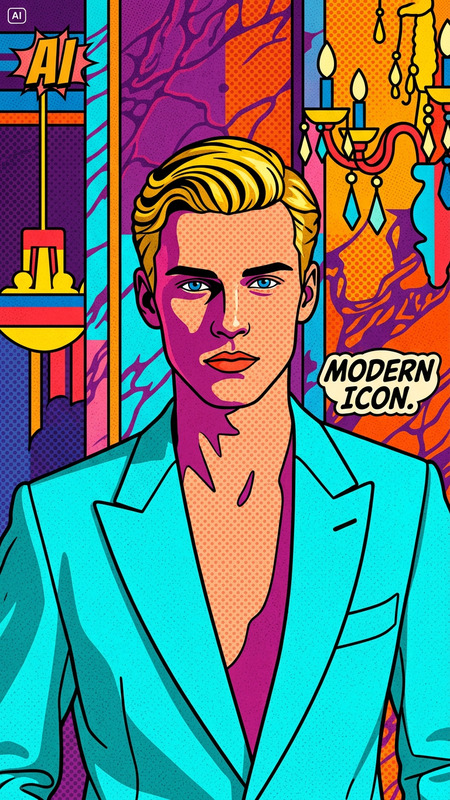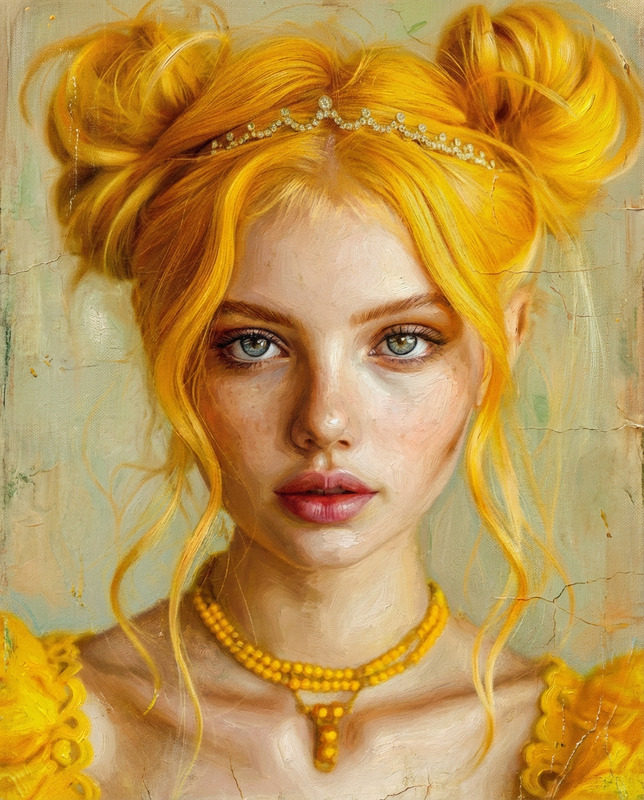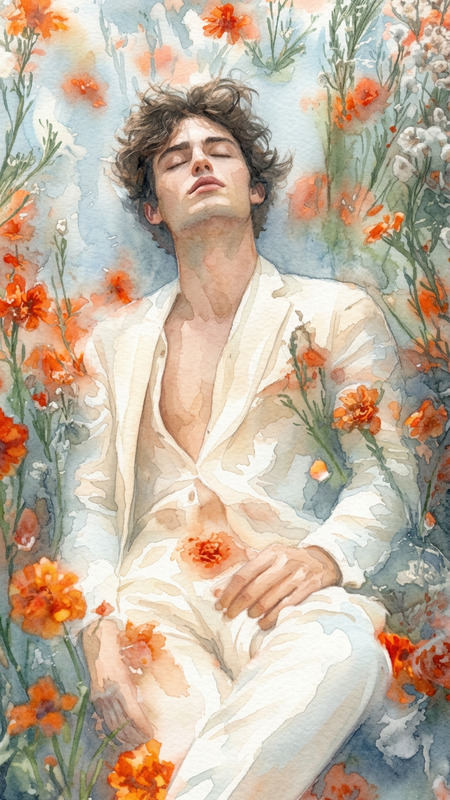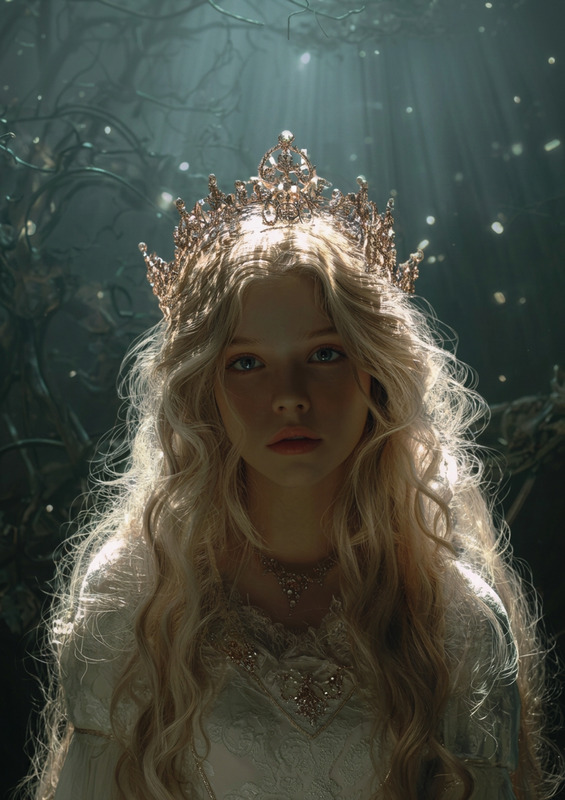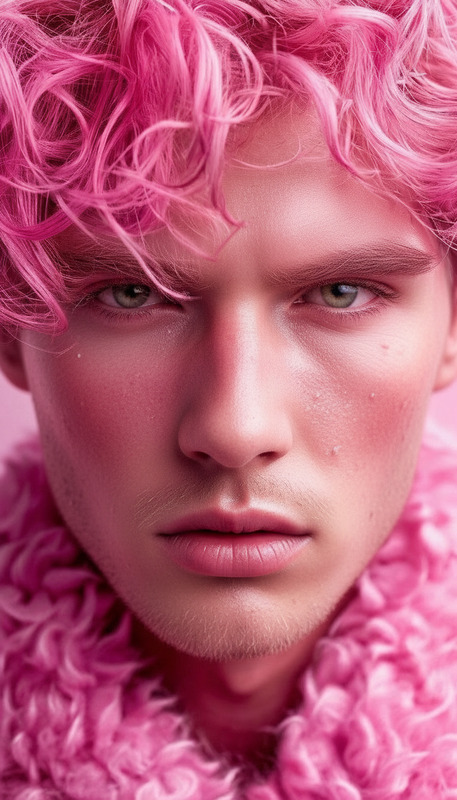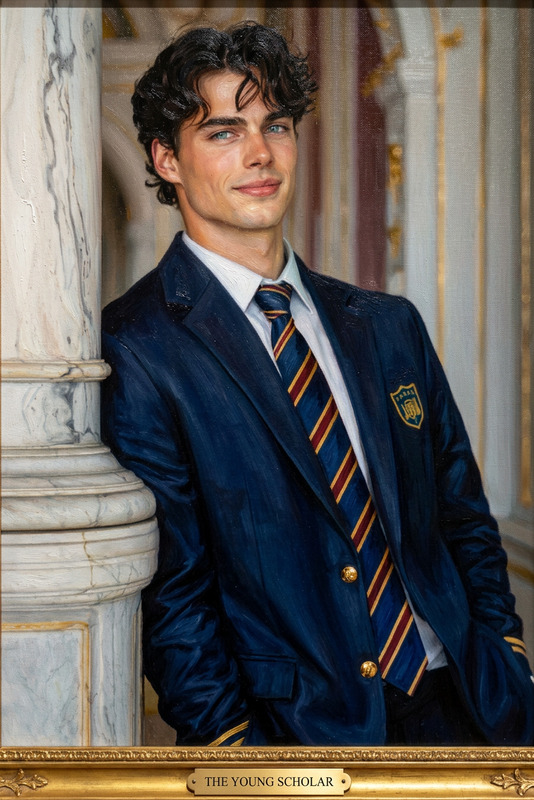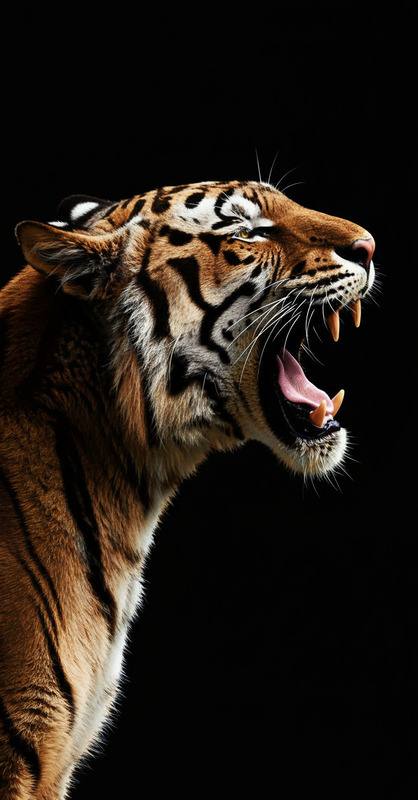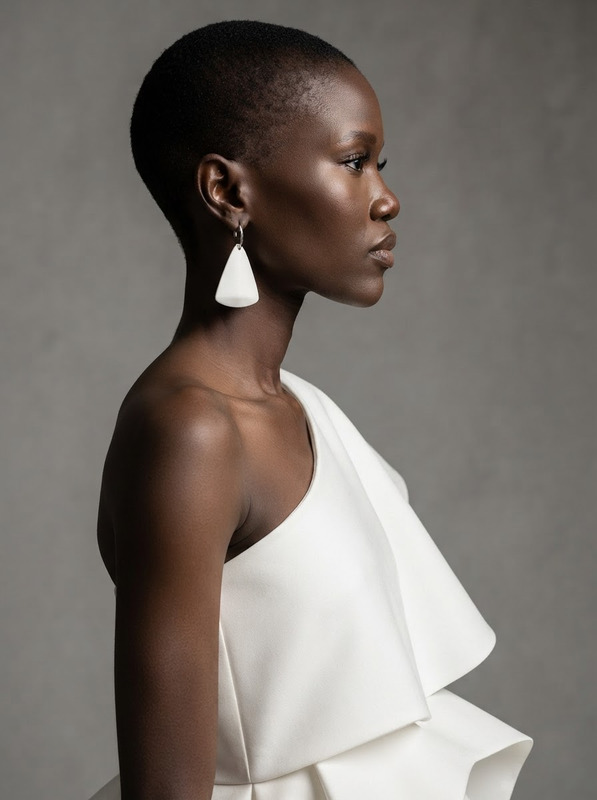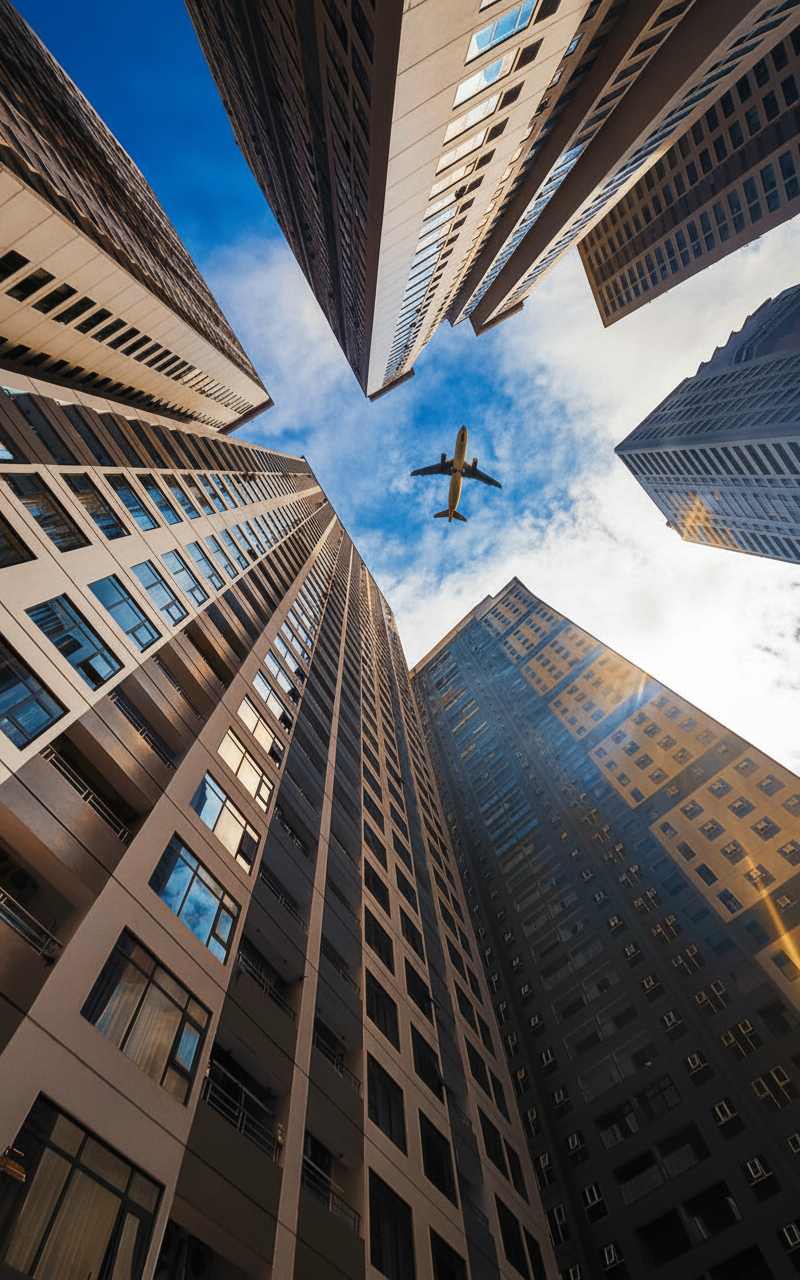
Vibrant Color Restore
- Model
- Nano Banana
- Image
- 800 × 1280 px
Prompt
Restore the photo with rich, vibrant colors while maintaining a natural and realistic look. Enhance saturation, contrast, and clarity to bring out details without over-processing. Correct color balance and lighting to ensure skin tones and surroundings appear lively yet true to life.
Any aspect ratio
Overview
The Vibrant Color Restore template utilizes the nano-banana model to bring your images to life with enhanced colors. This AI Image Editor tool redefines the vibrancy of your photos, ensuring each image appears lively while maintaining realism. Perfectly suited for color corrections, this template consistently delivers results that enhance viewer engagement.
What It Does
This template enhances image saturation, contrast, and clarity, bringing out details in a natural manner. The AI adjusts color balance and lighting to ensure that skin tones and surroundings retain their true-to-life appearance. With AI Image Editor capabilities, the Vibrant Color Restore makes your photos visually appealing and professionally refined.
Who It's For
The Vibrant Color Restore template is perfect for photographers, graphic designers, and content creators seeking to revive their visuals. It aids professionals in the advertising and marketing sectors to present eye-catching imagery. Additionally, hobbyists looking to improve their personal photo collections will find this tool indispensable.
Summary
With the Vibrant Color Restore template powered by nano-banana, transform dull images into captivating visuals. This AI-driven solution enhances the aesthetic quality of photos without unnecessary over-processing, making it a go-to choice for anyone aiming to elevate their visual content. Discover more tools like this in the AI Image Generator suite.
How To
Choose Template

Customize Settings

Generate Image

Use Cases
Photography Enhancement
- Landscape photography
- Portrait enhancement
- Event photos
Social Media Content
- Instagram photos
- Facebook albums
- Pinterest boards
Marketing Materials
- Ad campaigns
- Brochures
- Flyers
Best Practices
Start with High-Quality Images
For optimal results, use images with good resolution and lighting as a baseline for your edits.Fine-Tune Manually
While the template automates enhancements, fine-tuning parameters like saturation can prevent overcorrection.Be Consistent With Edits
Maintain a cohesive look across projects by using similar settings for related images.