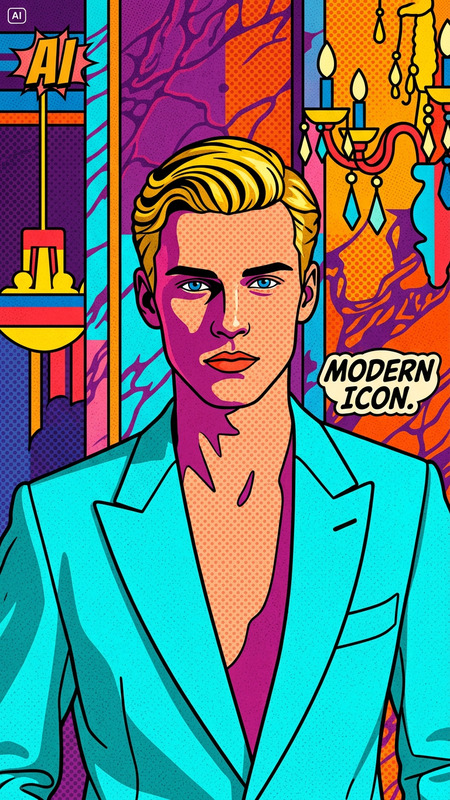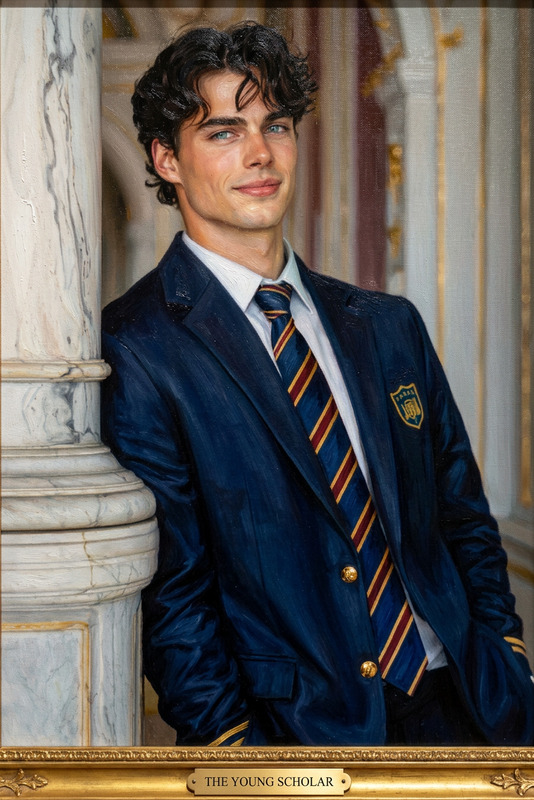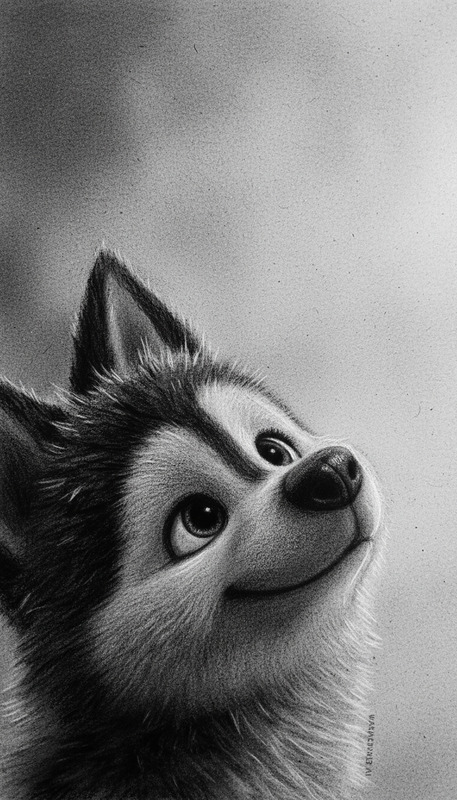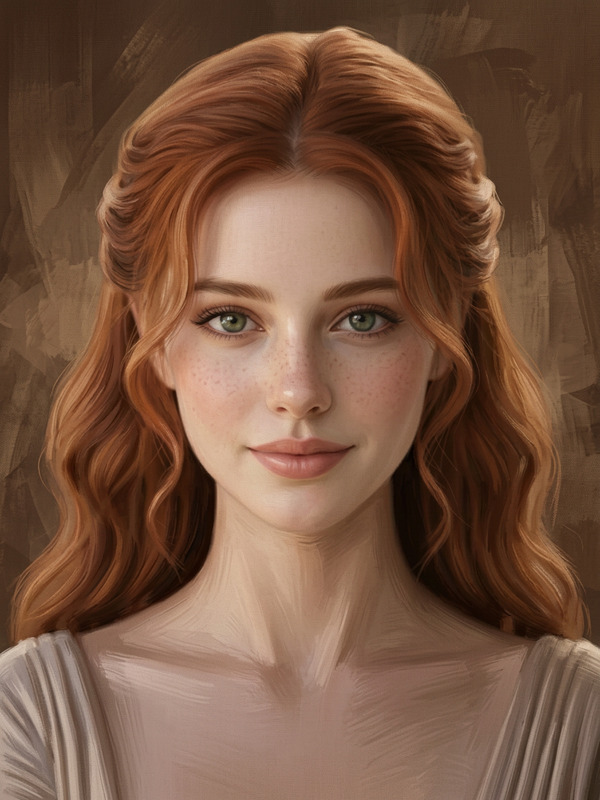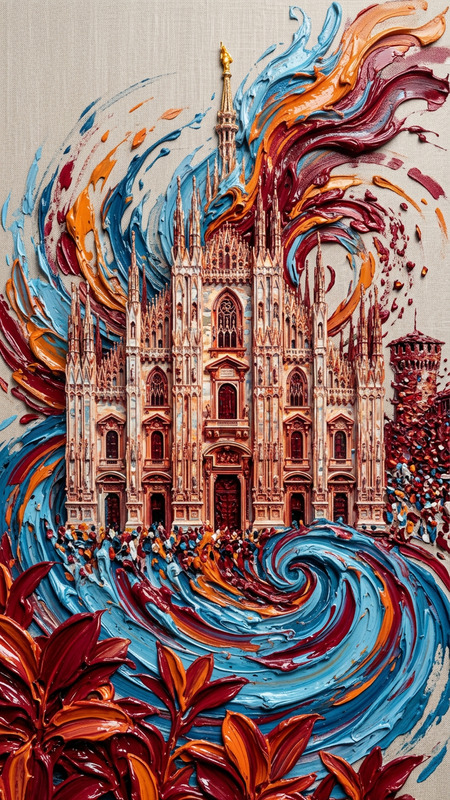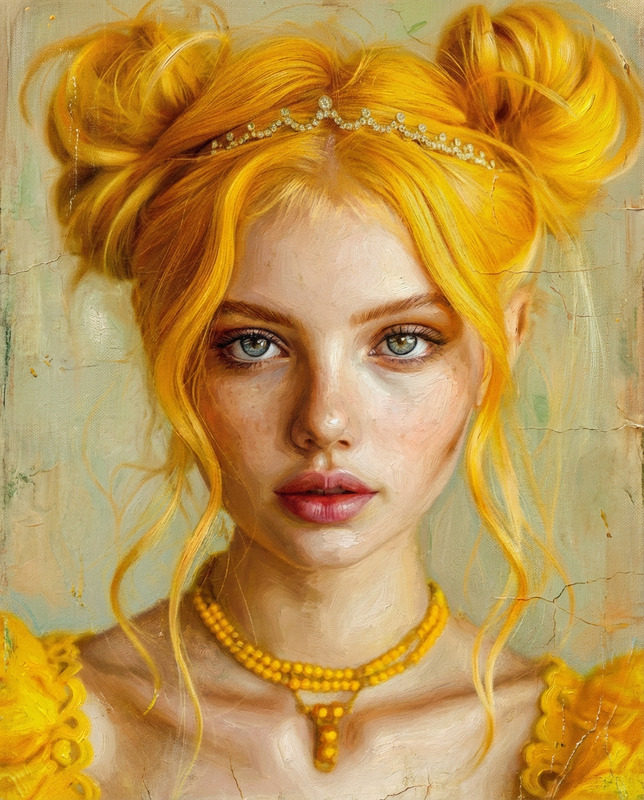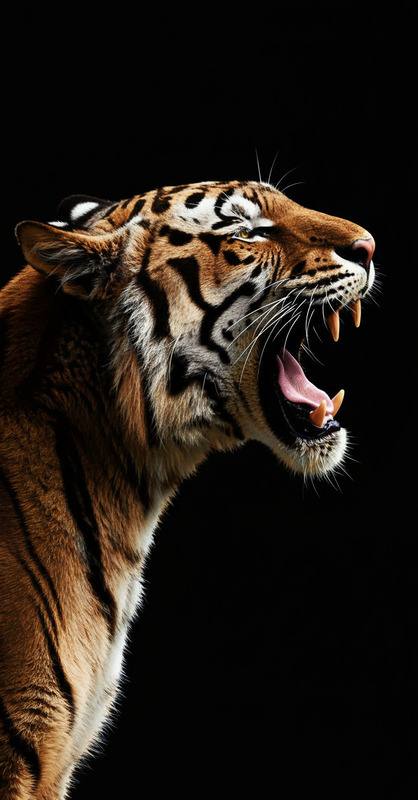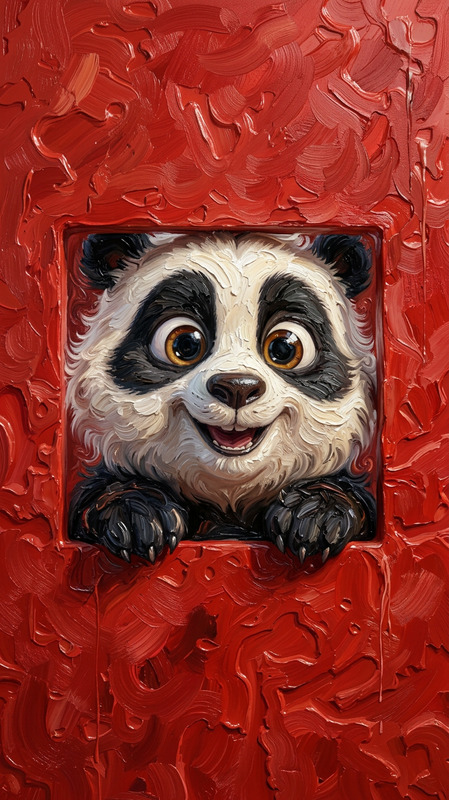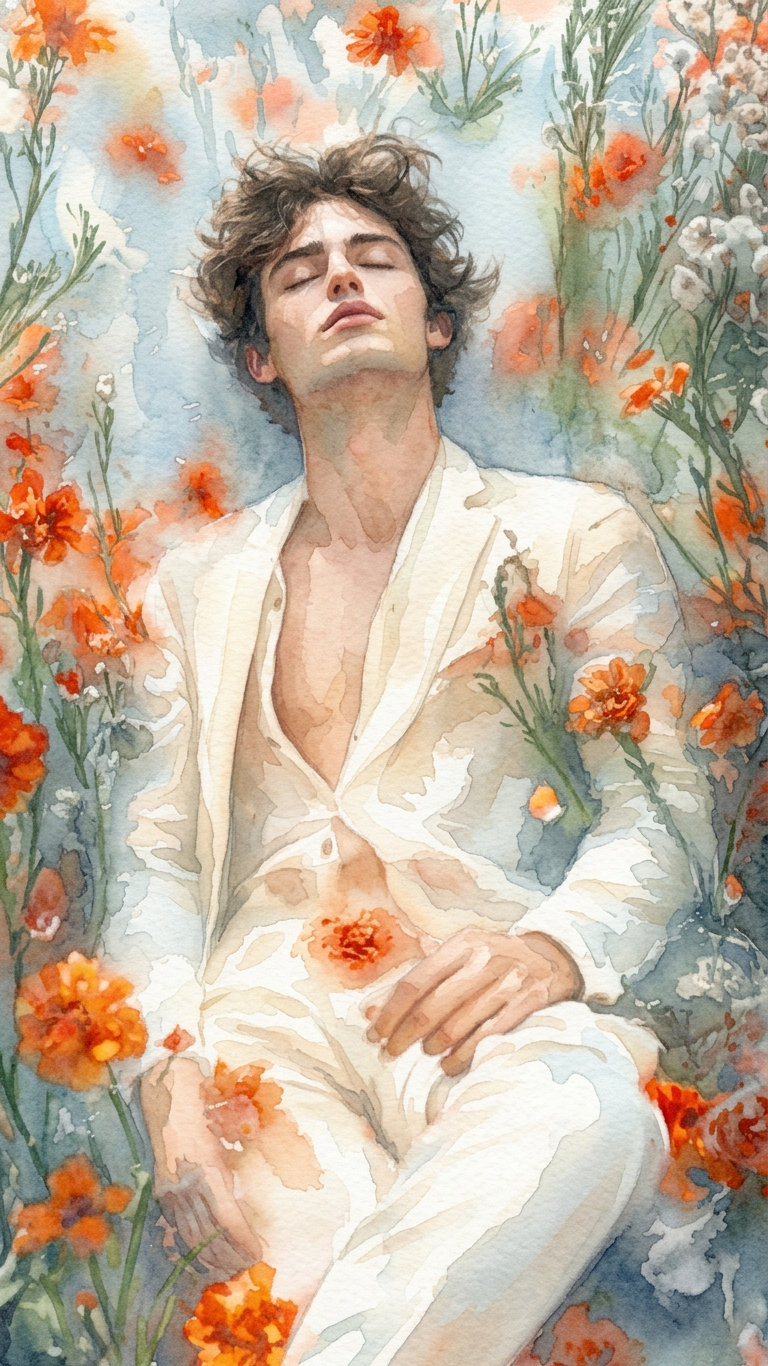
Watercolor Painting
- Model
- Nano Banana 2
- Image
- 768 × 1366 px
Prompt
Convert the photo into a soft, expressive watercolor painting. Use gentle brush washes, translucent layers, and subtle color blending to mimic real watercolor techniques. Preserve the subject’s key features while softening edges and adding organic paint textures. Include light paper grain and slight pigment variations for realism. Maintain a balanced composition with a calm, artistic feel. High detail, natural tones, and an authentic hand-painted look.
Any aspect ratio
Overview
Discover the magic of transforming your photos into watercolor masterpieces with our AI Image Editor. The Watercolor Painting template provides you with the tools needed to create art that mimics true watercolor style. Leverage the capabilities of the AI Image Editor to infuse your images with gentle brush strokes and translucent layers, giving them a beautifully soft and expressive look.
What It Does
This template uses advanced AI models to convert photos into watercolor paintings. By applying natural tones, softening edges, and incorporating light paper grain, it emulates real watercolor techniques. The AI Image Generator ensures that each transformation maintains detail while adding an authentic hand-painted finish. With subtle color blending, your images come to life as true works of art.
Who It's For
The Watercolor Painting template is perfect for artists, designers, and hobbyists looking to add a creative touch to their photography. It's also ideal for marketers and content creators aiming to produce unique visuals for social media and advertisements. This tool is user-friendly, making it accessible for anyone interested in digital art creation and enhancement.
Summary
By using the Watercolor Painting template in our AI Image Editor, you can easily breathe life into your pictures with an artistic flair. Enhance your product photography or create beautiful social media visuals that stand out. This tool simplifies the process of turning simple images into captivating watercolor art, suitable for a variety of creative projects.
How To
Choose Your Template

Customize Your Settings

Generate Your Painting

Use Cases
Artistic Photography Enhancements
- Add a personalized artistic touch to portrait photography.
- Create thematic art pieces for gallery displays.
Content Creation
- Enhance blogs with custom graphics.
- Create standout posts for Instagram or TikTok.
Personal Projects
- Design personalized cards or gifts with unique imagery.
- Create calming visuals for home decoration.
Best Practices
Start with High-Quality Images
Ensure your original photo is of high resolution to achieve the best results with finer details preserved.Experiment with Color Palettes
Test different color adjustments to find the best match for the mood and style of your art piece.Use in Conjunction with Other Tools
For added effects, combine outputs from this template with results from the AI Image Upscaler to boost clarity.