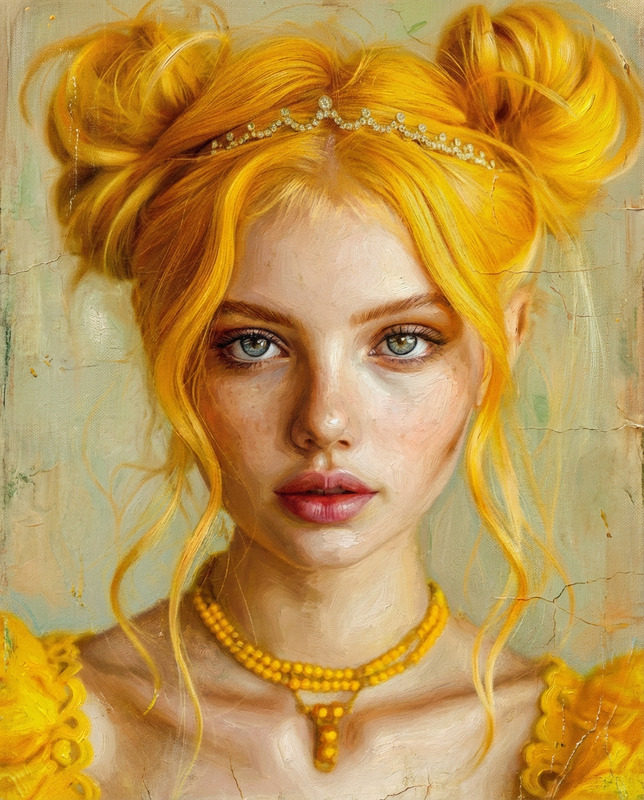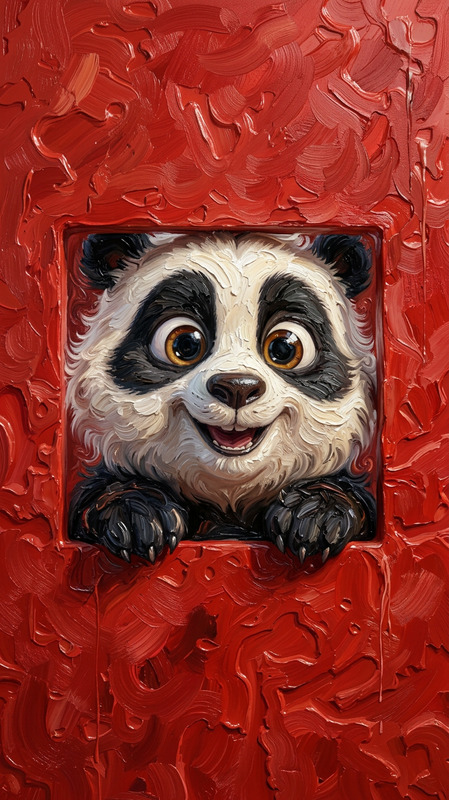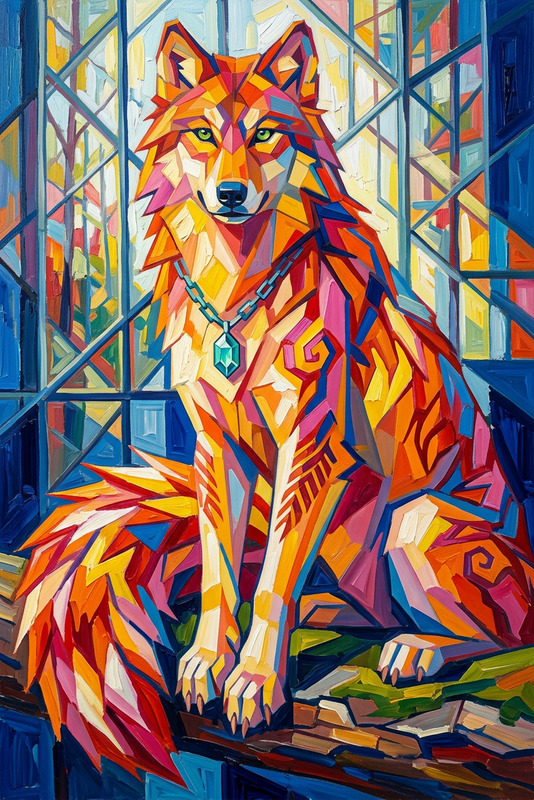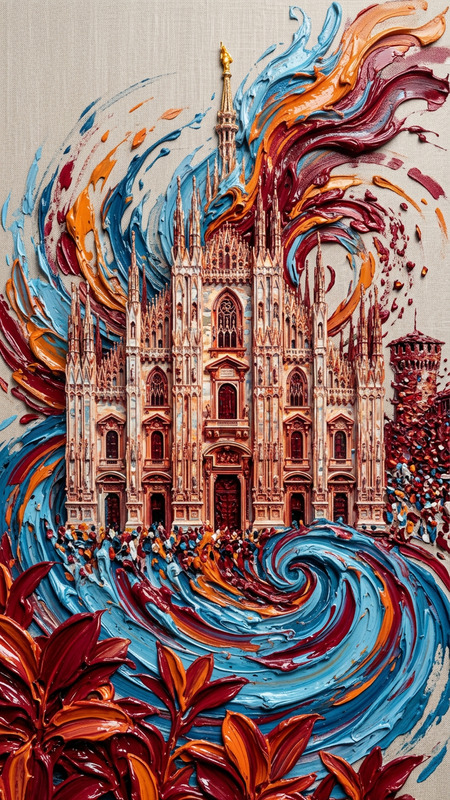
Museum-Grade Luminous Oil Portrait
ai-image-editor
Any aspect ratio
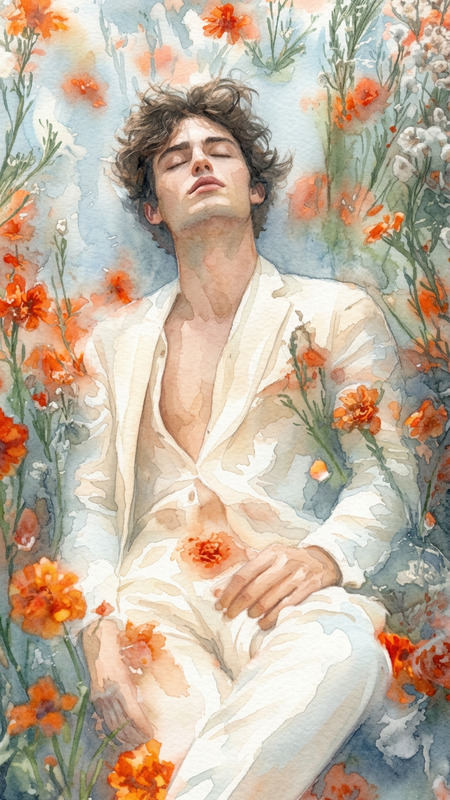
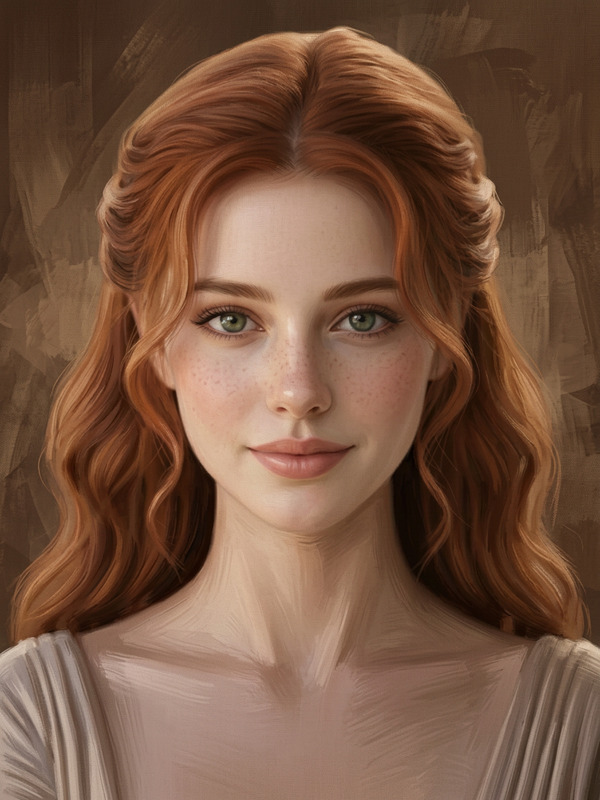
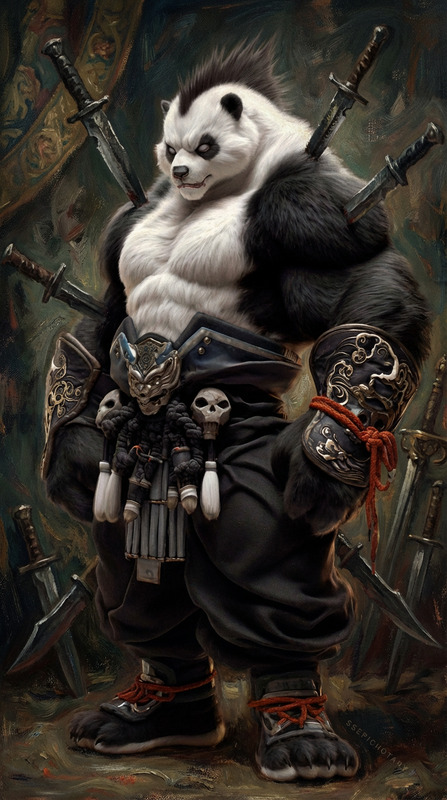
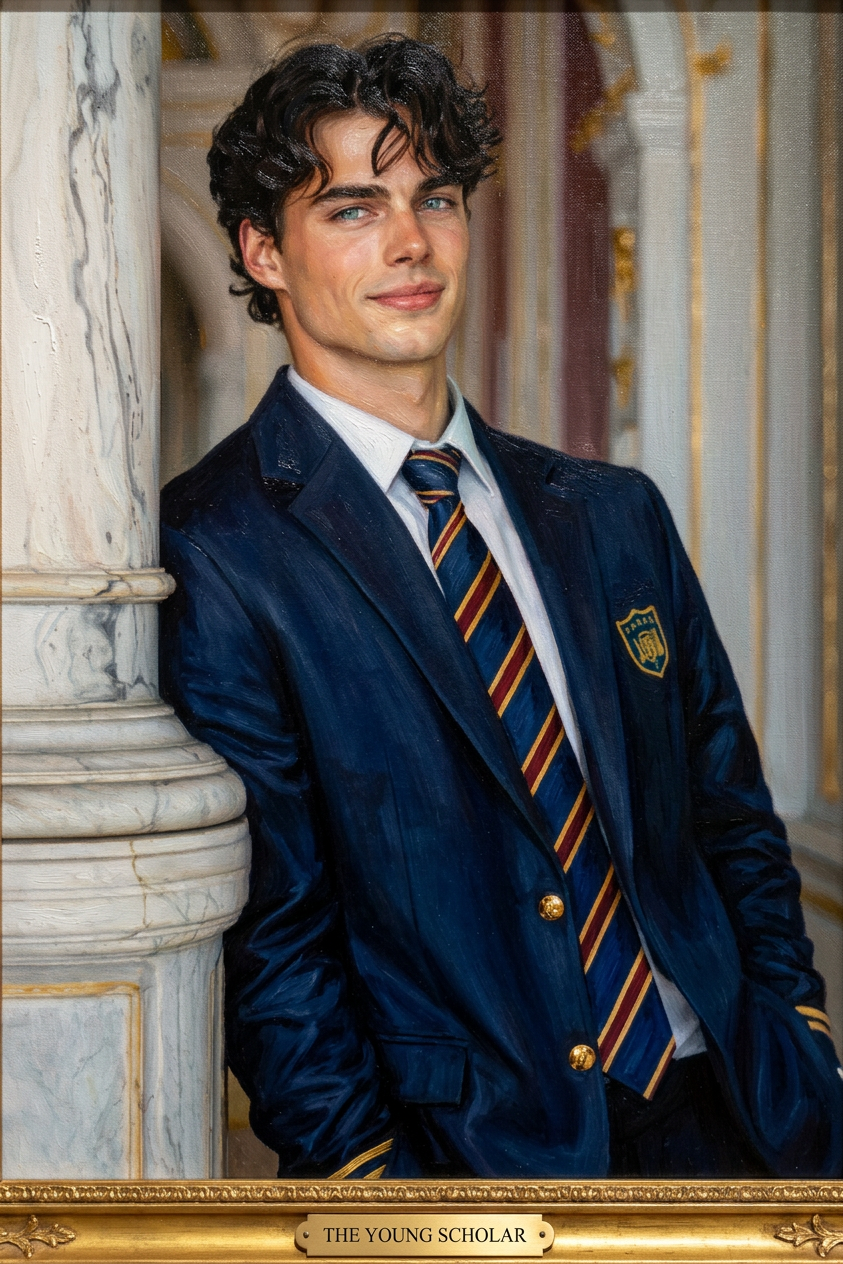
Transform the image into a museum-quality oil painting: rich, luminous skin built with translucent glazes over a warm underpainting, vibrant yet naturalistic colors.
Tags
stylesAI Image Editor Template: Edit Any Image in Seconds
Transform any photo into on-brand, production-ready content with this AI Image Editor–powered template. Use it to retouch images, replace backgrounds, remove distractions, or generate entirely new visual directions—without touching Photoshop.
This template is built on the AI Image Editor, so you can:
- Edit directly with natural-language instructions
- Remove or replace objects, people, and backgrounds
- Refine lighting, style, and composition
- Upscale and clean up outputs for publishing
What You Can Do with This Template
Use this template as a starting point and remix it to fit your workflow:
1. Clean up and enhance photos
- Remove unwanted objects or people using the AI Remover or Remove Object from Photo tools.
- Sharpen and restore low-quality images with the AI Image Upscaler.
- Fix old or damaged images in combination with Old Photo Restoration and Photo Colorizer.
2. Change backgrounds and environments
- Instantly create clean product or campaign imagery with the Image Background Remover.
- Generate new, on-brand scenes (offices, streets, fantasy worlds, etc.) with the AI Background Generator.
- Turn basic shots into polished thumbnails using Thumbnail Maker.
3. Restyle and repurpose content
- Change outfits, aesthetics, or visual direction with the AI Clothes Changer and AI Fashion Generator.
- Convert photos into sketches, manga, anime, or illustrations using:
- Create stylized posters, covers, and marketing assets using:
4. Edit faces, portraits, and avatars
- Subtly refine facial features, expressions, or style with the AI Face Editor and AI Headshot Generator.
- Generate or enhance avatars for social profiles and communities via the Avatar Generator and AI Selfie Generator.
- Experiment with transformations such as Gender Swap or character creation with the AI Face Generator.
5. Go from static images to video and motion
Once your image is edited, you can extend it into motion with:
- Image to Video for short animated shots
- AI GIF Generator for looping GIFs
- Animation Templates to turn characters or scenes into animated sequences
- Video Upscaler to improve final video quality
For talking or dynamic avatars, pair your edited portraits with:
How to Remix This Template in Magic Hour
You can use this template as-is or as a base to create your own custom editor flow. A typical remix might look like:
Start from this AI Image Editor template
- Open it in Magic Hour and duplicate it to your workspace.
- Replace the sample image with your own photos, product shots, or brand assets.
Add specialized tools depending on your goal
- For product shots: combine Image Background Remover, AI Background Generator, and AI Image Upscaler.
- For brand avatars: connect AI Face Editor, AI Headshot Generator, and Avatar Generator.
- For marketing visuals: add AI Art Generator, AI Logo Generator, or Thumbnail Maker.
Chain outputs into motion or campaigns
- Turn final images into short clips with Image to Video or Animation templates.
- Add voice and subtitles using AI Voice Generator, AI Voice Cloner, and Auto Subtitle Generator.
- Expand into full campaigns with Text to Video and Video-to-Video Templates.
Wrap it into a repeatable workflow
- Save your remixed version as a reusable template for your team.
- Standardize your visual style across thumbnails, ads, social posts, product pages, and pitch decks.
Who This Template Is For
This AI Image Editor template is designed for people who need fast, high-quality edits without manual design overhead:
- Startup teams & marketers – Generate and iterate on assets for landing pages, paid ads, social, and decks in minutes.
- Creators & YouTubers – Turn raw photos into polished thumbnails, covers, and channel branding.
- Product & UX teams – Produce clean UI shots, mockups, and variations for testing.
- Developers & technical founders – Prototype visual ideas and internal tools without a dedicated design team.
Combine with Other Magic Hour Tools
To build richer workflows around this template, consider pairing AI Image Editor with:
Content & character creation:
Niche aesthetics and genres:
Design and planning:
Utility & cleanup:
- Watermark Remover
- Unblur Image
- AI QR Code Generator for campaign-ready scannable codes
Best Practices for High-Quality AI Image Editing
To get consistent, production-grade results with this template:
- Work from the highest-quality source you have – Better inputs yield sharper, more controllable outputs, and pair well with the AI Image Upscaler and Unblur Image.
- Be explicit in your instructions – Describe style, lighting, mood, and composition (“soft studio light, minimal background, high contrast”) rather than single-word prompts.
- Iterate in small steps – Make focused edits (background, then lighting, then fine details) instead of trying to change everything at once.
- Stay consistent with your brand – Save examples of “on-brand” results and use them as references when remixing this template for your team.
For deeper visual generation use cases, you can also combine this template with the AI Photo Generator and AI Image Generator to create source imagery first, then refine it in the AI Image Editor.
Use this template as a modular building block: start with simple edits, then remix it with other Magic Hour tools to create your own end-to-end visual pipeline—from raw photo to polished image, to animation, to full video.