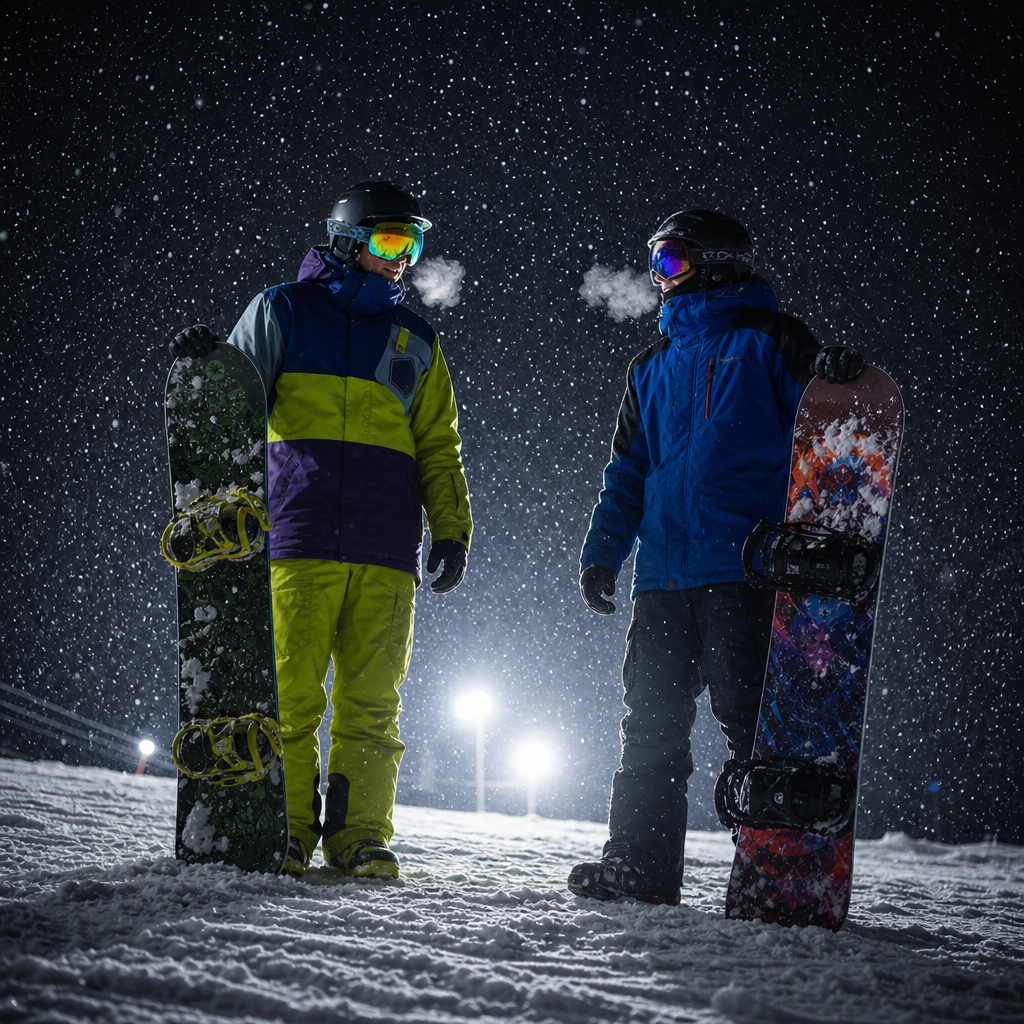
Snowboarding
- Model
- GPT Image 2
- Image
- 1024 × 1024 px
Prompt
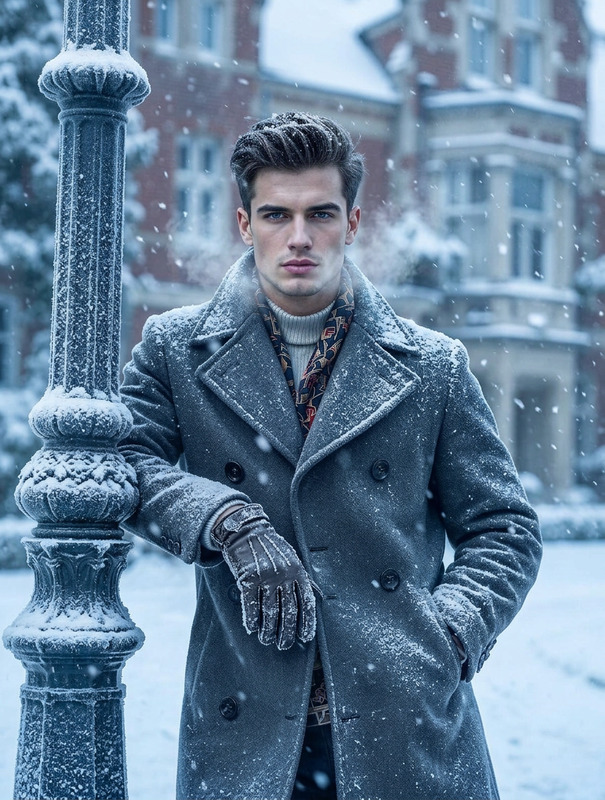
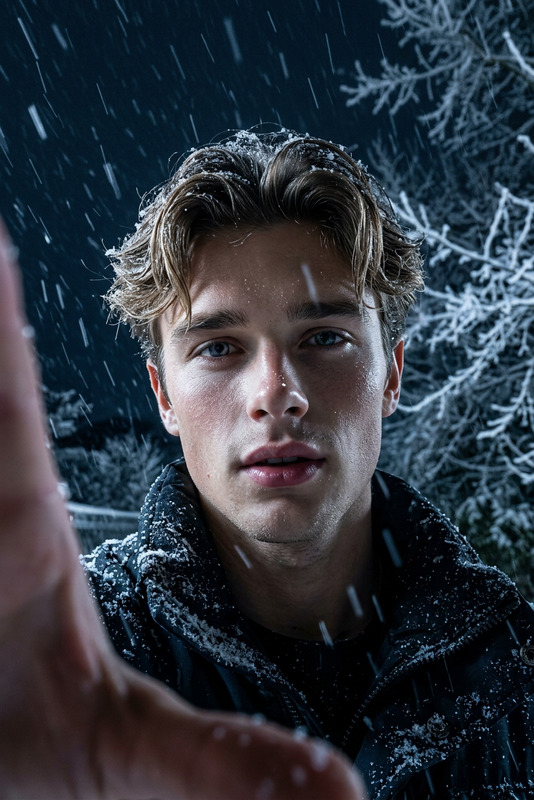
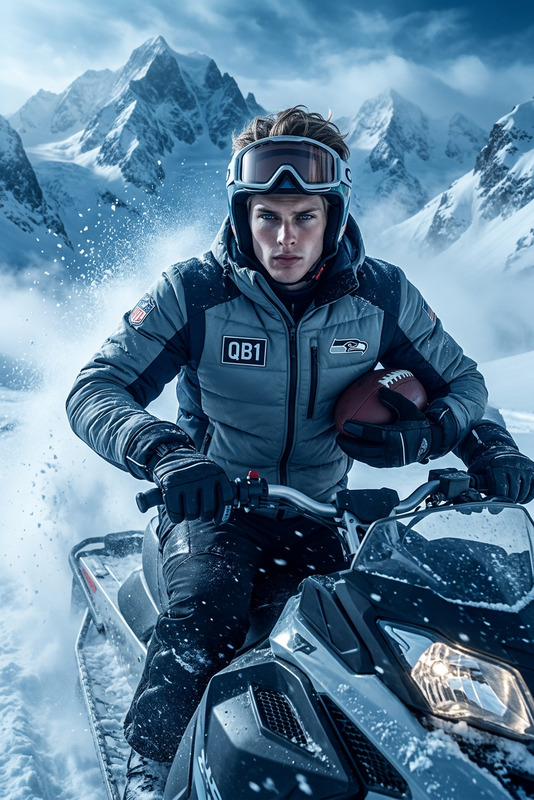
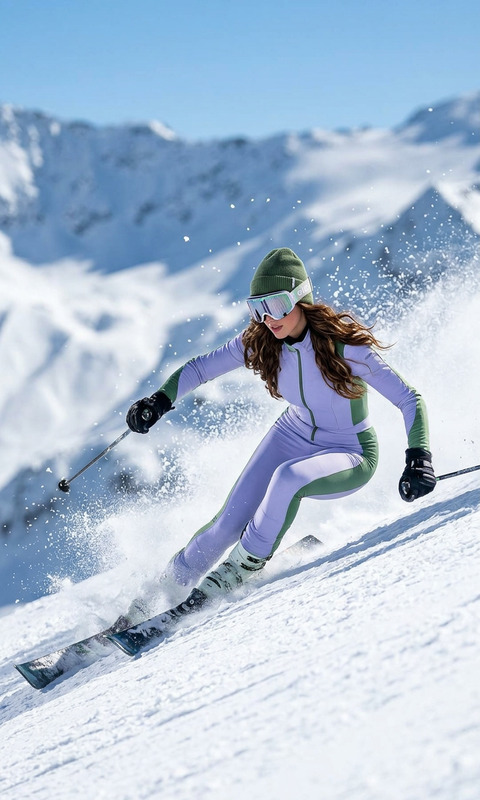
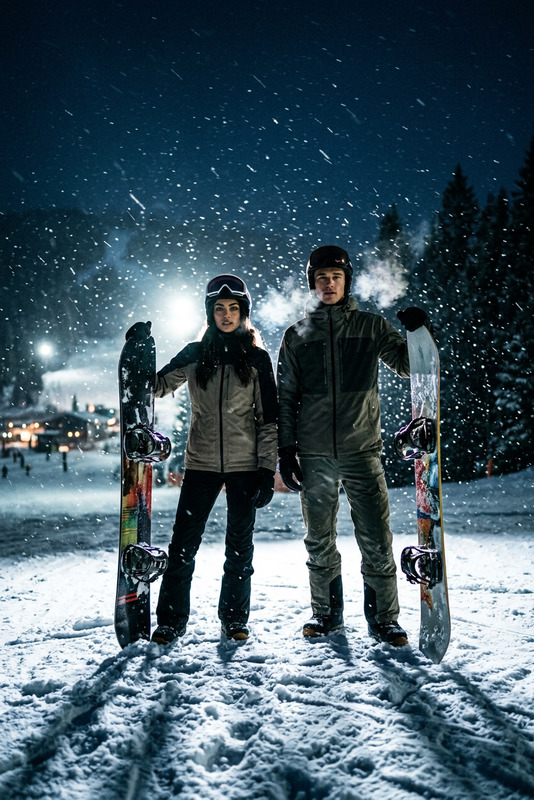
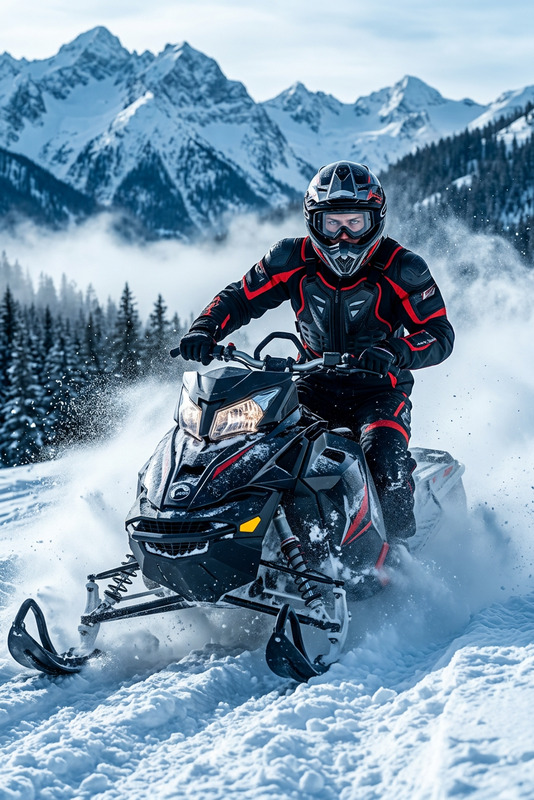
A realistic night-time snowboarding scene with two snowboarders standing in heavy falling snow, illuminated from behind by bright lights, visible cold breath in the air, colorful snowboards, dramatic contrast, crisp details, cinematic winter atmosphere.
Any aspect ratio
Overview
The Snowboarding AI Image Editor template transforms any ordinary photo into a stunning night-time snowboarding scene. Using the advanced AI Image Editor powered by the gpt-image-2 model, this template meticulously crafts an image with vivid details such as snowboarders with visible cold breath and colorful snowboards amid a cinematic winter backdrop.
What It Does
Equipped to turn simple images into dynamic snowboarding scenes, this template leverages AI to enhance realism and atmosphere. It emphasizes heavy falling snow, bright backlights, and dramatic contrast. Perfect for creating immersive visuals for your next AI Multi-Angle Generator project.
Who It's For
Designed for photographers, content creators, and marketing teams aiming to craft captivating winter sports imagery with ease. Whether you're working on promotional material, social media content, or personal projects, this template elevates your visuals effortlessly.
Summary
With the Snowboarding AI Image Editor template, ordinary photos are transformed into breathtaking cinematic scenes. Perfect for anyone looking to inject vibrancy and atmosphere into their snowboarding visuals, it brings a professional edge to your work using the capabilities of the AI Image Editor.
How to Use
Choose the Template

Customize Your Image

Generate Your Scene

Use Cases
Social Media Content
- Engage your audience with dramatic visuals
- Boost your brand's winter appeal
Promotional Materials
- Attract potential customers
- Highlight winter sports events
Personal Collections
- Memorabilia for avid snowboarders
- Artistic interpretations of snow adventures
Best Practices
Focus on Lighting
Adjust the lighting settings to mimic a night-time scene and ensure your subjects are well-lit from behind.Use High-Resolution Photos
Start with high-quality images to ensure crisp and detailed final results.Experiment with Angles
Try different angles in the source photo to add depth and dynamism to the snowboarding scene.