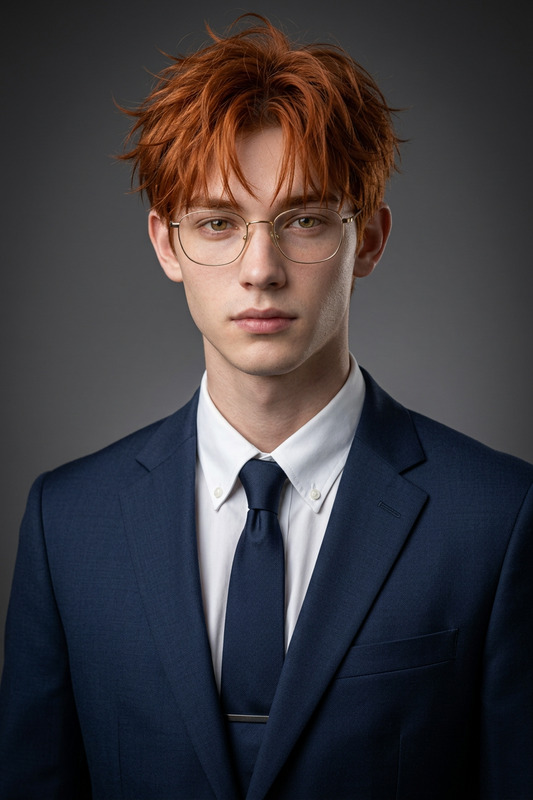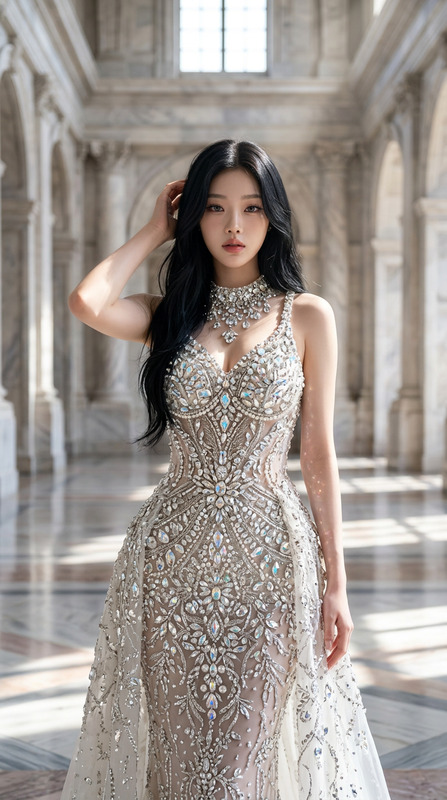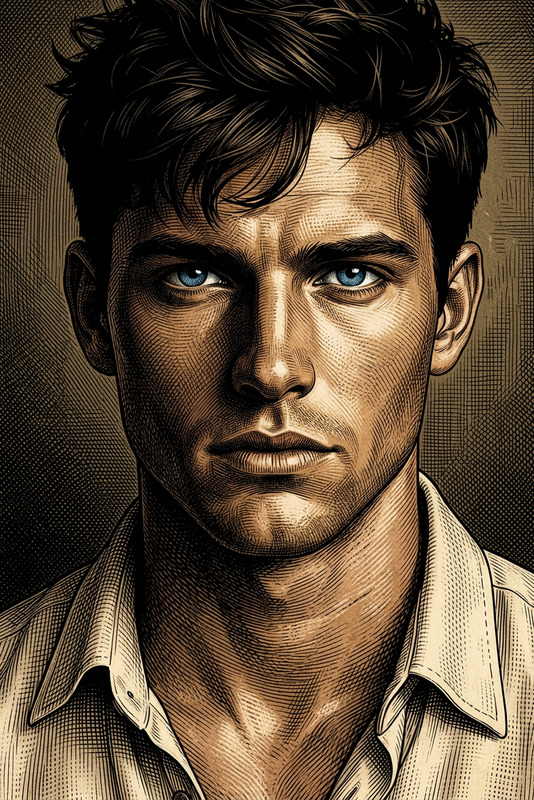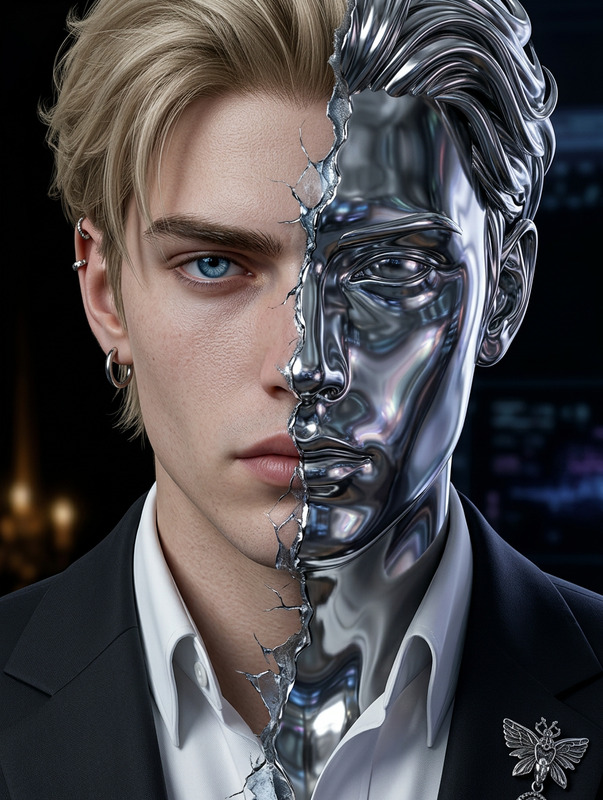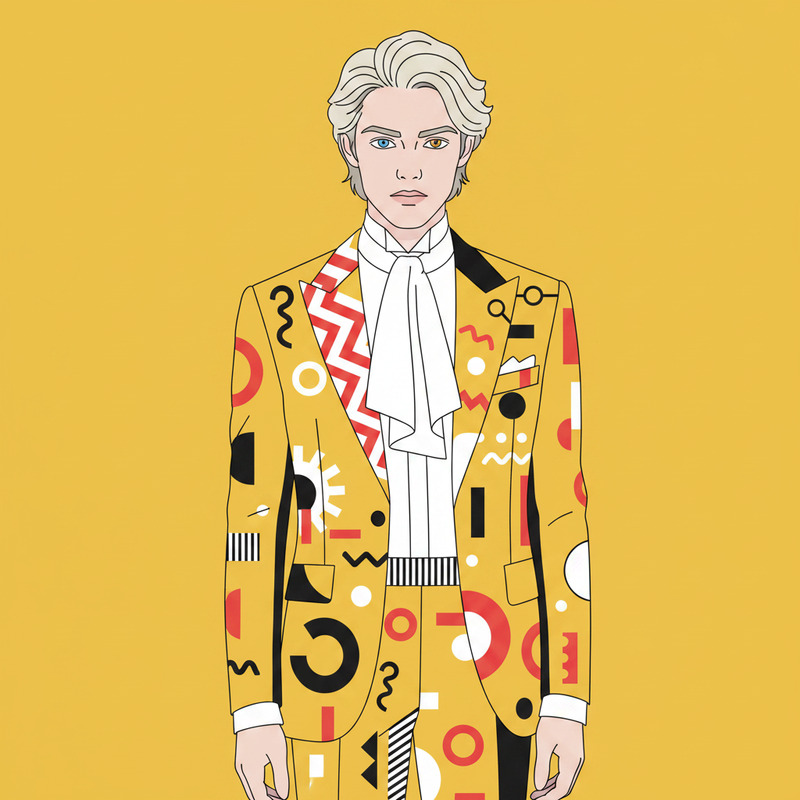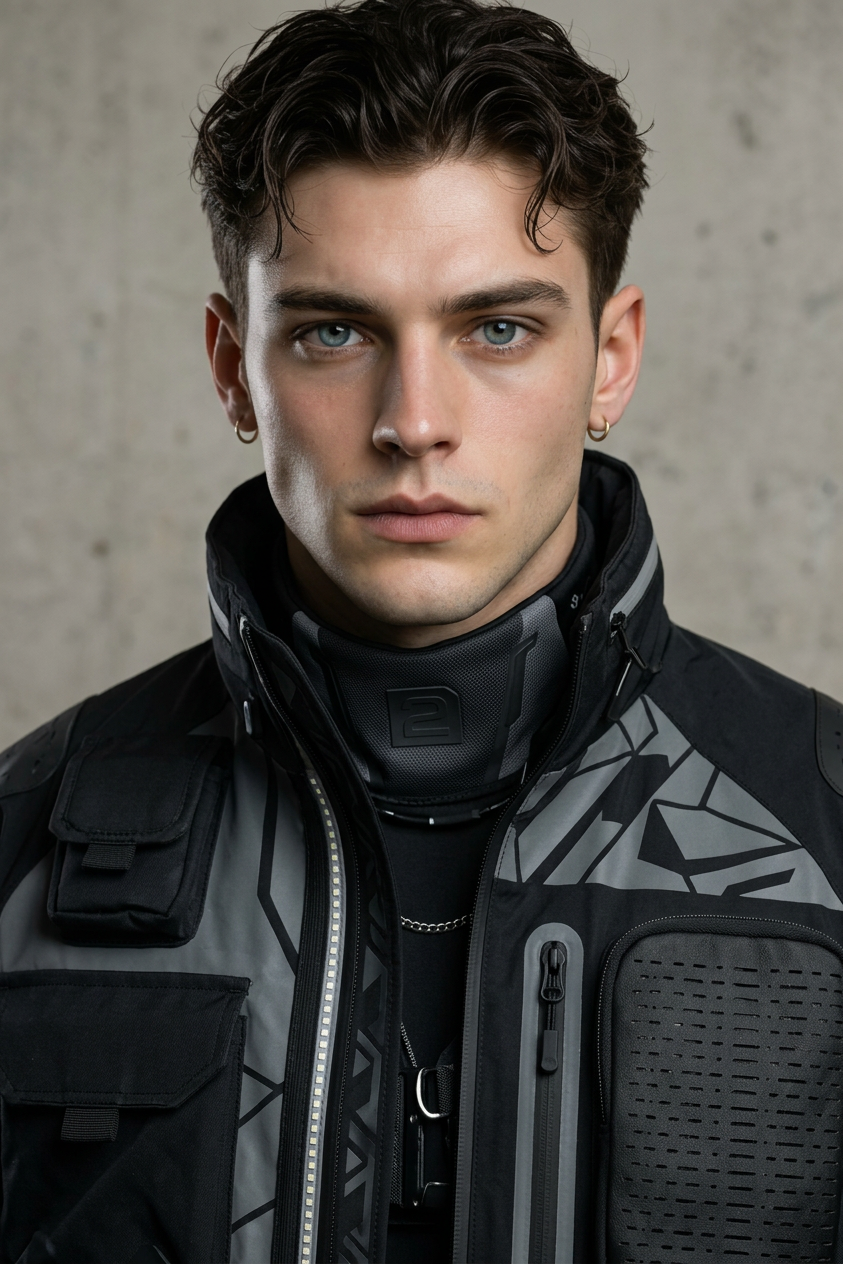
Techwear Studio Portrait
ai-image-editor
Any aspect ratio
Generate a striking ultra-realistic studio portrait of a subject in modern techwear, featuring sleek futuristic design elements, innovative textures, and subtle pattern variations; the subject conveys confidence and intelligence through a composed, direct expression; professional studio lighting creates soft yet defined shadows that sculpt facial features and highlight the craftsmanship of the outfit; the composition is clean and editorial, with sharp focus and high detail, blending contemporary fashion aesthetics with a refined, forward-looking visual style.
AI Image Editor Template: Turn Any Photo Into a Polished, On‑Brand Visual in Minutes
This template is built on Magic Hour’s AI Image Editor, designed for creators, marketers, and product teams who need fast, high‑quality visual edits without learning complex design tools.
Use it to:
- Clean up photos for landing pages, decks, and campaigns
- Replace or blur backgrounds for product shots and headshots
- Remove distracting objects or text from UGC and screenshots
- Re‑style images to match a brand, mood, or campaign concept
What This Template Does
With this AI Image Editor template, you can:
- Edit any existing image: Upload a product photo, team photo, screenshot, or illustration and refine it instead of starting from scratch.
- Add or remove elements: Remove logos, watermarks, or clutter; add new elements that better tell the story.
- Change style or mood: Re-style an image to look cinematic, minimal, playful, realistic, or on‑brand.
- Prepare assets for cross‑channel use: Create variants for social, ads, presentations, emails, and pitch decks.
Because it’s a remixable template, you can duplicate it in Magic Hour and adapt its prompts to your brand, product, or campaign while preserving the same editing logic.
How to Remix This Template in Magic Hour
You can use this template as a starting point, then customize it for your own workflow:
Open the template in Magic Hour
- Click “Remix” (or “Duplicate”) on the template page.
- This creates your own editable version without affecting the original.
Swap in your own images
- Upload your product shots, headshots, mockups, UI screenshots, or campaign visuals.
- The AI Image Editor will apply the same type of transformations used in the template.
Edit the instructions to match your use case
- Adjust the description of the desired look (e.g., “clean SaaS landing page style,” “DTC brand photography,” “pitch deck visual,” “comic‑style illustration”).
- Specify how aggressive the clean‑up should be (minimal retouch vs. fully re‑styled).
- Add notes about brand colors, mood, or constraints (e.g., “keep realistic skin texture,” “no text overlays,” “keep product design accurate”).
Save your remix as a reusable preset
- Name it by use case: “Performance Ad Cleanup,” “Founder Headshot Polish,” “Product UI Highlight,” etc.
- Reuse it for future campaigns or across your team for consistent visuals.
Combine with other Magic Hour tools (optional)
- After editing photos, you can:
- Turn them into short clips with Image to Video
- Create talking avatars with AI Talking Photo
- Transform them into GIFs using the AI GIF Generator
- Upscale final exports with the AI Image Upscaler
- After editing photos, you can:
Practical Use Cases
1. Marketing & Growth Teams
- Clean up product photos for landing pages and programmatic ads
- Localize visuals by adjusting backgrounds for different regions or seasons
- Re-use UGC by removing clutter, personal info, or off‑brand elements
- Generate consistent illustration or iconography using AI Art Generator and refine them in AI Image Editor
2. Startup & Product Teams
- Upgrade screenshots and UI visuals for pitch decks and investor updates
- Create polished hero images by combining product UI with lifestyle scenes
- Design quick concept visuals using AI Photo Generator or AI Image Generator, then edit them into final assets
- Turn rough mockups into more realistic visuals you can show to users, stakeholders, or investors
3. Creators & Content Professionals
- Refresh thumbnails with Thumbnail Maker, then refine framing and details with AI Image Editor
- Build recurring visual formats (e.g., newsletter cover, podcast cover, social series) and keep the same style with template remixes
- Create stylized portraits with AI Face Editor, AI Selfie Generator, or Avatar Generator, then polish them here
- Produce memes or social visuals quickly using AI Meme Generator and then tweak them for different platforms
4. Brand, Design, and Creative Ops
- Standardize how raw photos are cleaned and prepared before going into design tools
- Maintain brand consistency by encoding brand rules directly into your remix template (colors, lighting mood, level of realism)
- Convert diverse vendor or partner assets into a unified brand style
- Generate custom imagery variants (e.g., seasonal, region‑specific, or campaign‑specific) while maintaining a core visual system
How This Template Fits Into Larger Magic Hour Workflows
You can chain this AI Image Editor template with other Magic Hour products to build richer content pipelines:
From static photo to animated clip
- Clean and stylize your base image with this template.
- Turn it into motion with Image to Video or Text to Video when you need short video assets.
From polished image to talking avatar or explainer
- Use the edited portrait or product image with AI Talking Photo and AI Voice Generator or AI Voice Cloner to create short explainers or feature walkthroughs.
From raw snapshot to high‑end campaign visual
- Clean up and restyle in AI Image Editor.
- Remove any remaining unwanted elements with AI Remover or Remove Object from Photo.
- Enhance resolution with AI Image Upscaler.
- Use the result in templates like Face Swap Video or Lip Sync if you want to animate or personalize campaigns.
Example Remix Ideas
When you duplicate this template, you can quickly adapt it into niche workflows, such as:
“Founder Headshot Refresh”
- Input: Existing founder/team photos (even phone snapshots).
- Output: Clean, consistent, professional‑looking portraits suitable for PR, decks, and LinkedIn.
- Combine later with AI Headshot Generator if you also need net‑new headshots.
“DTC Product Ad Cleaner”
- Input: Raw product shots, UGC photos, or influencer content.
- Output: Background‑cleaned, distraction‑free visuals tailored to your brand tone (minimal, colorful, luxury, etc.).
- Extend into video using Video to Video or Animation.
“SaaS UI & Dashboard Visuals”
- Input: Product screenshots and UI mockups.
- Output: Polished visuals with decluttered backgrounds and consistent framing for landing pages, slide decks, and in‑product tours.
- Pair with Comic Book Generator or AI Illustration Generator if you want complementary illustrative elements.
Tips for Better Results
Be explicit in your instructions
- Spell out what you care about: realism, brand colors, mood, level of detail, and what must stay unchanged (e.g., “keep product UI untouched, only change background”).
Preserve identity and brand‑critical details
- If you’re editing faces, make sure your instructions preserve identity, expression, and key features—especially if you later use Face Swap or Gender Swap.
- For product imagery, emphasize “no distortion of logos or interfaces” if accuracy is critical.
Use it as an intermediate step
- Treat this template as a “clean master” step before you:
- Add typography in your design tool,
- Animate it via Animation or Video to Video, or
- Repurpose it into GIFs, thumbnails, or social content.
- Treat this template as a “clean master” step before you:
Related Magic Hour Tools You May Want to Add to Your Workflow
Depending on your use case, you might also want to explore:
- AI Image Editor – the core editor powering this template
- AI Background Generator – generate new on‑brand backgrounds for product or portrait shots
- Image Background Remover – quickly isolate subjects and then refine in this template
- Watermark Remover – clean up logos or text marks when you have rights to the image
- Old Photo Restoration & Photo Colorizer – restore old imagery, then stylize and modernize via this template
- Unblur Image – sharpen low‑quality photos before editing
- AI Clothes Changer and AI Outfit Generator – adjust styling for fashion, lookbooks, or professional portraits, then finalize in AI Image Editor
Getting Started
- Remix this template in Magic Hour.
- Swap in your own images and adapt the instructions to your brand and use case.
- Save your remix as a preset so your team can produce consistent, high‑quality visuals in minutes—without needing a designer on every iteration.
Use this template as your base “photo finishing” step, then plug it into larger Magic Hour pipelines for animations, talking avatars, ads, and social content.