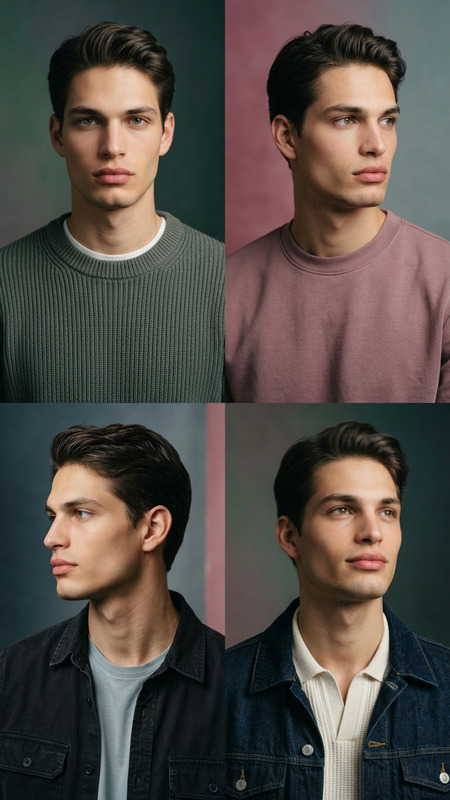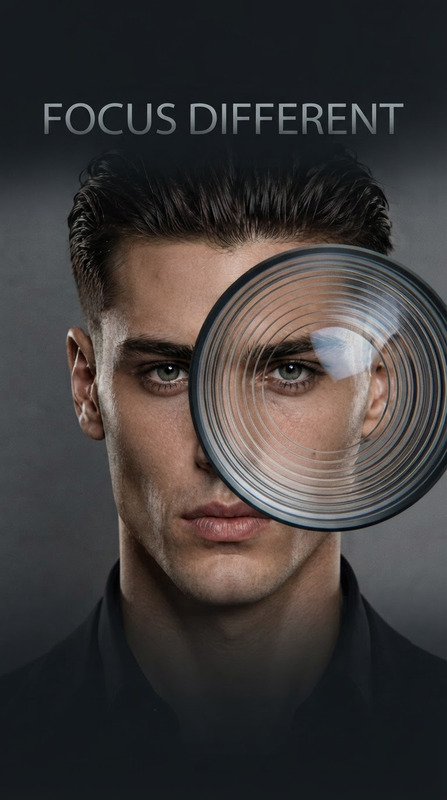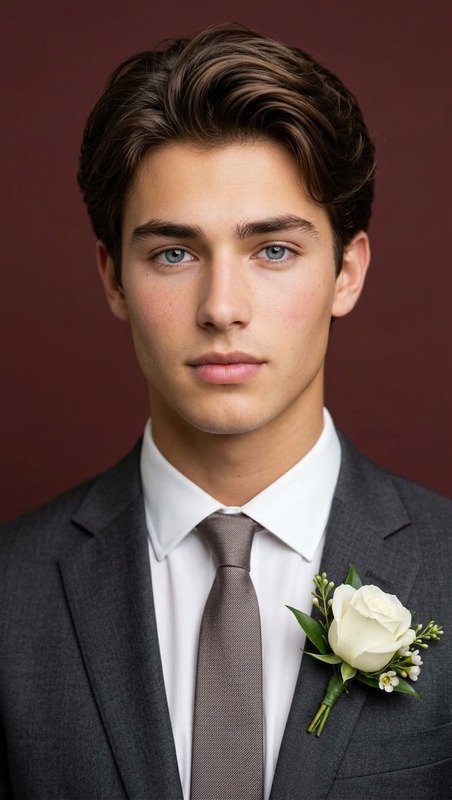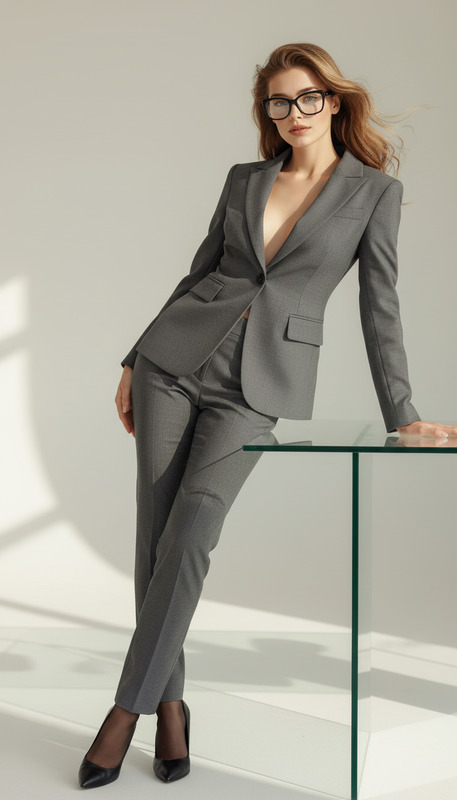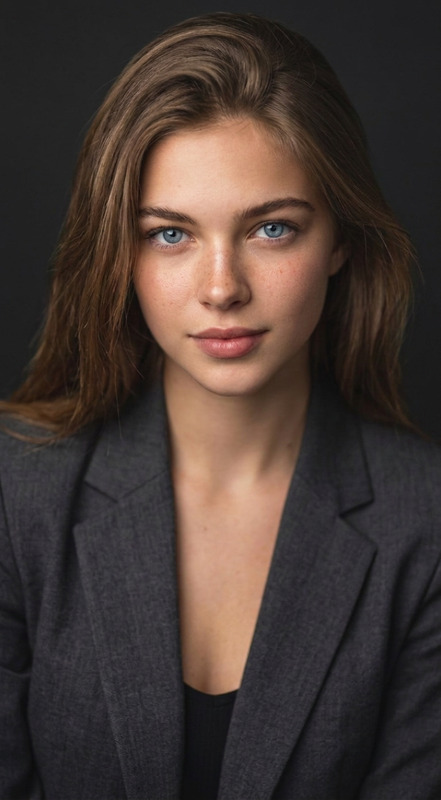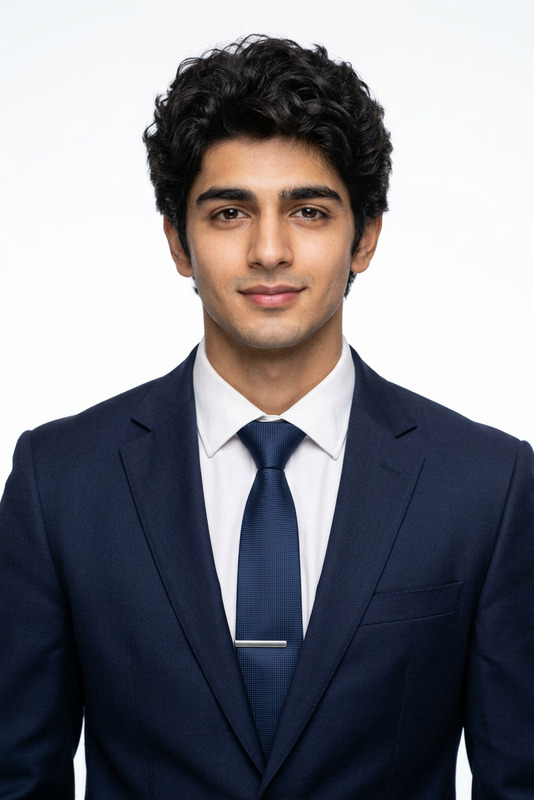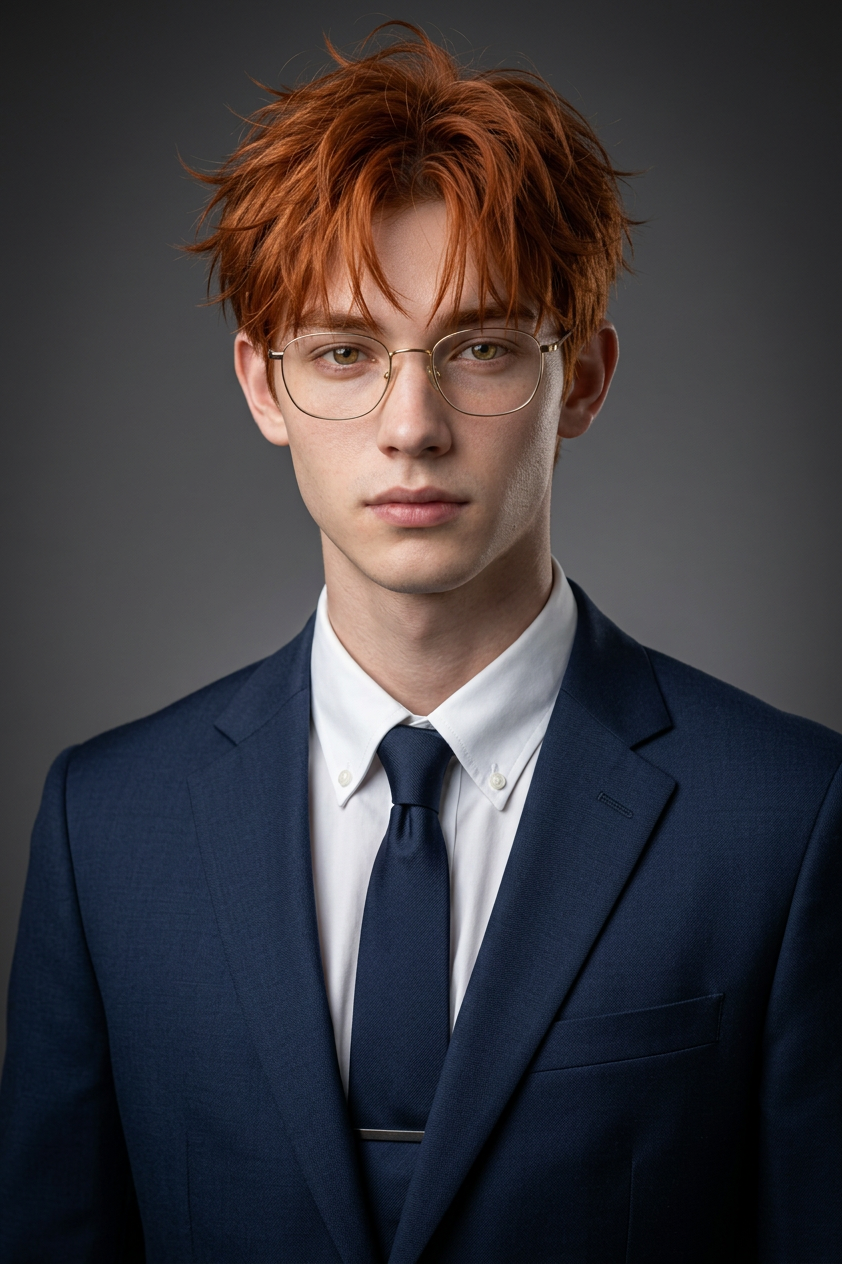
Professional Studio Portrait
- Model
- Nano Banana 2
- Image
- 842 × 1264 px
Prompt
Keep the facial features of the person in the uploaded image exactly consistent. Dress them in a professional navy blue business suit with a crisp white shirt. Set the background as a clean, solid dark gray studio with a subtle gradient vignette. Simulate photography using a Sony A7III with an 85mm f/1.4 lens. Use soft key lighting with a subtle rim light for depth. Preserve natural skin texture, visible pores, and fine fabric grain. Ultra-realistic, sharp focus, 8K quality.
Any aspect ratio
Overview
Transform your regular photos into high-end studio portraits with the Professional Studio Portrait template. Leveraging the advanced capabilities of our AI Image Editor, this template offers remarkable precision and customization. Ideal for anyone looking to achieve professional-grade visuals, this tool gives your images a polished, sophisticated look.
What It Does
This template refines your portrait photos by altering attire and background while maintaining facial feature consistency. Using the nano-banana-2 model, it simulates professional photography with high realism. The final output is in 8K quality, emulating an advanced camera setup to capture fine details such as skin texture and fabric grain.
Who It's For
Whether you're a professional photographer needing consistent results, a marketer creating polished profiles, or a beginner honing your photography skills, this tool suits various needs. It simplifies the process of producing studio-quality images for career portfolios, product showcases, and professional branding.
Summary
With the Professional Studio Portrait template, you gain access to top-tier photographic quality without needing a full studio setup. Ideal for creating ultra-realistic portraits that maintain the integrity of the original image, it's powered by our AI Talking Photo technology, ensuring each detail is meticulously preserved and enhanced.
How to Use
Choose Your Template

Customize Your Inputs

Generate and Download

Use Cases
Professional Headshots
E-commerce Product Listings
Personal Branding
Marketing and Advertising
Best Practices
Maintain Original Features
Always start with a high-resolution image to ensure features are retained and clarity is maximized.Consistent Lighting
For best results, ensure that input images are evenly lit to match the editor's default lighting setup.File Format Choice
Save your final image in a lossless format like PNG to retain all the quality enhancements.