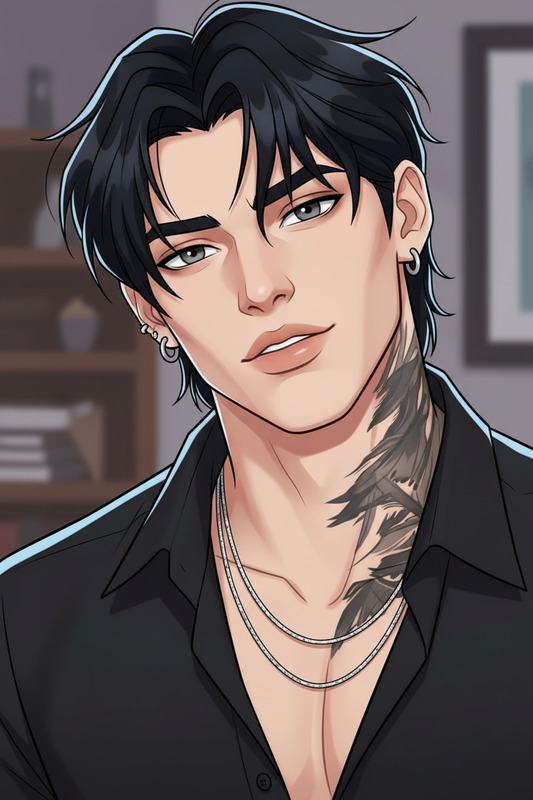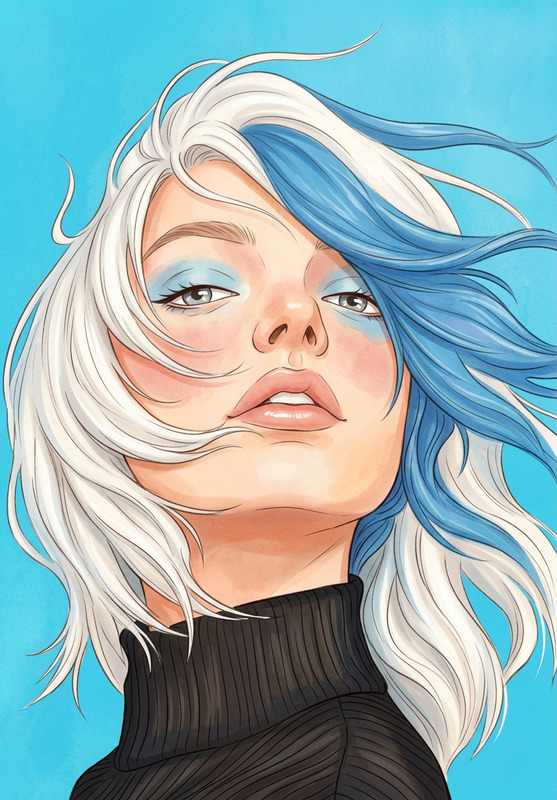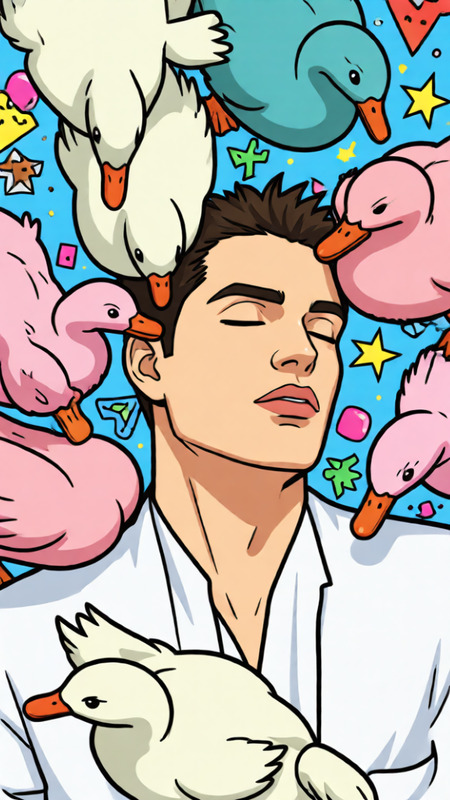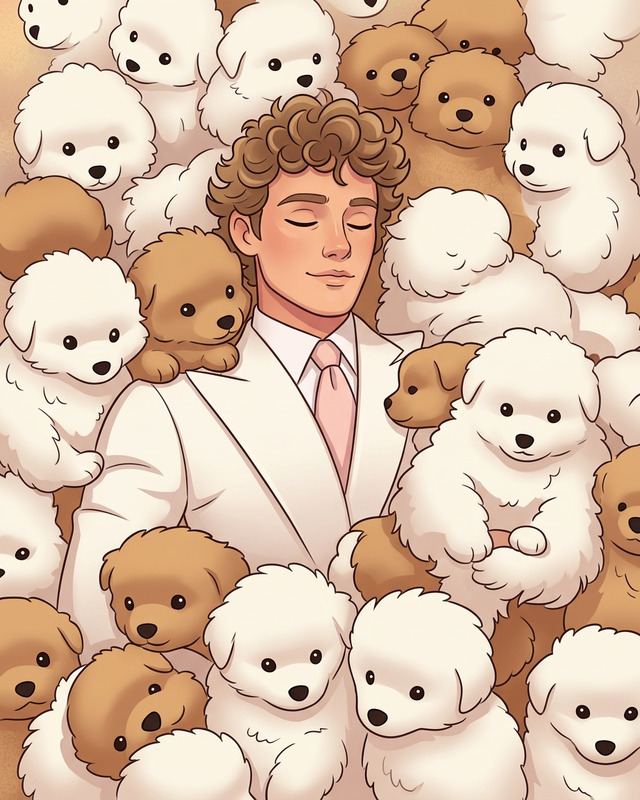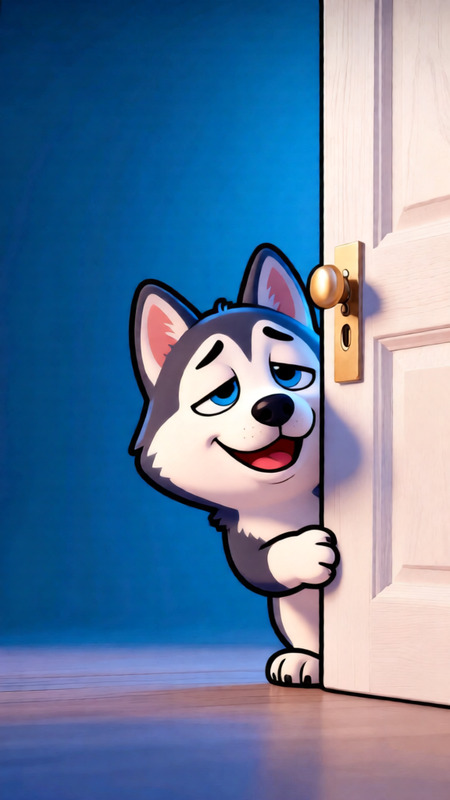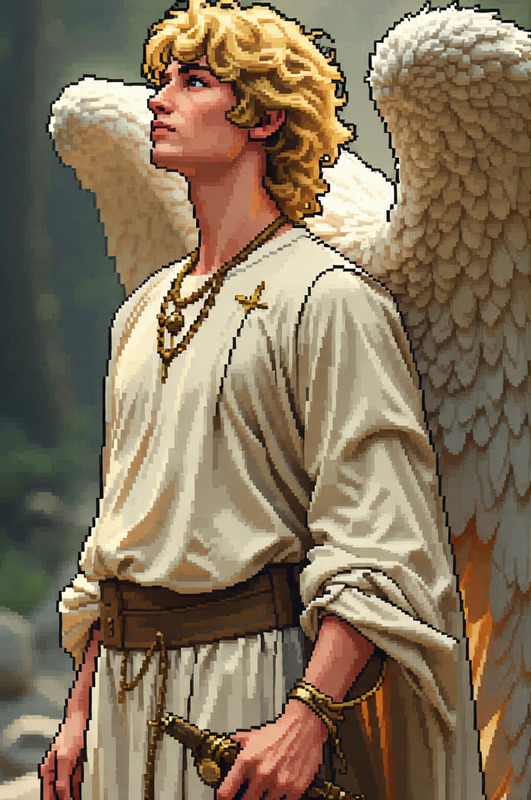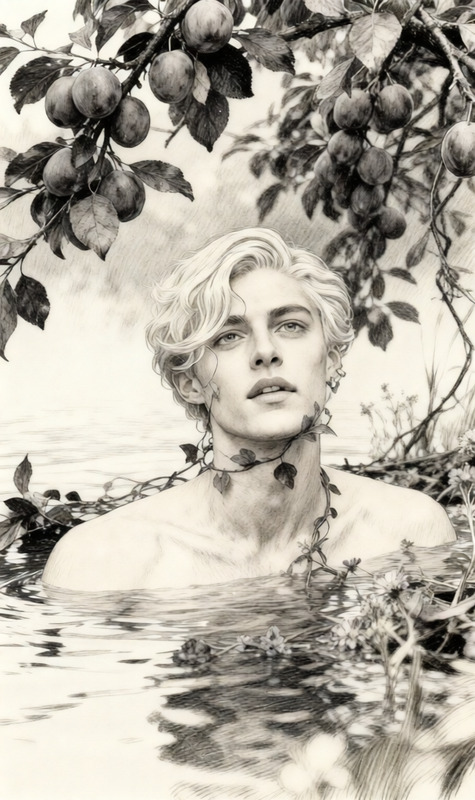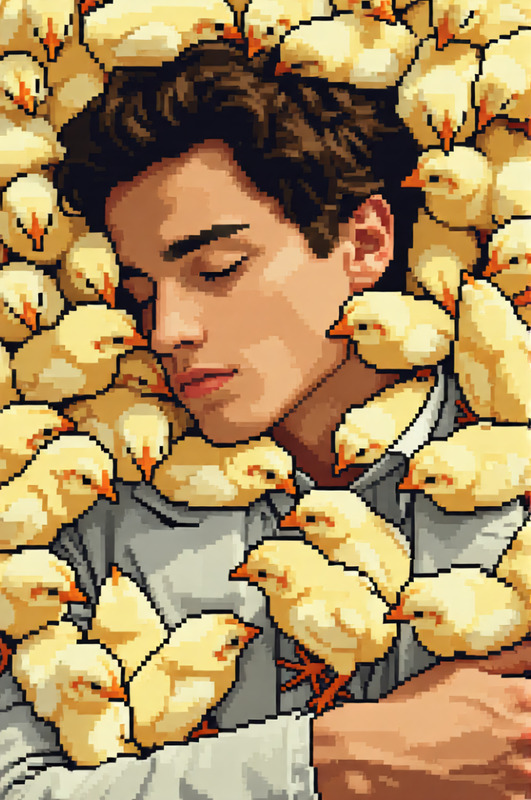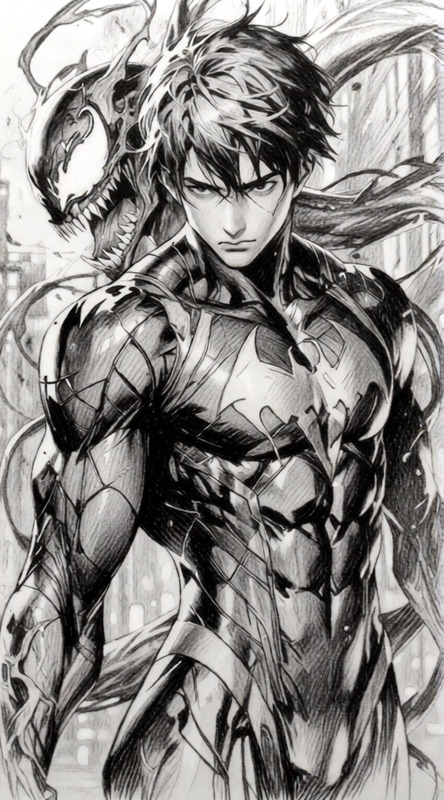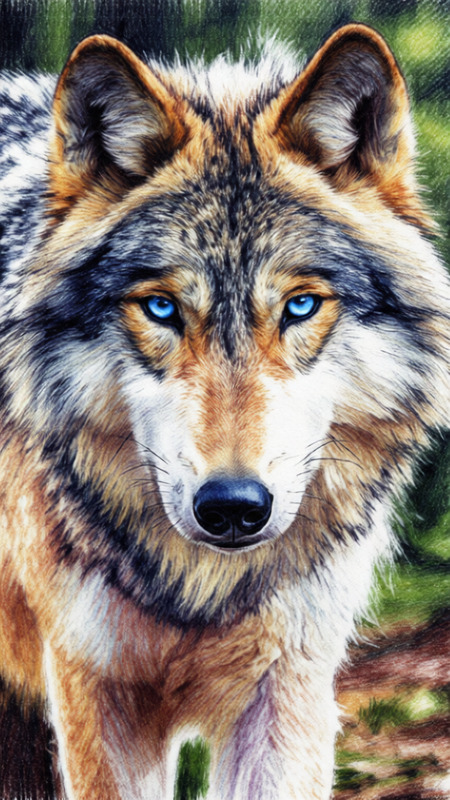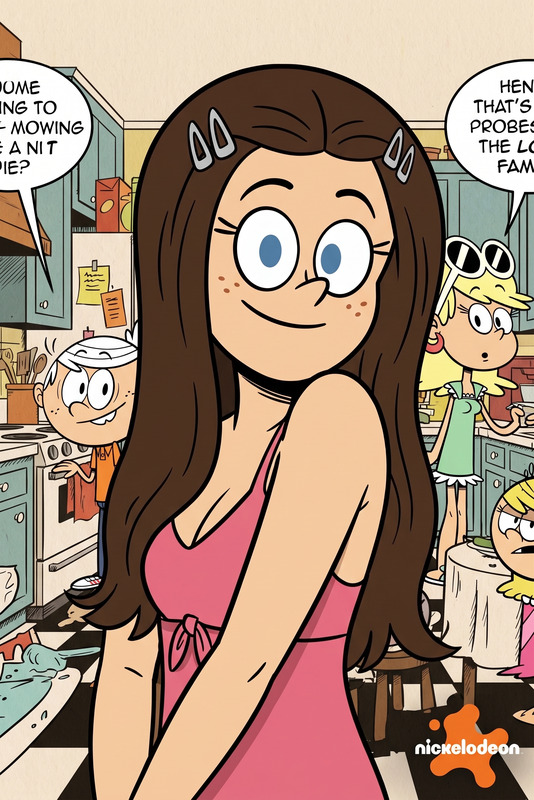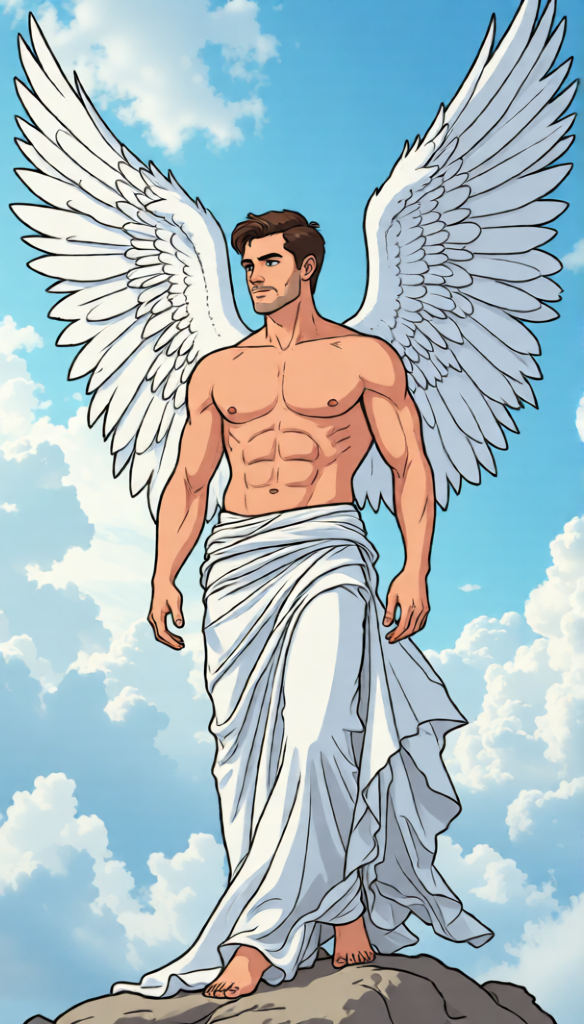
Cartoon Style Transformation
- Model
- Qwen Edit
- Image
- 584 × 1024 px
Prompt
Turn the image into an animated cartoon while preserving the original composition, pose, and character identity. Simplify shapes, use clean line art, and apply bold yet balanced colors. Add soft shading and smooth outlines to create a lively, expressive cartoon look. Keep proportions natural but slightly stylized, with a playful and polished animation-style finish.
Any aspect ratio
Overview
Bring your static images to life with the Cartoon Style Transformation template. Using the AI Image Editor, you can convert any photo into a vibrant cartoon, maintaining the essence and identity of the original image. This tool simplifies shapes and uses clean line art with bold color palettes to give your visuals a dynamic, animated appeal.
What It Does
This template leverages the qwen-edit model to transform conventional images into captivating cartoon styles. It emphasizes preserving the composition, pose, and character integrity while adding a distinct animated flair. The process includes simplifying shapes, integrating smooth outlines, and applying soft shading for a natural yet stylized look.
Who It's For
Designed for artists, content creators, and designers, this template is ideal for anyone seeking to add a playful and artistic touch to their visuals. Whether you're developing character designs, branding materials, or just sprucing up personal projects, the Cartoon Style Transformation offers a quick solution.
Summary
With the Cartoon Style Transformation, you can easily produce expressive cartoon visuals from any image, perfect for creating a lively and engaging aesthetic. Explore other versatile editing options with the AI Image Editor and expand your creative possibilities.
How To
Choose Your Template

Customize Your Input

Generate Your Cartoon

Use Cases
Character Design
- Stylized portraits
- Mascot development
Branding
- Cartoonized logos
- Graphic elements
Social Media
- Instagram stories
- Animated profile pictures
Best Practices
Preserve Key Details
While simplifying shapes, ensure crucial features of the image are retained to maintain recognizability.Balance Colors
Use a palette that contrasts well without overwhelming the viewer.Refine Line Work
Adjust line thickness to match the overall style and mood you want to convey.