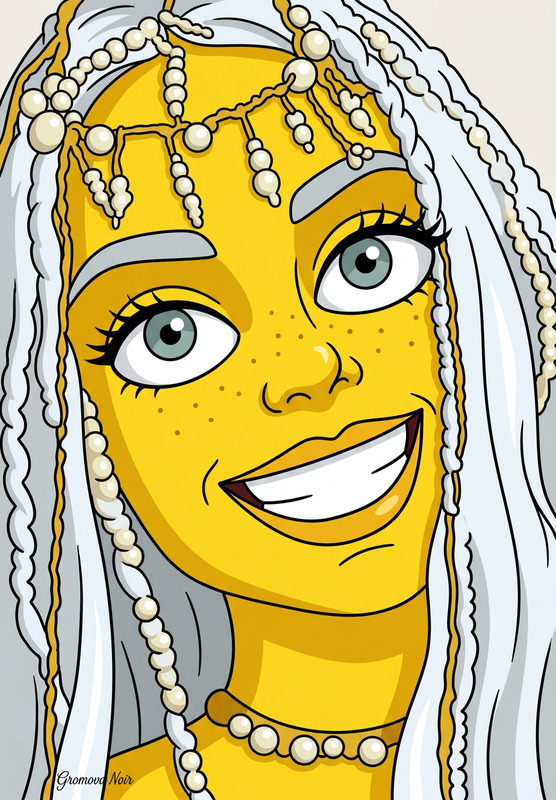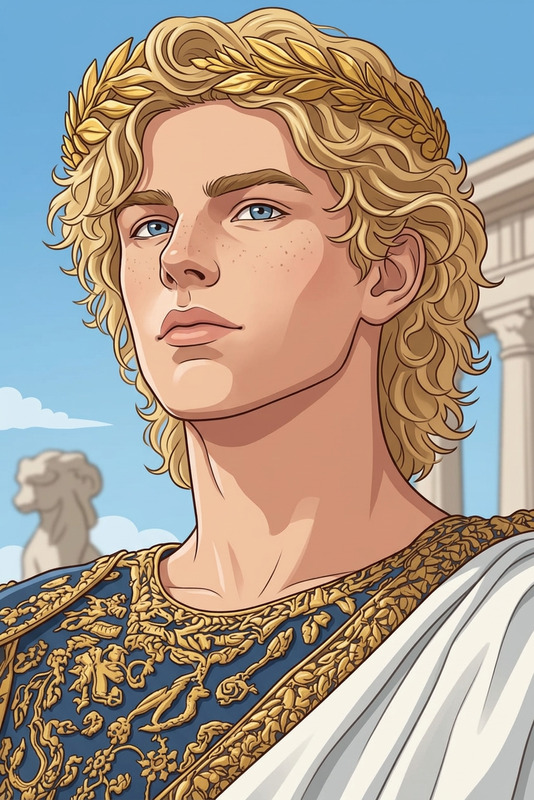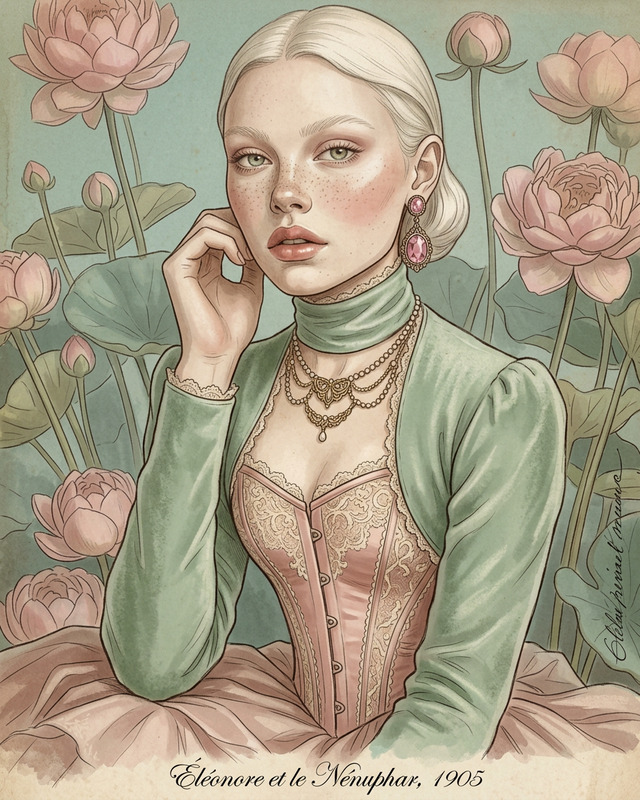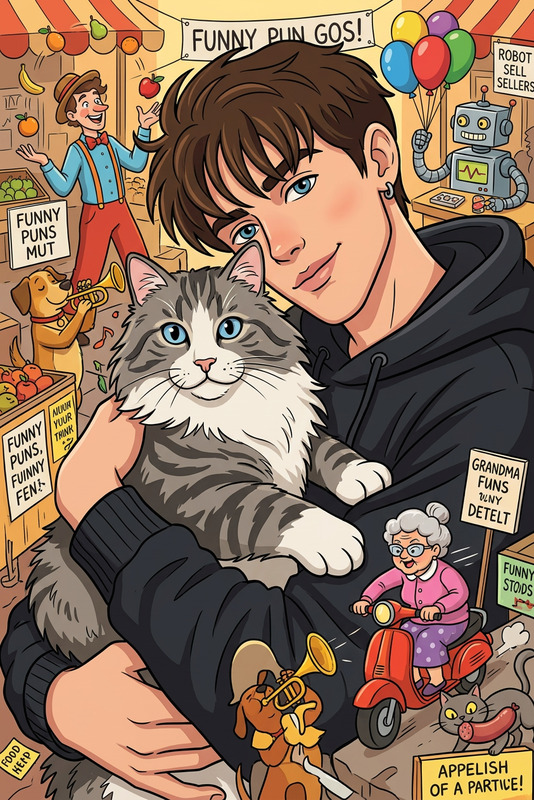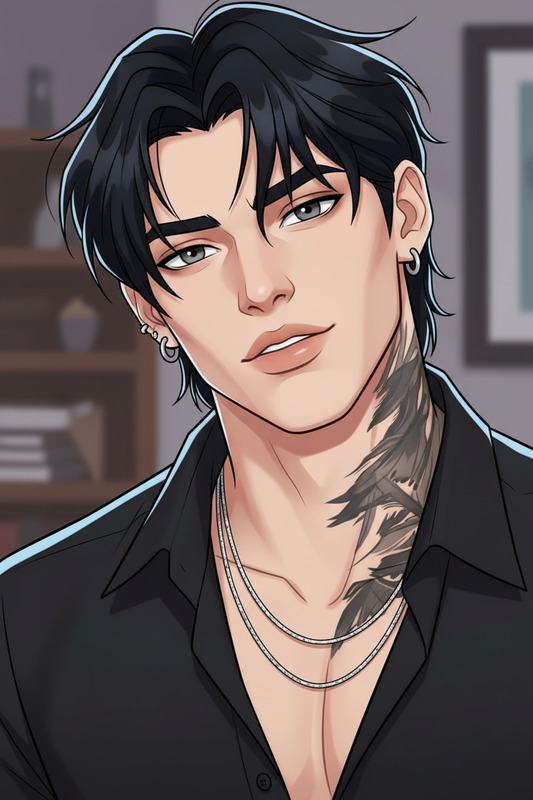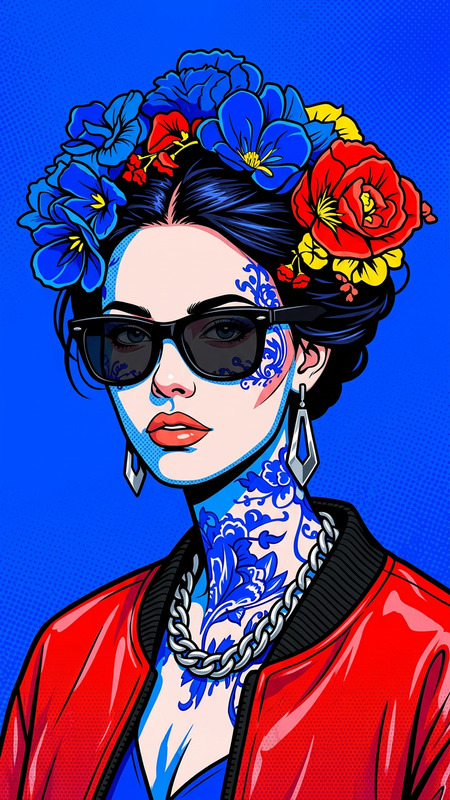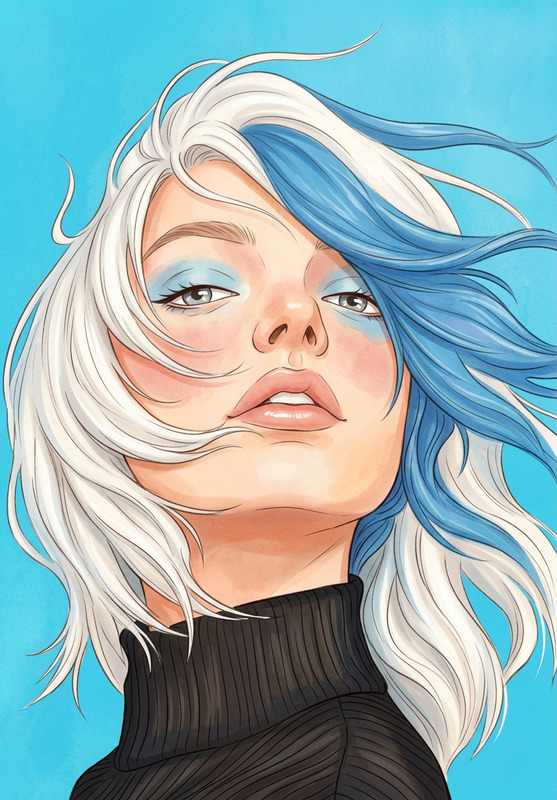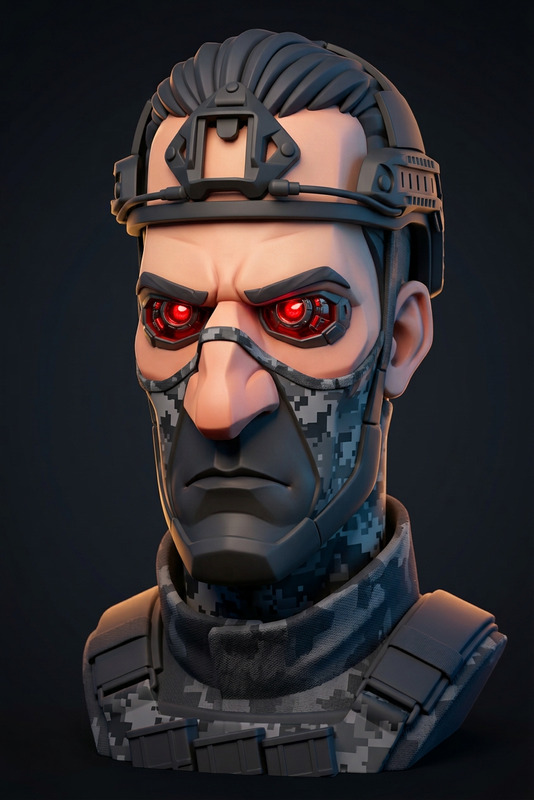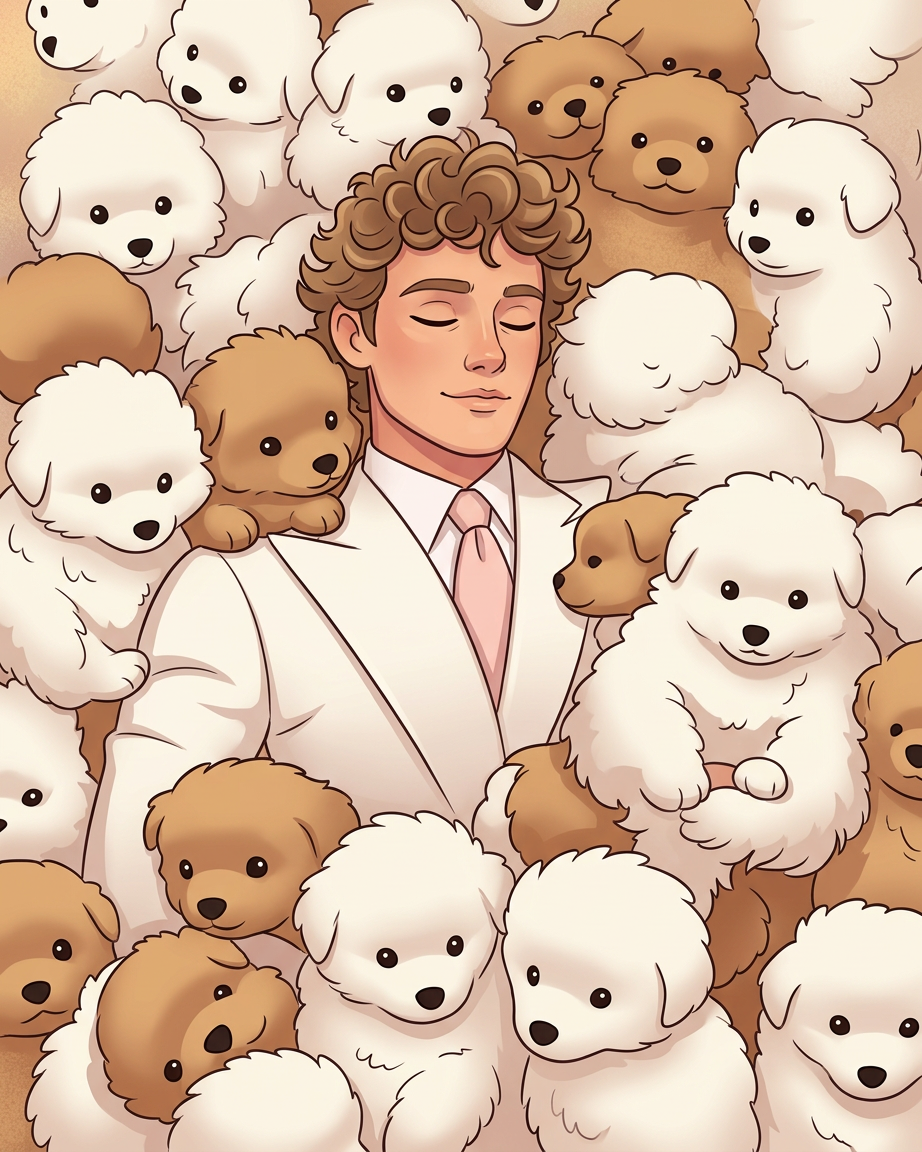
Stylized Cartoon Body Redesign
- Model
- Nano Banana 2
- Image
- 922 × 1152 px
Prompt
Transform the subject into a stylized cartoon illustration with simplified shapes and smooth, exaggerated proportions. Reimagine the body in a broader, more rounded cartoon style while keeping the face recognizable and consistent with the original identity. Use clean outlines, soft shading, and vibrant colors. Maintain natural expression and pose but adapt anatomy into a friendly, animated character design. Keep lighting and composition coherent, with a polished modern cartoon aesthetic and smooth, appealing visual style.
Any aspect ratio
Overview
The Stylized Cartoon Body Redesign template provides a unique way to transform ordinary images into vibrant cartoon illustrations. With the power of the AI Image Editor, this tool converts your photos into stylized illustrations with smooth shapes and bold colors. It's perfect for those looking to make creative projects stand out with a modern cartoon flair.
What It Does
This template uses the nano-banana-2 model to recast the subject's body into a more rounded and animated design while preserving their recognizable facial features. You get clean outlines, soft shading, and a palette of vibrant colors to bring your subjects to life in a polished, cartoonish aesthetic.
Who It's For
This template is ideal for digital artists, social media influencers, and anyone involved in creative content creation who wants to add a playful touch to their visuals. The tool is also great for marketers in need of engaging graphics for campaigns and visual storytelling.
Summary
Transform your photos into trendy cartoon designs effortlessly with the Stylized Cartoon Body Redesign template. It leverages sophisticated AI to ensure each image retains its original identity while adopting a new animated style. Explore how our AI-driven AI Clothes Changer and AI Voice Changer can further enhance your creative projects.
How-To
Choose Your Template

Customize Inputs

Generate and Download

Use Cases
Social Media Content
- Unique profile pictures
- Engaging story visuals
Marketing Campaigns
- Banner ads
- Promotional materials
Creative Projects
- Digital art exhibits
- Illustrated storyboards
Best Practices
Maintain Image Quality
Start with high-resolution images to ensure crisp outlines and details are preserved.Emphasize Key Features
Focus on the subject's trademark features to keep them recognizable despite the cartoon transformation.Experiment with Colors
Use the vibrant color settings creatively to highlight the cartoonish characteristics of your image.