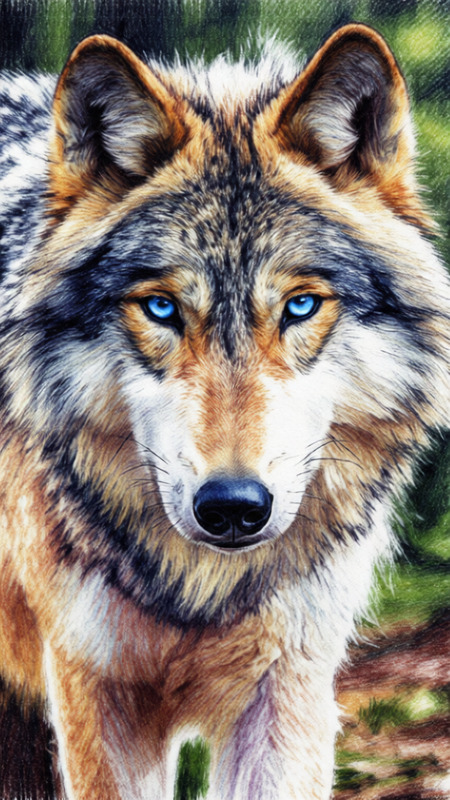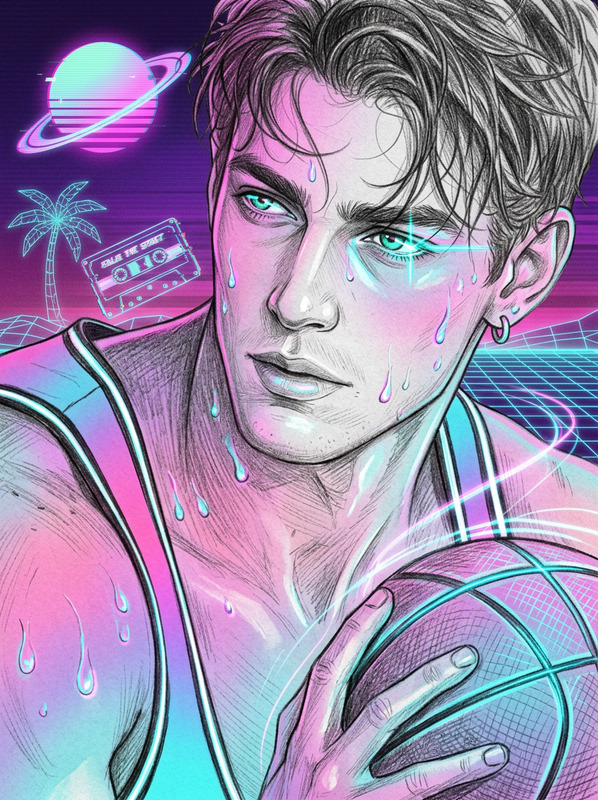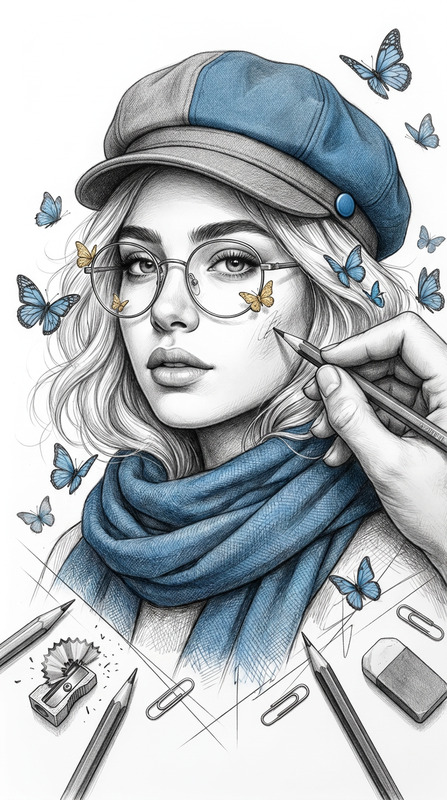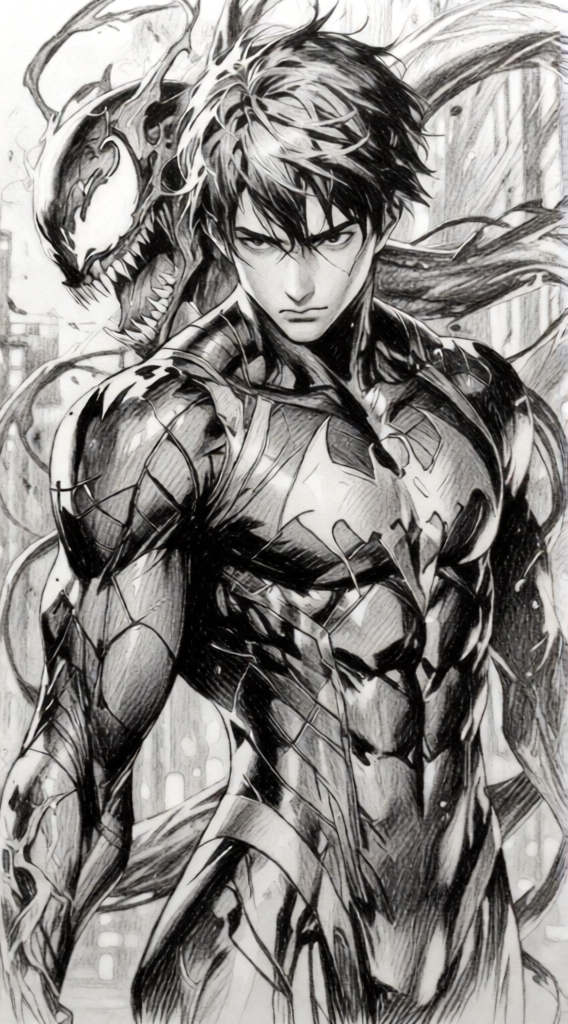
Pencil Sketch
- Model
- Qwen Edit
- Image
- 568 × 1024 px
Prompt
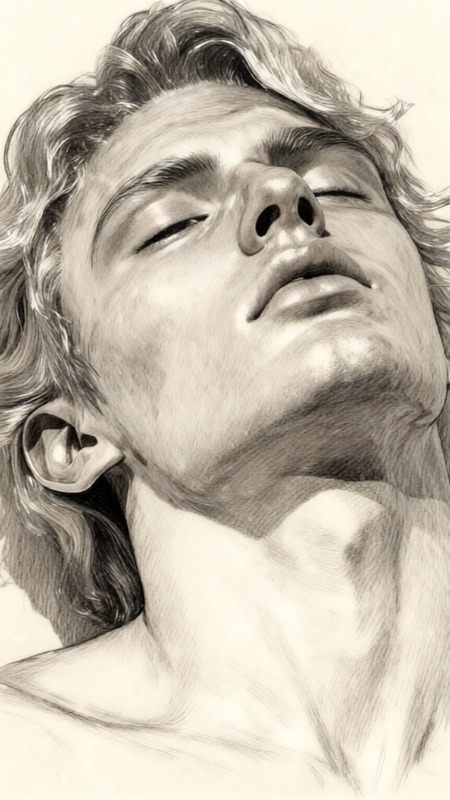
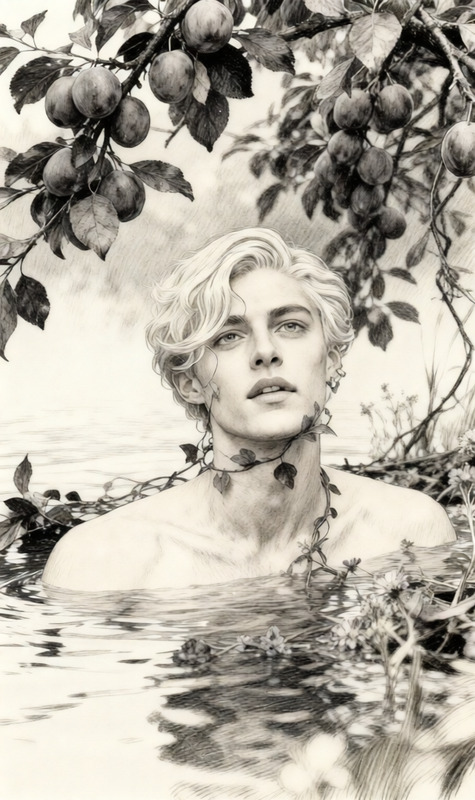
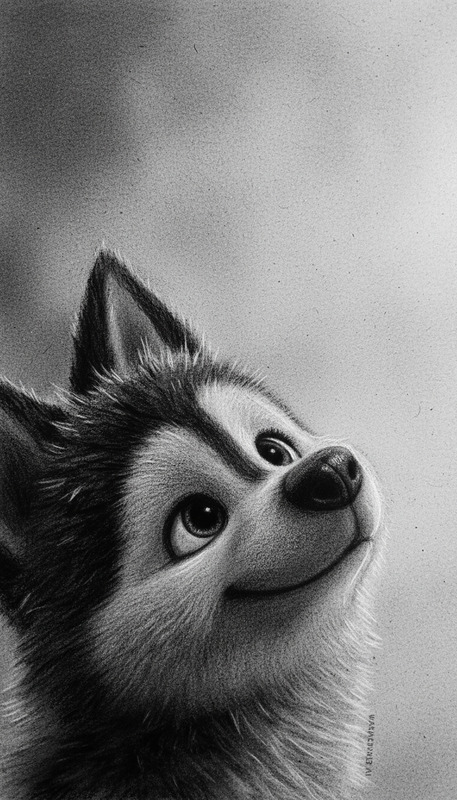
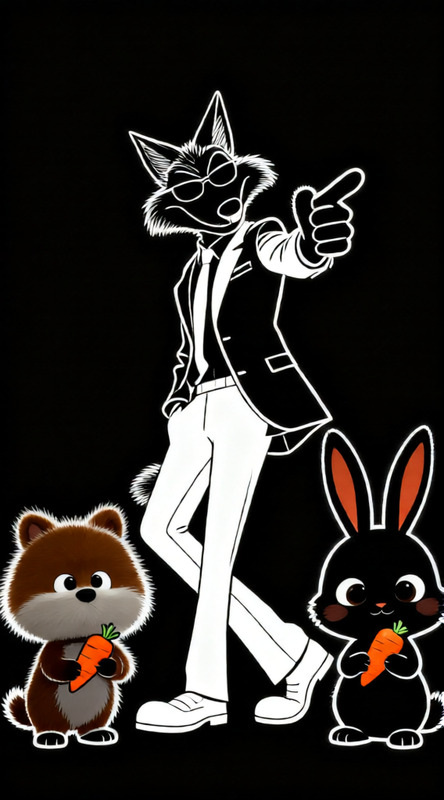
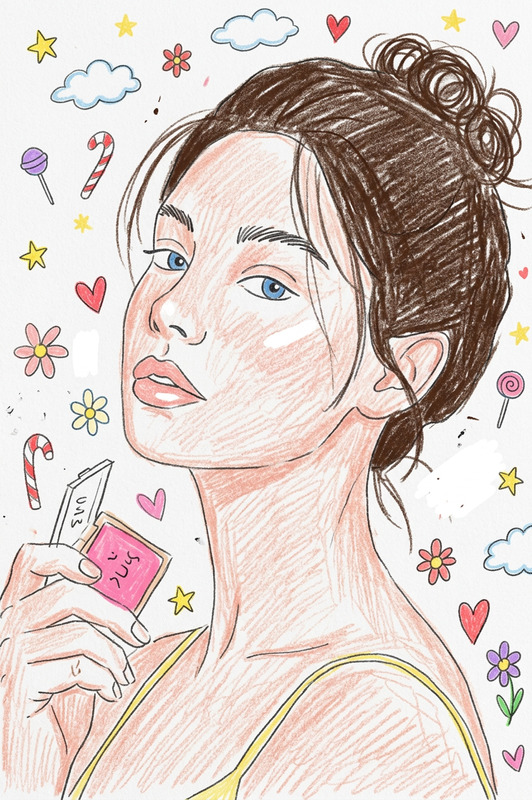
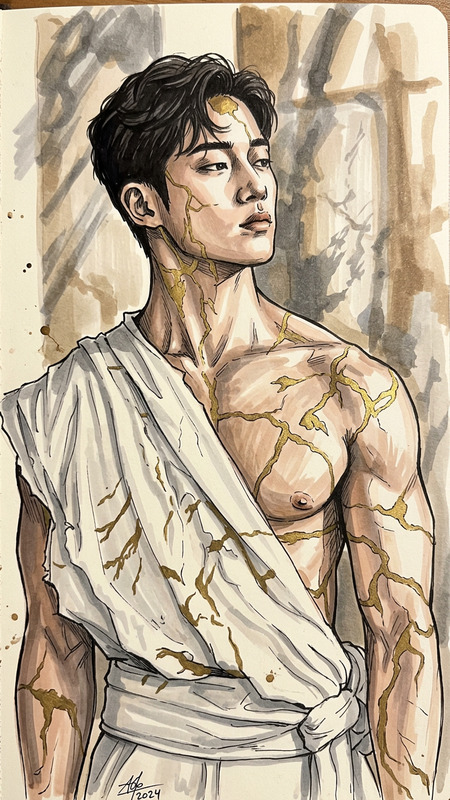
The subject and background transform into a full pencil sketch while keeping their original shapes and composition. The entire scene looks hand-drawn with visible graphite lines, rough sketchy outlines, and cross-hatching shading. Soft smudges, uneven strokes, and paper texture are clearly visible. Monochrome graphite style, highly detailed, raw and artistic, like a realistic hand-drawn sketch.
Any aspect ratio
Overview
Transform your photographs into breathtaking pencil sketches with the AI Image Editor template, inspired by the capabilities of the AI Image Editor. It uses the innovative qwen-edit model to convert images into hand-drawn style sketches. This template captures the essence of graphite art through intricate details and natural textures, creating a visual that feels both digital and authentically artisanal.
What It Does
This template turns the original composition and shapes in your photographs into full pencil sketches. It expertly applies features like graphite lines, sketchy outlines, cross-hatching, and soft smudges to achieve a highly detailed, raw artistic look. The end result is a monochrome graphic creation that closely resembles a realistic hand-drawn sketch.
Who It's For
The Pencil Sketch template is perfect for artists, designers, and anyone looking to add an artistic flair to photographs. Whether you're creating content for a mood board or delivering unique styles in social media posts, this tool adapts to diverse creative needs, enabling both hobbyists and professionals to achieve stunning results.
Summary
Utilize the Pencil Sketch template to transform images with artistic prowess. Built on the qwen-edit model, this template ensures every detail is captured with precision, making it an essential tool for any creative toolkit. Perfect for those who appreciate the beauty of traditional sketching in a digital format.
How to Use
Choose Your Image

Customize Your Sketch

Generate and Download

Use Cases
Artistic Portfolio
- Highlight architectural designs
- Illustrate character concepts
- Create an art-focused resume
Social Media Content
- Share artistic transformations
- Engage followers with sketch challenges
- Use in stories to capture attention
Print Products
- Create artistic postcards
- Design unique invitations
- Develop striking art prints
Best Practices
Select High-Resolution Images
For best results, use images with high resolution to preserve details during the sketch transformation.Contrast and Composition
Choose images with strong contrast and well-defined composition to enhance the pencil sketch effect.Refine and Adjust
Before generating, fine-tune settings to focus on specific details or textures for a more personalized touch.