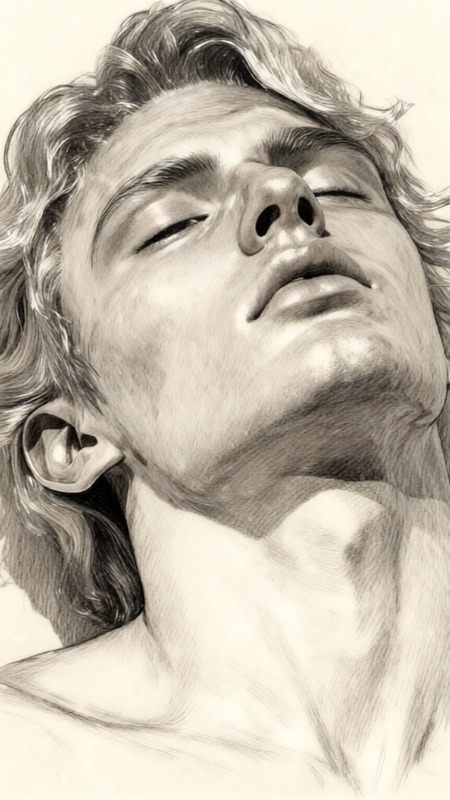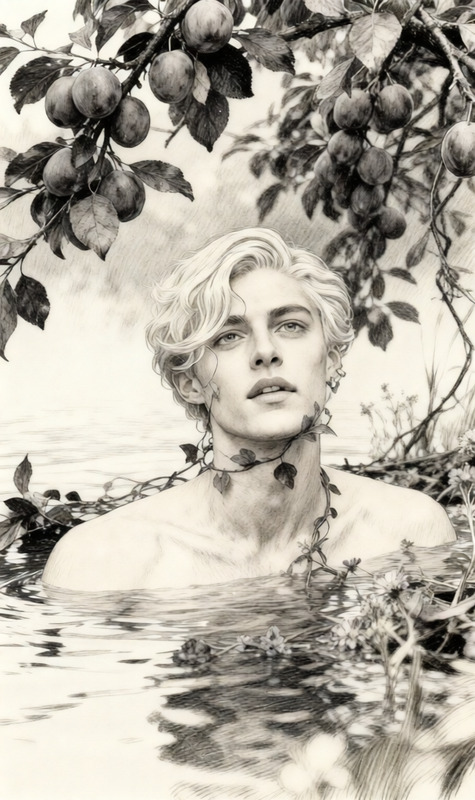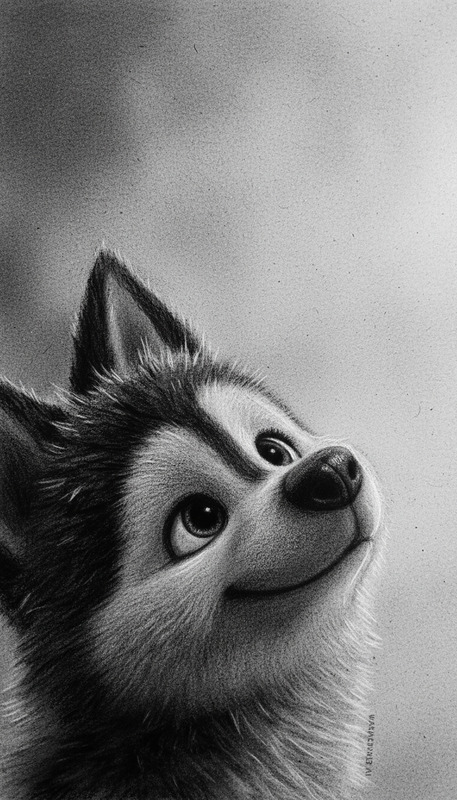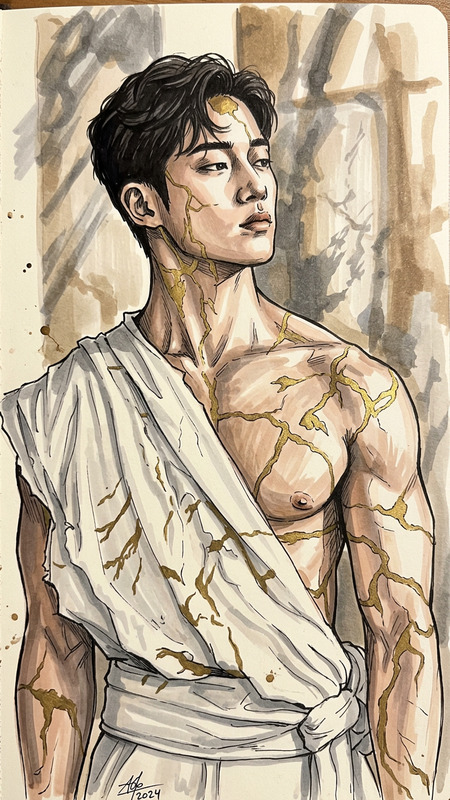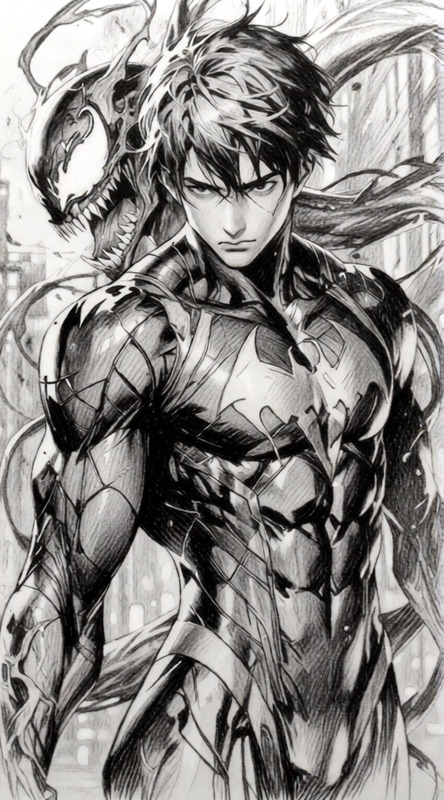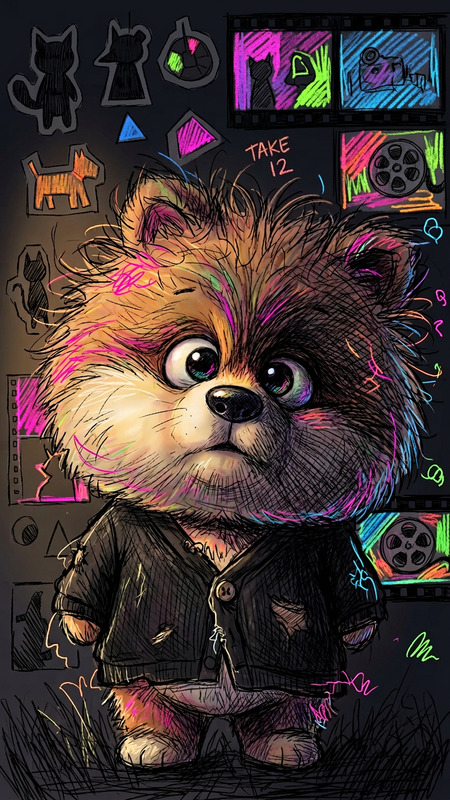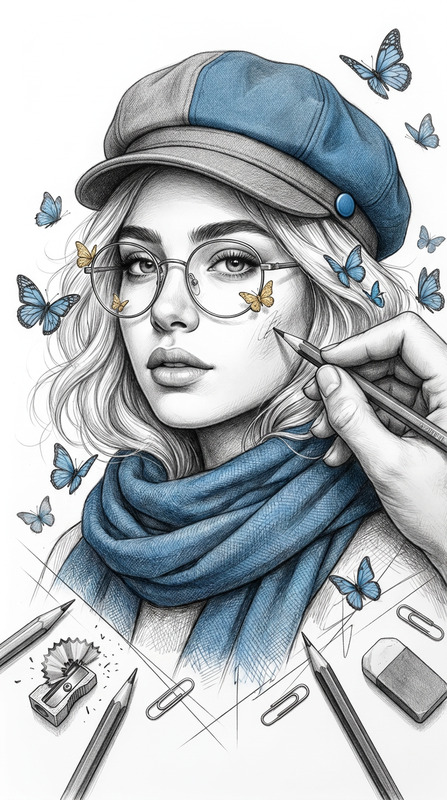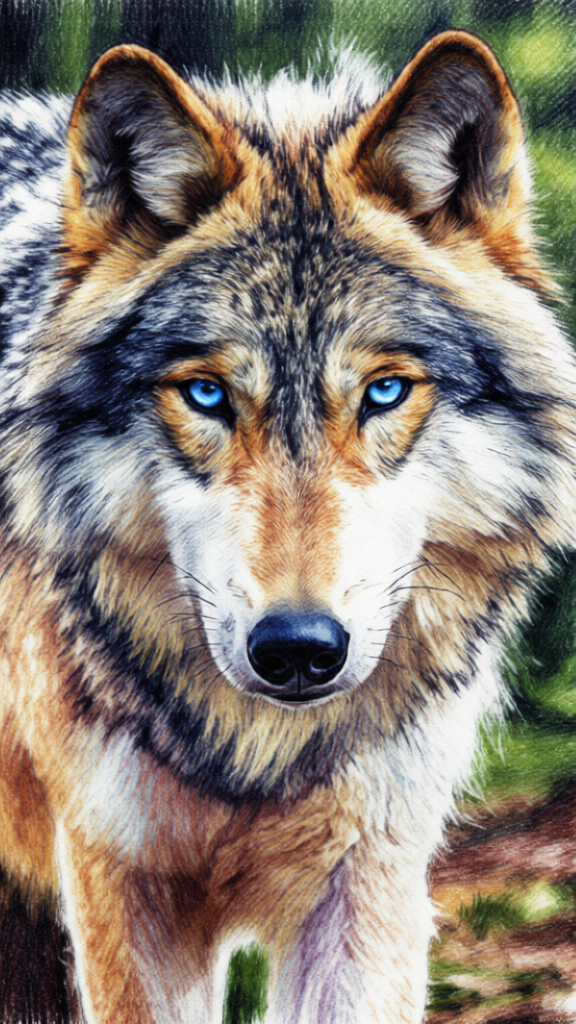
Colorful Pencil Sketch
- Model
- Qwen Edit
- Image
- 576 × 1024 px
Prompt
The subject and background rapidly transform into a full 7-color pencil sketch while preserving their original shapes and composition. The entire scene is redrawn with visible colored pencil linework, sketchy outlines, and rough hand-drawn strokes. Detailed cross-hatching, soft colored pencil gradients, smudges, and imperfections are present throughout. The drawing uses expressive line variation and rough paper texture. Vibrant multi-color tones create an artistic, raw sketchbook feel. Ultra-detailed, hand-drawn aesthetic.
Any aspect ratio
Overview
Experience the artistic transformation of your photos with the Colorful Pencil Sketch template, part of our AI Image Editor collection. This tool expertly converts your images into vivid, multi-colored pencil sketches, offering a hand-drawn aesthetic that preserves the original composition while infusing it with creative flair.
What It Does
The Colorful Pencil Sketch template employs the qwen-edit model to redraw your photo as a detailed pencil sketch using seven vibrant colors. The resulting image retains the essence of the original while adding rich linework, expressive variation, and subtle textures akin to hand-made art. Expect intricate cross-hatching, soft gradients, and dynamic line strokes.
Who It's For
This template is ideal for artists, designers, and content creators looking to add an artistic touch to their visuals. Whether you're crafting an engaging post for social media, designing a custom art piece, or developing marketing content, the AI Image Editor tools like the Colorful Pencil Sketch will enhance your project with a unique artistic dimension.
Summary
With the Colorful Pencil Sketch template, convert any image into a stunning pencil drawing that combines artistic elements and vibrant colors to elevate your visual content's appeal. Perfect for those wishing to explore artistic styles without the hassle of manual sketching. For other creative transformations, explore our AI Image Generator.
How to Use Colorful Pencil Sketch
Choose Your Template

Customize Your Input

Generate Your Sketch

Use Cases
Creative Branding
- Develop creative marketing collateral
- Create standout social media graphics
Artistic Projects
- Create digital galleries with sketch-themed works
- Design album covers or book illustrations
Personalized Gifts
- Create unique, framed art prints
- Design custom greeting cards
Best Practices
Choose High-Quality Images
For the best results, use high-resolution images to achieve detailed sketches with clear linework.Experiment with Settings
Adjust color intensity and line variation to match the desired artistic effect.Balance Colors and Textures
Make sure the multi-color tones harmonize with the texture for a cohesive artistic look.