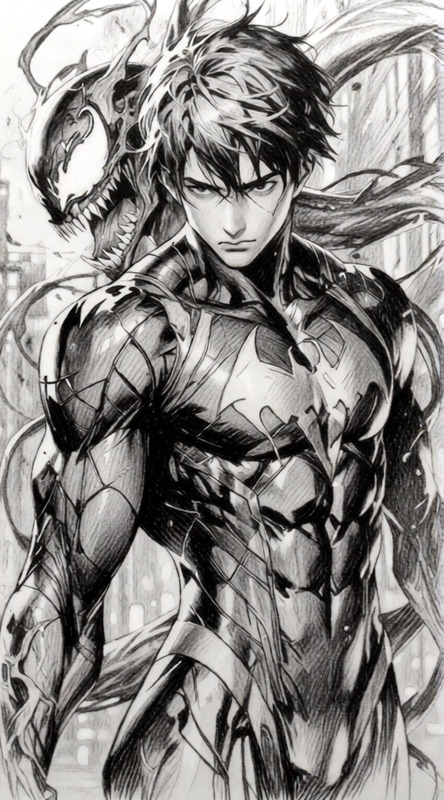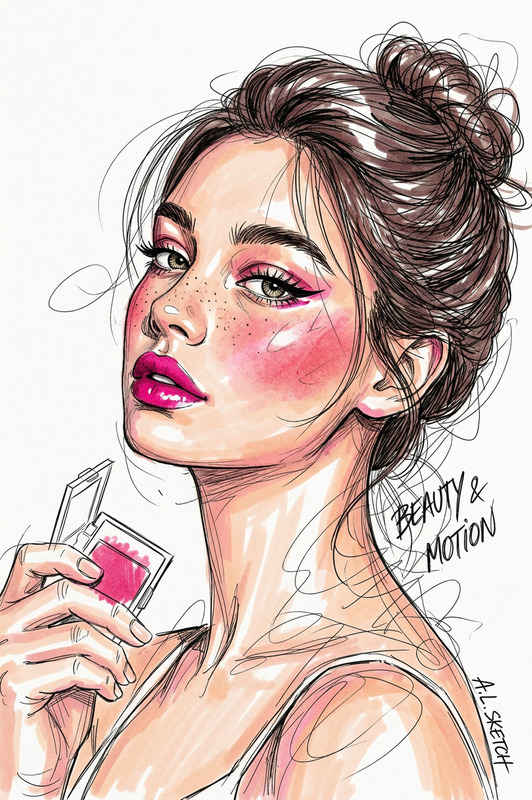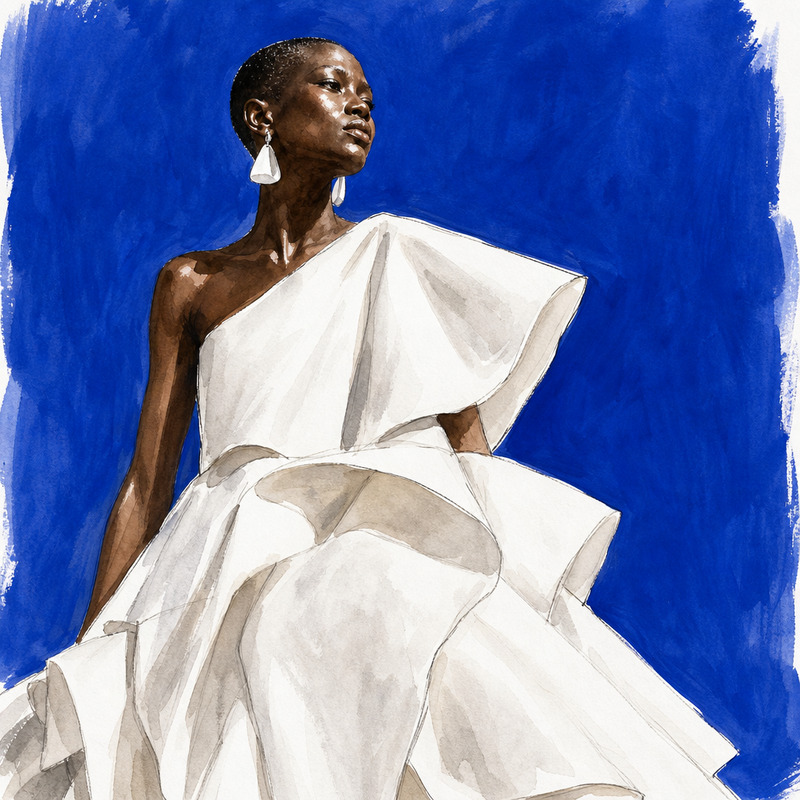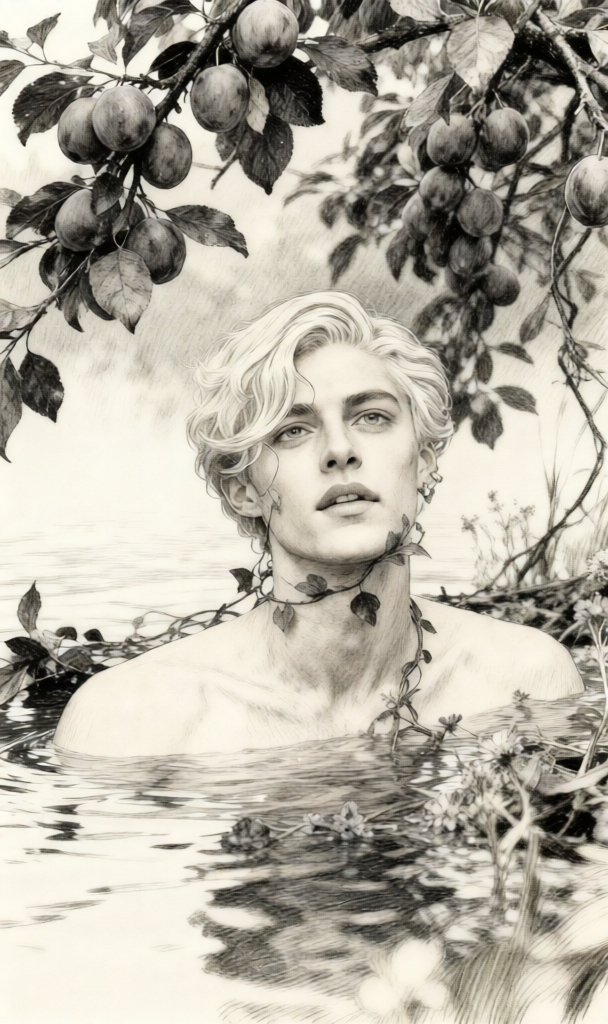
Japanese Pencil Sketch Style
- Model
- Qwen Edit
- Image
- 608 × 1024 px
Prompt
"""{ """"prompt"""": """"Turn this into a pencil sketch in the style of a Japanese artist. Emphasize delicate line work, traditional shading techniques, and subtle textures inspired by Japanese illustration styles."""", """"style"""": """"pencil sketch"""", """"fidelity"""": """"extreme detail"""" """"inspiration"""": """"Japanese art"""", """"details"""": { """"line work"""": """"fine and expressive"""", """"shading"""": """"traditional pencil shading"""", """"texture"""": """"light paper grain"""", """"mood"""": """"calm and contemplative"""" } }"""
Any aspect ratio
Overview
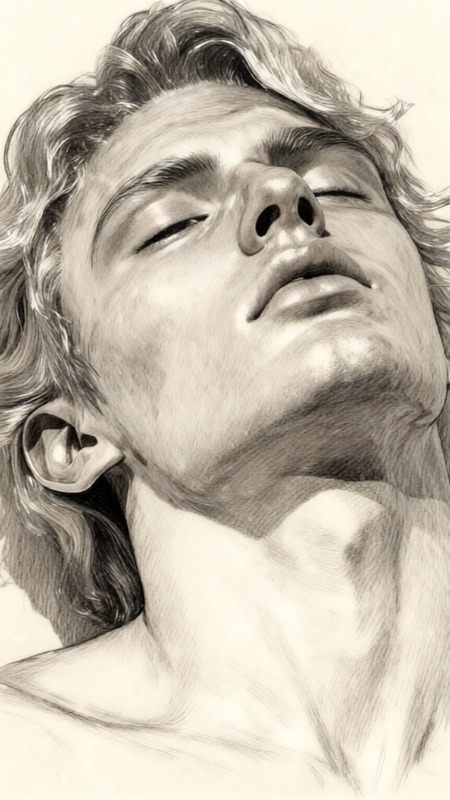
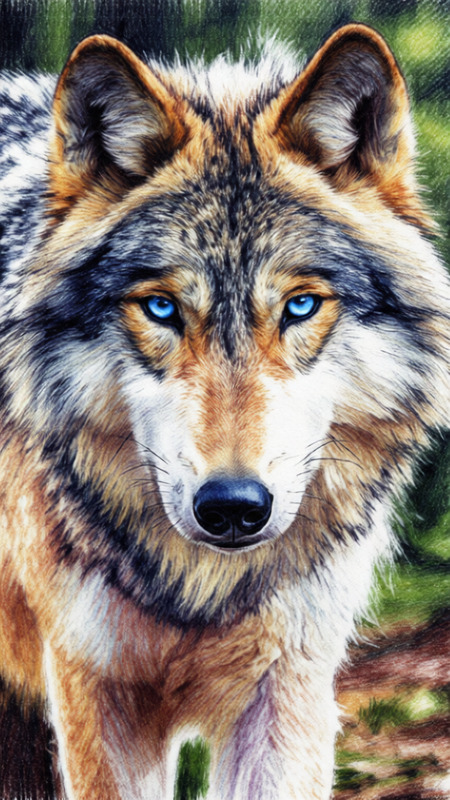
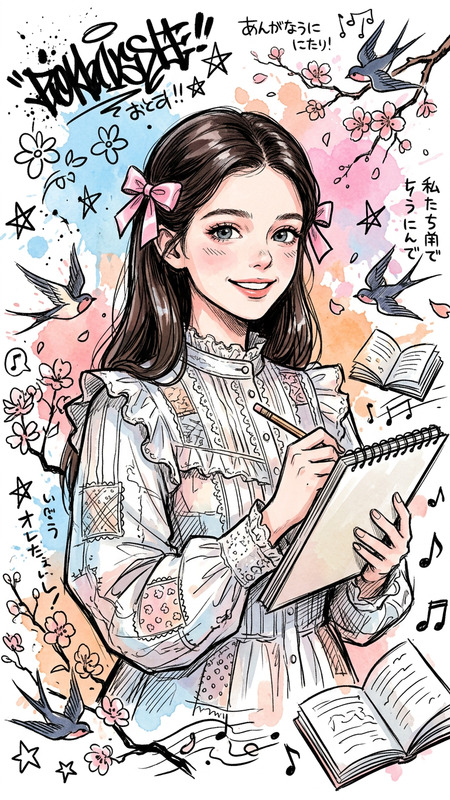
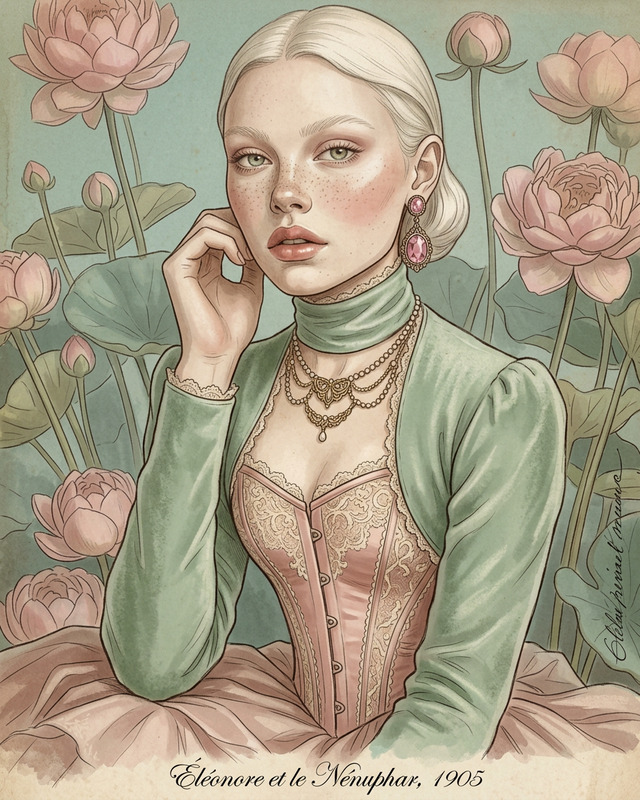
The Japanese Pencil Sketch Style template is an AI-driven tool designed to transform your images into exquisite pencil sketches inspired by traditional Japanese art. Leveraging the qwen-edit model, this template focuses on producing delicate line work and subtle textures, capturing the essence and beauty typical of Japanese illustrations.
What It Does
This template enriches your images with the finesse of Japanese pencil art by converting digital visuals into sketches characterized by expressive line work and traditional shading techniques. It introduces textures reminiscent of light paper grain to mimic authentic art surface aesthetics. Explore similar capabilities with the AI Image Editor for more creative transformations.
Who It's For
Artists, illustrators, and content creators seeking to add a touch of Japanese elegance to their visual content will find this tool especially useful. Whether for social media, personal projects, or professional portfolios, this sketch style bridges classical art traditions with modern digital techniques, much like the AI Clothes Changer, which redefines fashion aesthetics digitally.
Summary
Overall, the Japanese Pencil Sketch Style template offers a unique way to repurpose your imagery into art pieces that reflect Japan's distinctive artistic heritage. By emphasizing fine line work and delicate textures, your content can achieve a calm, contemplative mood. Consider other transformations with the AI Image Generator for a broader range of artistic styles.
How To
Choose Your Template

Customize Your Image

Generate and Download

Use Cases
Social Media Content
- Capture viewer interest with unique artwork.
- Enhance storytelling with artistic visuals.
Art Portfolio
- Showcase versatility in your artistic style.
- Impress potential clients or employers.
Corporate Design
- Add sophistication and cultural flair.
- Engage audiences with elegant visuals.
Best Practices
Choose High-Quality Images
Start with clear, high-resolution images for the best sketch outcomes.Experiment with Details
Vary linework and shading settings to achieve diverse sketch styles.Complementary Tools
Utilize the AI Video Extender to bring continuity if you incorporate sketches into animations.