Sleepy Cartoon Face Character
ai-image-editor
Any aspect ratio
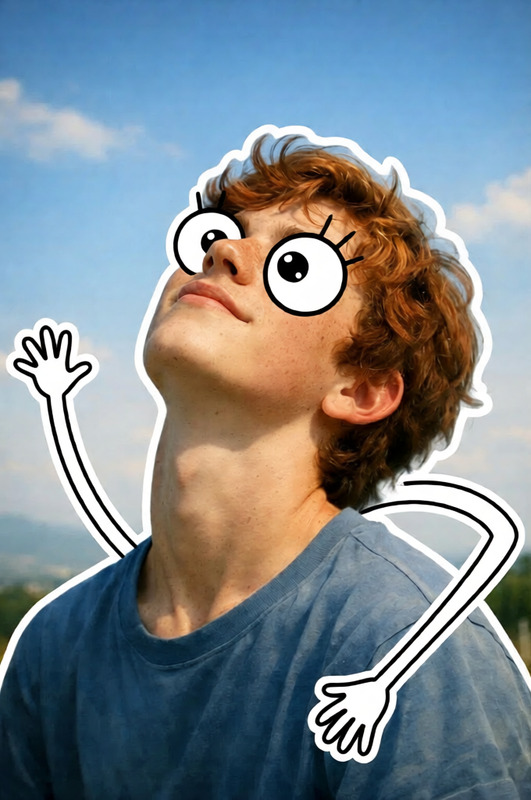
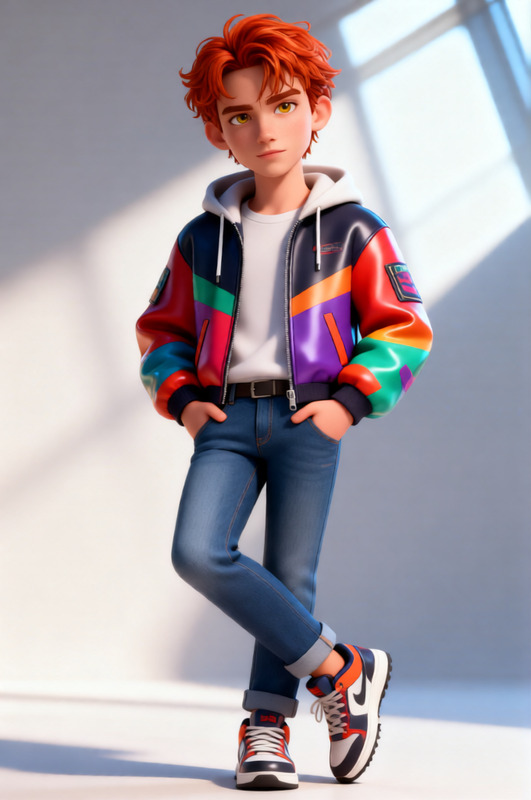
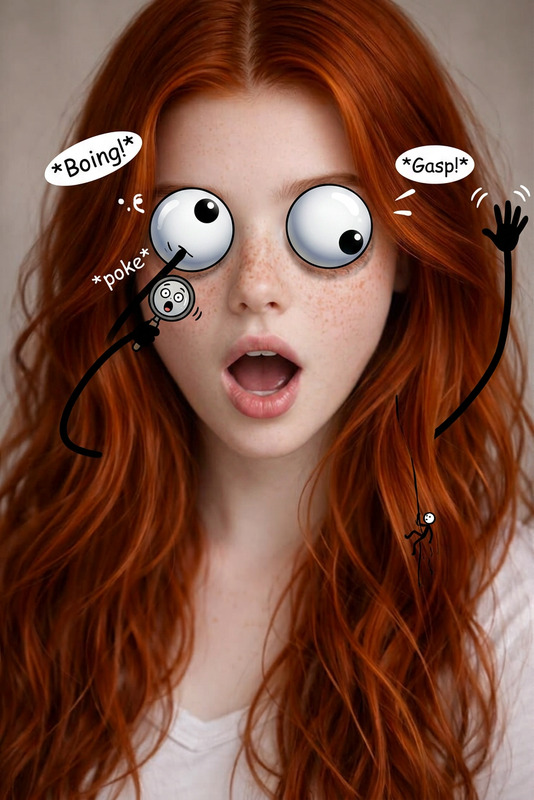
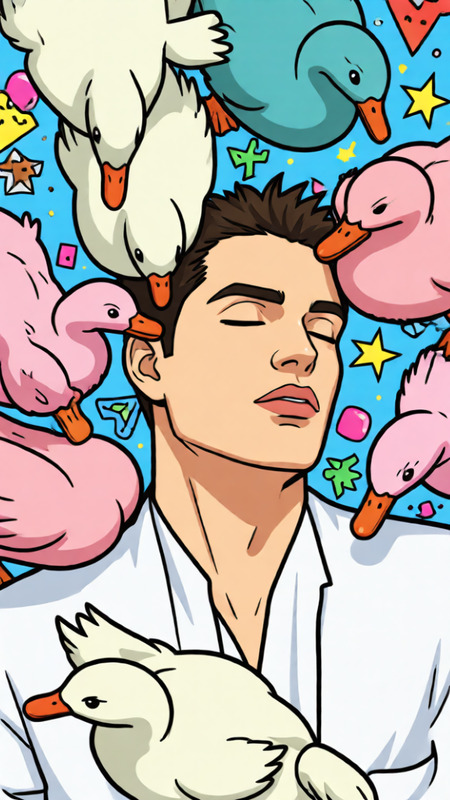
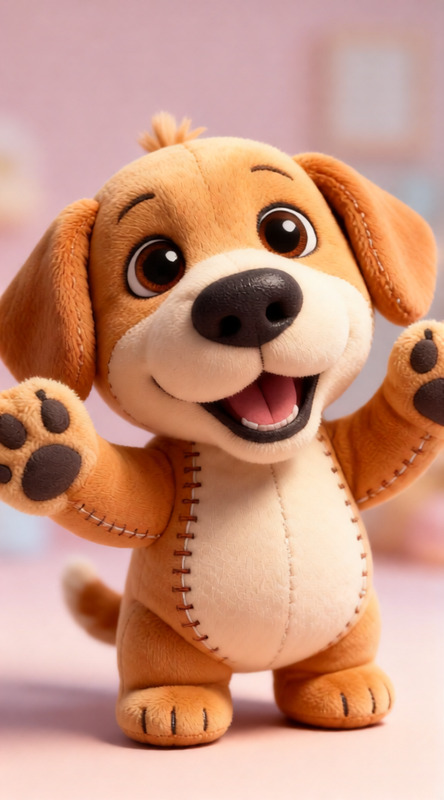
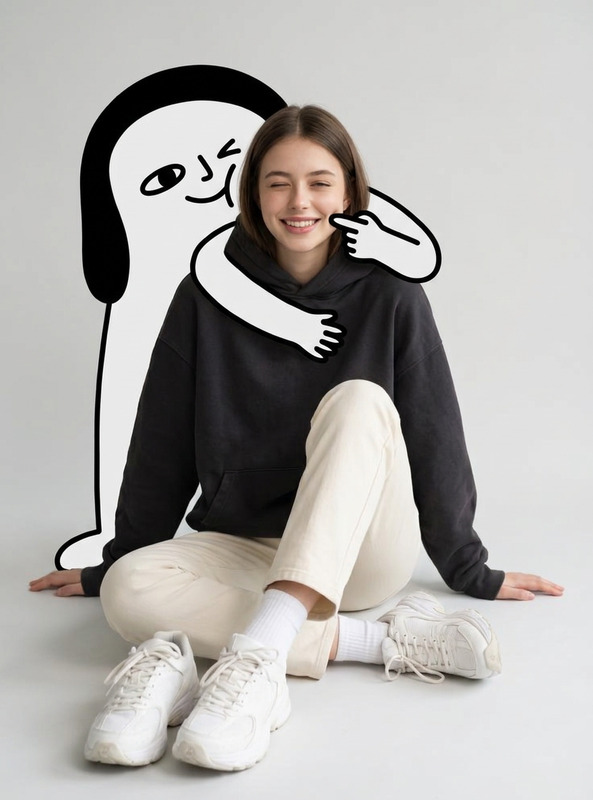
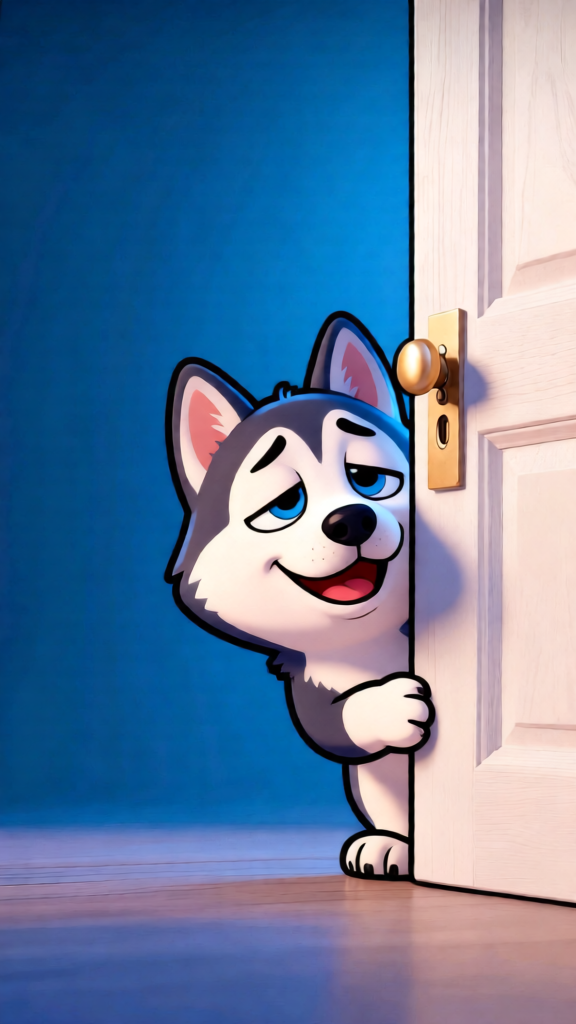
The subject features a funny sleepy cartoon face drawn on it, with droopy half-closed eyes, a small nose, and tiny arms on the sides. It is smiling cheerfully with a playful, lively expression. Exaggerated cartoon style with soft rounded shapes, clean outlines, vibrant colors, and a cute humorous vibe. Lighthearted, whimsical atmosphere with a subtle animated feel and energetic mood.
Tags
stylesAI Image Editor Template: Turn One Photo Into Dozens of On‑Brand Variations
This template shows how to use Magic Hour’s AI Image Editor to transform a single image into multiple polished versions—perfect for thumbnails, ads, social posts, landing pages, and product shots.
Use it as‑is, or remix it as a starting point for your own workflow inside Magic Hour.
What This Template Is For
This AI Image Editor template is ideal if you need to:
- Create on‑brand variants of a hero image (for A/B tests or multichannel campaigns)
- Clean up or restyle product photos for ecommerce and marketplaces
- Generate multiple social media creatives from one base image
- Localize visuals for different regions, languages, or audiences
- Refresh old visuals with new backgrounds, colors, or compositions
- Rapidly prototype visual ideas for pitch decks, startup landing pages, and ads
Because it’s built on AI image editing, you can iterate in minutes instead of setting up complex photo shoots or deep Photoshop workflows.
How to Remix This Template in Magic Hour
You can’t “break” this template—remixing is the point. Use it as an example of a repeatable editing workflow, then adapt it to your own use case.
Open the template in Magic Hour
- Start from the existing design and inspect how the base image and edits are structured.
- Identify what you want to keep (e.g., subject, composition) and what you want to change (e.g., style, background, branding).
Swap in your own image
- Upload a product shot, portrait, logo, or scene you care about.
- The AI Image Editor will treat your image as the new base for all subsequent edits.
Edit the subject, background, or style
- Use the AI Image Editor to:
- Replace or simplify backgrounds for cleaner compositions
- Add or remove objects (e.g., props, clutter, logos)
- Adjust lighting and color to match your brand or mood
- For targeted cleanup or removals, you can also leverage tools like the AI Remover or Remove Object from Photo as complementary steps.
- Use the AI Image Editor to:
Generate multiple creative variations
- Duplicate the edited output and apply different aesthetic directions:
- Minimalist vs. cinematic
- Dark mode vs. light mode
- Seasonal themes (summer, holidays, back‑to‑school, etc.)
- For more style inspiration, explore adjacent tools such as the AI Art Generator, AI Illustration Generator, or AI Background Generator and bring those visual ideas back into your template.
- Duplicate the edited output and apply different aesthetic directions:
Export and reuse across channels
- Use the resulting images as:
- Website hero banners and landing page visuals
- Paid ad creatives (Meta, Google, LinkedIn)
- Email headers and CRM content
- In‑app assets and product UI mockups
- If you need larger or cleaner exports for print or high DPI environments, run them through the AI Image Upscaler.
- Use the resulting images as:
Example Workflows You Can Build From This Template
You can treat this template as a pattern and build more complex workflows around it. Here are a few examples:
1. High‑Conversion Product Shots
- Start from this AI Image Editor template
- Swap in raw product photos (phone shots, studio shots, UGC)
- Clean backgrounds and adjust colors to fit your brand
- Generate a series: “hero shot,” “in use,” “detail close‑up,” “group shot”
- Upscale final selects using AI Image Upscaler for storefronts and marketplaces
Pair with: AI Photo Generator to mock up new colorways or product ideas before manufacturing.
2. Creator & Personal Brand Visual Systems
- Drop in your own portrait or headshot
- Use the AI Image Editor to test different environments (office, studio, abstract backgrounds) and color palettes
- Generate thematic series for newsletters, YouTube thumbnails, and LinkedIn posts
- If your original portrait is low‑quality, regenerate it with the AI Headshot Generator or AI Selfie Generator before editing
Pair with: Avatar Generator for stylized avatars that still feel consistent with your main photo set.
3. Campaign‑Ready Social Media Packs
- Start from a single brand illustration or product image
- Use this template to create multiple crops, styles, and layouts
- Mix in text‑friendly compositions for quote posts, announcements, or launch teasers
- Turn strong static creatives into motion using Image to Video or AI GIF Generator
Pair with: Thumbnail Maker and Album Cover Generator if you need platform‑specific covers and previews.
Related Magic Hour Tools You Can Combine With This Template
For more advanced or niche workflows, you can chain this AI Image Editor template with other Magic Hour tools:
Character and concept design
- AI Character Generator
- Animated Characters Generator
- AI Anime Generator
Then refine poses, backgrounds, and details via the AI Image Editor template.
Marketing & storytelling visuals
- Comic Book Generator
- Book Cover Generator
- AI Meme Generator
Use the template to standardize style and branding across all visuals.
Brand & UI design assets
- AI Logo Generator
- AI Icon Generator
- AI QR Code Generator
Polish and contextualize these assets in realistic mockups using AI Image Editor.
Fashion, outfits, and product styling
- AI Clothes Changer
- AI Fashion Generator
- AI Outfit Generator
Once you lock in a look, use this template to generate on‑brand campaign visuals from those outfits.
Going Beyond Images: Video & Talking Visuals
Once you have strong edited images from this template, you can easily extend them into motion or voice:
- Turn photos into short clips with Image to Video or Text to Video
- Make characters or portraits speak using AI Talking Photo
- Add voices with AI Voice Generator or clone a voice using AI Voice Cloner
If you’re working primarily with video and want template‑style flows there too, try:
These can be combined with the outputs from this AI Image Editor template for complete, multi‑format campaigns.
Best Practices for High‑Quality AI Image Editing
To get reliable, production‑ready results when remixing this template:
Start from the best source image you have
- Sharper, well‑lit images give the AI more signal to work with.
- If you only have old or blurry photos, preprocess them via Unblur Image or Old Photo Restoration first.
Keep a consistent visual language
- Reuse similar color schemes, lighting, and composition across variants.
- Use the template as your “visual system” so all outputs feel cohesive.
Iterate in small steps
- Make one or two changes at a time (background, pose, style), then evaluate.
- Save promising variants as new baselines and branch from there.
Post‑process for clarity and polish
- Upscale for final export with AI Image Upscaler.
- Remove minor distractions via Watermark Remover or AI Remover when appropriate.
Who This Template Is For
This AI Image Editor template is designed for:
- Startup teams who need fast, on‑brand visuals without a full creative department
- Growth and performance marketers running constant A/B tests across channels
- Creators and influencers building a consistent visual identity across platforms
- Product and UX teams prototyping visuals for new features or launches
- Developers and technical founders who want a repeatable visual workflow instead of one‑off manual edits
Use it as your base pattern: swap in your own assets, adjust the visual direction to match your brand, and remix it into a reusable system for every campaign.