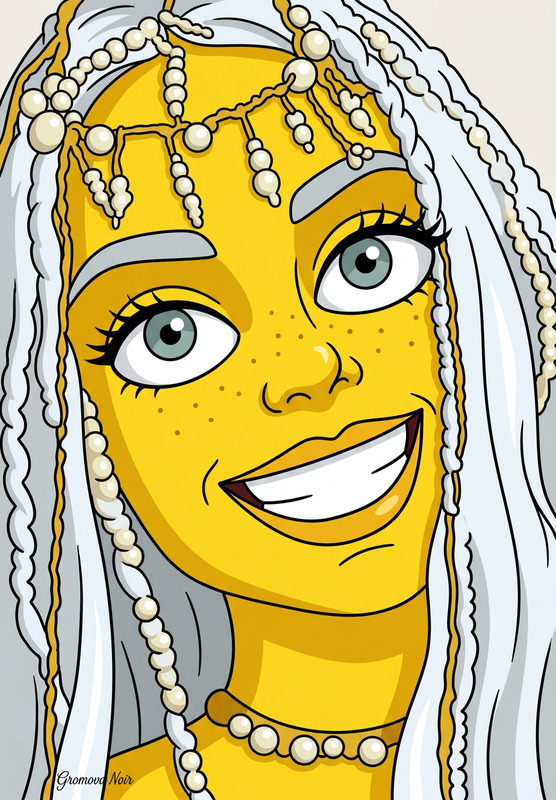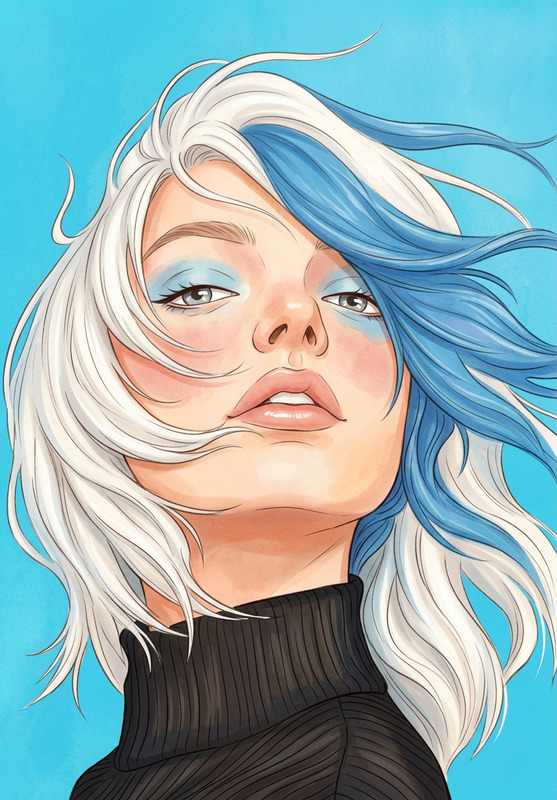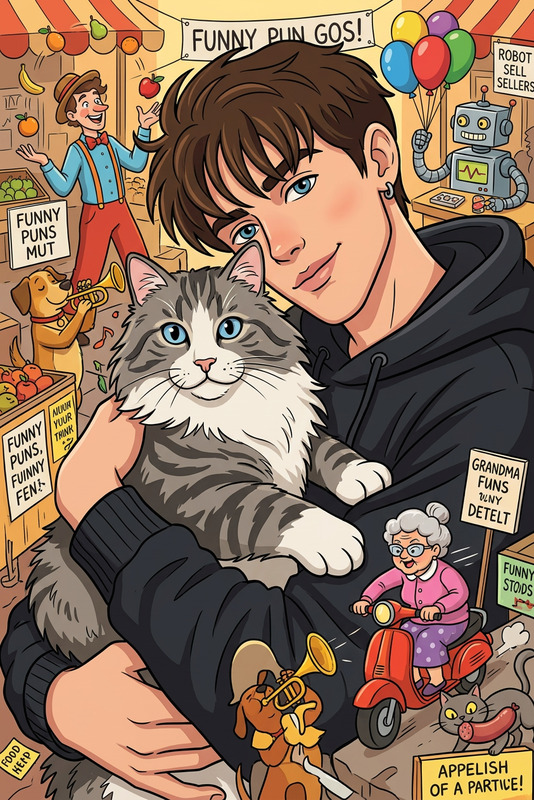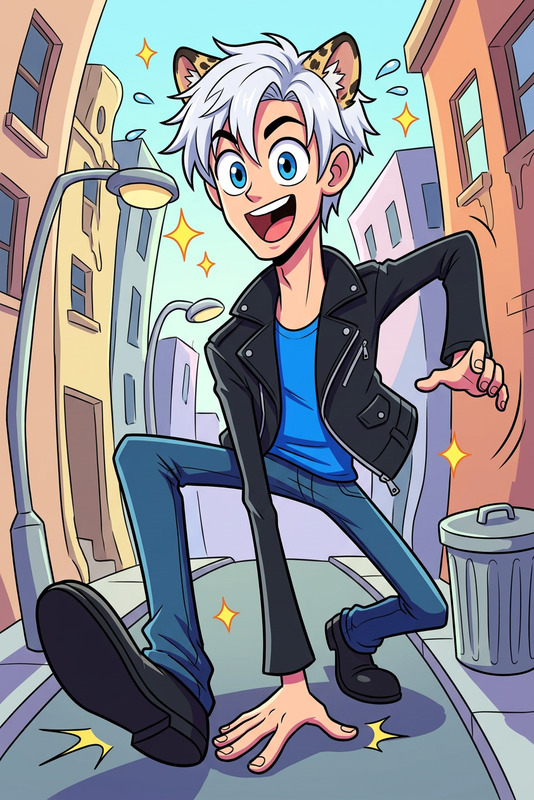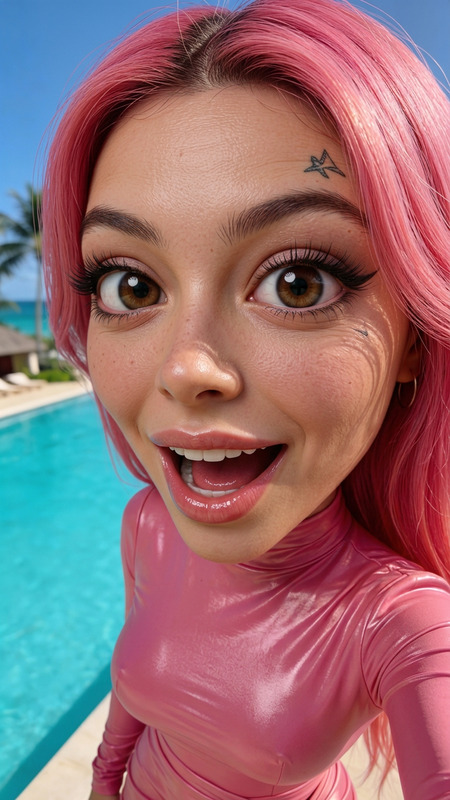
Cartoon Animation
- Model
- Nano Banana
- Image
- 832 × 1248 px
Prompt
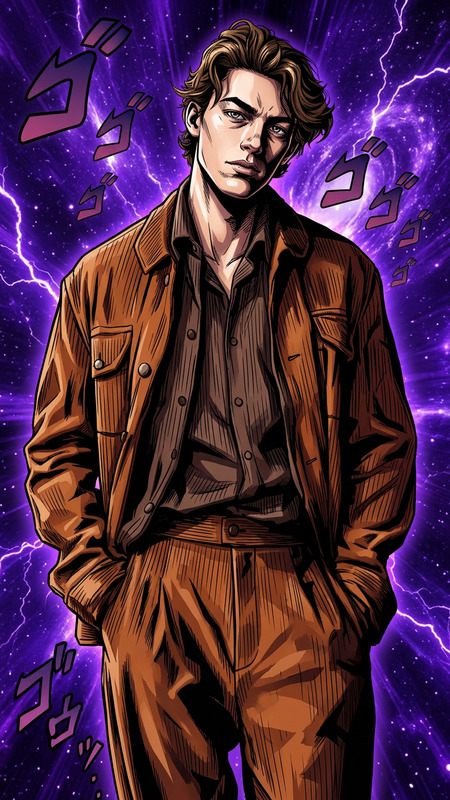
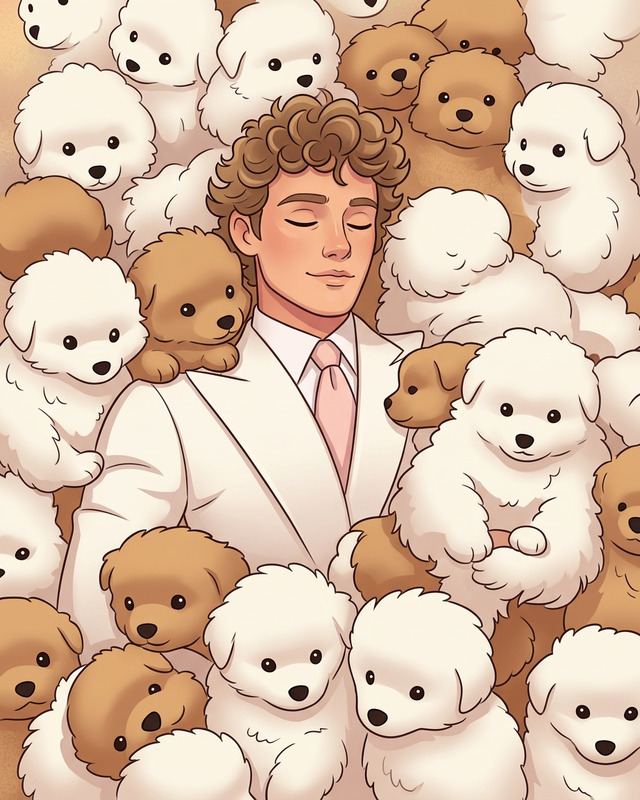
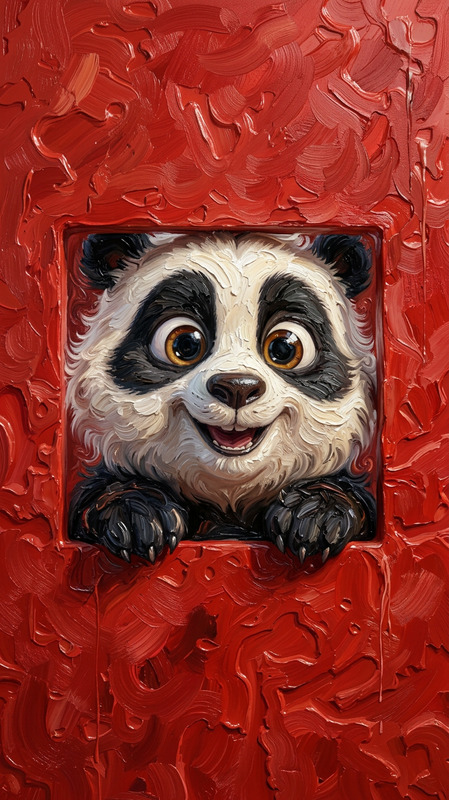
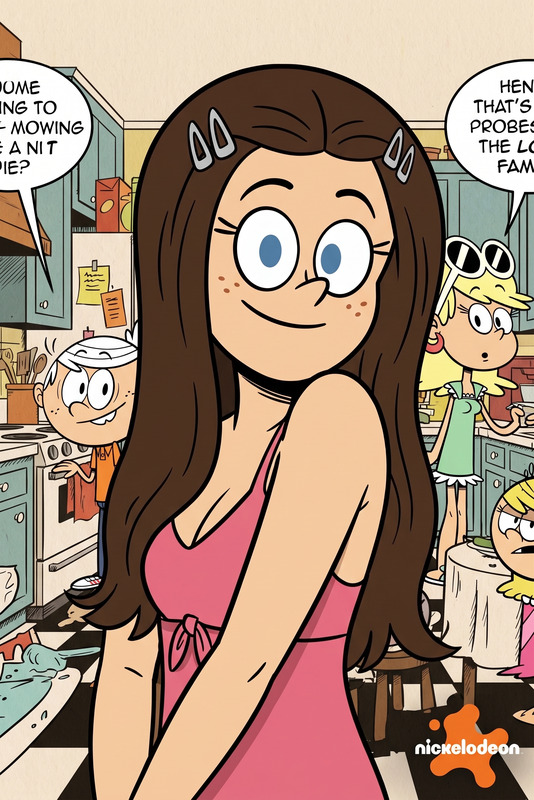
Transform the image into an animated cartoon style while preserving the subject’s likeness and key features. Use clean linework, simplified shapes, and vibrant colors with smooth shading. Enhance expressions and outlines for a lively, stylized look, suitable for modern animation.
Any aspect ratio
Overview
The Cartoon Animation template offers a versatile tool to infuse your images with a vibrant, animated cartoon aesthetic. Powered by the nano-banana model, this tool focuses on transforming images into cartoon-style representations while maintaining the likeness and key features of the subject. This is perfect for those looking to create modern, engaging visuals with smooth shading and dynamic expressions.
What It Does
This template allows you to convert photos into vivid cartoon animations using AI-driven image editing technology. It employs clean linework, simplified shapes, and vibrant colors to deliver a stylized look that is favored in contemporary animation. The enhanced expressions and pronounced outlines make your images pop, making it ideal for a variety of creative projects.
Who It's For
Our Cartoon Animation template is designed for content creators, educators, and marketers who want to craft engaging visual narratives. It's a valuable tool for anyone in the AI Photo Relighting or AI Video Generator spaces, looking to incorporate cartoon-style graphics into their projects, presentations, or campaigns.
Summary
Whether you're looking to enhance a marketing campaign or enliven educational content, the Cartoon Animation template offers a concrete way to deliver visually compelling stories. By combining artistic cartoon elements with the precision of AI-powered editing, this tool saves time while maintaining high-quality output.
How to Use
Choose the Template

Customize Your Input

Generate Your Animation

Use Cases
Social Media Content
- Capture audience attention
- Create shareable content
Educational Materials
- Visualize complex topics
- Increase retention
Marketing Campaigns
- Highlight product features
- Stand out in advertising
Best Practices
Select the Right Images
Opt for high-quality images with clear features to enable precise cartoonization.Adjust Color Vibrancy
Customize color settings for a more vibrant or subtle animation according to your project's needs.Preview Before Finalizing
Always preview your animation to ensure it meets quality expectations before downloading.