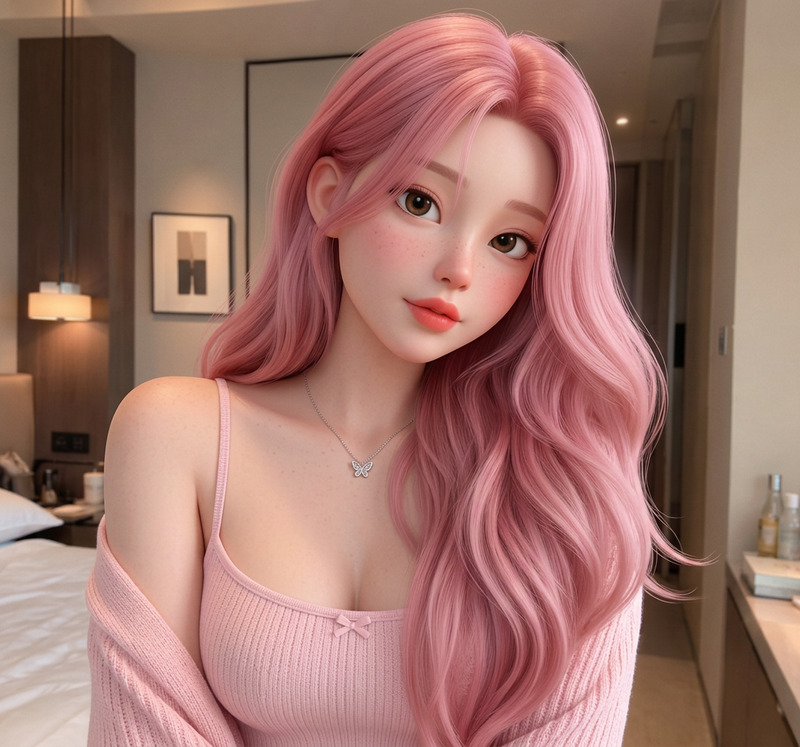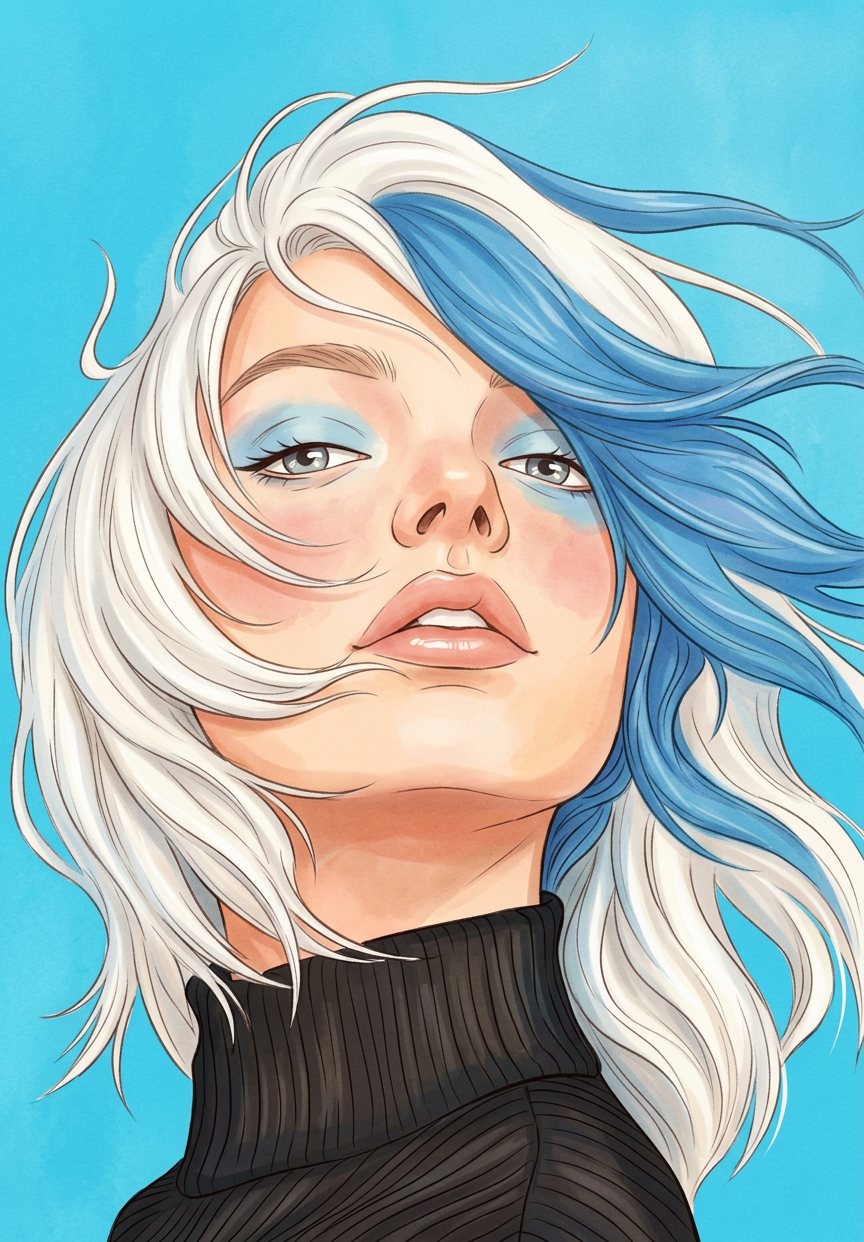
90s Disney Style
- Model
- Nano Banana 2
- Image
- 864 × 1242 px
Prompt
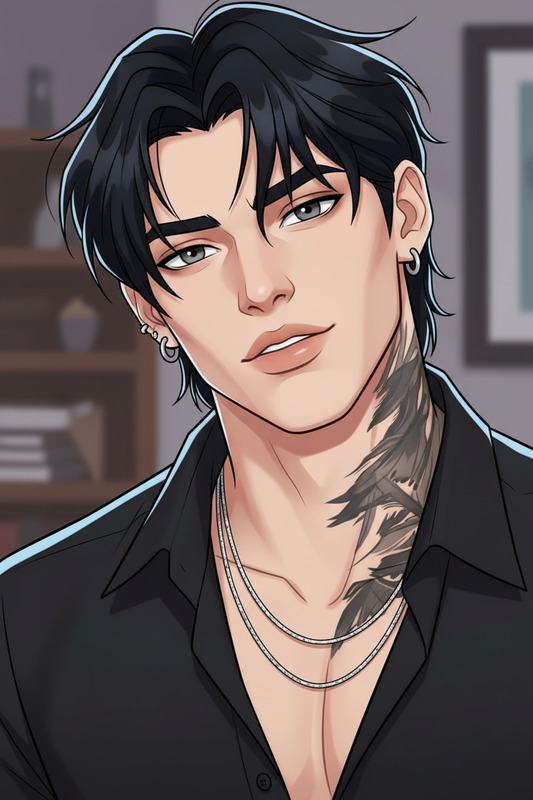
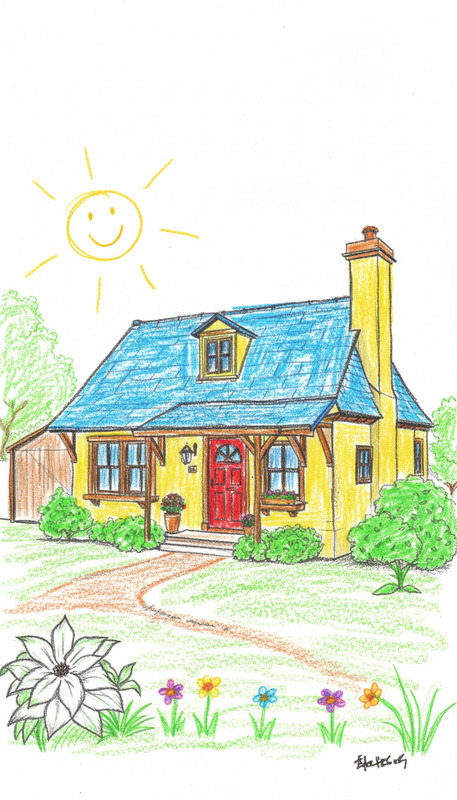
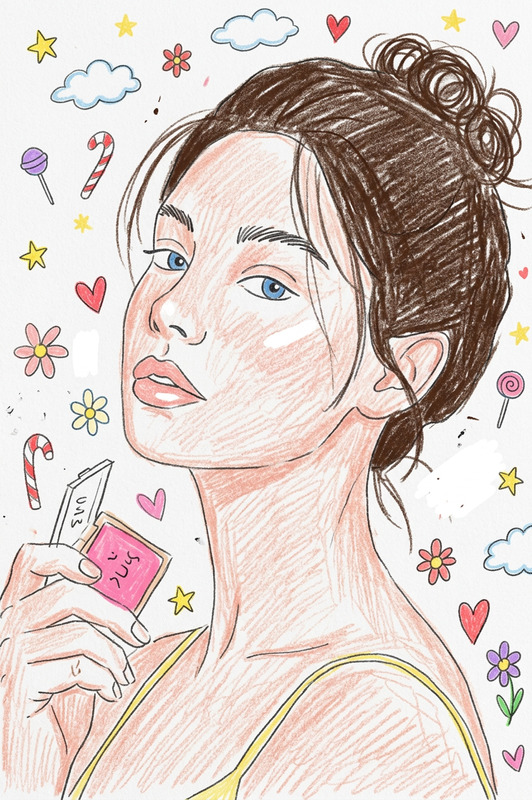
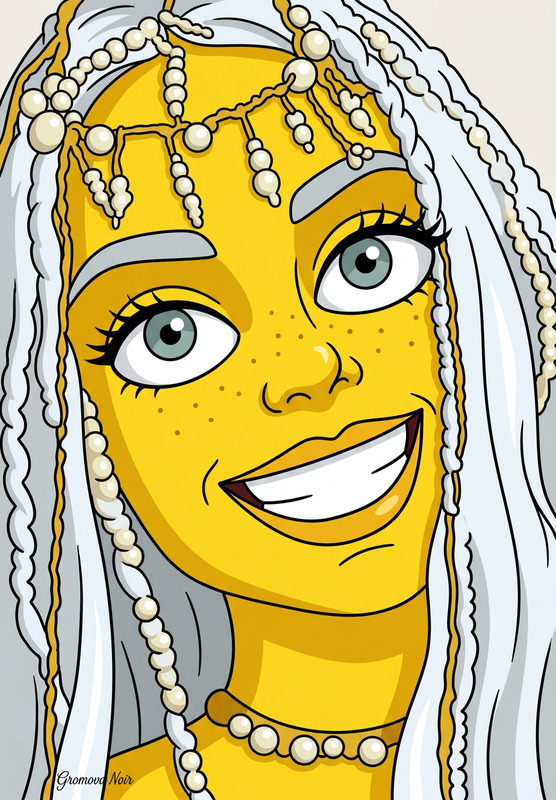
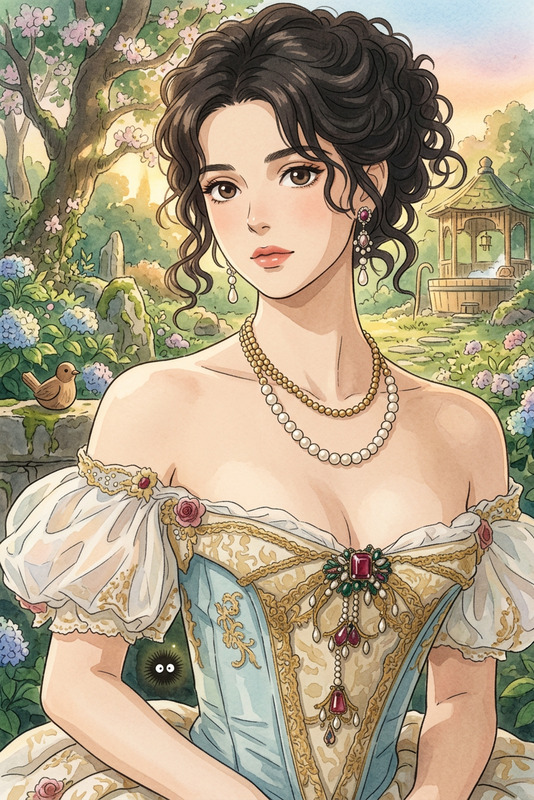
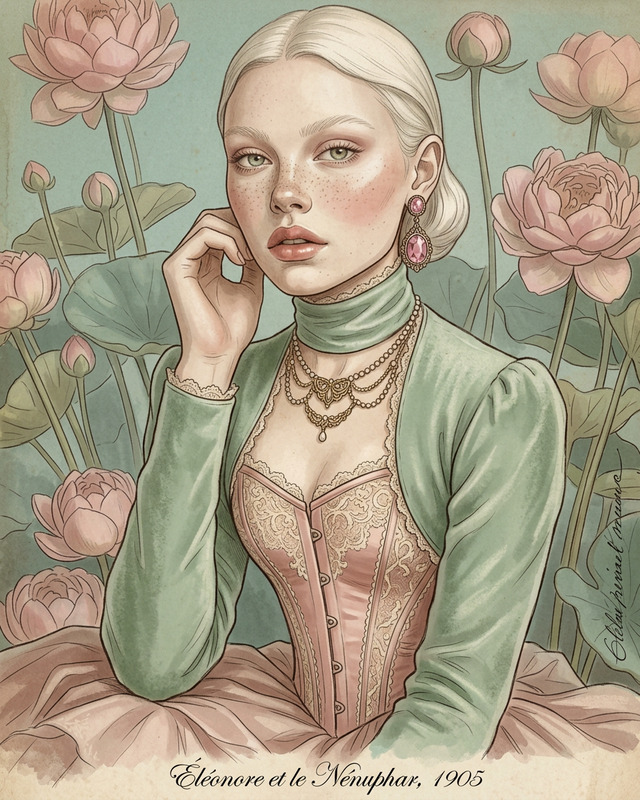
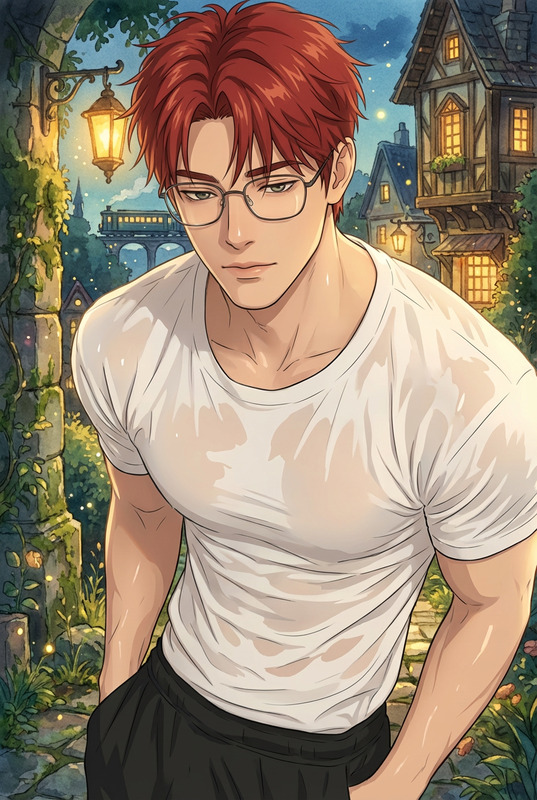
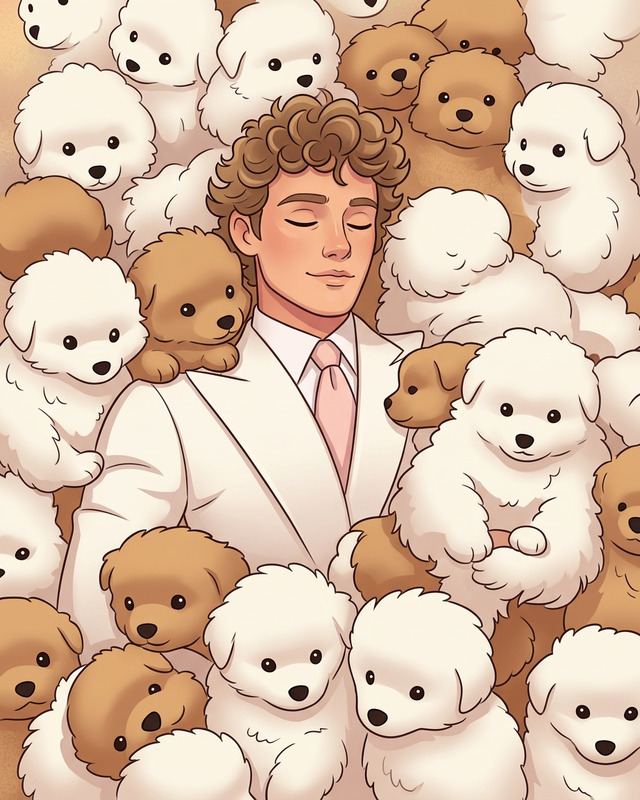
Transform all original characters into classic 1990s Disney-style animated characters. Maintain their original poses, proportions, spacing, and overall structure exactly. Redesign them with clean 2D animation aesthetics—softly styled, expressive hair, refined facial features, and elegant character design inspired by traditional hand-drawn animation. Apply detailed styling with intricate yet smooth line work. Use watercolor-inspired textures and soft, painterly shading for a warm, nostalgic illustration feel. Ensure the final result is vibrant, polished, and faithful to the original composition.
Any aspect ratio
Overview
Transform your visual content into enchanting 90s Disney-style illustrations with our advanced AI Image Editor model nano-banana-2. Perfect for recreating beloved animation aesthetics, this template offers a rich, watercolor-inspired look that brings classic animation to life. This tool ensures your characters retain their original charm and structure while embracing the expressive and refined qualities of traditional, hand-drawn animation.
What It Does
The AI Image Editor applies a nostalgic 90s Disney-style transformation to your characters. It maintains the original pose and arrangement but redesigns characters into a polished 2D animated style. Every character is enhanced with expressive facial features, softly styled hair, and a watercolor-inspired texture with soft shading. This tool promises vibrant and detailed illustrations, making it a go-to for animators and illustrators aiming for quality and nostalgia.
Who It's For
This template is ideal for creatives in the fields of animation, illustration, and graphic design. Whether you're creating a retro-themed project or developing content for social media, the 90s Disney Style template is tailored for professionals and hobbyists seeking to deliver high-quality and engaging visual stories. It's also highly relevant for those in advertising and marketing looking to capture audience attention with nostalgic flair.
Summary
Embrace a warm, nostalgic aesthetic with the 90s Disney Style AI Image Editor template. Whether you're working on personal projects or professional commissions, this template allows your creations to resonate with classic Disney charm. Discover how you can enhance your projects by incorporating this style through Magic Hour's comprehensive suite of tools, including the AI Image Editor and AI Image Generator for further creative possibilities.
How to Use
Choose Your Template

Customize Your Inputs

Generate and Download

Use Cases
Social Media Content
- Instagram posts
- Facebook updates
- TikTok promotional content
Advertising
- Banner ads
- Digital billboards
- Sponsored posts
Illustration Projects
- Children's books
- Graphic novels
- Art portfolios
Best Practices
Maintain Original Composition
Ensure your images have clearly defined poses and proportions to allow the AI to achieve optimal results.Adjust for Consistency
Fine-tune the prompt if needed to maintain consistency across multiple characters.Use High-Resolution Images
Better resolution images lead to clearer and more detailed transformations, preserving intricacies during the style transfer.