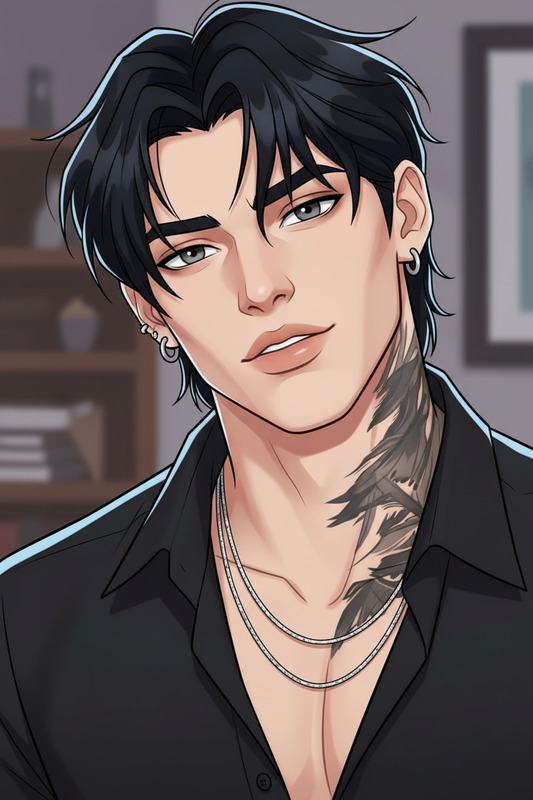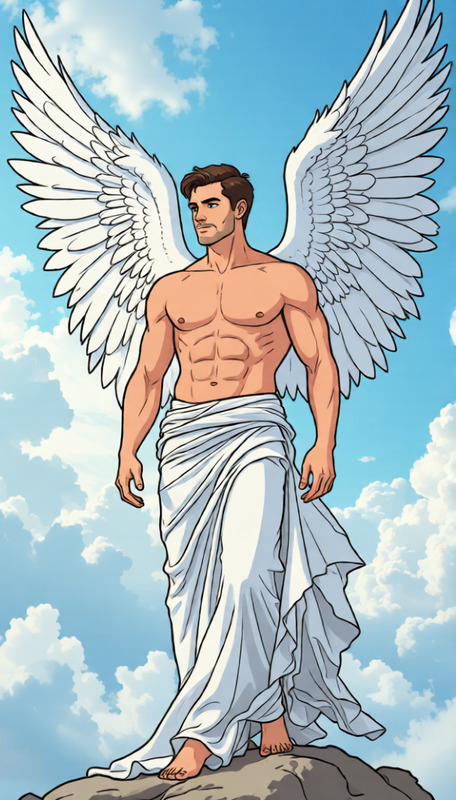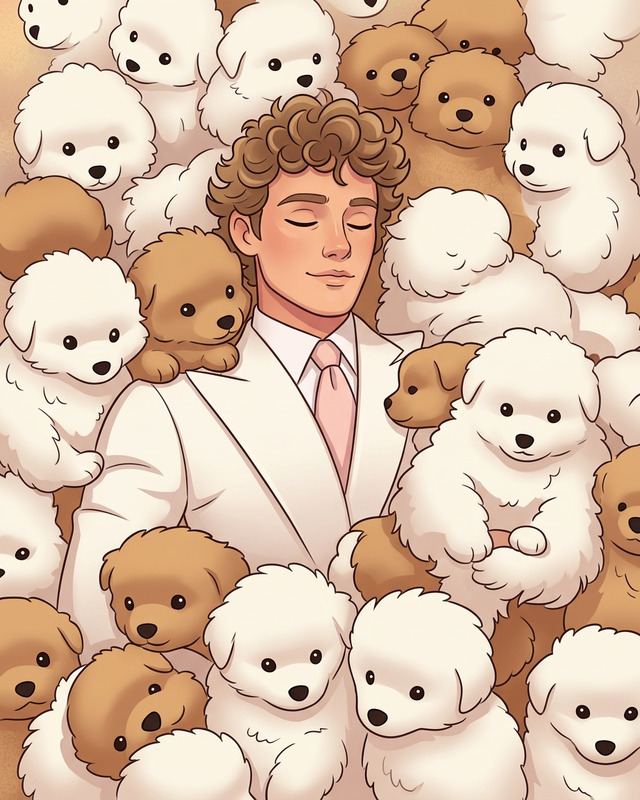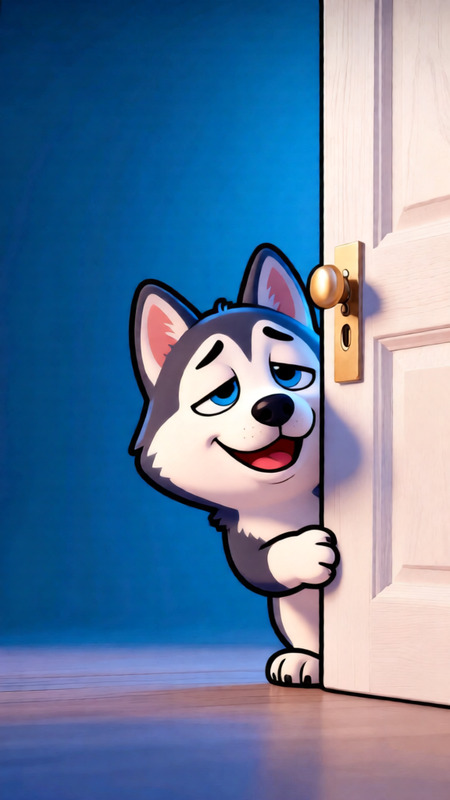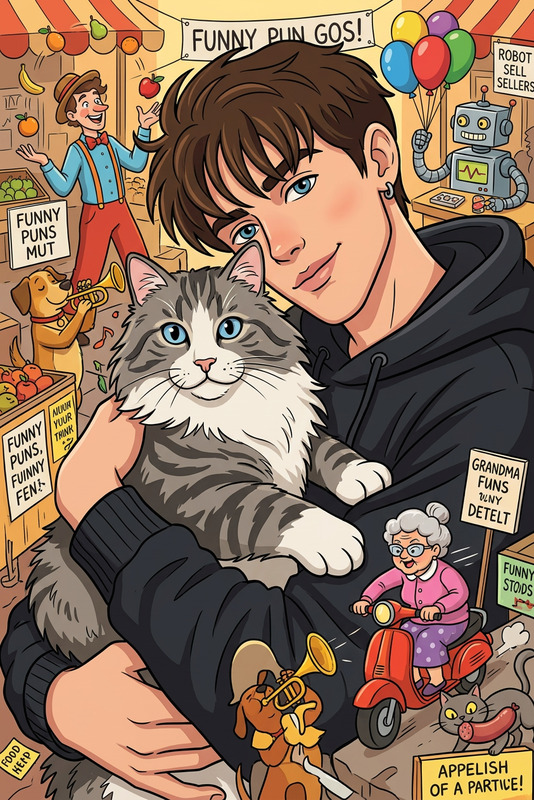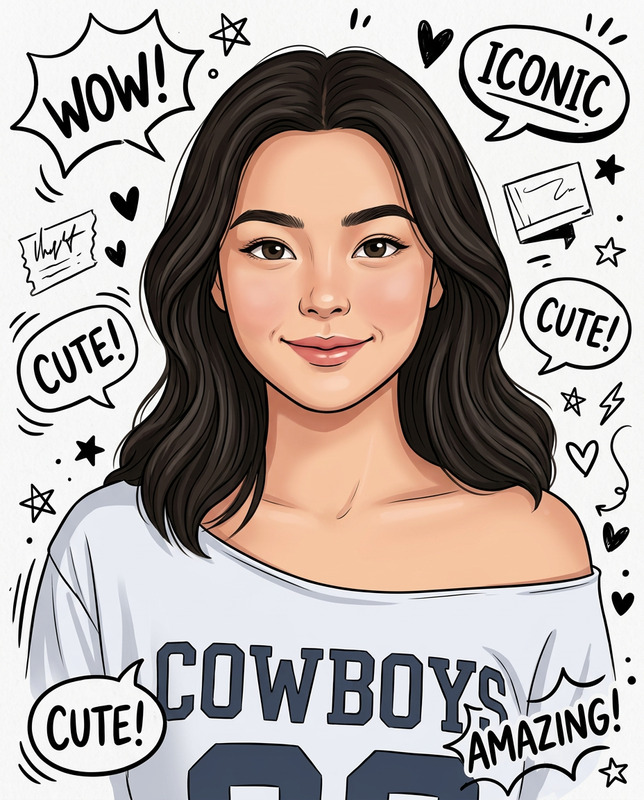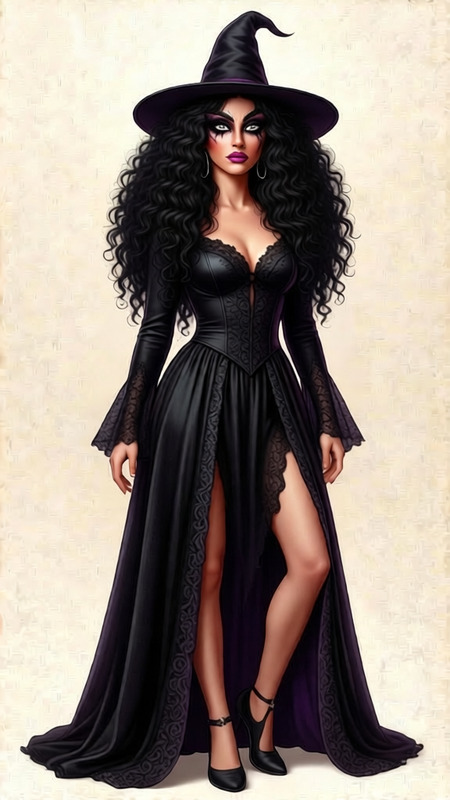
Cartoon Googly
- Model
- Qwen Edit
- Image
- 680 × 1024 px
Prompt
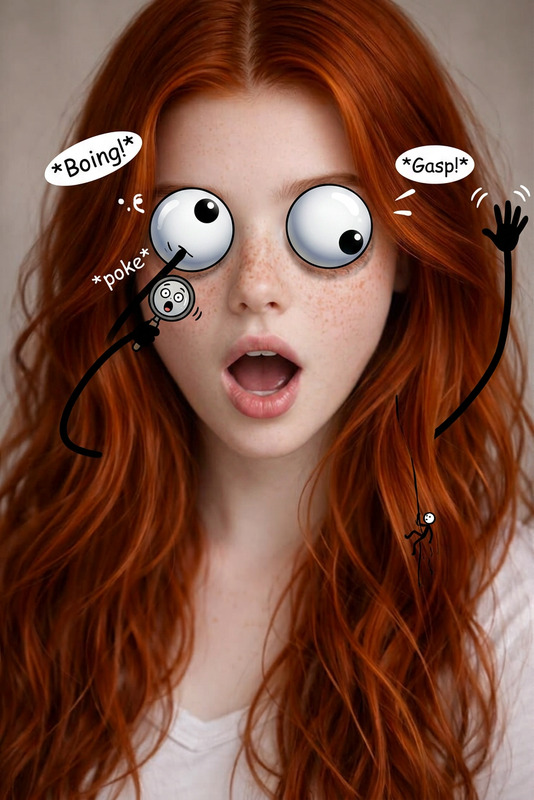
Add cartoon-style googly eyes to the subject while preserving the original face and identity. Overlay simple stick-figure arms on the subject, posed in a funny, exaggerated position to create a playful, humorous effect. Keep the rest of the image unchanged. Ensure the additions look like stickers or doodles placed on top of the photo, with clean outlines and a fun, lighthearted cartoon aesthetic.
Any aspect ratio
Overview
The Cartoon Googly template is an innovative tool within the AI Image Editor category. It leverages the capabilities of the Qwen Edit model to transform your images by adding playful cartoon elements. Whether you're looking to add a humorous touch to your marketing materials or social media posts, this template offers a straightforward way to create engaging content.
What It Does
Cartoon Googly modifies your images by overlaying cartoon-style googly eyes and exaggerated stick-figure arms onto the subject. This not only retains the subject's original identity but also infuses a fun, doodle-like aesthetic into your photos. The template carefully positions these additions to appear as stickers or doodles, resulting in a clean and humorous effect.
Who It's For
This template is ideal for content creators, marketers, and social media managers aiming to capture attention through fun and visually appealing imagery. It's also perfect for brands looking to infuse their content with a playful touch, as well as for individuals who want to add a unique twist to their personal photos.
Summary
Use Cartoon Googly to bring humor and creativity to any image. With simple yet effective cartoon overlays, it is a perfect match for creating imaginative content for platforms such as social media or light-hearted marketing campaigns. Pair it with other templates like the AI Meme Generator or the AI GIF Generator for even more creative possibilities.
How to Use
Choose the Template

Customize Your Image

Generate Your Image

Use Cases
Social Media Content
- Enhance user engagement
- Create brand-specific memes
- Stimulate comments and shares
Marketing Presentations
- Break the monotony
- Engage first-time viewers
- Increase message retention
Personal Projects
- Create custom cards
- Add novelty to family albums
- Produce humorous gifts
Best Practices
Choose the Right Image
Select photos with clear, unobstructed views of the subject's face for best results.Balance Humor with Context
Ensure the cartoon additions align with the intended tone and message of your project.Test Different Styles
Experiment with various cartoon elements to see what brings out the best humor.