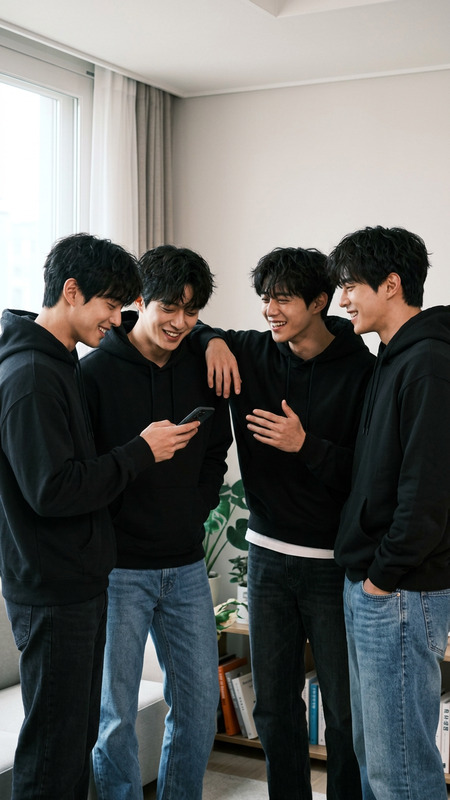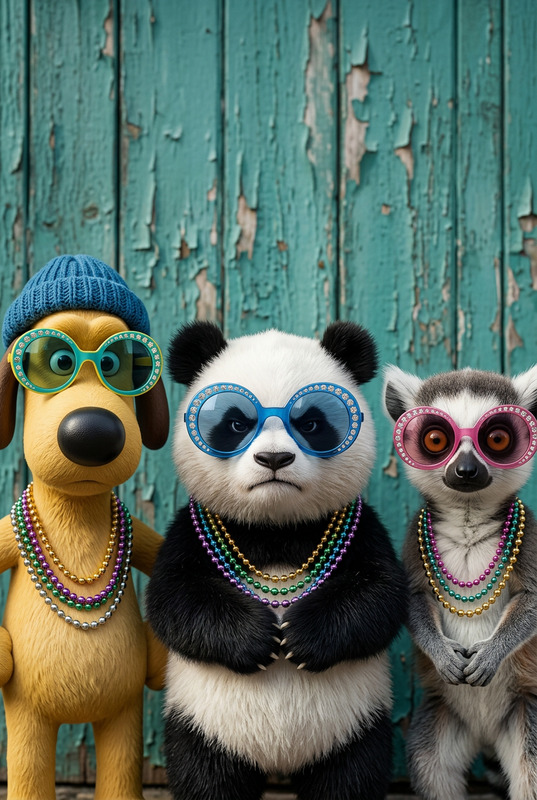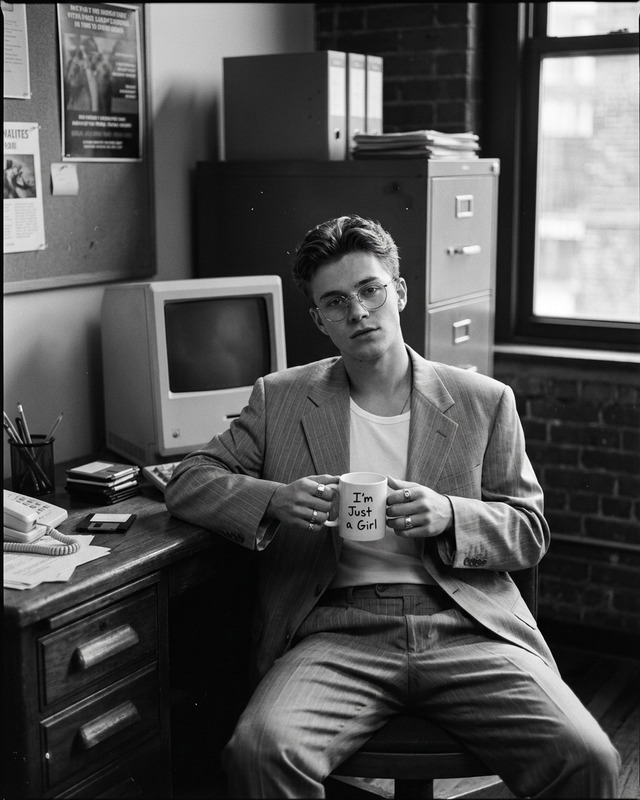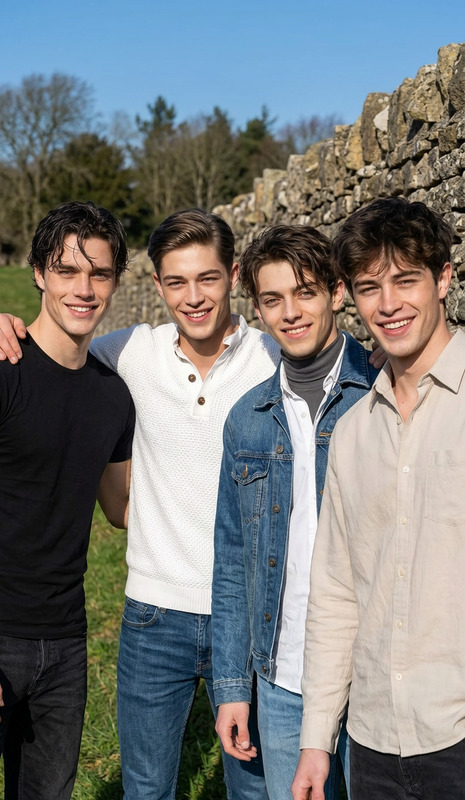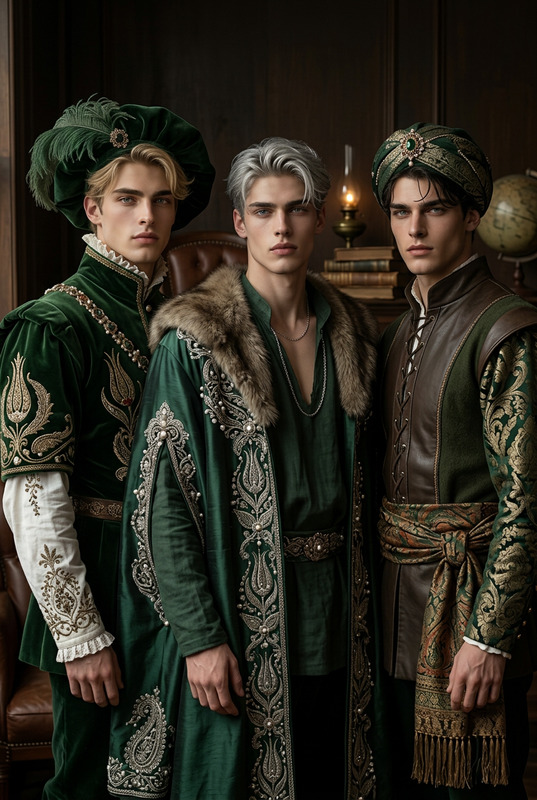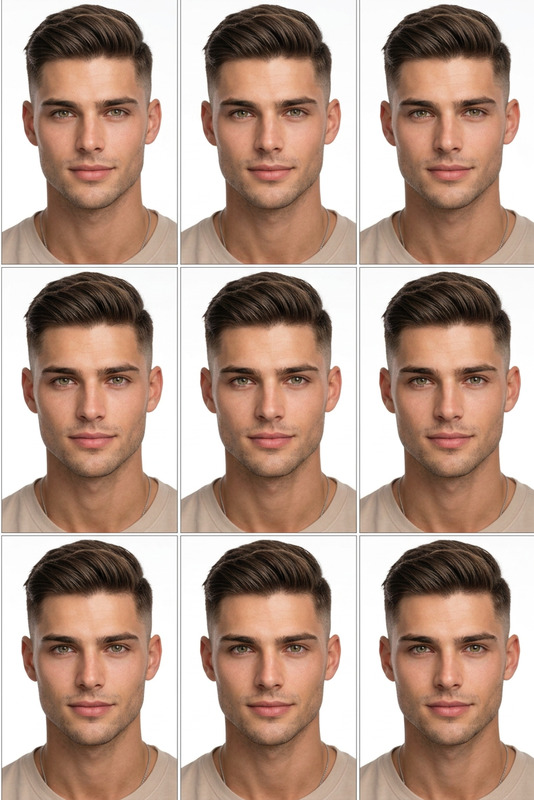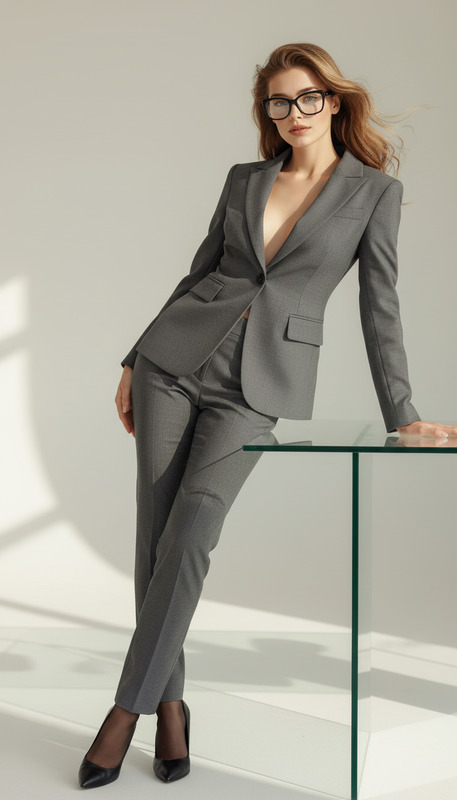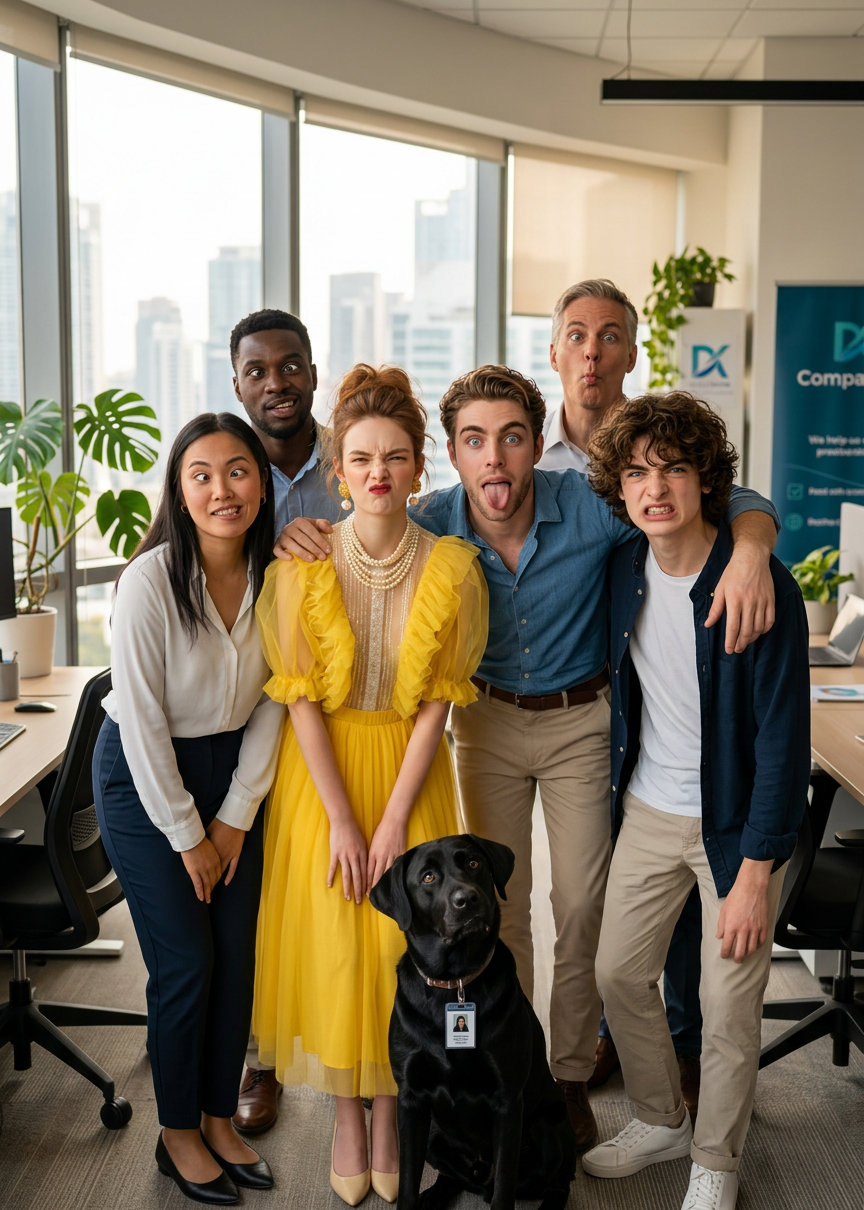
Silly Office Team Portrait
- Model
- Nano Banana 2
- Image
- 864 × 1210 px
Prompt
Create a realistic office team group photo in a professional workplace setting from imported images. Show a diverse group of coworkers standing or sitting together in a modern office environment. Everyone is making a silly, playful facial expression while still posing naturally as in a team photo. Maintain realistic lighting, depth of field, and camera composition typical of corporate photography. Ensure a balanced, well-framed group shot with a warm, friendly atmosphere and natural interaction between team members.
Any aspect ratio
Overview
Transform your team photos with the "Silly Office Team Portrait" template using the AI Image Editor from Magic Hour. Designed with the nano-banana-2 model, this tool helps you create realistic yet playful group images for your corporate events or team-building activities.
What It Does
This template enhances your office team photographs by creating a professional yet lighthearted group photo. It captures natural interactions, maintaining authentic lighting and depth typical of corporate photography. With adjustments in AI Image Editor, you can ensure everyone appears with playful expressions while keeping the essence of a well-composed corporate shot.
Who It's For
This tool is ideal for HR professionals, event planners, and team leaders looking to document office gatherings with a fun twist. Whether you're organizing a corporate outing or launching a new campaign, the AI Image Editor provides the perfect mix of professionalism and creativity.
Summary
With this template, creating a memorable and engaging team portrait is straightforward and enjoyable. Embrace the balance of professional aesthetics and joyful interaction, all facilitated through advanced AI features. Incorporate it into your next project to enhance your team's visual narrative.
How-To
Choose the Template

Customize Your Inputs

Generate and Download

Use Cases
Corporate Event Documentation
- Showcase fun and camaraderie
- Perfect for company newsletters
Team-Building Visuals
- Create posters or event recaps
- Align with branding initiatives
Marketing Team Photos
- Attract potential hires
- Promote company culture
Best Practices
Use High-Quality Images
Start with high-resolution images to ensure clarity and detail in the final photo.Balance Colors and Lighting
Adjust the settings to match your office environment for a believable look.Highlight Team Diversity
Capture a range of expressions and interactions to emphasize team diversity.