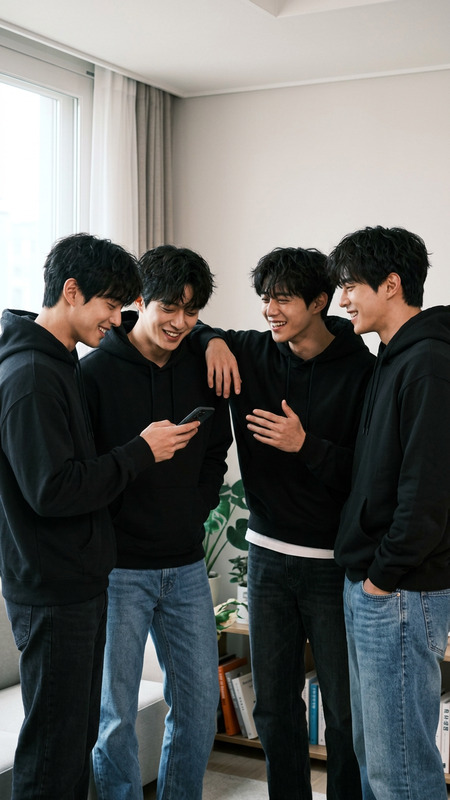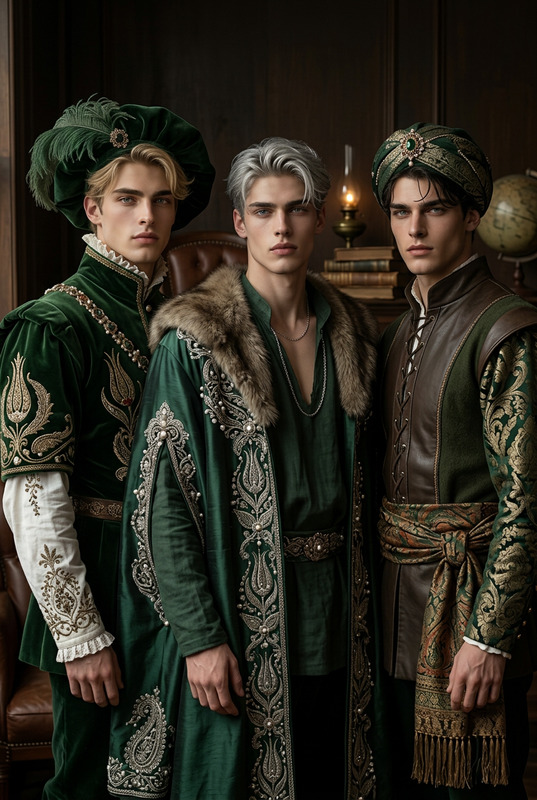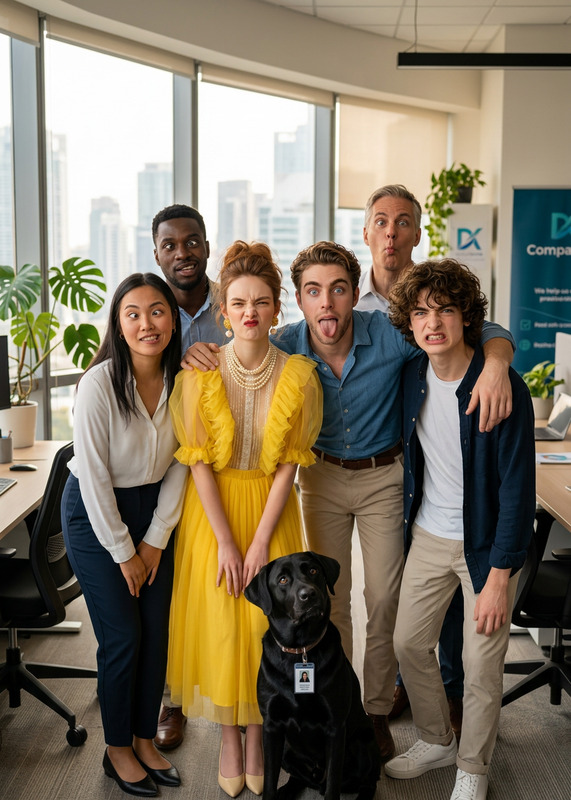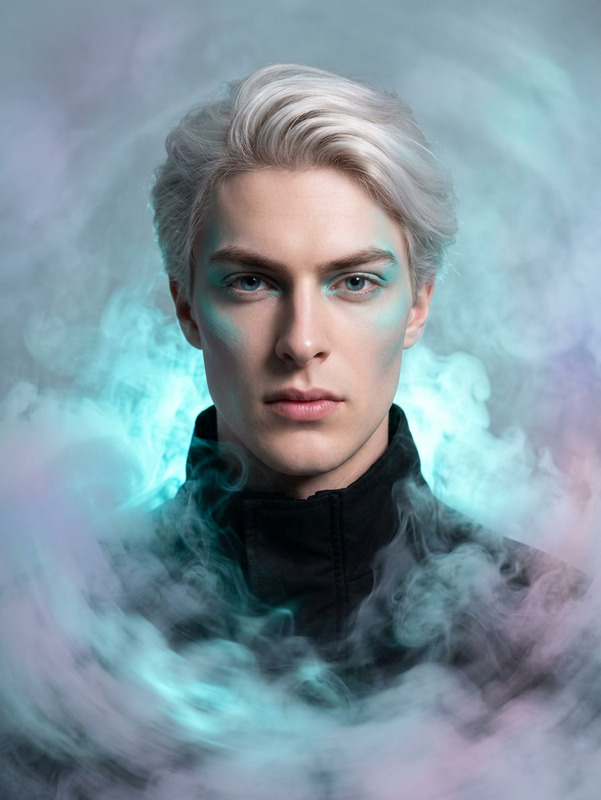
Seamless Group Portrait
- Model
- Nano Banana 2
- Image
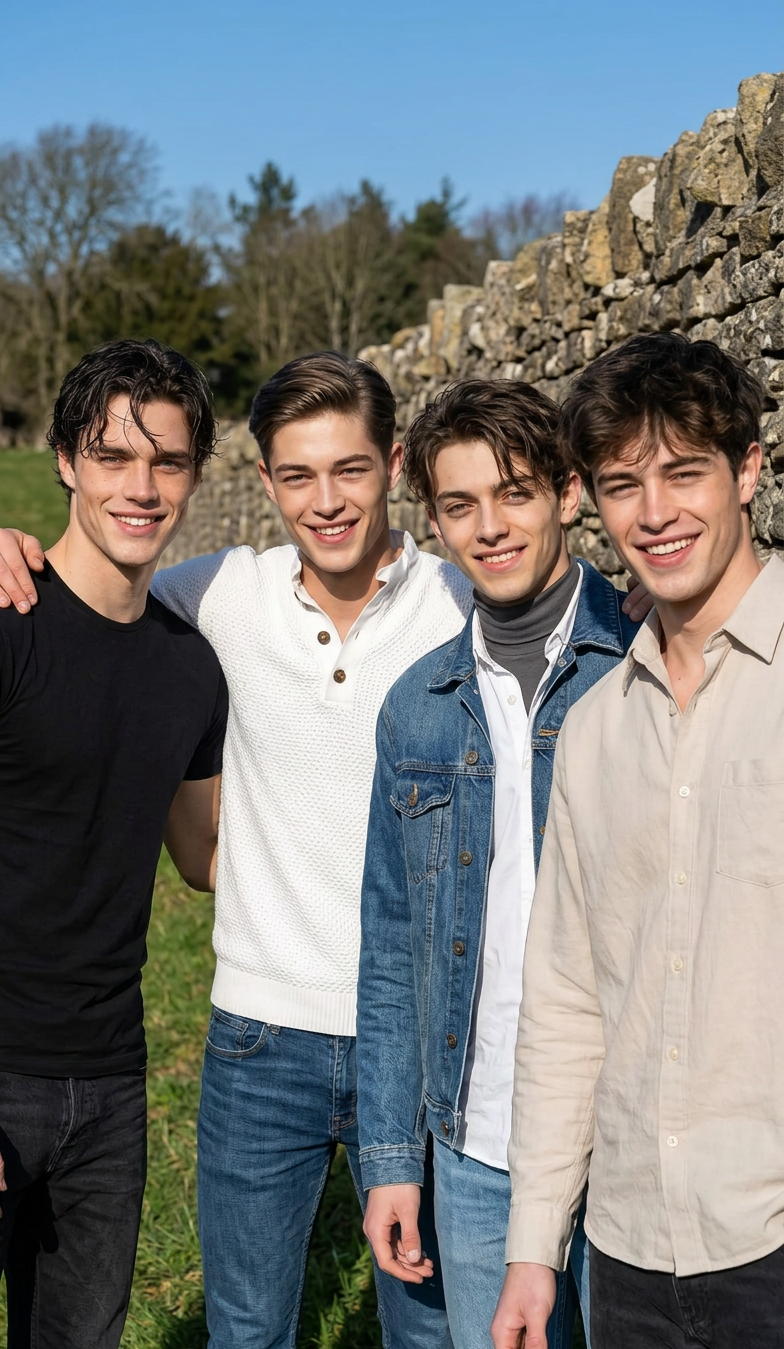
- 784 × 1349 px
Prompt
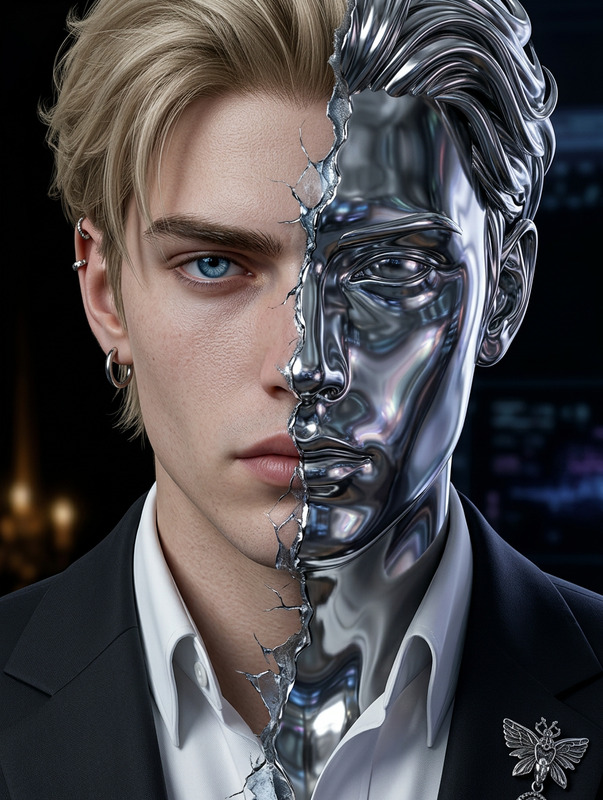
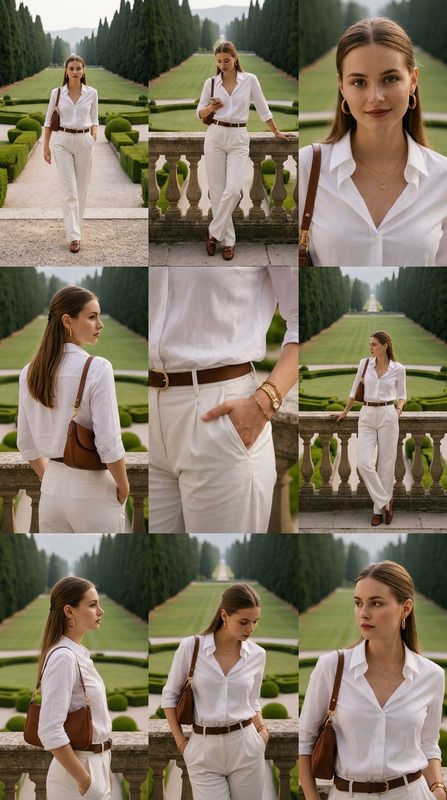
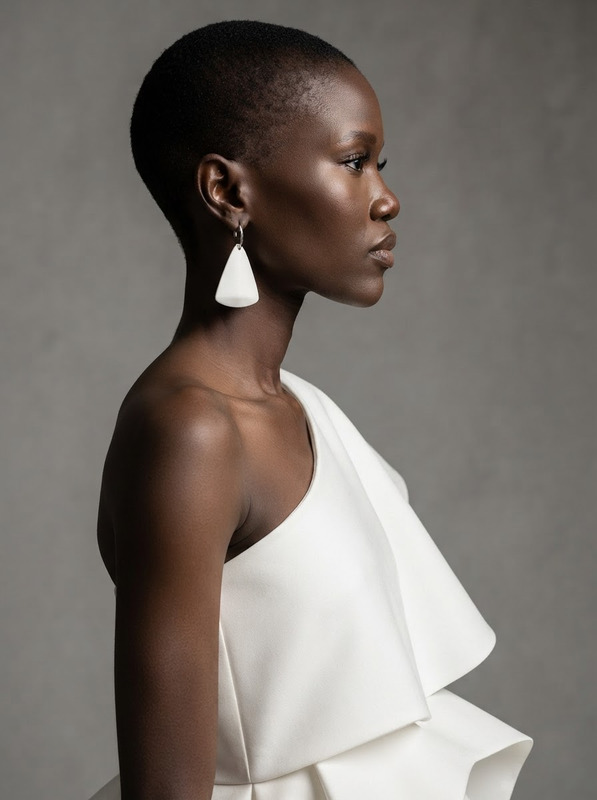
Combine multiple portraits into a single group photo, ensuring consistent lighting, perspective, and scale across all subjects. Align faces and body angles naturally, and adjust shadows and highlights for a unified look. Maintain original features while blending edges seamlessly. Ensure everyone appears naturally positioned and smiling for a cohesive, realistic group composition.
Any aspect ratio
Overview
The Seamless Group Portrait template enables creators to merge individual portraits into a seamless and cohesive group image. Utilizing the powerful nano-banana-2 model, this tool aligns subjects naturally by adjusting lighting, perspective, and scale to create a realistic photo. Perfect for users who need consistent, professional results.
What It Does
With the Seamless Group Portrait template, you can blend multiple individual portraits into one well-composed image. It ensures all subjects appear naturally aligned by adjusting the lighting, perspective, and body angles. The tool blends the edges while maintaining the original features, giving a realistic look.
Who It's For
This template is ideal for photographers, social media managers, and marketers who often deal with group photos. It serves as a crucial tool for those in advertising or corporate teams requiring high-quality group portraits. It's also beneficial for personal use, when you need to create memorable family or friend portraits.
Summary
In summary, the Seamless Group Portrait template offers a robust solution for creating unified group photos from individual portraits. Leveraging advanced AI technology, it delivers consistent and natural results. This makes it an invaluable tool for various sectors from personal projects to commercial advertising.
How To
Choose Your Template

Customize Your Inputs

Generate Your Image

Use Cases
Family Portrait Creation
- Aligns family members naturally
Corporate Team Photos
- Ensures uniform appearance
Event Memories
- Perfect for weddings and reunions
Best Practices
Choose Clear Portraits
For best results, use high-resolution images where all subjects are looking toward the camera.Consistent Lighting
Ensure that each original image has similar lighting conditions; this reduces the workload for the AI in balancing the final image.Use Natural Poses
Encourage natural poses and expressions in individual portraits for a more unified group photo.