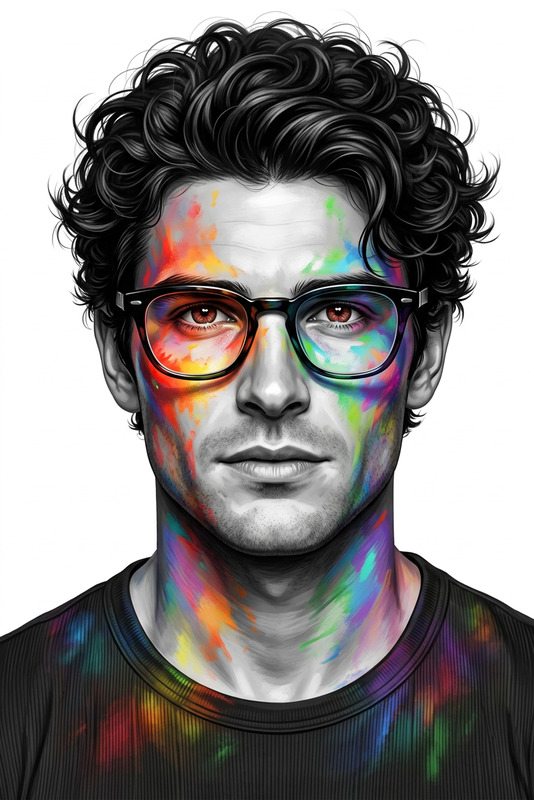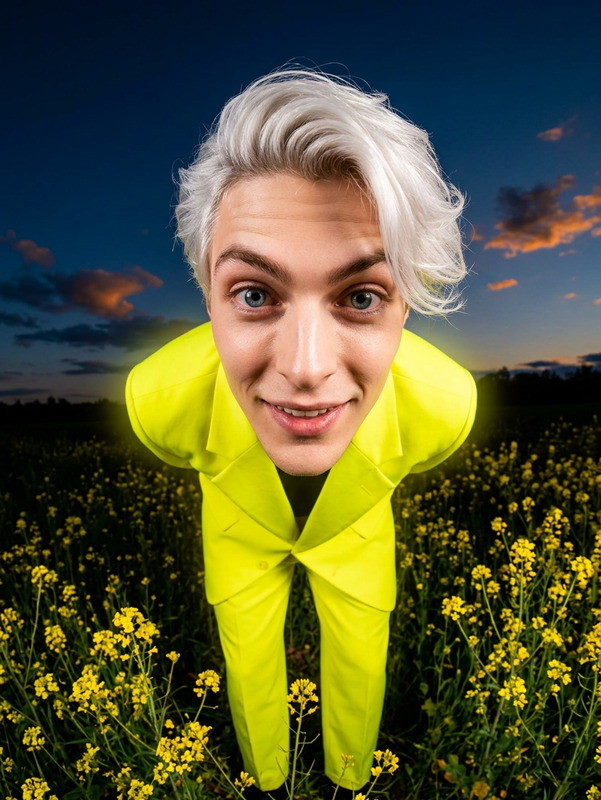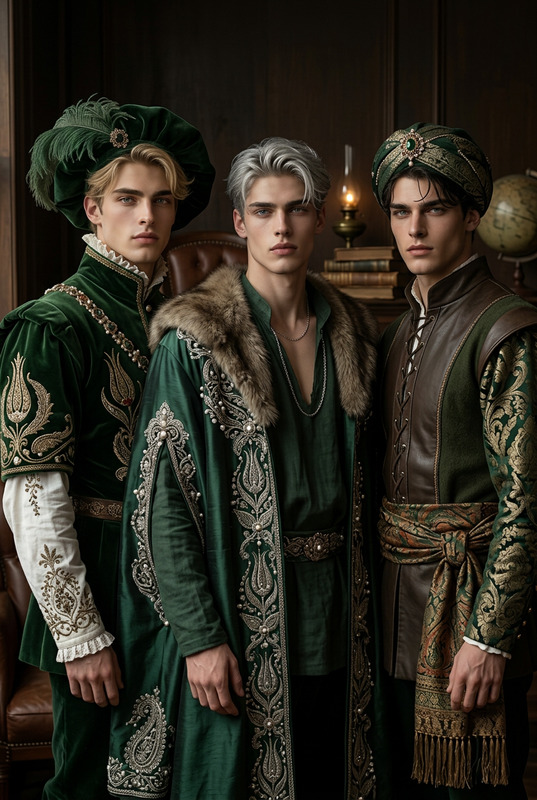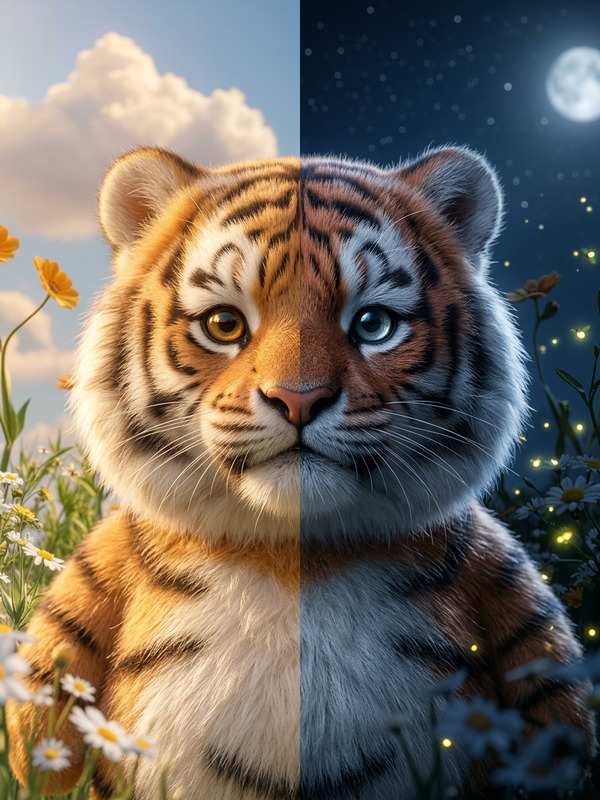
Festive Portrait
- Model
- Nano Banana 2
- Image
- 848 × 1264 px
Prompt
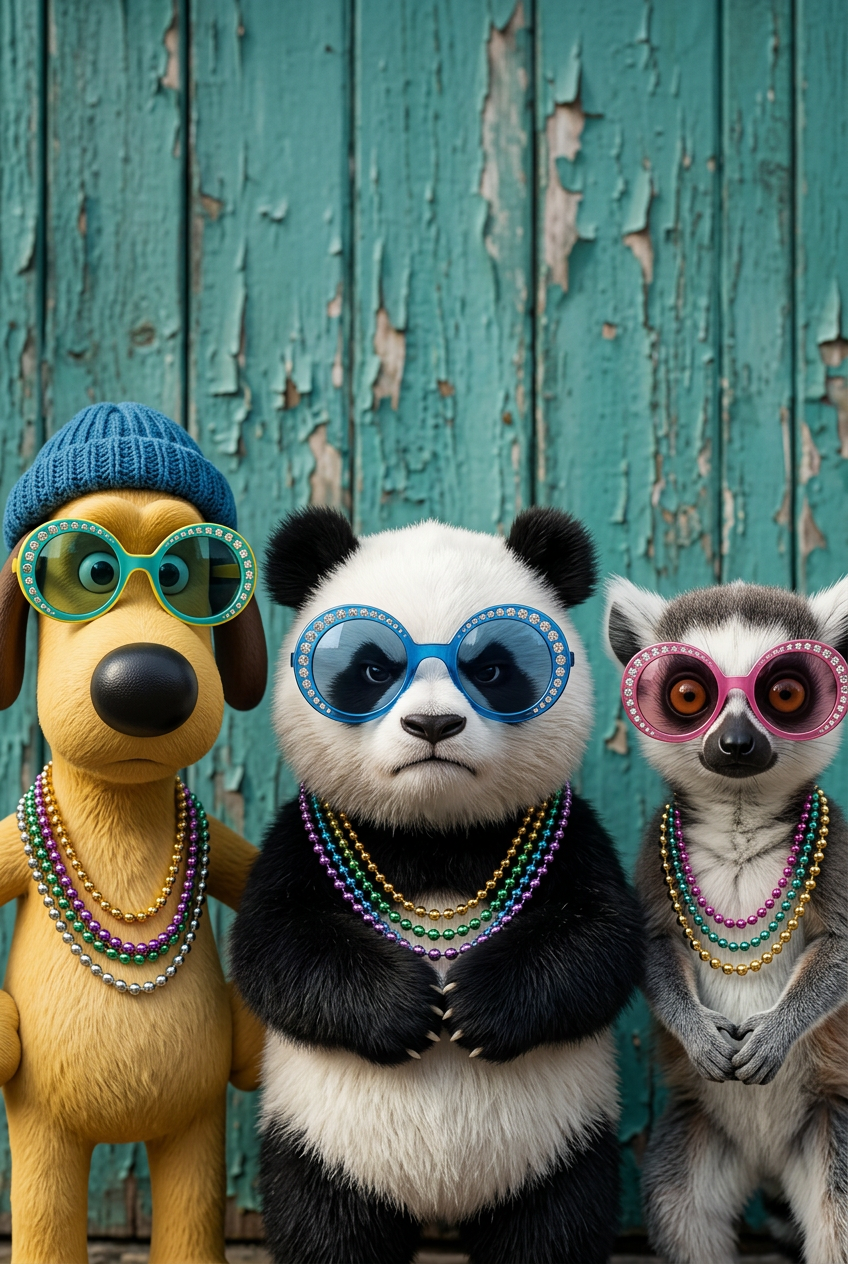
Hyper-realistic close-up studio portrait of three subjects standing side-by-side against a weathered, peeling teal wooden wall; each wears oversized colorful round sunglasses with jeweled rims (teal/yellow, blue, pink) and layered metallic bead necklaces (gold, purple, green, silver); hair is slightly tousled and textured; soft natural daylight enhances skin detail, reflections, and materials; high-end editorial photography style with a playful twist, ultra-detailed 8k quality, vertical composition.
Any aspect ratio
Overview
The Festive Portrait template enables you to produce striking, high-quality portraits using the AI Image Editor. Designed for professional photographers and enthusiasts alike, this tool combines advanced AI capabilities with a festive artistic flair. By incorporating hyper-realistic elements into each portrait, it elevates your photography projects to an editorial level.
What It Does
This template focuses on creating hyper-realistic studio portraits of three individuals. It uses nano-banana-2 to simulate detailed features such as skin texture, reflections, and lighting. The resulting images boast an editorial quality, enhanced by playful elements like oversized, jewel-rimmed sunglasses and layered metallic bead necklaces.
Who It's For
Ideal for photographers, designers, and creative directors looking to add a unique and vibrant twist to their portrait projects, the Festive Portrait template is perfect for those in fashion, marketing, and advertisement industries. It's also suitable for social media influencers and creators looking to make standout holiday-themed content.
Summary
With the Festive Portrait template, users can create ultra-detailed, festive-themed portraits ready for high-end publications. The vertical composition and playful aesthetic make it suitable for creative holiday projects and marketing campaigns. The template integrates smoothly with other tools like the AI GIF Generator for dynamic content creation.
How to Use the Template
Choose the Festive Portrait Template

Customize Your Inputs

Generate Your Portrait

Use Cases
Holiday Marketing Campaigns
- E-commerce ads
- Social media banners
- Email marketing visuals
Fashion Editorials
- Magazine covers
- Fashion lookbooks
Personalized Gift Designs
- Custom photo albums
- Personalized greeting cards
Best Practices
Focus on Lighting
Use the template's innate ability to emphasize natural daylight; it can significantly enhance textures and reflections for a more polished finish.Experiment with Accessories
Swap around different jewelry and sunglasses colors to achieve varied playful effects, aligning with your brand or project theme.Combine with Other Tools
Pair with AI Clothes Changer to diversify wardrobe options, creating a completely unique look for each portrait.