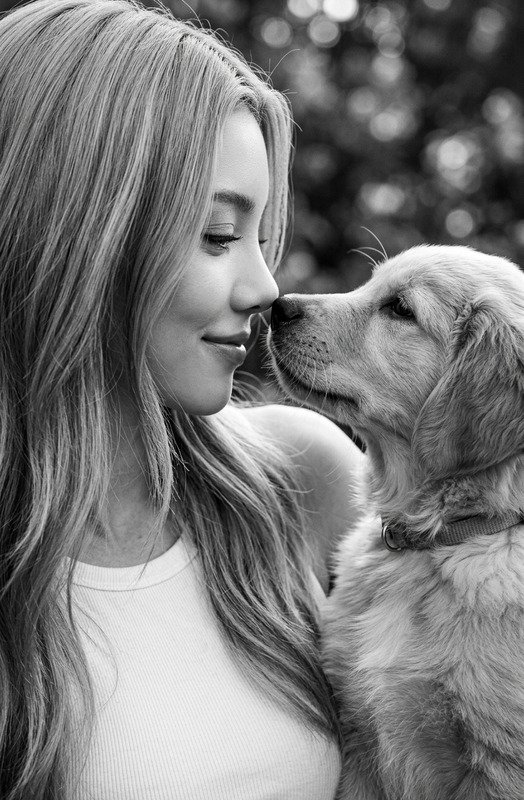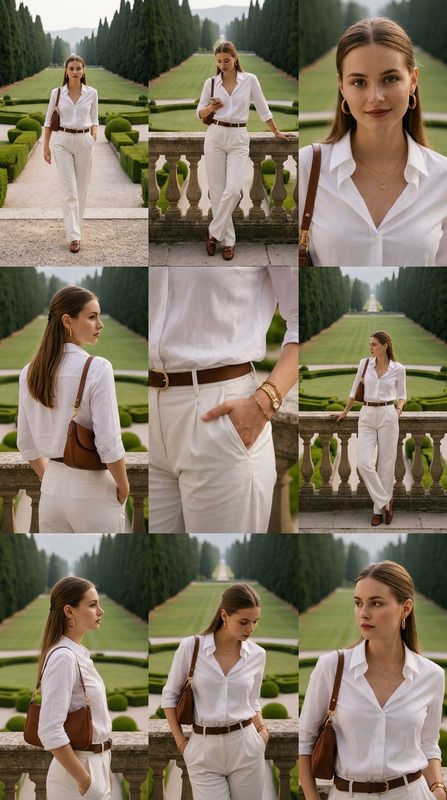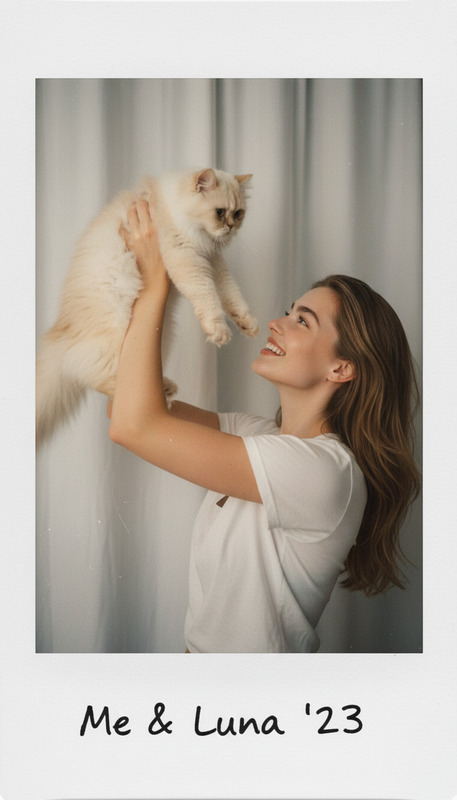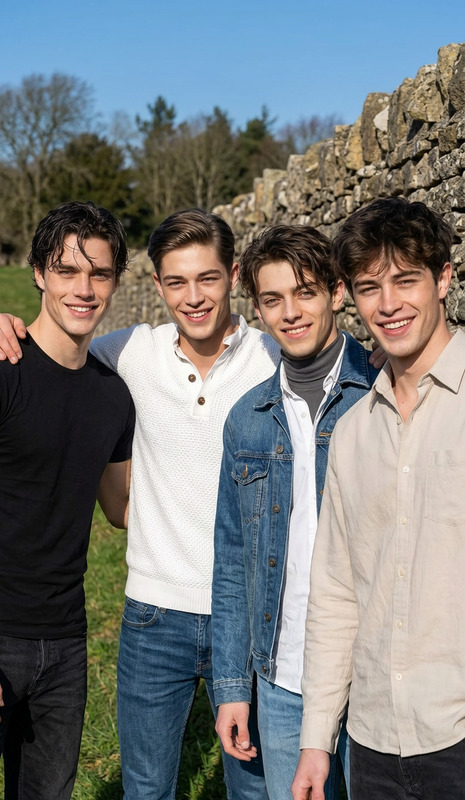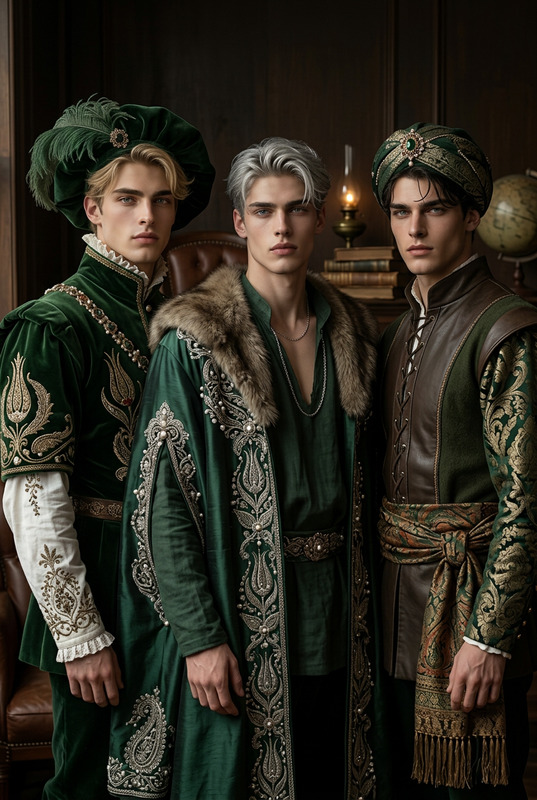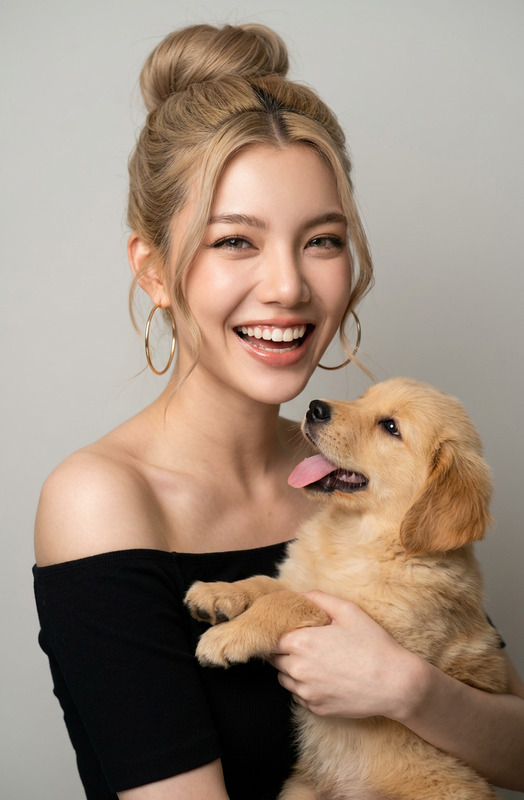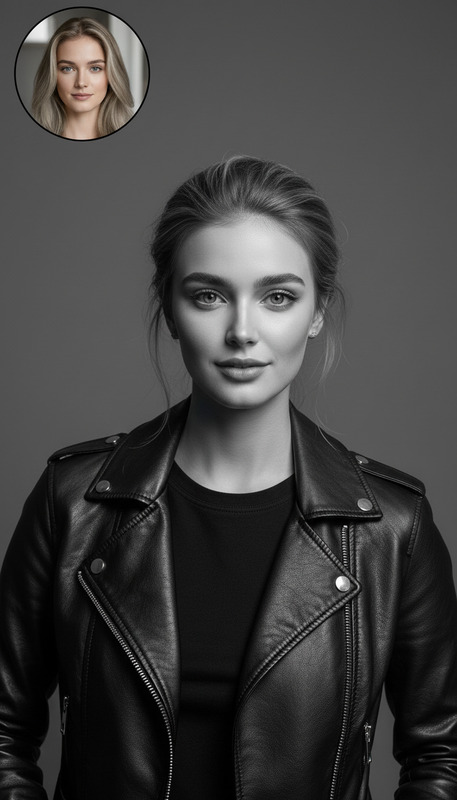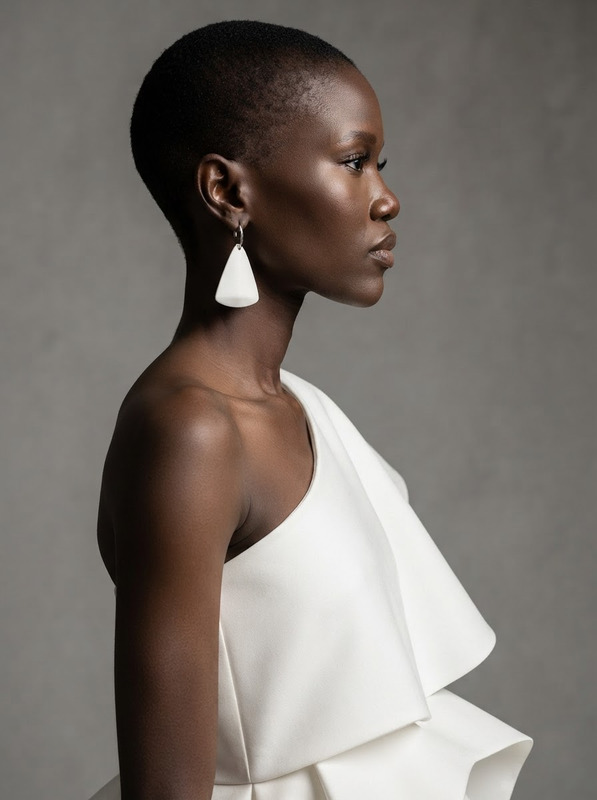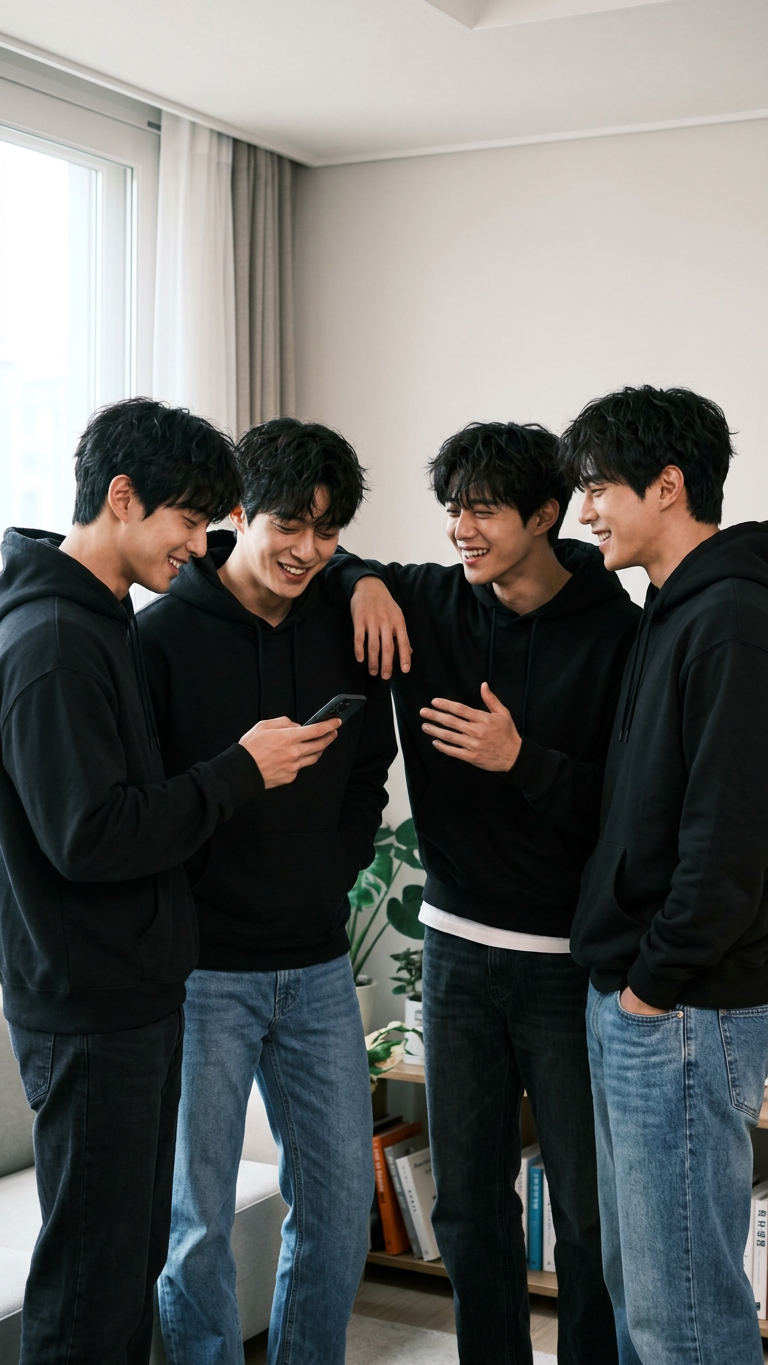
Clone group photo
- Model
- Nano Banana 2
- Image
- 768 × 1365 px
Prompt
Multiple identical clones of the same subject posing together in a balanced composition, standing close with natural interactions and relaxed expressions, soft even lighting, clean background, candid yet composed atmosphere, high detail, realistic, social and friendly vibe.
Any aspect ratio
Overview
Transform your group photography with our AI Image Editor specialized in cloning subjects seamlessly into one cohesive image. Using the cutting-edge nano-banana-2 model, this template balances clarity and creativity, offering you effortless photo manipulation to achieve a high-detail, realistic finish.
What It Does
This template focuses on creating multiple identical clones of a primary subject within a single image, orchestrated to appear naturally interactive and relaxed. The result is a polished group photo that maintains a high level of detail and realism. It's perfect for generating social and friendly atmospheres in your images, ideal for both casual and professional uses.
Who It's For
Whether you're a professional photographer, a social media influencer, or an enthusiast looking to spice up your photo gallery, this tool offers exciting opportunities. Perfect for those interested in social media ads creation or adding a creative touch to personal albums, you can expand your photographic horizons with ease.
Summary
Utilizing our AI Image Editor, the Clone Group Photo template provides a unique platform to craft visually striking group images. Seamlessly blend multiple versions of the same subject into one photograph while maintaining a composed, high-quality output. Ideal for both professional and casual applications, it's your gateway to innovative image enhancements.
How To
Choose Your Template

Customize Your Input

Generate and Download

Use Cases
Social Media Campaigns
- Boost engagement on platforms like Instagram and Facebook
- Craft unique profile pictures
Event Promotion
- Promote parties, weddings, or corporate events
- Attract more attendees with engaging visuals
Personal Photography
- Create fun family photos
- Experiment with artistic self-portraits
Best Practices
Select Clear Images
Choose high-resolution images of your subject to ensure clarity and detail in the final output.Balance the Composition
Adjust the arrangement of clones to maintain a harmonious and natural-looking composition.Mind the Background
Use simple backgrounds to enhance focus on the cloned subjects, keeping the photo visually appealing and uncluttered.