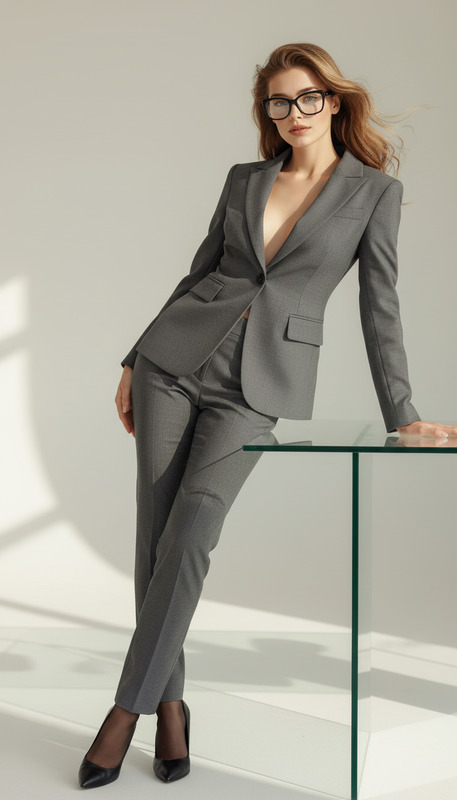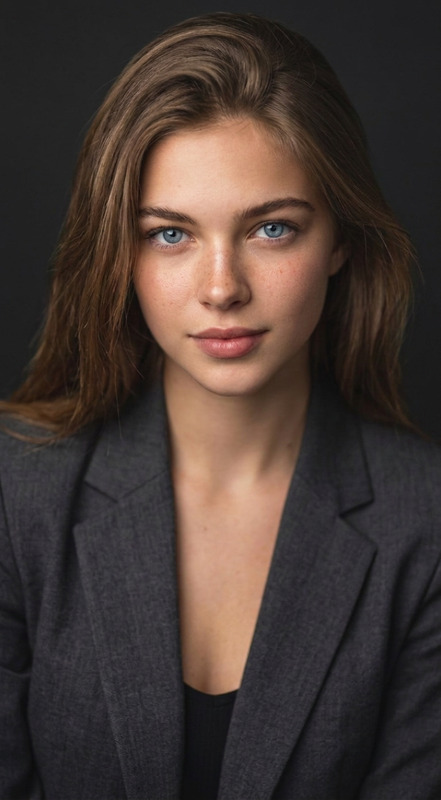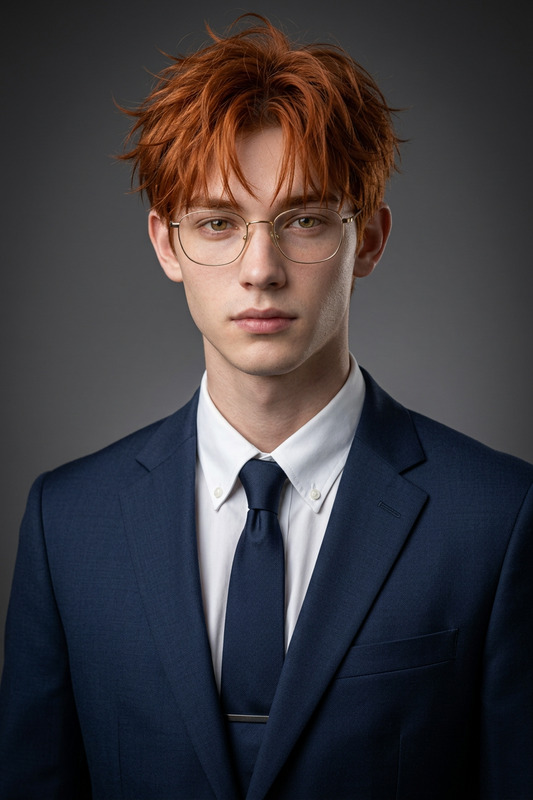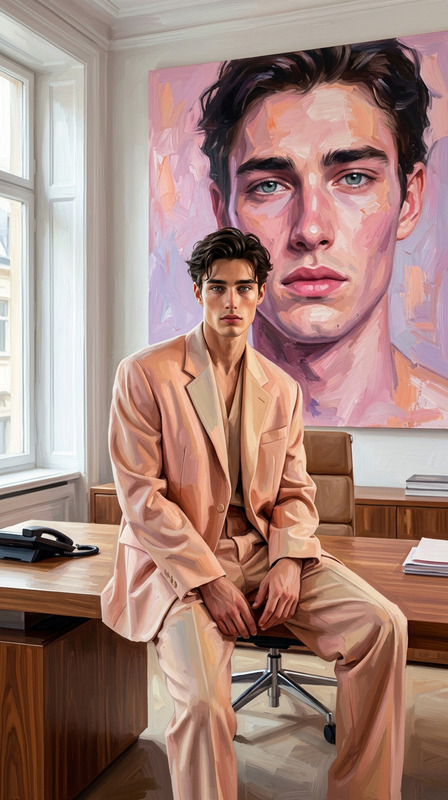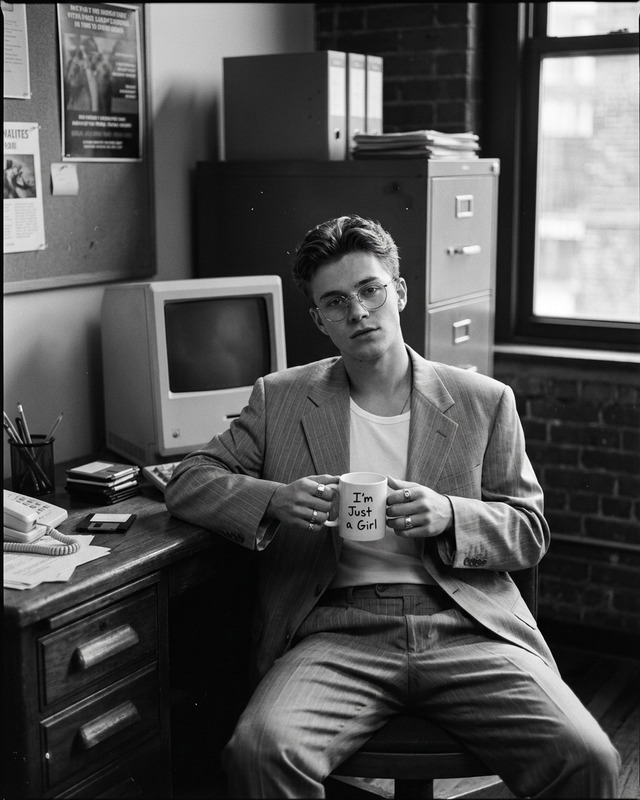
Work Frame
- Model
- Nano Banana Pro
- Image
- 1696 × 2528 px
Prompt
Put the uploaded face into a luxury executive office portrait featuring a modern businessman using a sleek laptop while looking at the screen, wearing a tailored navy blazer and light blue dress shirt, cinematic natural office lighting, ultra realistic Forbes-style entrepreneur editorial photography.
Any aspect ratio
Overview
Transform your images into powerful entrepreneurial portraits with the Work Frame AI Image Editor template. This tool utilizes the advanced capabilities of the nano-banana-pro model, which is engineered for creating ultra-realistic editorial style photography. Whether you're looking to enhance your brand or convey professionalism, this template is designed to help you craft the perfect executive image.
What It Does
The Work Frame template specializes in transforming a simple photo into a sophisticated executive office portrait. It places the uploaded face into a high-end setting, featuring a businessman equipped with a modern laptop and wearing a stylish blazer and shirt. The outcome is a cinematic, ultra-realistic image fit for a Forbes-style biography.
For those looking to extend their editing capabilities, explore our AI Image Editor for a comprehensive suite of tools.
Who It's For
This template is ideal for professionals seeking to elevate their personal brand through photography. It is perfect for entrepreneurs, corporate leaders, and those in the professional sphere who wish to present themselves in an editorial capacity. Content creators can also leverage this tool to add a touch of class to their visual projects.
Summary
The Work Frame template offers a practical solution for producing high-quality executive portraits. By utilizing the advanced features of the AI Image Editor, users can expect a seamless integration of personal photos into a professional setting. This editor is tailored for those wishing to stand out in professional or personal branding contexts.
How to Use
Choose the Template

Customize Your Input

Generate the Portrait

Use Cases
Professional Branding
Corporate Campaigns
Content Creation
Best Practices
Use High-Quality Photos
For the best results, ensure the image you upload is high resolution and well-lit.Experiment with Settings
Don't hesitate to tweak the light settings to match your aesthetic preferences.Consistency Across Projects
Maintain a consistent look by using similar settings across multiple images for cohesive branding.