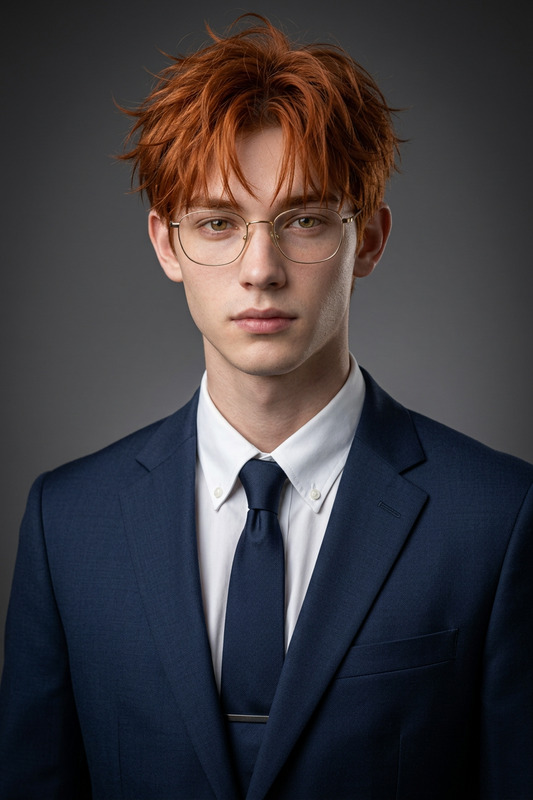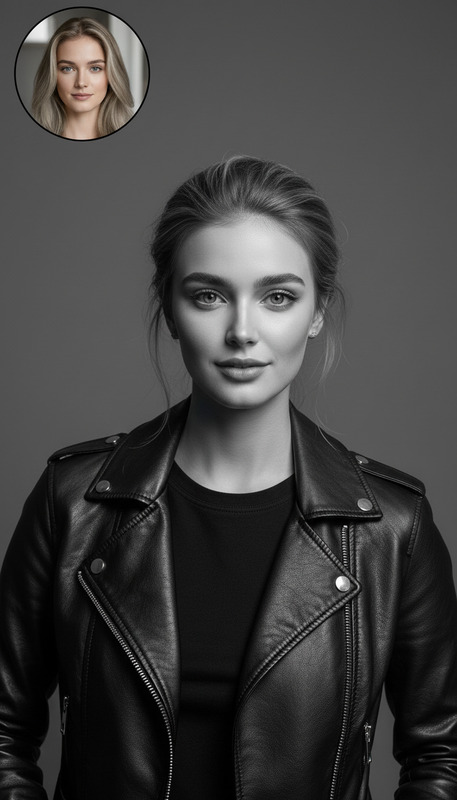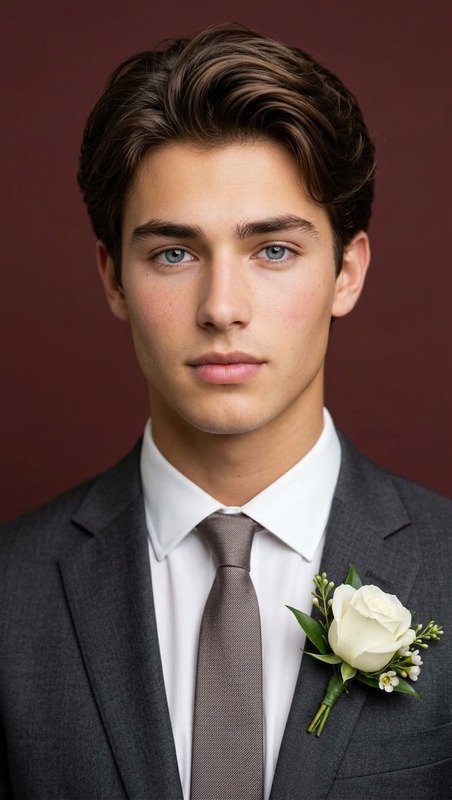
Office Style
- Model
- Nano Banana
- Image
- 768 × 1344 px
Prompt
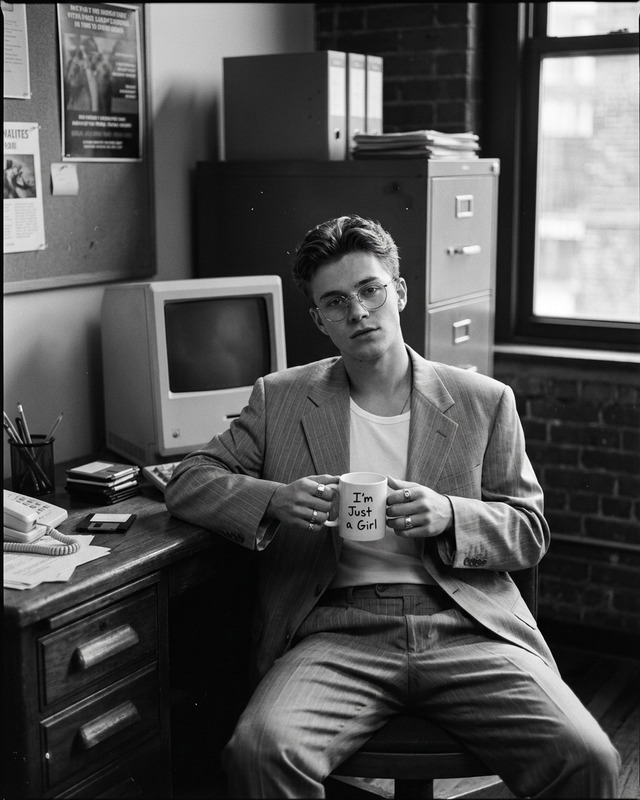
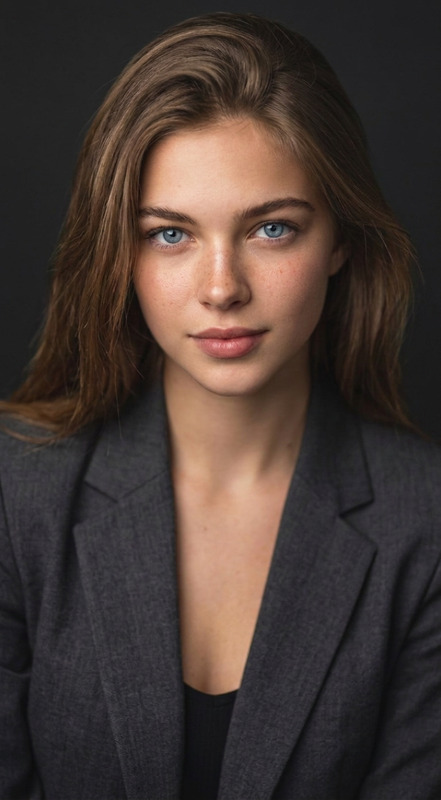
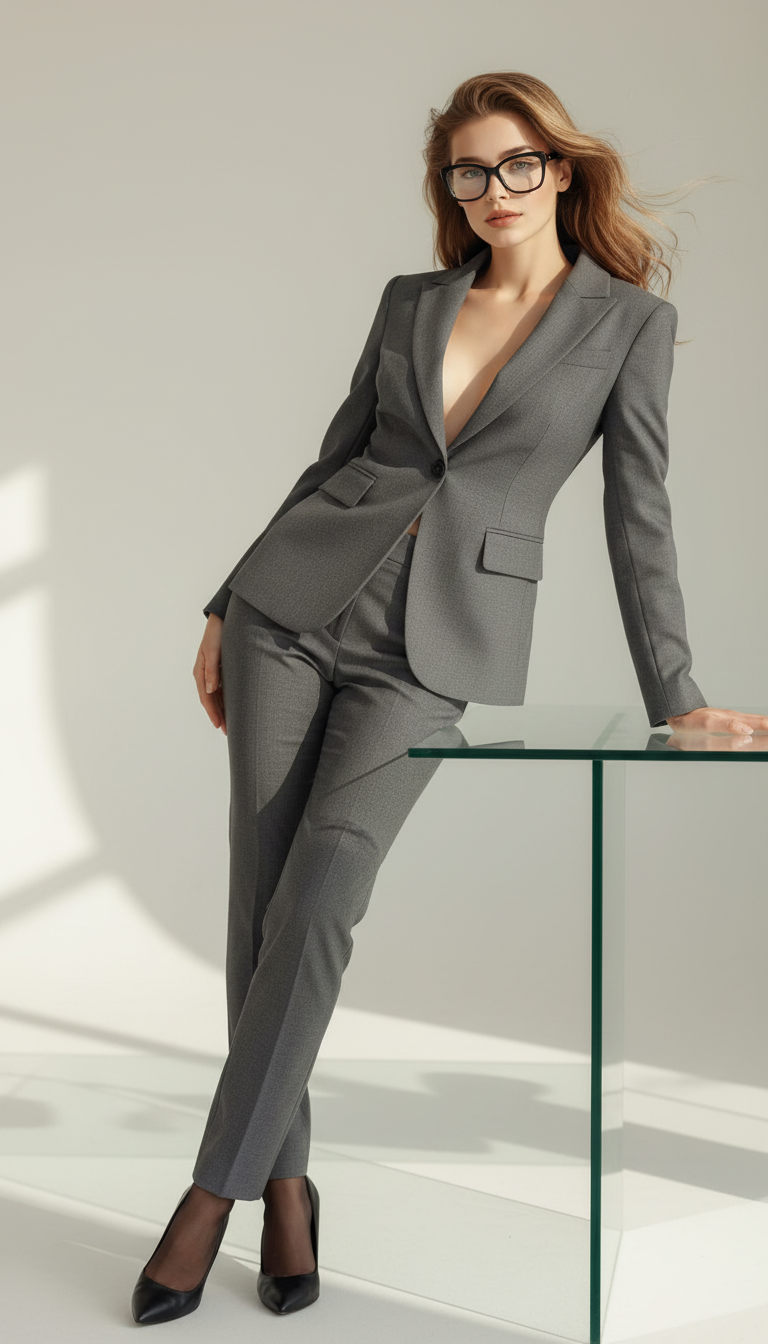
A professional portrait of the subject leaning on a glass desk. Preserve exact facial features, hairstyle, skin tone, and identity from the reference image. The subject wears a fitted gray suit with a deep neckline, black sheer stockings, black high heels, and large black-framed glasses. The background is plain and light-colored, creating a clean minimalist setting. Sharp focus, realistic proportions, studio lighting, and a confident modern aesthetic.
Any aspect ratio
Overview
The Office Style AI Image Editor template allows you to create a polished, professional portrait while retaining key aspects of identity and style. This template uses the nano-banana model to ensure realistic and sharp results with every edit.
What It Does
Transform an ordinary photo into an elegant, office-ready image with this template. It modifies the subject's outfit to a fitted gray suit combined with accessories like large black-framed glasses, maintaining exact facial features and realistic proportions. The minimalist, light-colored background focuses all attention on the subject, perfect for corporate or professional settings. Explore other editing options with our versatile AI Image Editor.
Who It's For
This template is ideal for professionals seeking to update their corporate or professional portraits. It's also perfect for photographers and digital artists who want to streamline the creation of office-themed visuals. Whether you're enhancing LinkedIn profiles or preparing images for promotional materials, this tool simplifies the process.
Summary
With the Office Style template, create sharp, studio-quality professional portraits. Preserve the essence of the original image while updating attire and setting. This is a valuable tool for anyone looking to modernize their visual content effortlessly.
How to Use
Choose

Customize

Generate

Use Cases
Professional Headshots
- Corporate profiles
- LinkedIn updates
- Conference materials
Marketing Materials
- Magazine features
- Business cards
- Brochures
Digital Art Projects
- Illustrations
- Promotional artwork
- Multimedia presentations
Best Practices
Maintain Image Quality
Always start with a high-resolution reference image to ensure the best results during processing.Optimize Lighting
Utilize studio lighting settings for well-balanced exposure and clarity.Check Details
Ensure all facial features and identity characteristics are accurate before generating the final image.