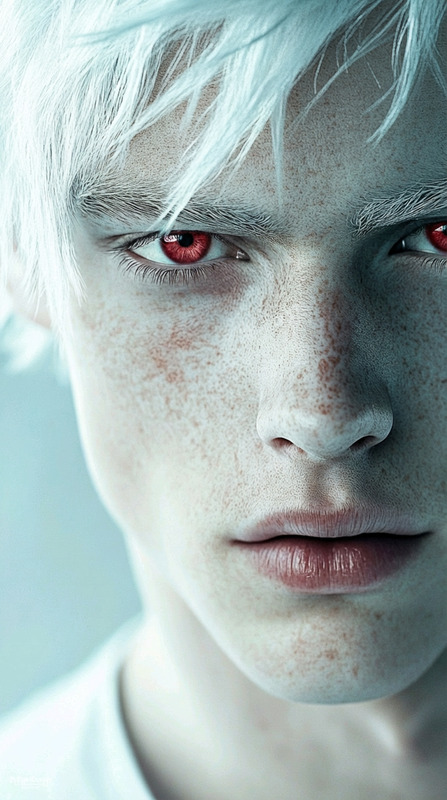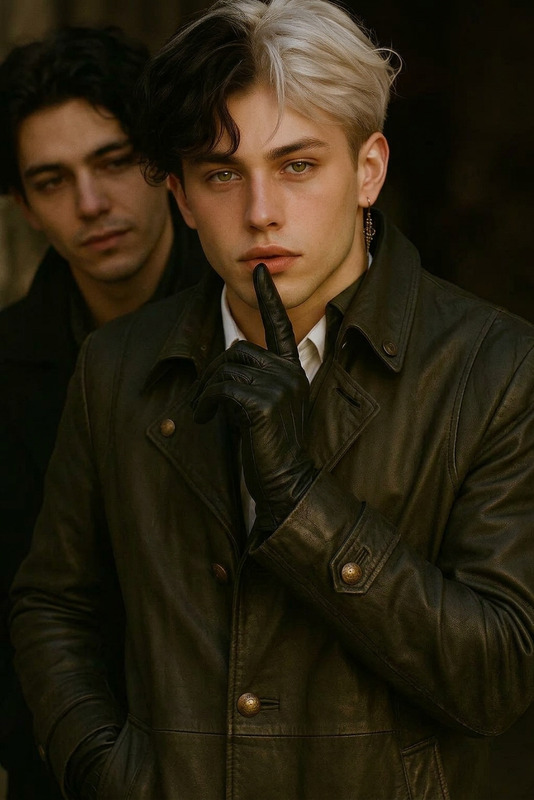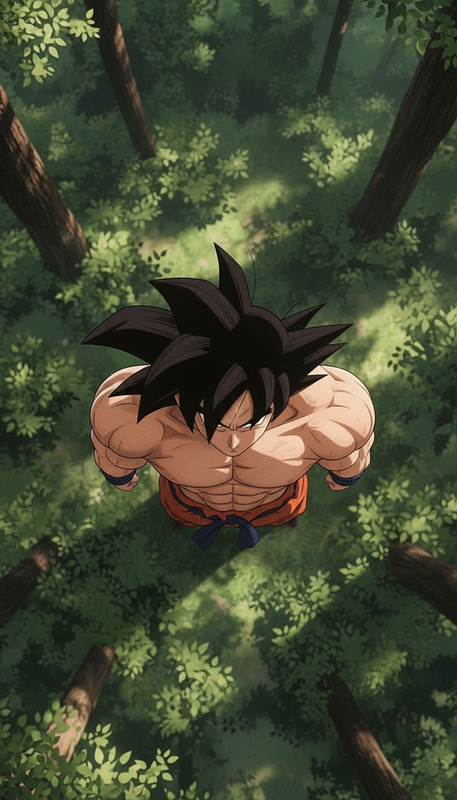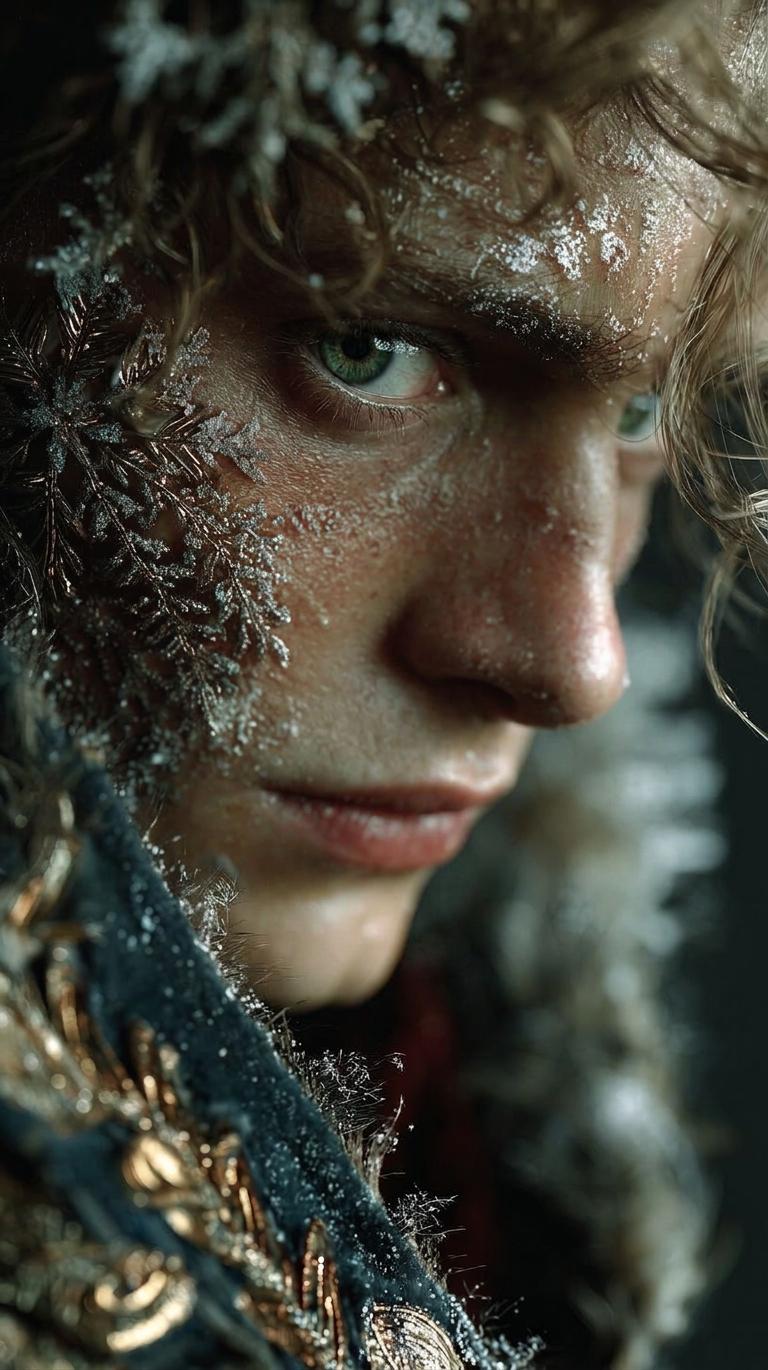
Direct Gaze Adjustment
- Model
- Nano Banana 2
- Image
- 768 × 1370 px
Prompt
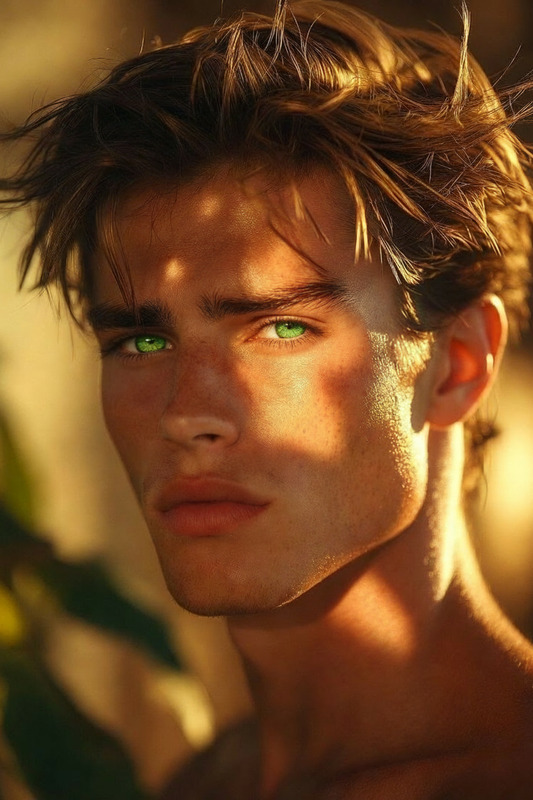
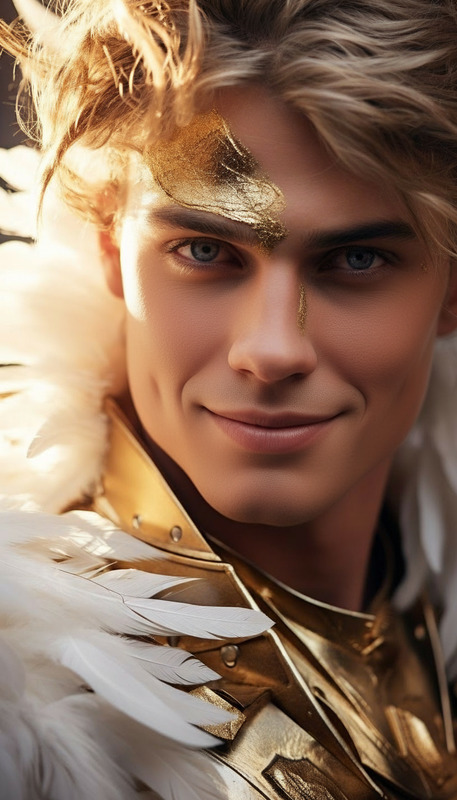
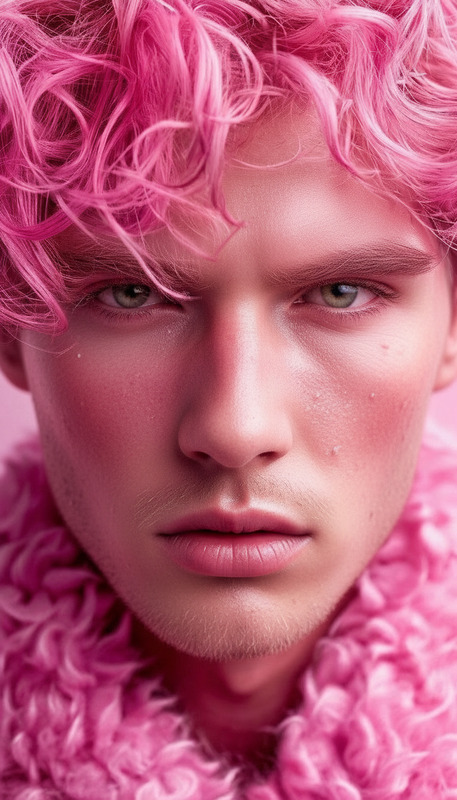
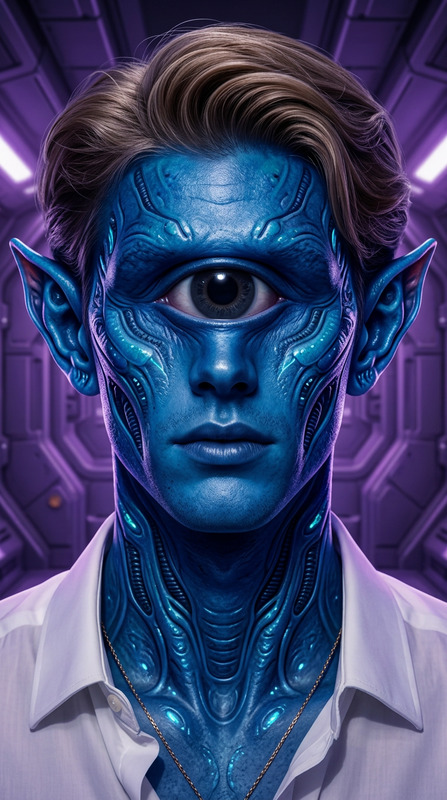
Adjust the subject’s gaze so they are looking straight ahead toward the camera. Keep head position natural and preserve facial structure, expression, and lighting. Ensure the eye direction is aligned realistically without distortion or artifacts.
Any aspect ratio
Overview
The Direct Gaze Adjustment template in our AI Image Editor is designed to modify the subject's gaze accurately without affecting their facial expression or lighting. It's an excellent tool for enhancing engagement in your images, ensuring that the subject looks directly at the camera, which is key for creating appealing and professional visual content.
What It Does
This template uses the AI Image Editor to align the subject's eyes toward the camera, maintaining the natural positioning of the head and preserving facial details. It is powered by our nano-banana-2 model to guarantee a realistic alignment with no distortion or artifacts, ensuring high-quality output.
Who It's For
Ideal for content creators, photographers, and videographers, this tool provides consistent eye contact in portraits, enhancing emotional engagement and professionalism. Also suitable for those in advertising, social media marketing, or any field where impactful visual communication is crucial.
Summary
Our Direct Gaze Adjustment template allows you to refine your images with precision, enhancing viewer connection by directing gaze naturally and authentically. This tool integrates smoothly with various workflows, providing significant value to professionals in visual media.
How to Use Direct Gaze Adjustment
Choose the Template

Customize Your Input

Generate the Image

Use Cases
Professional Portraits
- Improve engagement in profile pictures
- Perfect for professional resume photos
Social Media Content
- Boost Instagram and Facebook images
- Ideal for influencer content
Advertising Campaigns
- Increase ad effectiveness
- Enhance viewer retention
Film and Video Editing
- Refine cinematic shots
- Improve character focus
Best Practices
Select the Right Images
Choose high-resolution images where the subject's features are clearly visible for the best results.Maintain Natural Expressions
Ensure the subject's natural expression is maintained to avoid uncanny results.Test Different Light Settings
Use the tool in various lighting conditions to understand its adaptability to your project needs.