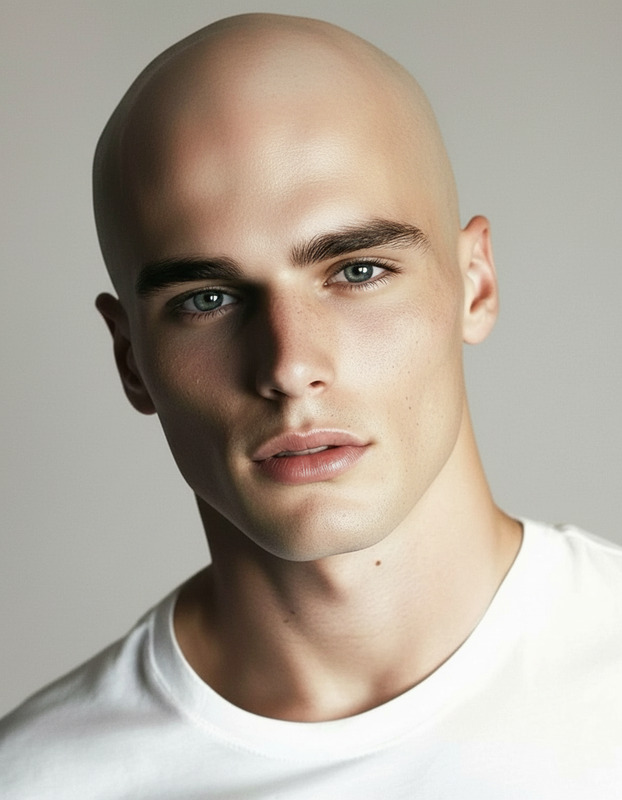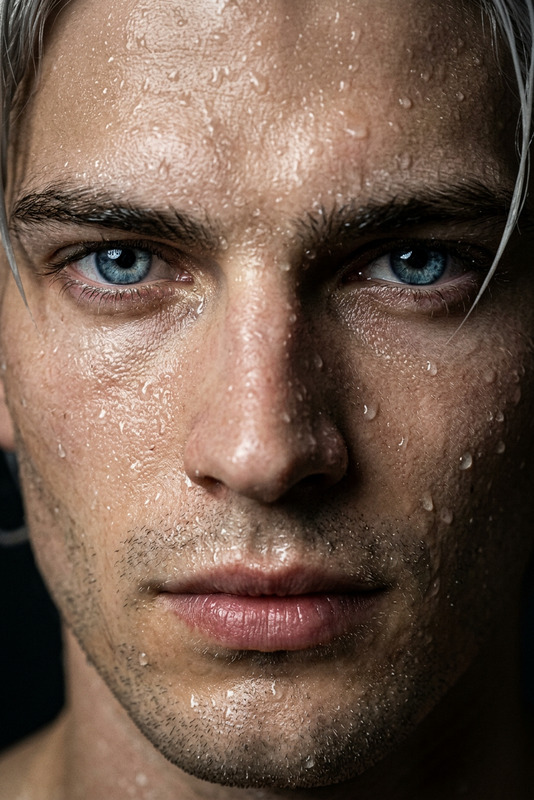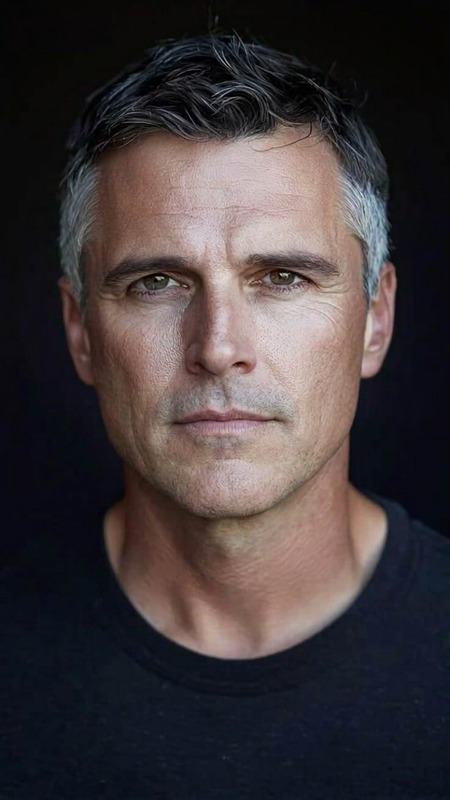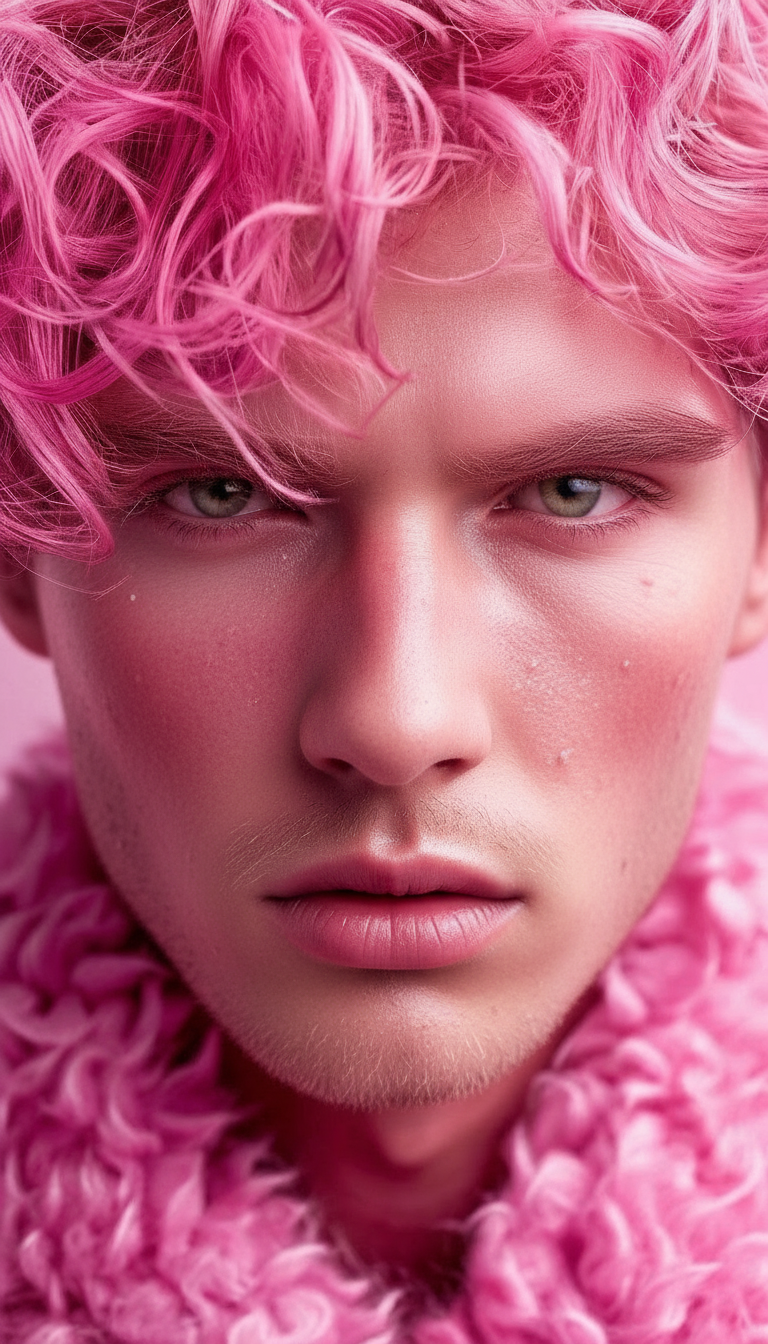
Natural Skin Refinement
- Model
- Nano Banana
- Image
- 768 × 1344 px
Prompt
Optimize the subject's facial skin texture to appear smoother and healthier while preserving natural pores and fine details. Maintain realistic skin texture—avoid over-smoothing or plastic-like effects. Balance subtle blemish reduction with authentic detail, ensuring natural lighting, tone consistency, and a lifelike finish that retains the subject’s identity
Any aspect ratio
Overview
Achieve striking facial skin refinements with the Natural Skin Refinement template, part of our powerful AI Image Editor suite. Developed using the cutting-edge nano-banana model, this tool helps you enhance image quality while maintaining natural aesthetics. It expertly balances blemish reduction with the preservation of fine details and realistic texture.
What It Does
This template focuses on optimizing facial skin texture in images, ensuring smoother and healthier appearances without losing the subject’s identity. The AI works to reduce blemishes and refine tones while keeping realistic skin texture intact. Say goodbye to over-smoothing and unrealistic plastic-like skin effects.
Who It's For
Perfect for photographers, digital artists, and influencers who demand perfection in visual content. It's ideal for creatives working on beauty, fashion, or portrait projects that require precise and detailed image refinement. Marketing teams can also leverage this tool for producing visually stunning ads.
Summary
With Natural Skin Refinement, enhance your images to display natural yet stunning skin textures. Whether it’s for personal projects or professional campaigns, this tool ensures your visuals maintain their authenticity and quality.
How To

Customize Your Edits

Generate and Download

Use Cases
Photography Edits
- Portrait photography
- Fashion shoots
Social Media Content
- Influencer posts
- Beauty tutorials
Marketing Materials
- Product advertisements
- Brand campaigns
Best Practices
Maintain Natural Texture
Ensure that the skin retains a natural look by avoiding excessive smoothing. Adjust settings incrementally for the best results.Consistent Lighting
Pay attention to the image's original lighting conditions. Adjust settings to keep lighting and shadows consistent with the surrounding environment.Subtle Edits
Aim for subtle modifications that enhance rather than overhaul the original image details, preserving the identity of the subject.