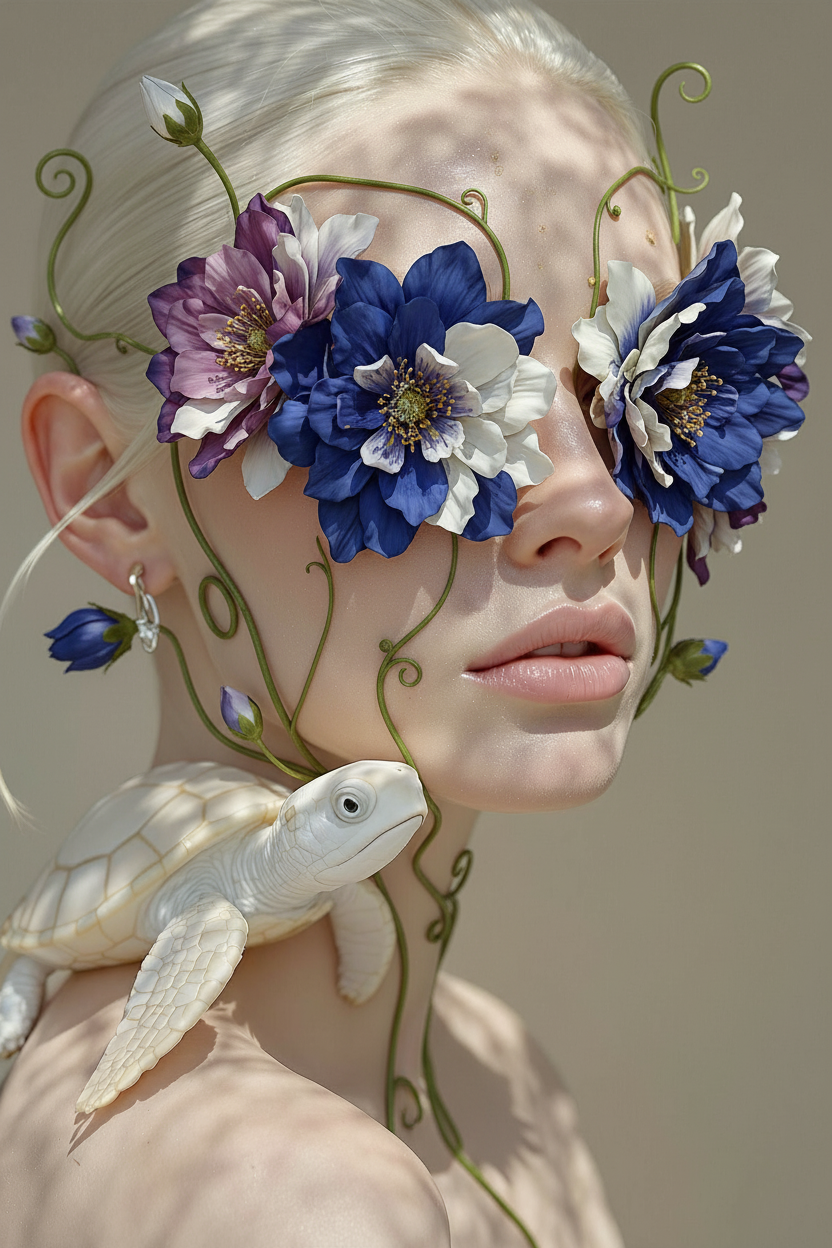
Floral Eyes
- Model
- Nano Banana
- Image
- 832 × 1248 px
Prompt
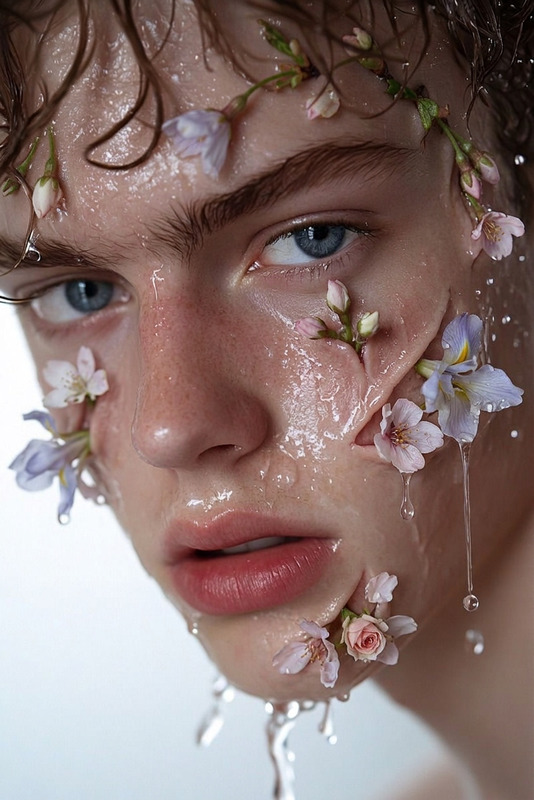
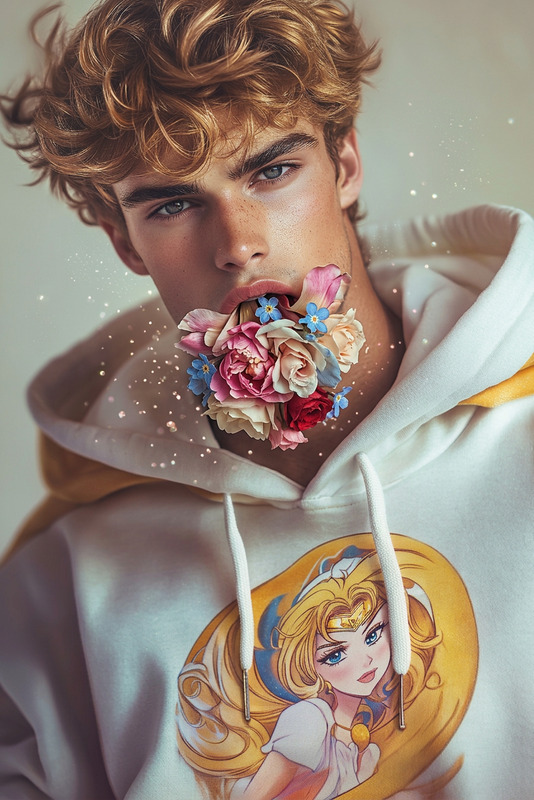
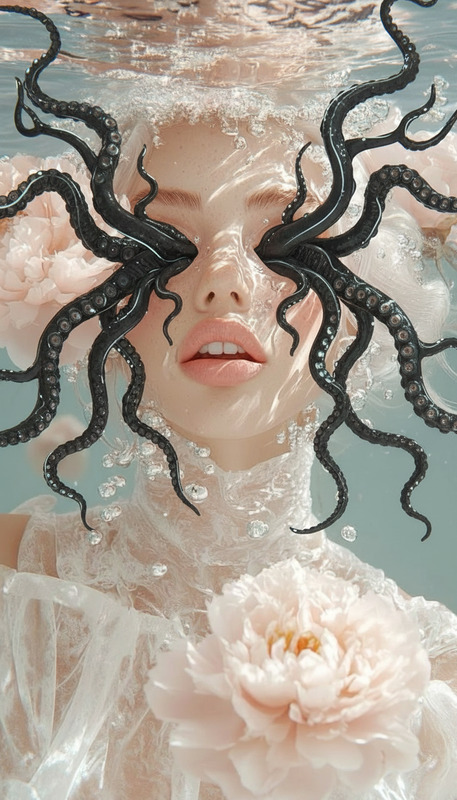
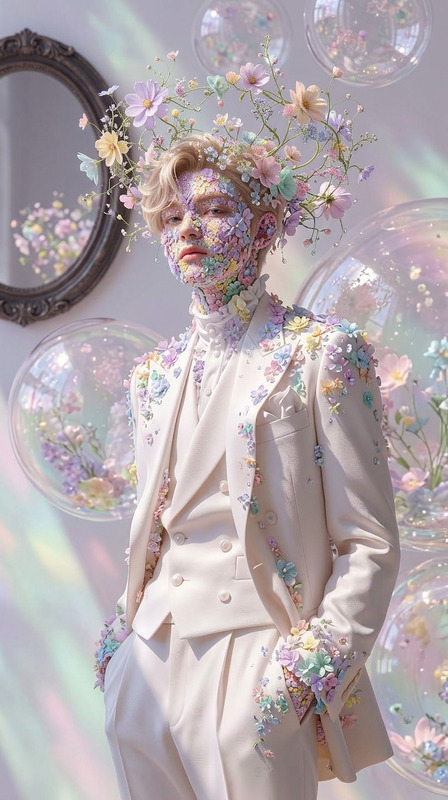
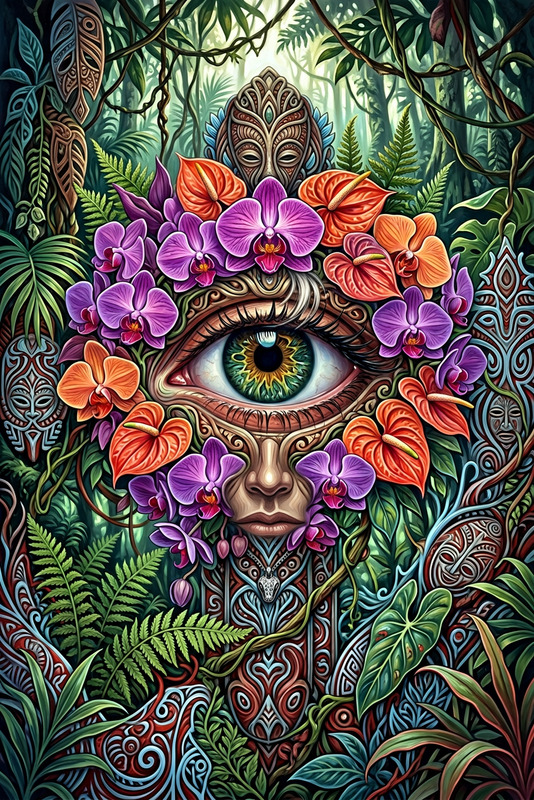
A subject’s eyes transforming into blooming vibrant flowers, petals unfolding outward from the eye sockets as delicate stems and blossoms merge with the face, blending human identity with nature, soft organic growth with surreal elegance, dreamy atmosphere, cinematic lighting, ultra-detailed, 4K.
Any aspect ratio
Overview
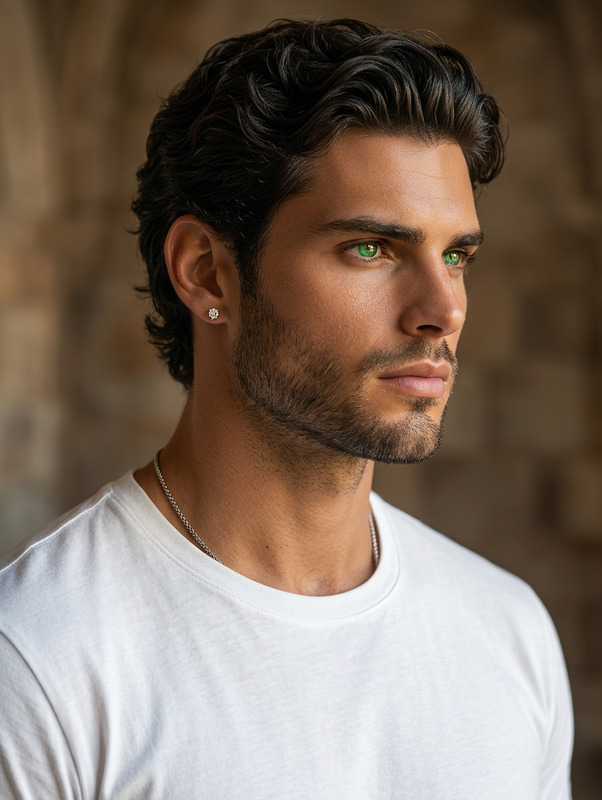
The Floral Eyes template offers a mesmerizing way to blend human and nature in your visuals. Using the AI Image Editor, it provides an ultra-detailed, surreal transformation of a subject's eyes into blooming flowers. Capture the cinematic elegance of this transformation and craft your art in glorious 4K resolution.
What It Does
The template employs the nano-banana model to create stunning, floral-themed imagery. The prompt outlines the transformation of eyes into vibrant blooms with delicate petals and stems merging into the subject's face. The result is an exquisite, dreamlike blend of humanity and nature, all rendered in cinematic lighting for added depth and clarity.
Who It's For
Floral Eyes is perfect for beauty enthusiasts, digital artists, and anyone in need of visually stunning imagery. Creatives looking to add a touch of surreal elegance to their projects will find this template highly beneficial. It's ideal for those interested in exploring the intersection of natural aesthetics and human features with a hint of cinematic magic.
Summary
Utilize the Floral Eyes template to transform ordinary photos into floral masterpieces. With the powerful tools of the AI Image Editor and the precision of the nano-banana model, achieve vibrant, ultra-detailed art quickly and easily.
How to Use
Choose the Template

Customize Your Image

Generate the Art

Use Cases
Beauty Campaigns
- Infuse traditional beauty shots with surreal nature elements
- Highlight eco-friendly products with imaginative designs
Artistic Projects
- Experiment with mixed media artworks
- Crafting digital art displays
Social Media Content
- Engage audiences with remarkable before-and-after posts
- Create themed imagery for festivals or events
Best Practices
Choose Complementary Colors
Ensure that the color palette of your photos complements the floral elements to create a harmonious image.Highlight Human Features
While transforming eyes, maintain the subtle nuances of human features to preserve the balance between nature and the individuality of the subject.Optimize Lighting
Use adjustments in the AI Image Editor to perfect lighting, achieving vivid and cinematic effects.