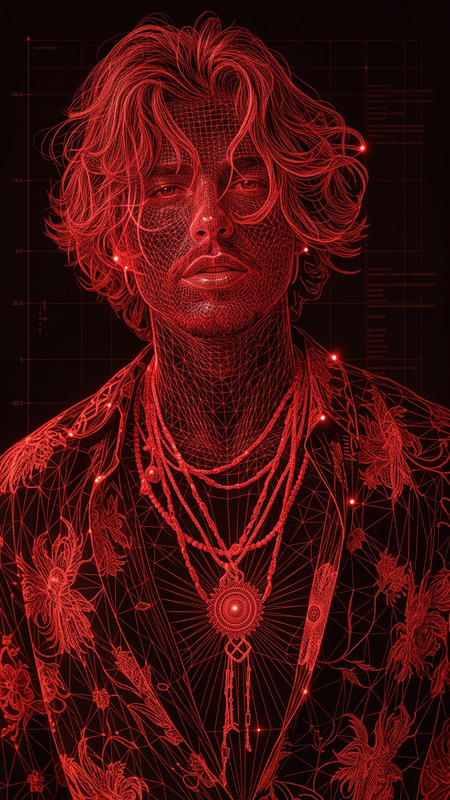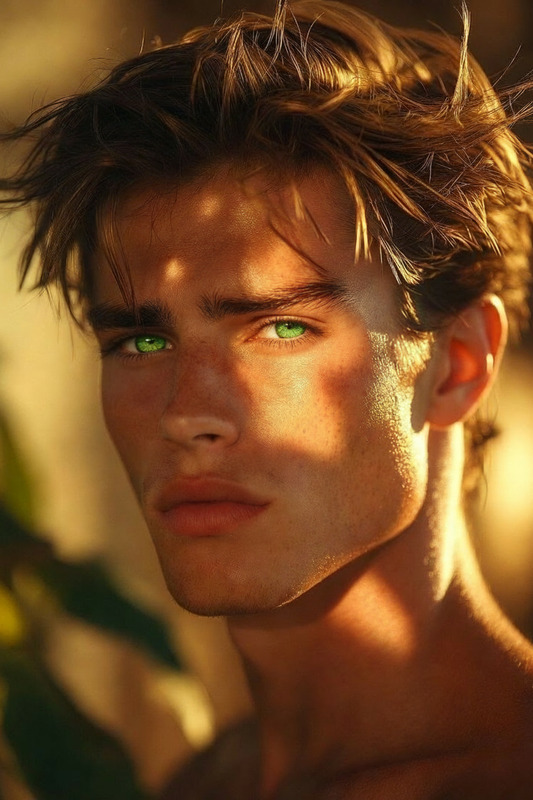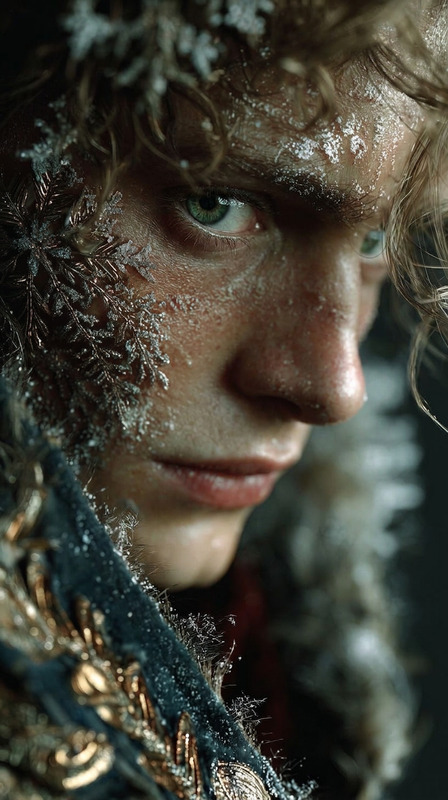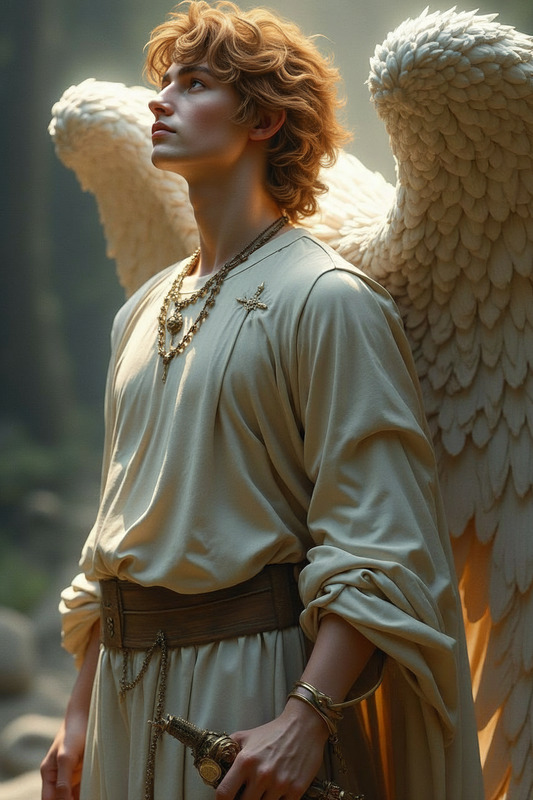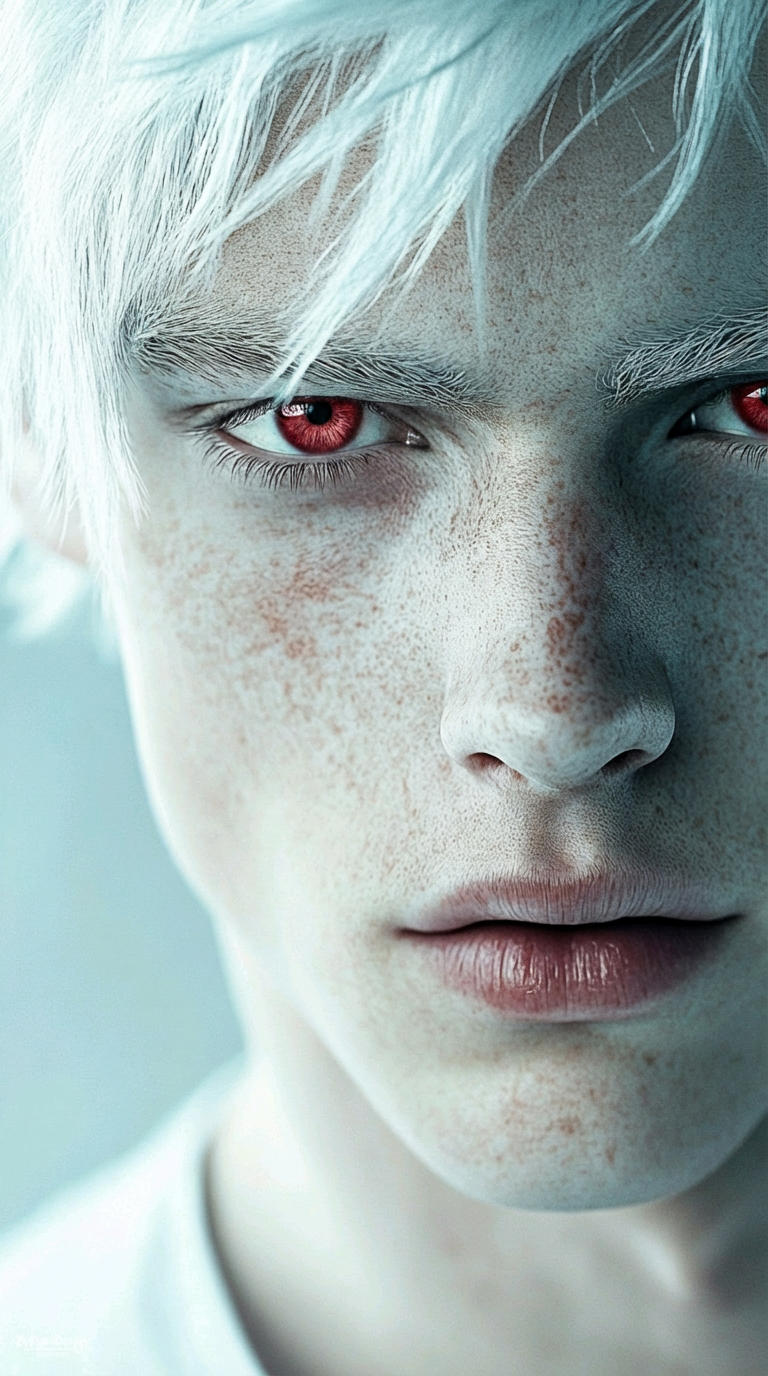
Natural Red Eyes
- Model
- Nano Banana Pro
- Image
- 768 × 1376 px
Prompt
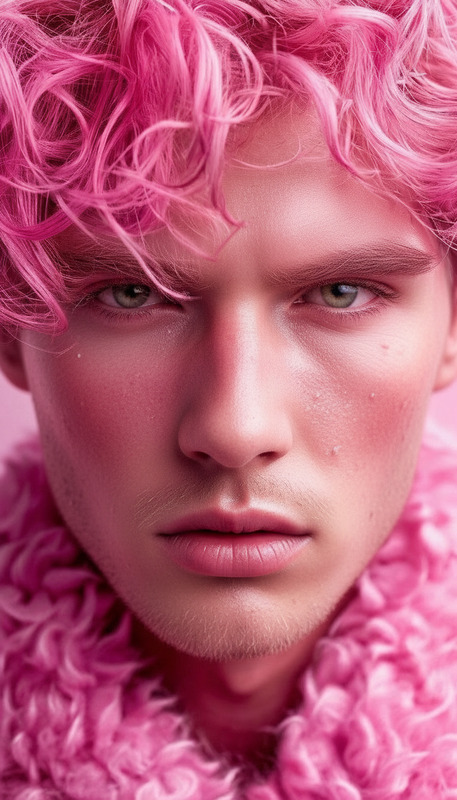
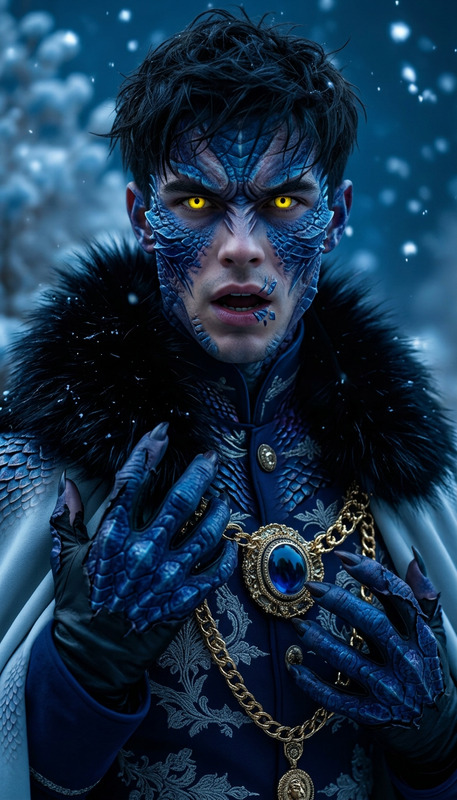
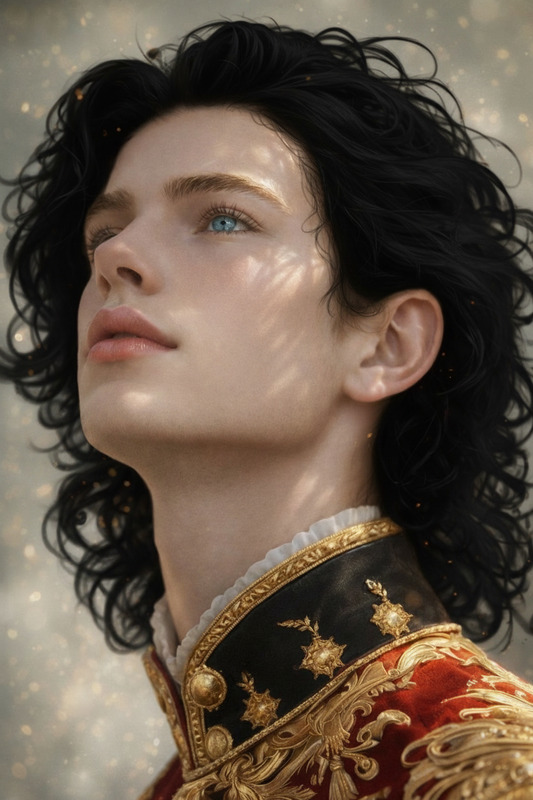
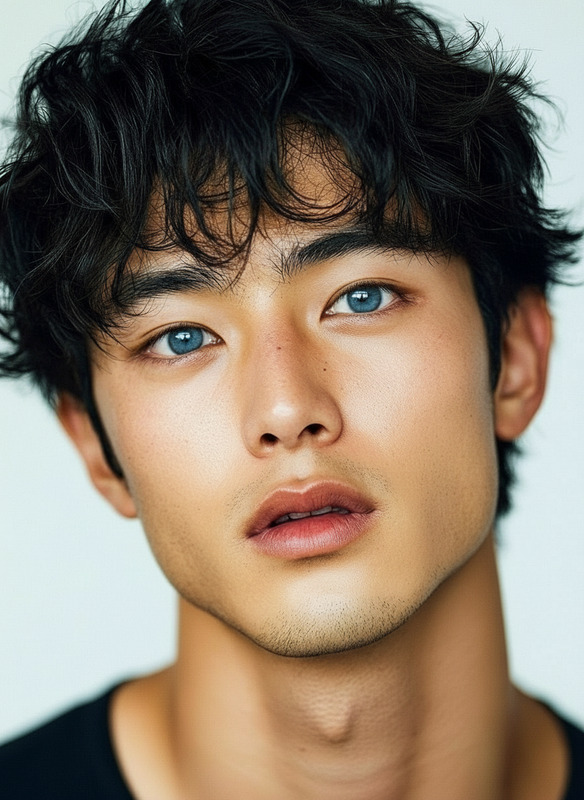
Change the subject’s eye color to natural red while preserving realistic iris detail, lighting, and reflections. Maintain original eye shape and expression. Ensure the color blends naturally with the scene and does not appear artificial.
Any aspect ratio
Overview
The Natural Red Eyes template leverages the power of the AI Image Editor to subtly enhance eye color, providing a vibrant yet natural red hue. Designed using Magic Hour's advanced nano-banana-pro model, the template ensures the integrity of iris details and overall expression while delivering a seamless transformation.
What It Does
Built to maintain the detail in iris and eye expressions, this template offers an elegant transformation that feels authentic. By applying advanced lighting and reflection techniques, it preserves the natural look of your subject's eyes. Ideal for catching attention, the red hue perfectly integrates with existing photo or video environments without appearing artificial.
Who It's For
Ideal for content creators, photographers, and marketing professionals looking to add a unique touch to images or videos, this tool can bring a fresh perspective. Whether working on product shoots or creating stylized videos, those in the production and styling industries will find it especially beneficial. It's also suitable for social media influencers eager to intrigue their followers with creative visuals.
Summary
The Natural Red Eyes template offers a detailed, realistic edit that fits seamlessly into a wide range of creative projects. Access this and other transformative tools such as the AI Clothes Changer or AI Talking Photo for more diverse editing options.
How-To
Choose the Template

Customize Your Edits

Generate and Download

Use Cases
Creative Photography
- Enhanced fantasy-themed portraits
- Unique artistic photography
- Conceptual art visuals
Marketing Campaigns
- Bold product images
- Engaging social media content
- Attention-grabbing advertisements
Film and Video Production
- Stylized shots for music videos
- Thematic storytelling visuals
- Distinctive character features
Best Practices
Contextual Application
Ensure the red eye effect matches the scene's lighting and mood for a harmonious look.Subtle Adjustments
Use slight modifications to keep the transformation subtle and realistic.Consistency Check
When working with series, maintain consistent color adjustments across all images or video frames.