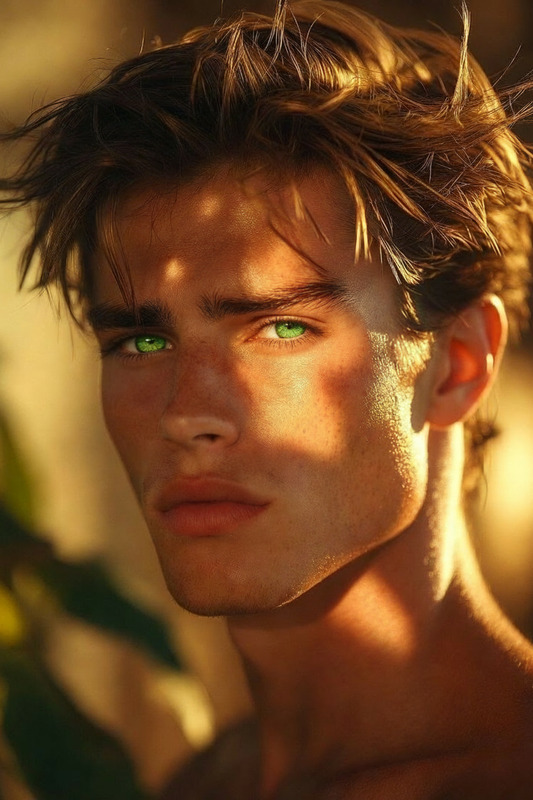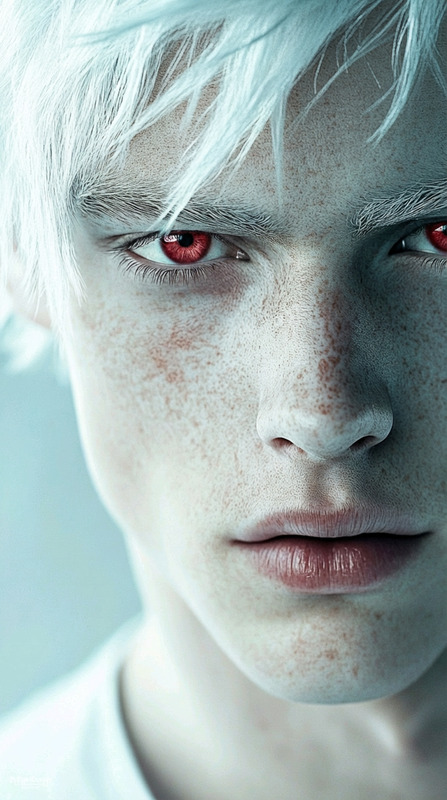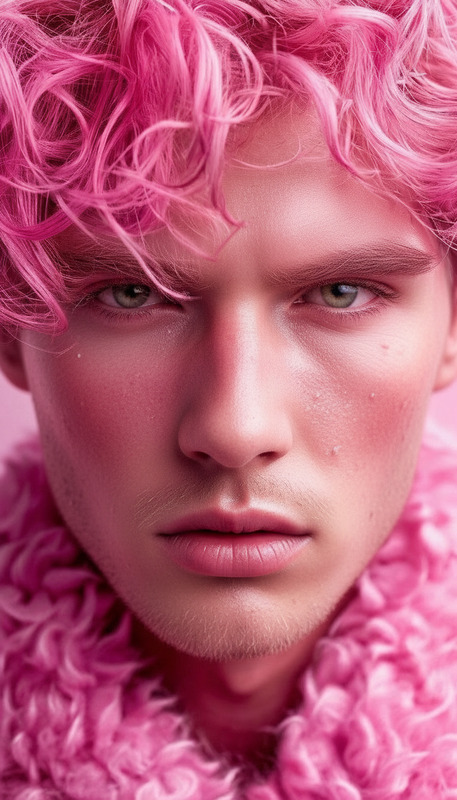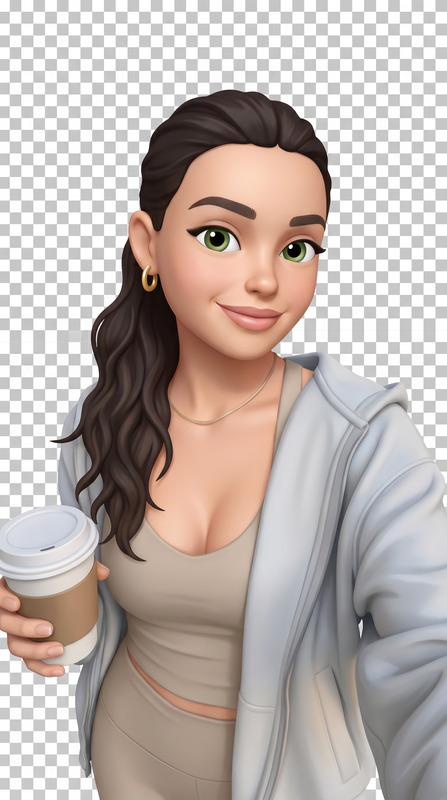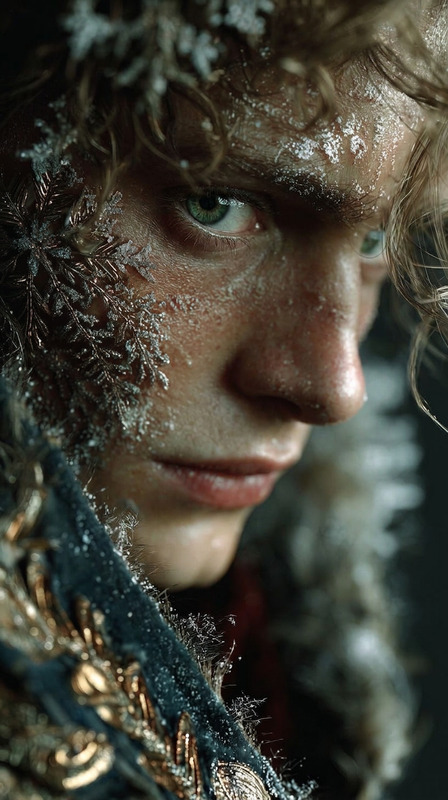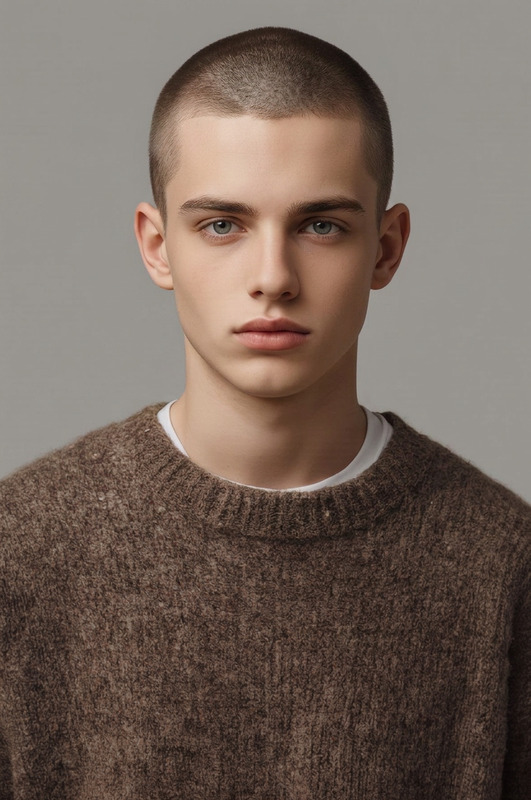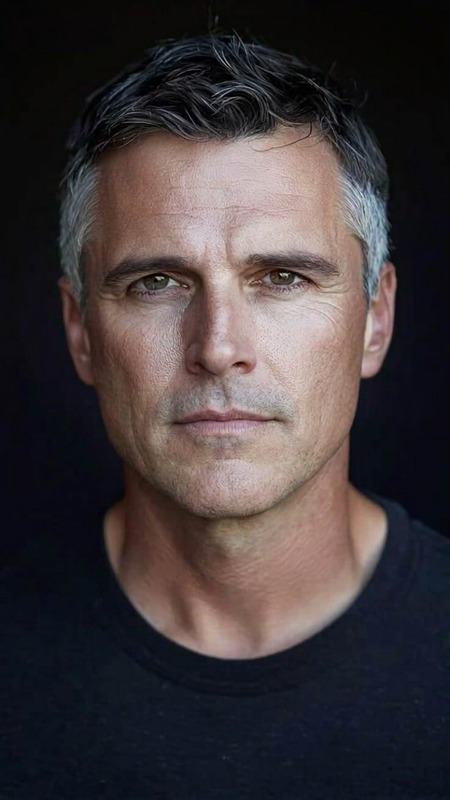
Natural Smile Edit
- Model
- Nano Banana
- Image
- 768 × 1344 px
Prompt
Adjust the subject’s facial expression to a natural, subtle smile while preserving identity, facial structure, and proportions. Keep the eyes, lighting, and head position unchanged. Ensure the expression looks realistic, soft, and naturally integrated with no distortion or artifacts.
Any aspect ratio
Overview
Transform facial expressions in images with the Natural Smile Edit. This AI Image Editor template utilizes the power of the nano-banana model to ensure a seamless and authentic adjustment. Ideal for photographers, marketers, and content creators, this tool helps add subtle, genuine smiles to portraits while maintaining the subject's unique characteristics.
What It Does
The Natural Smile Edit template adjusts a subject’s facial expression to reflect a natural, subtle smile. Key facial features like eyes, lighting, and head position remain unchanged, ensuring the smile looks realistic and soft. The integrity of facial structure and proportions is preserved, preventing distortions or artifacts. This results in an engaging and polished image, perfect for personal and commercial purposes.
Who It's For
This tool is perfect for photographers seeking to add warmth to their portraits, social media managers who want more relatable content, and advertisers looking to create welcoming and friendly visuals. Whether you're using it to enhance photos for a campaign or personal project, the Natural Smile Edit helps ensure every image captures the right emotion.
Summary
Easily enhance the emotional appeal of your images with the Natural Smile Edit. By utilizing the AI Image Editor, you can create visuals that captivate and connect with your audience. This tool fits seamlessly with other innovation-driven solutions like the AI Image Generator to complete your creative toolkit.
How To
Choose the Template

Customize Your Image

Generate Your Image

Use Cases
Portrait Enhancement
- Photographer portfolios
- Family albums
- Professional headshots
Social Media Content
- Instagram posts
- Facebook profile pictures
- LinkedIn professional updates
Marketing Materials
- Product launches
- Event promotions
- Brand campaigns
Best Practices
Select High-Quality Images
Ensure your starting images are clear and well-lit for the best smile adjustment outcomes.Maintain Original Facial Features
Keep critical features like eye alignment and chin position consistent to avoid mismatch.Experiment with Subtle Adjustments
Start with small adjustments to find the most natural-looking smile, gradually increasing if needed.