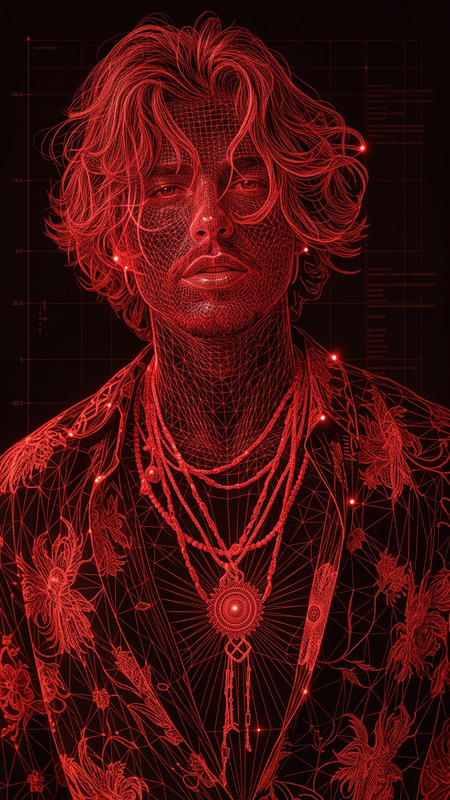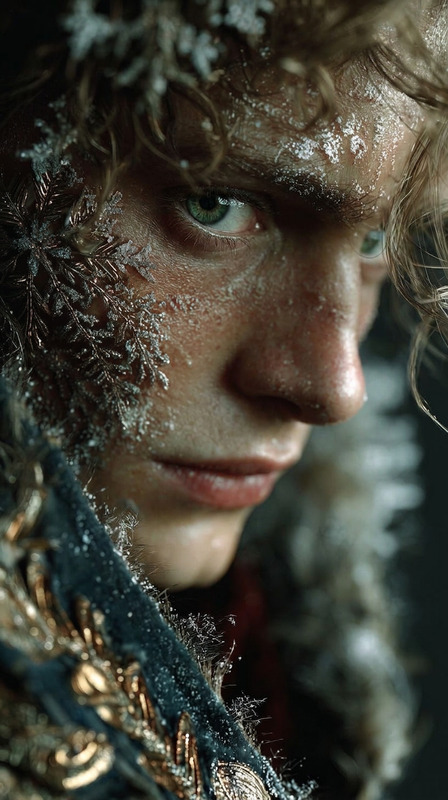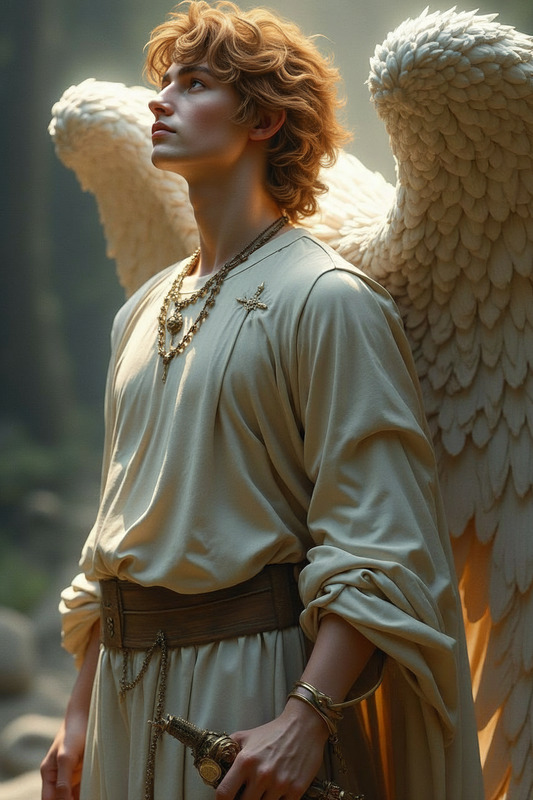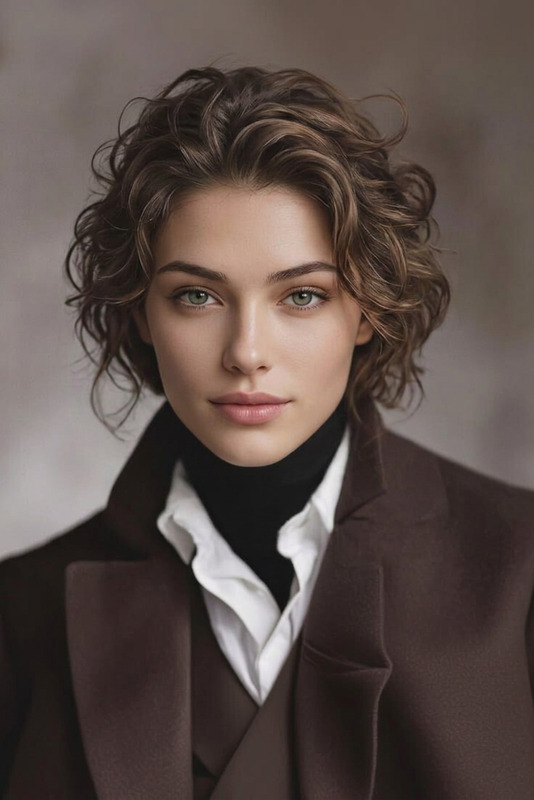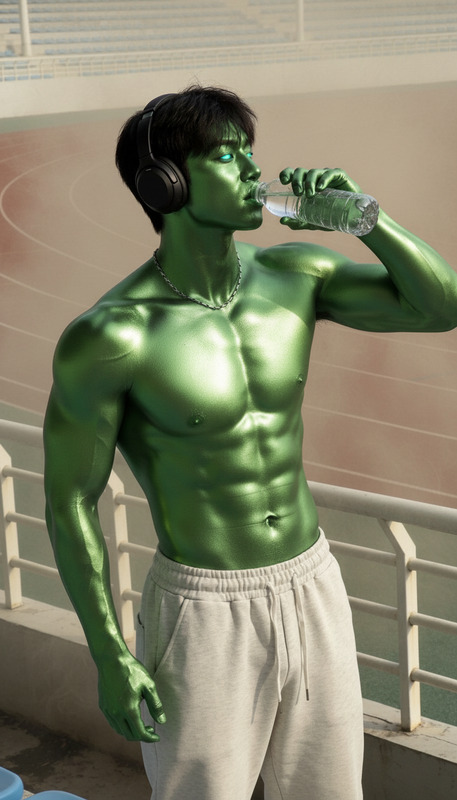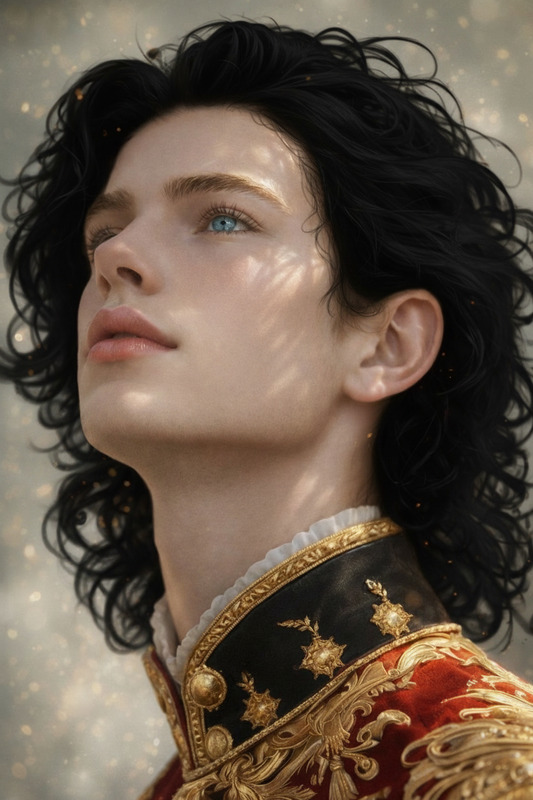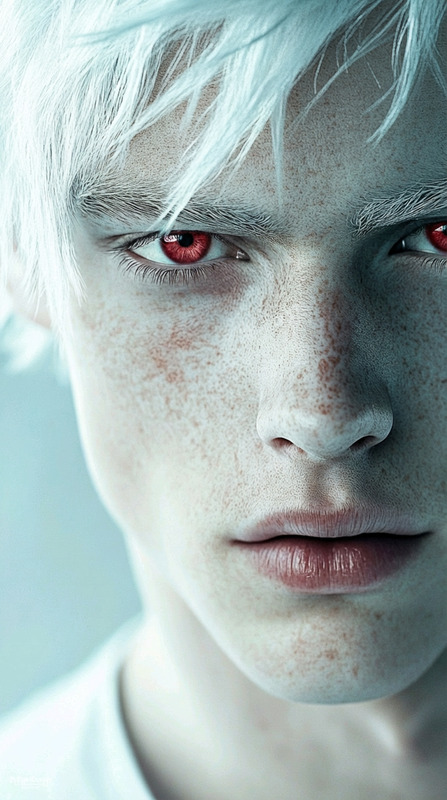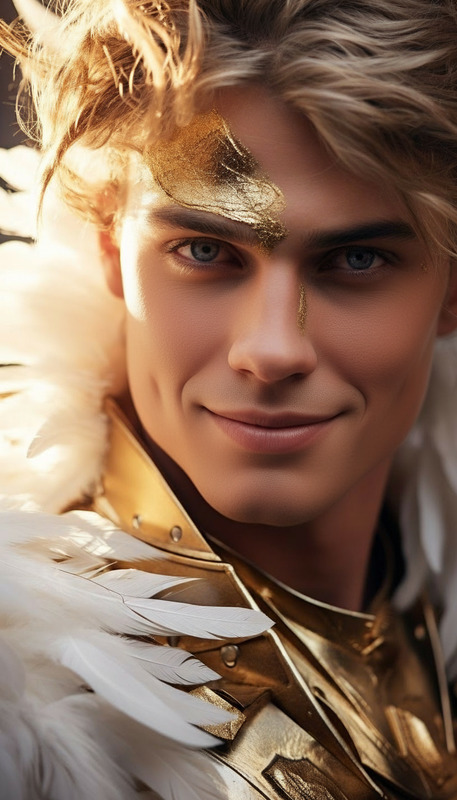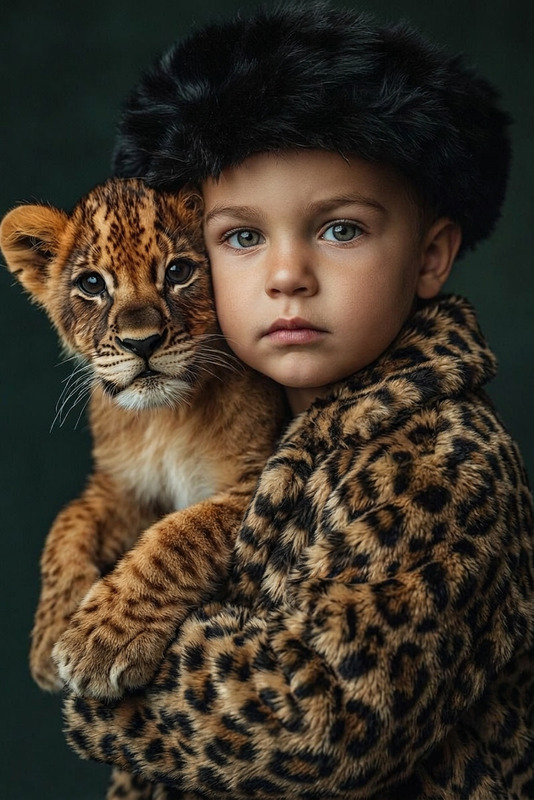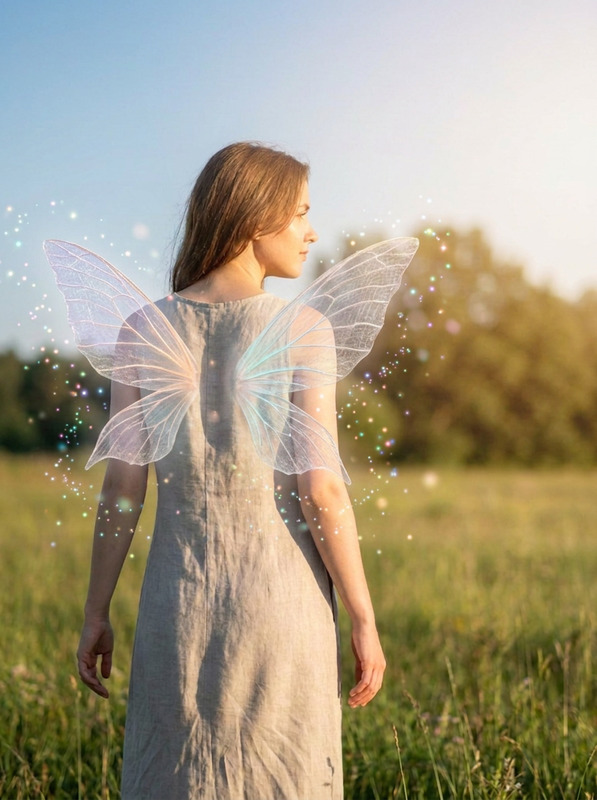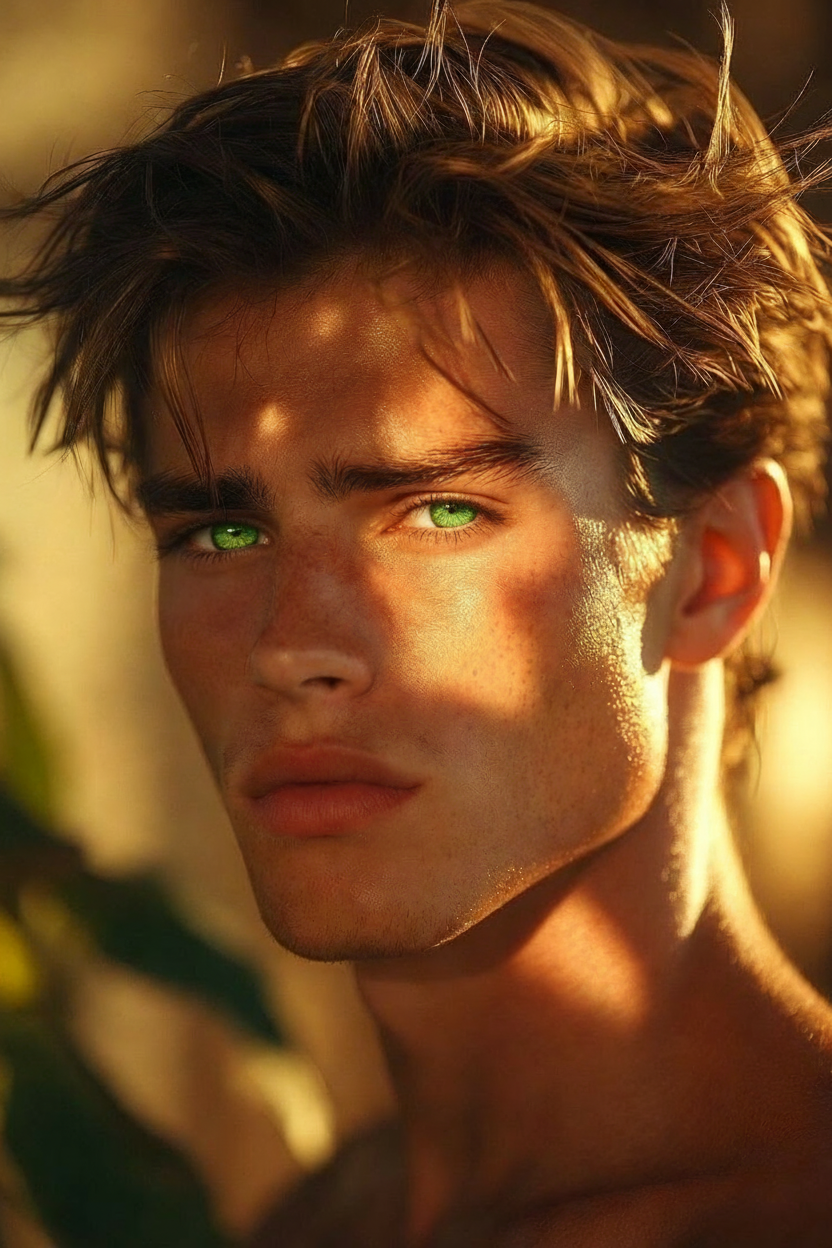
Natural green eyes
- Model
- Nano Banana
- Image
- 832 × 1248 px
Prompt
Change the subject’s eye color to natural green. Keep the rest of the image unchanged. Ensure realistic iris detail, reflections, and lighting so the eyes blend seamlessly with the face and overall photo.
Any aspect ratio
Overview
Transform the appearance of your photos with natural green eyes using the AI Image Editor specialized in eye color transformations. This tool enhances your subject's eye color to vibrant green while maintaining the natural elements of the iris and the image's overall aesthetics. It's designed for both casual users wanting to tweak a selfie and professionals aiming to refine portrait photography.
What It Does
The AI Image Editor is powered by the nano-banana model, which focuses on altering eye color while preserving realistic details. It adjusts the eye color to a captivating natural green without affecting other facial features. The tool ensures the iris details, reflections, and lighting transitions are smooth and natural.
Integrate this functionality into more comprehensive projects involving the AI Image Editor or enhance complete visual storytelling by using it alongside tools like the Image to Video converter.
Who It's For
This template is ideal for photographers and creative professionals looking to modify eye color without expensive software or extensive experience. It's also perfect for social media editors seeking to add a subtle but impactful change to their images or personal users wanting to enhance their photos for personal collections or social media sharing.
Summary
With its focus on realistic transformations, our AI Image Editor is set to change the way you approach photo enhancements. Enhance images quickly and effectively by leveraging the power of the AI Image Editor to give your subjects stunning natural green eyes that maintain every detail and look authentically blended.
How-To
Choose Your Template

Customize the Inputs

Generate the Image

Use Cases
Photography Enhancement
- Alter eye colors without using contact lenses.
- Create different looks for modeling portfolios.
Social Media Content
- Engage followers with captivating profile pictures.
- Use for creative storytelling in posts.
Personal Projects
- Add artistic touches to family photo albums.
- Experiment with different looks without any commitment.
Best Practices
High-Quality Images
Use high-resolution images for better results, as finer details are more apparent with such image quality.Balanced Lighting
Ensure that the original photo has even lighting to make the eye transformation look more natural.Clear Subject Visibility
Make sure eyes are clearly visible and not obstructed by hair, glasses, or heavy shadows to optimize transformation accuracy.