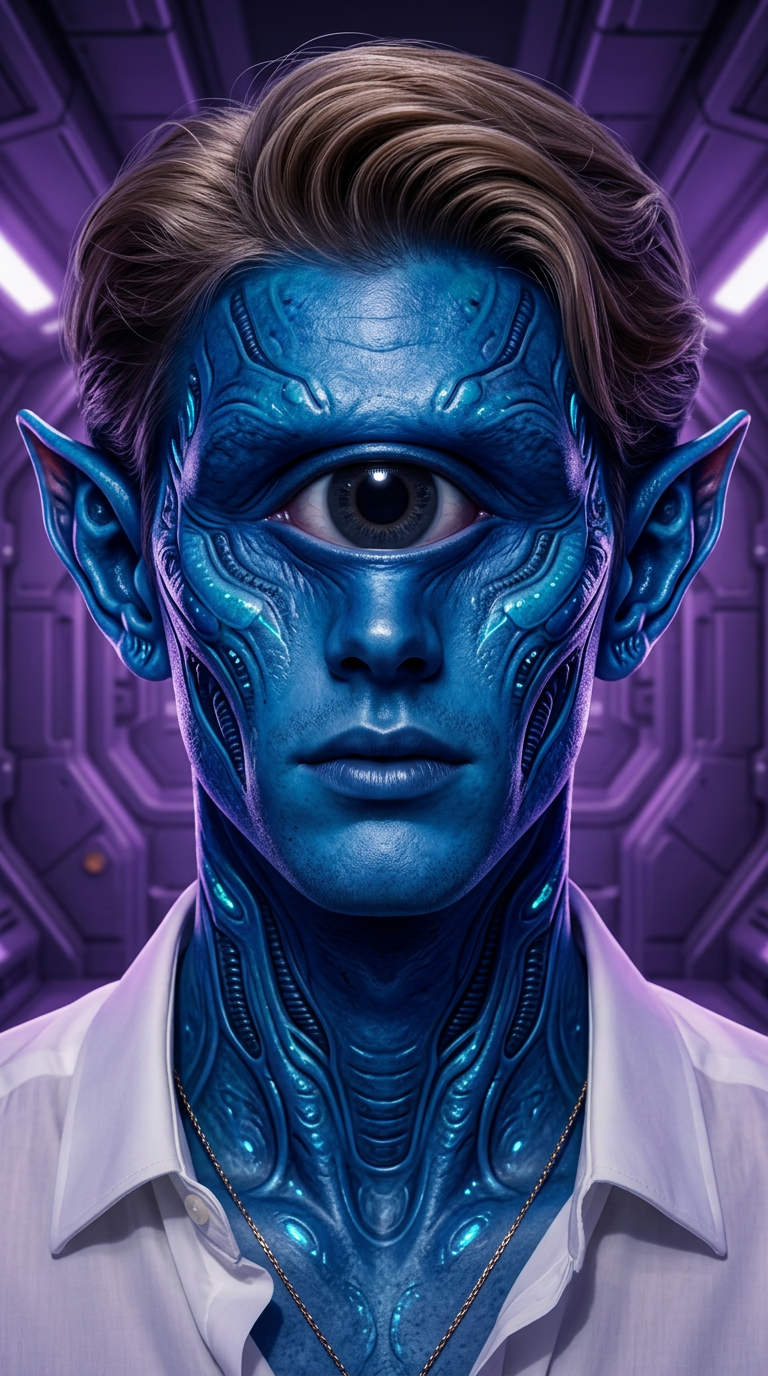
One-Eyed Alien Portrait
ai-image-editor
Any aspect ratio
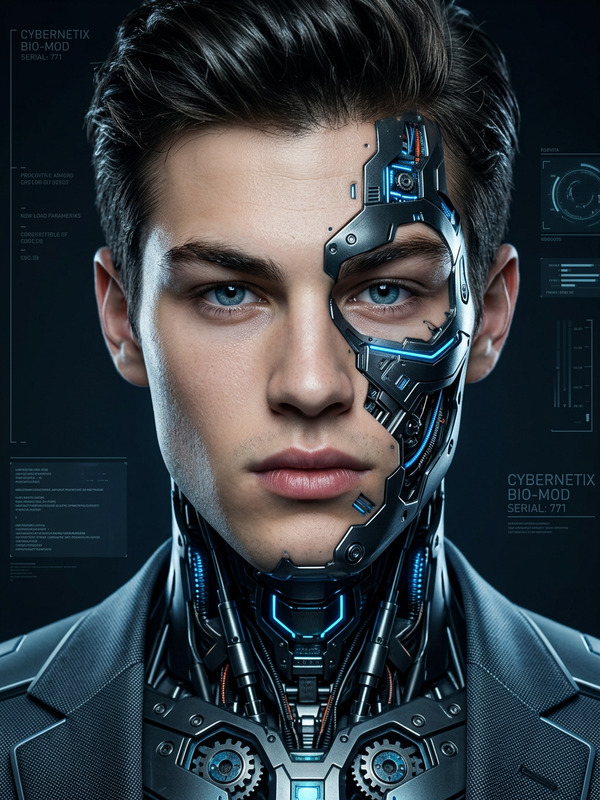
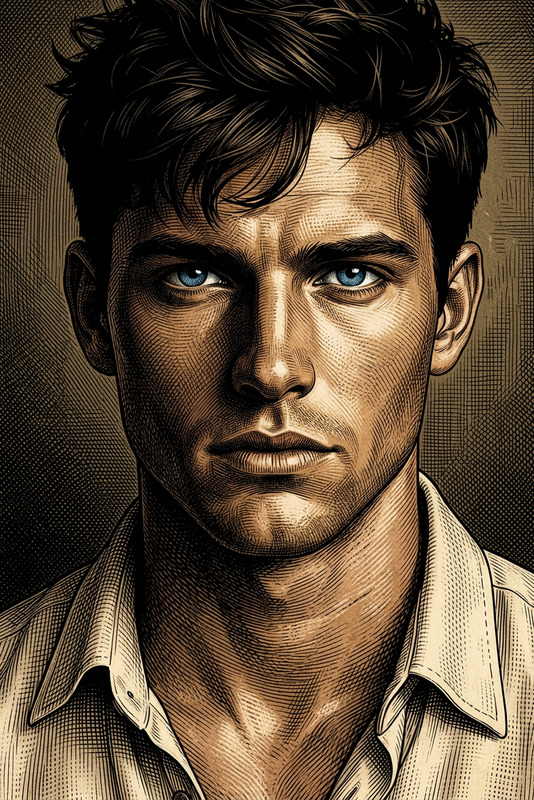
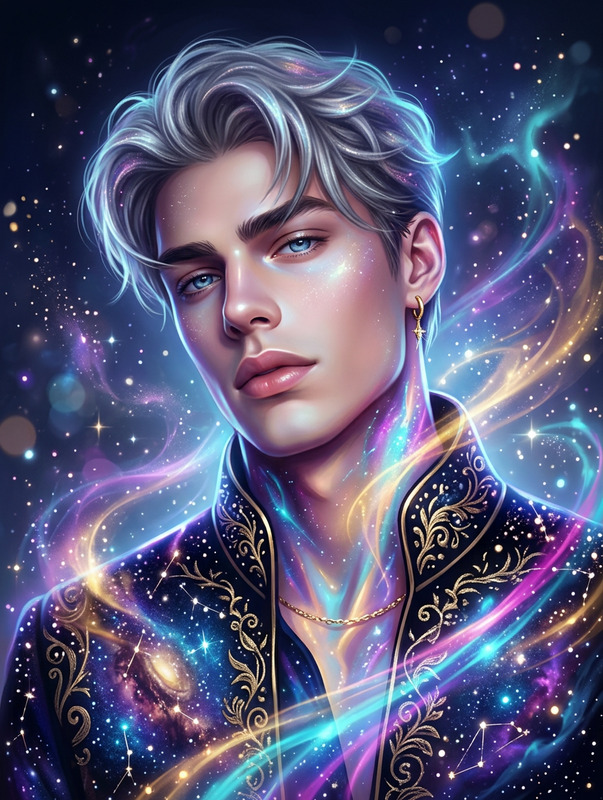
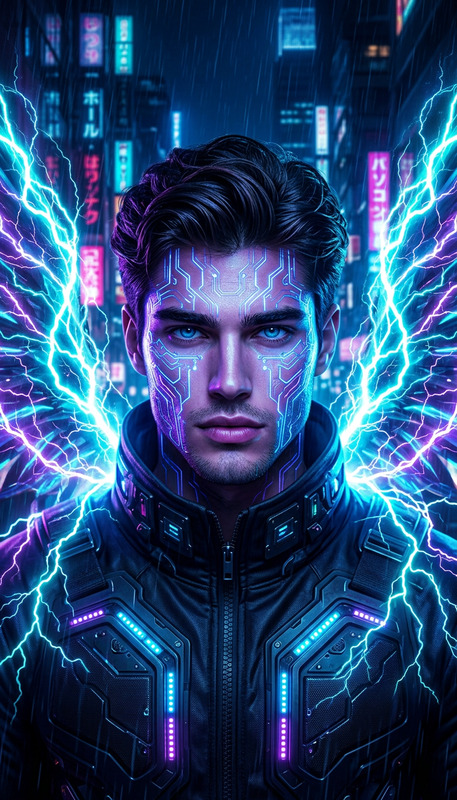
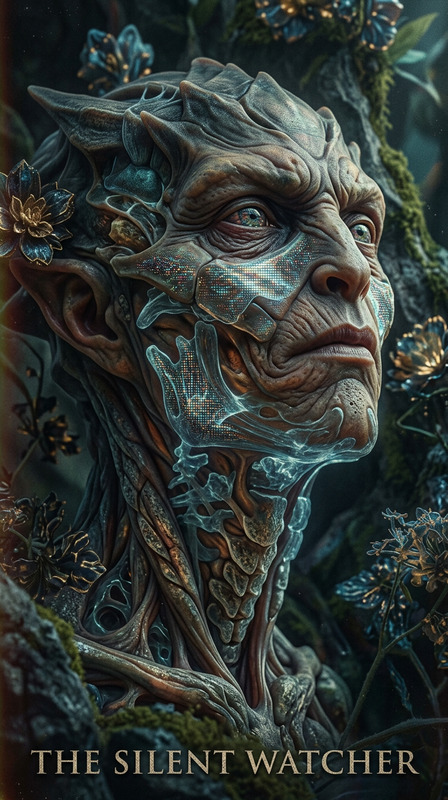
Generate a hyper-realistic sci-fi portrait of a fantastical blue alien subject with a single large eye and prominent ears, centered in a symmetrical composition with intricate facial detailing; the skin features rich texture and vivid color variations, illuminated by cinematic lighting that enhances depth and sci-fi atmosphere; the scene blends fantasy and science fiction aesthetics with sharp focus and HDR-like clarity; the portrait is rendered as an ultra-detailed digital painting in 8K resolution, composed in a 9:16 aspect ratio with a subtle side view that emphasizes mystery, elegance, and otherworldly presence.
AI Image Editor Template: Turn Any Image Into a Polished, On‑Brand Visual in Minutes
Use this AI Image Editor template to quickly transform raw images into professional, share‑ready assets—without opening Photoshop. Ideal for marketers, creators, founders, designers, and technical teams who need consistent, high‑quality visuals at scale.
This template is built on Magic Hour’s AI Image Editor and is fully remixable: you can swap in your own images, adjust the visual style, and chain it with other Magic Hour tools for more complex workflows.
What You Can Do With This Template
This template is designed as a practical starting point for common production workflows:
Clean up and enhance raw photos
- Remove distracting objects or people with the AI Remover or Remove Object from Photo
- Sharpen soft or blurry images using Unblur Image
- Increase resolution for print or large formats via the AI Image Upscaler
- Restore old or damaged assets using Old Photo Restoration or Photo Colorizer
Make content on-brand and consistent
- Swap out busy or off‑brand backgrounds with the AI Background Generator or Image Background Remover
- Generate consistent avatars with the Avatar Generator, AI Selfie Generator, or AI Headshot Generator
- Align character art for games, comics, or apps via the AI Character Generator, AI Face Generator, or Animated Characters Generator
Design marketing and product assets
- Create scroll‑stopping thumbnails using Thumbnail Maker
- Design covers and key visuals with the Book Cover Generator and Album Cover Generator
- Generate logos and icons with the AI Logo Generator and AI Icon Generator
- Make memes, social graphics, and quick tests via the AI Meme Generator
Create stylized and illustrative content
- Turn photos into illustrations with the AI Illustration Generator or Photo to Sketch
- Generate anime, manga, and stylized art using the AI Anime Generator, AI Manga Generator, Comic Book Generator, or Disney AI Generator
- Produce fantasy, dark fantasy, and game assets through the Dark Fantasy AI, DND AI Art Generator, Fantasy Map Generator, and Pokemon Generator
- Explore stylized concepts with the AI Art Generator, Graffiti Generator, and Optical Illusion Generator
How to Remix This Template in Magic Hour
You can treat this template as a starting workflow and adapt it to your use case. A common pattern looks like this:
Start with a source image
- Upload a product shot, portrait, brand asset, UI mock, or photo you want to enhance.
- If you’re starting from text instead of an existing image, generate a base asset first with:
Clean up and correct
- Remove unwanted elements using the AI Remover or Remove Object from Photo.
- Repair or sharpen low‑quality images with Old Photo Restoration and Unblur Image.
Edit the subject, face, or body (optional)
- Adjust or refine facial features with the AI Face Editor or AI Face Generator.
- Generate full‑body variants or new poses using the Full Body Generator or AI Outfit Generator.
- Explore identity and style variations with Gender Swap or the AI Clothes Changer.
Fix or change the background
- Remove and replace backgrounds with the Image Background Remover and AI Background Generator.
- For interior, architecture, and environment concepts, use:
Scale quality and format
- Upscale for print, ads, or large screens with the AI Image Upscaler.
- Generate GIFs from your edited image using the AI GIF Generator.
- Convert images into short motion clips or character movements via:
Extend into video and interactive content (advanced)
- Animate characters or scenes using the Animation template.
- Turn static images into stylized sequences with Video to Video.
- Add lip sync to faces or avatars with the Lip Sync template.
- Apply advanced face changes in motion via:
This modular approach lets you replicate and extend the template for product shots, brand visuals, investor decks, educational content, or entertainment use cases.
High-Impact Use Cases for Teams
For marketers and growth teams
- Build ad creatives, landing page hero images, and social assets quickly
- Localize or personalize images across campaigns
- A/B test visuals without re‑shooting photography
- Turn static images into short video explainers using Text to Video or Image to Video
For founders and startup teams
- Generate brand‑consistent imagery before working with full design teams
- Create pitch deck visuals and product mockups using AI Illustration Generator and AI Art Generator
- Prototype new features or UI concepts as polished visuals
For creators and influencers
- Produce thumbnails with Thumbnail Maker
- Create talking avatars or explainers with AI Talking Photo
- Add voice and personality using the AI Voice Generator or AI Voice Cloner, and modify tone with the AI Voice Changer
- Auto‑subtitle your videos for social distribution with the Auto Subtitle Generator
For game, media, and IP builders
- Generate consistent character sheets with the AI Character Generator, Superhero Generator, and Animated Characters Generator
- Create concept art and key visuals for worlds, maps, and factions using:
Inspiration: Variations You Can Build From This Template
Use this template as a base and remix it into specialized workflows:
AI brand kit generator
- Use AI Logo Generator, AI Icon Generator, and AI Background Generator to explore visual directions for new brands or sub‑brands.
Product and fashion editor
- Combine AI Clothes Changer, AI Fashion Generator, Full Body Generator, and AI Outfit Generator to generate lookbooks or variant images.
Portrait and identity lab
- Start from portraits, then experiment with:
Creator pack: thumbnails, covers, and promos
- Use Thumbnail Maker, Album Cover Generator, Book Cover Generator, and AI Meme Generator to keep your visual system consistent across platforms.
Specialized creative tools
- Generate icons and stylized collectibles with the Emoji Generator and Pokemon Generator.
- Design tattoos using the AI Tattoo Generator.
- Create experimental or artistic pieces via Optical Illusion Generator, Graffiti Generator, or AI Manga Generator.
Best Practices for Working With AI Image Editing
To get the most from this template and the AI Image Editor:
Work from the highest‑quality source you have
Even with powerful upscaling and restoration, sharper inputs lead to more accurate, controllable edits.Edit in stages, not all at once
For complex tasks (e.g., remove objects, adjust background, refine subject, then stylize), run each step as a separate pass. This improves control and makes it easier to revert or fork versions.Keep a non‑destructive workflow
Save intermediate versions, especially before big changes like face manipulation, body reshaping, or full background swaps.Prototype variants quickly
When working on campaigns or brand explorations, generate multiple options in parallel and choose winners based on performance or stakeholder feedback.Respect rights and usage constraints
When editing photos of people, logos, or IP, ensure you have appropriate permissions and follow your organization’s legal and brand guidelines.
Connect Images to Video, Voice, and Interactive Formats
Because this template is built inside the Magic Hour ecosystem, any image you create or edit here can be turned into richer media:
Make your image move
- Image to Video for motion clips
- Animation and Video to Video to stylize or animate footage
Make your characters talk and act
- AI Talking Photo to animate portraits
- Lip Sync to match speech and facial movement
- AI Voice Generator and AI Voice Cloner to create or replicate voices
- AI Voice Changer for experimenting with different personas
Prepare for distribution
- Auto Subtitle Generator for accessible, platform‑ready video
- Video Upscaler to improve final render quality
- Watermark Remover only for assets you fully own the rights to and are permitted to modify
Why Build Your Own Version of This Template?
Remixing this template in Magic Hour gives you:
- Reusable workflows for your specific brand, campaign, or product line
- Consistency at scale, even across distributed teams and agencies
- Faster iteration cycles compared to traditional design and editing tools
- A single ecosystem that links image editing with generation, animation, video, and audio
Start from this AI Image Editor template, adjust it to your pipeline, and save it as your own “house style” workflow inside Magic Hour. Over time, you can extend it with additional tools like AI QR Code Generator, AI QR Code‑style art via the AI Art Generator, or other specialized generators as your needs evolve.