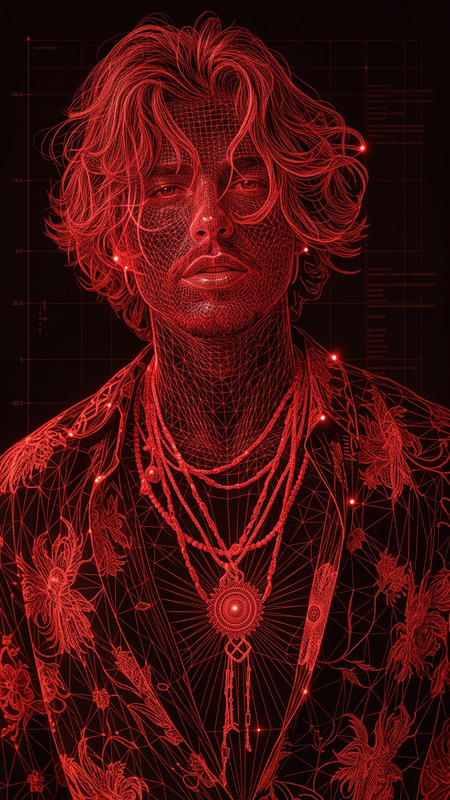
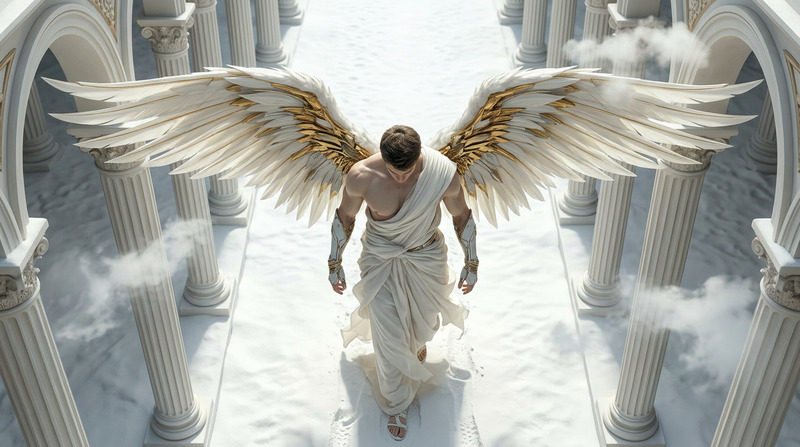
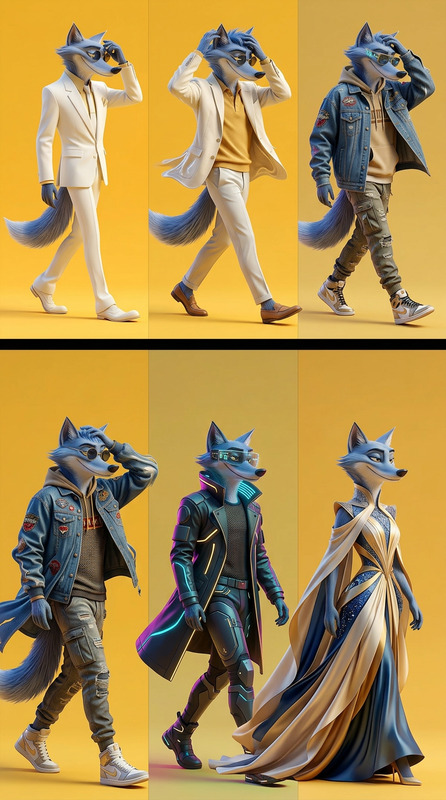
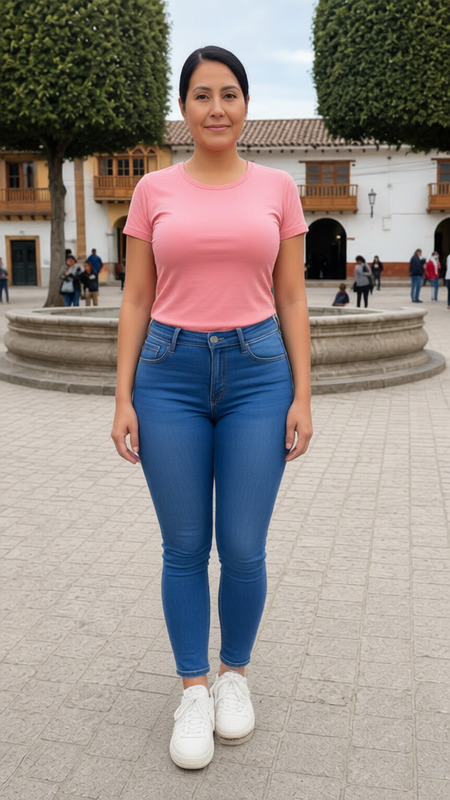
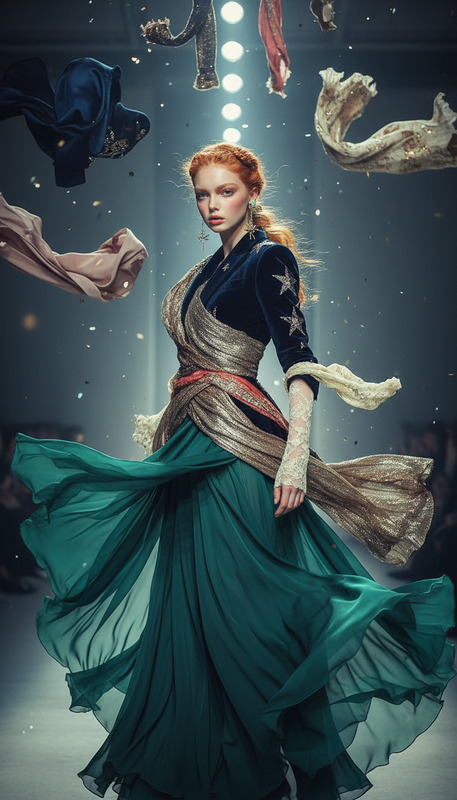
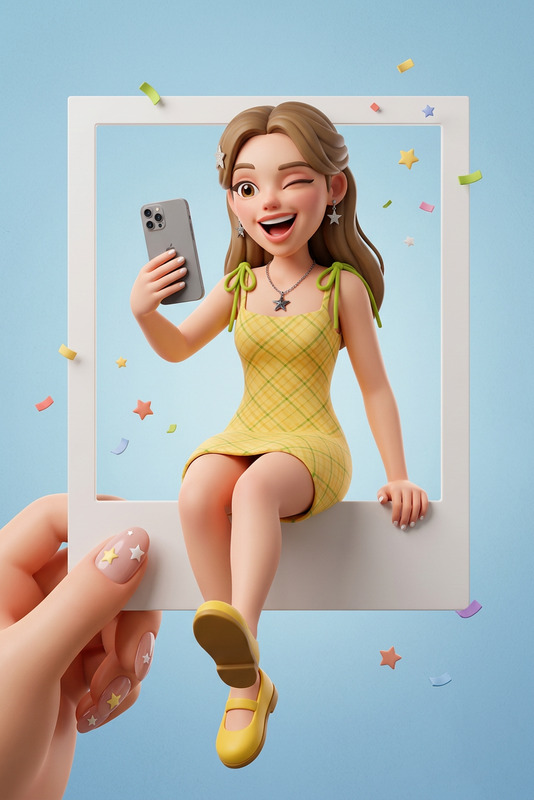
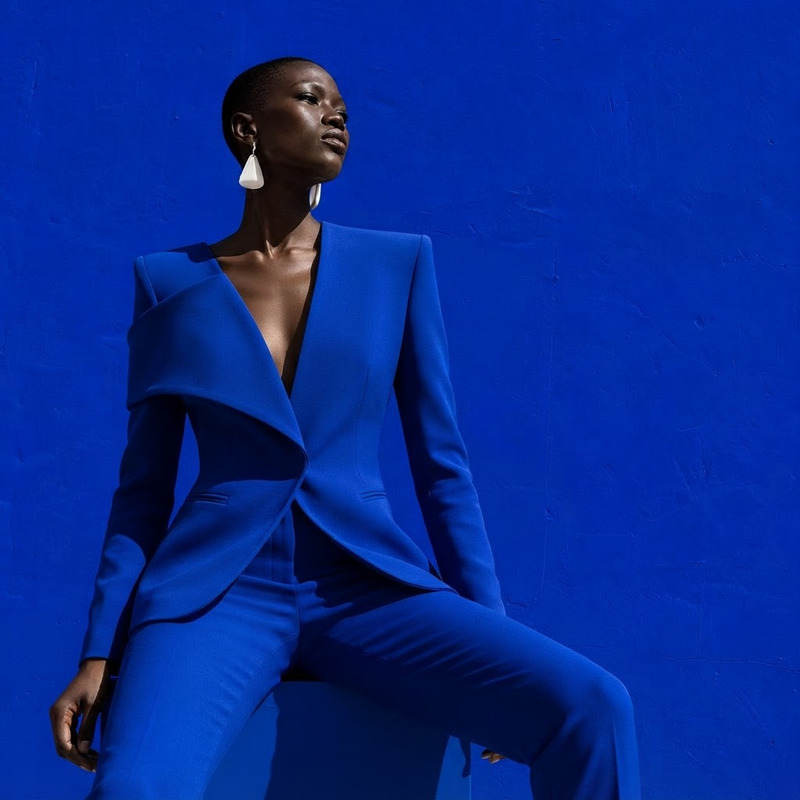
The "Side Pose" template in Magic Hour lets you transform your photo into a stylish side pose using AI. Simply upload an image, and the template applies its preset configurations to produce the final result with a sideways stance.
How-To
Follow these steps to create your side pose image.
01
Choose the Template
Open the "Side Pose" template in the Magic Hour platform.
02
Upload Your Photo
Use the upload feature to add your image, which will be transformed.
03
Generate the Image
Click on 'Generate' to create your side pose image with AI-enhanced features.