Style & Scene Mix
- Model
- GPT Image 2
- Image
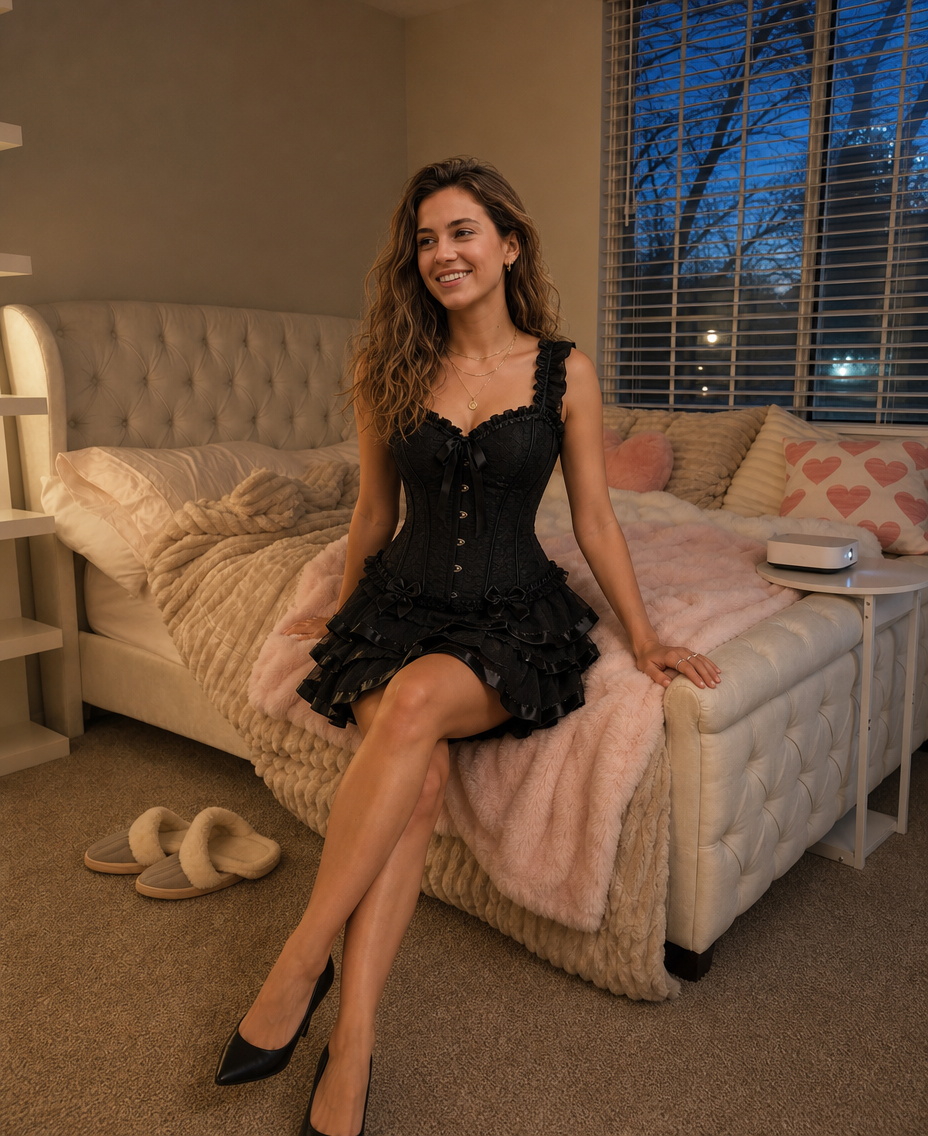
- 928 × 1136 px
Prompt
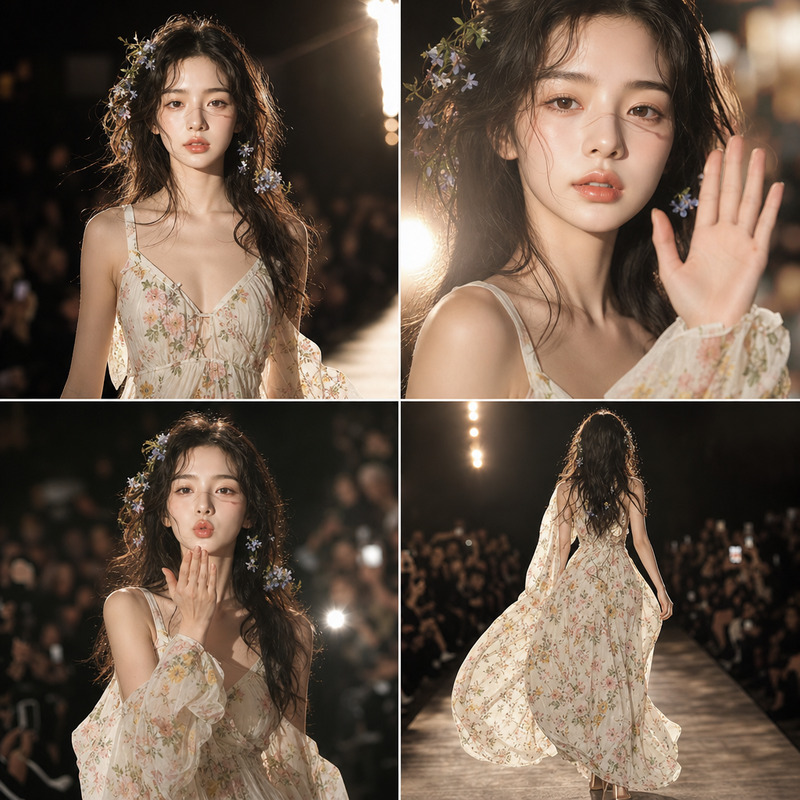
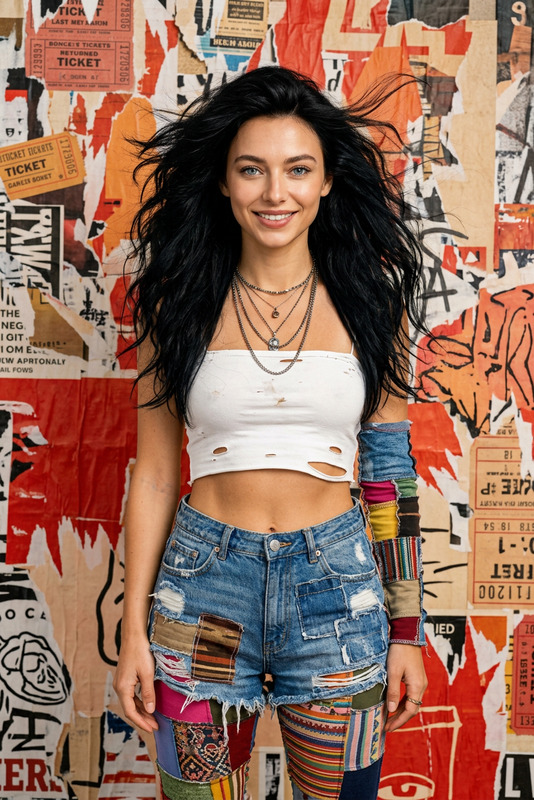
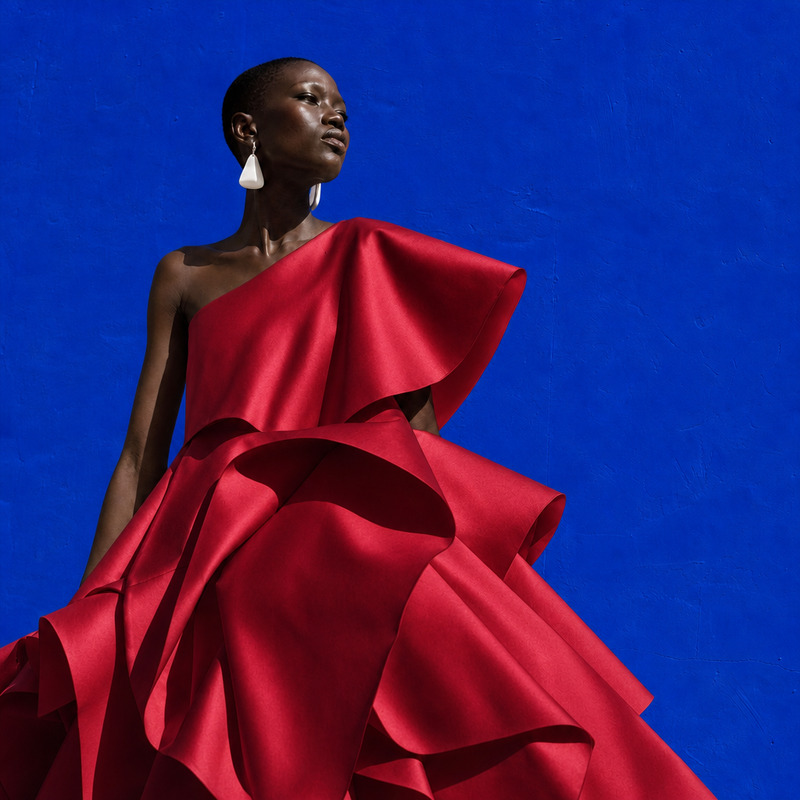
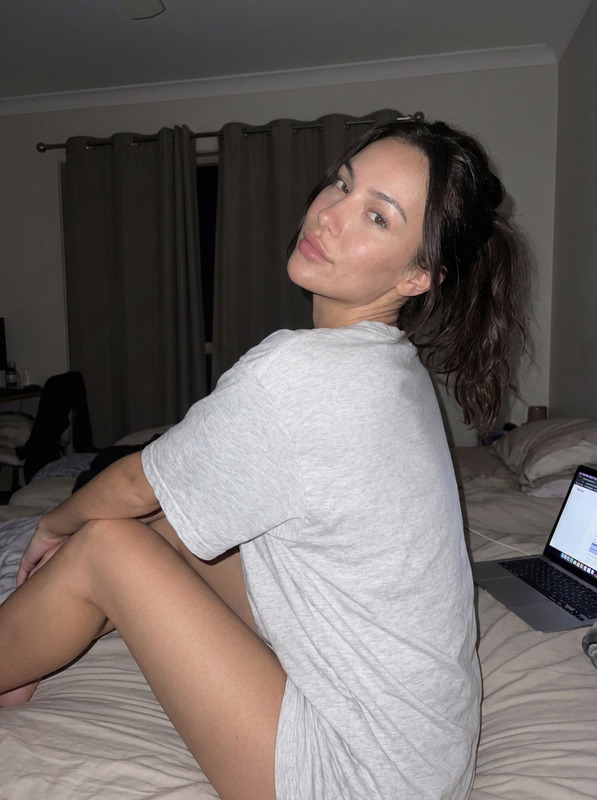
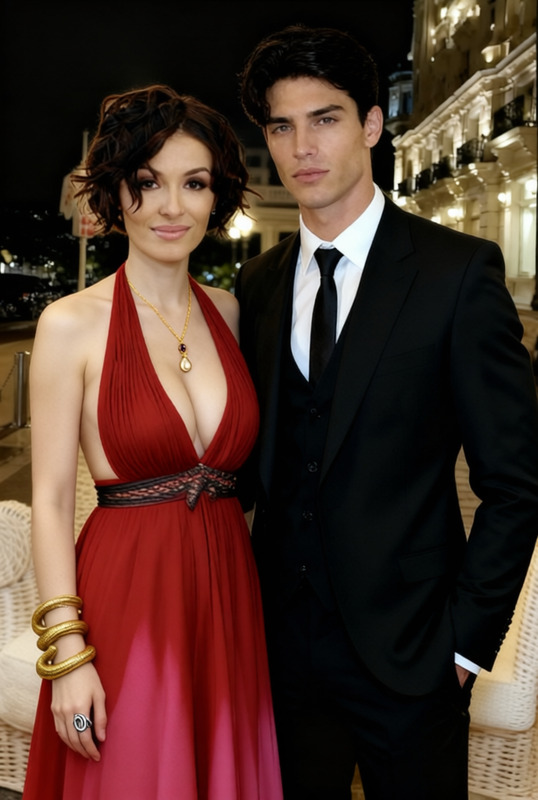
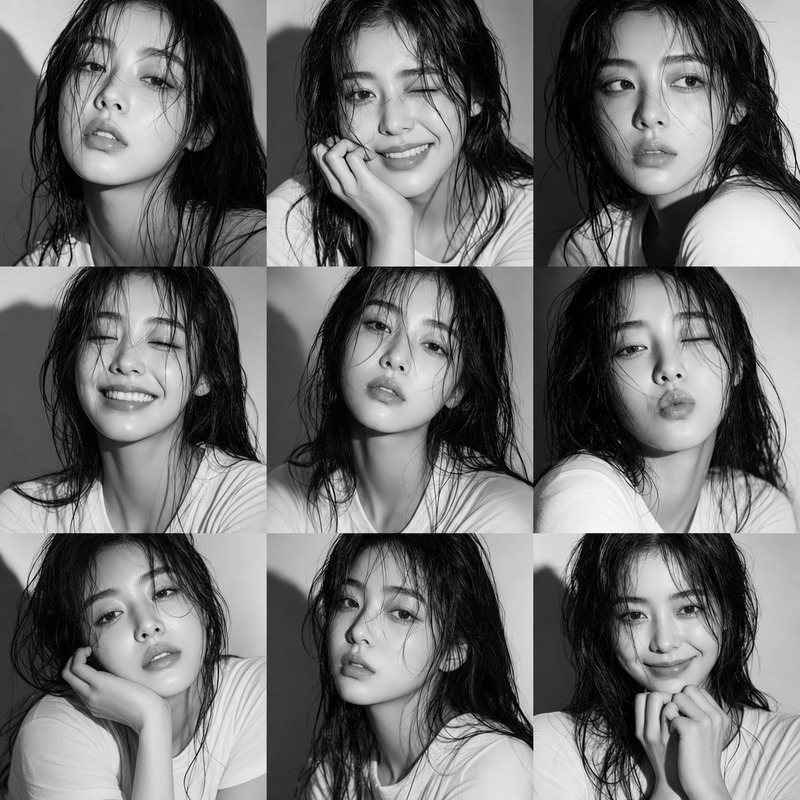
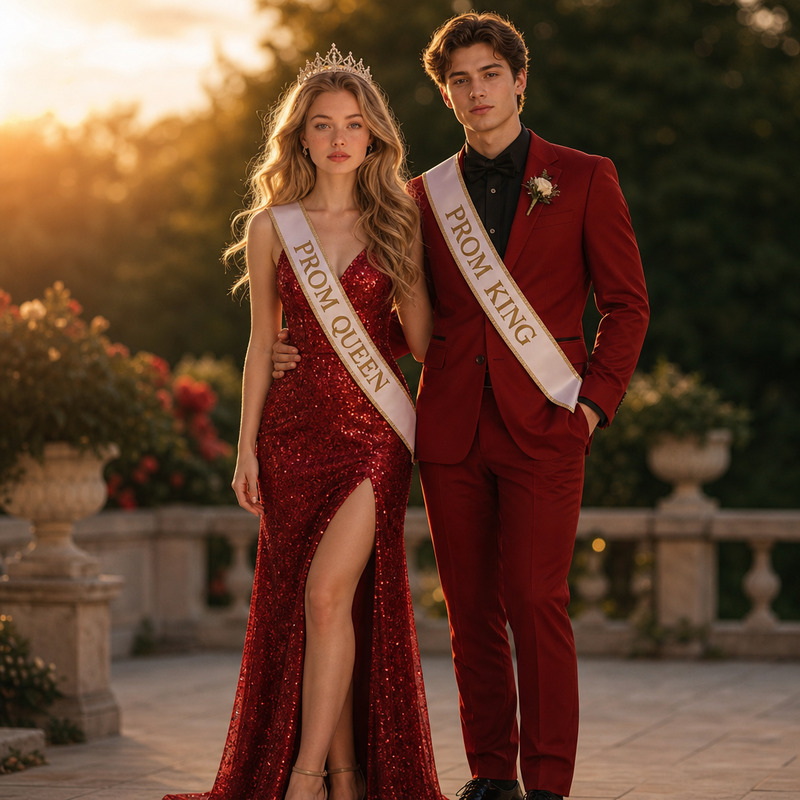
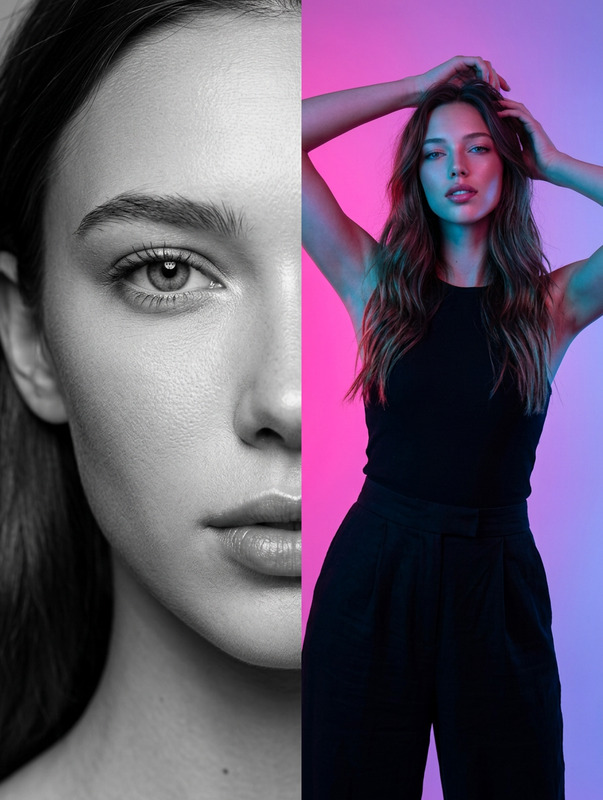
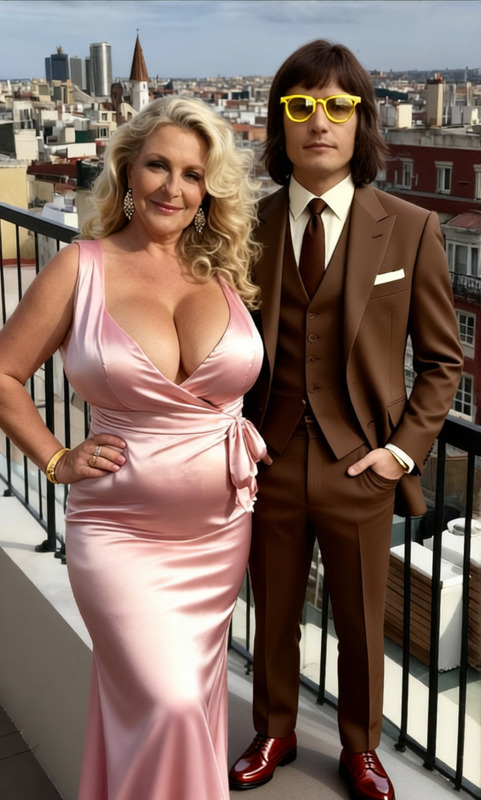
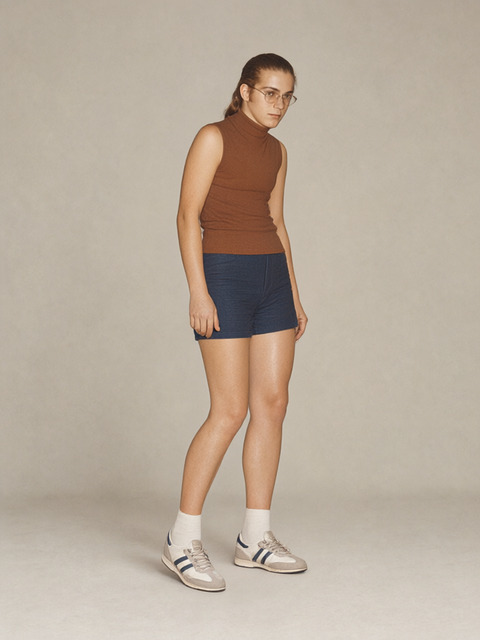
Keep the same woman put her sitting in sexy pose in reference locarion, wear her in suit like on reference, create a single image without a collage
Any aspect ratio
Overview
Transform your artistic vision with the "Style & Scene Mix" template, built specifically for the AI Image Editor. By using advanced features of the gpt-image-2 model, this template allows you to reposition and stylize elements in your images effortlessly. Perfect for creating a unified scene that highlights the subject in a new context without creating a collage effect.
What It Does
This template offers a sophisticated way to edit images by relocating subjects and applying new styles. The process involves maintaining the subject's identity while altering their pose and attire to fit seamlessly into a different reference location and scene, as specified in the prompt.
With this, you can craft single cohesive images that appear naturally stylized, utilizing the strengths of the AI Image Upscaler for enhanced quality and details.
Who It's For
Creative professionals, graphic designers, and digital artists will find "Style & Scene Mix" particularly useful for projects that require meticulous styling and scene integration. Students or hobbyists interested in experimenting with image edits will also appreciate the intuitive yet powerful capabilities of this template.
Marketers looking to upgrade their visual content can employ this template to craft more engaging and customized imagery for advertising, especially in eCommerce ads.
Summary
"Style & Scene Mix" leverages Magic Hour’s cutting-edge AI technologies to provide seamless image editing that maintains subject coherence while transforming the stylistic elements around them. This template empowers you to create striking visuals in a single frame, enhancing any social media campaign or personal creative endeavor.
How To
Choose

Customize

Generate

Use Cases
Fashion Photography Enhancement
- Adjust poses for dynamic effect
- Change attire to match fashion trends
Marketing Visual Upgrades
- Create visually appealing product photos
- Utilize stylized scenes for ads
Artistic Projects
- Explore new creative styles
- Blend subjects into thematic backgrounds
Social Media Campaigns
- Produce cohesive and shareable images
- Align visuals with campaign themes
Best Practices
Start with High-Quality Images
Use high-resolution images as your base to ensure the best possible output.Reference Accurate Styling
When specifying attire and location, provide clear references for precise results.Refine Prompts Carefully
Craft detailed prompts that capture the pose and style you want to achieve, aiding the template in producing accurate renditions.