Pink Angel
- Model
- Flux 2 Klein
- Image
- 640 × 1024 px
Prompt
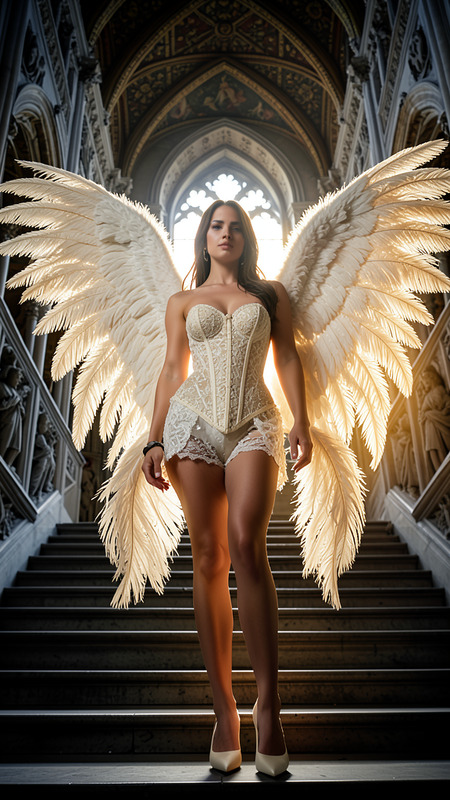
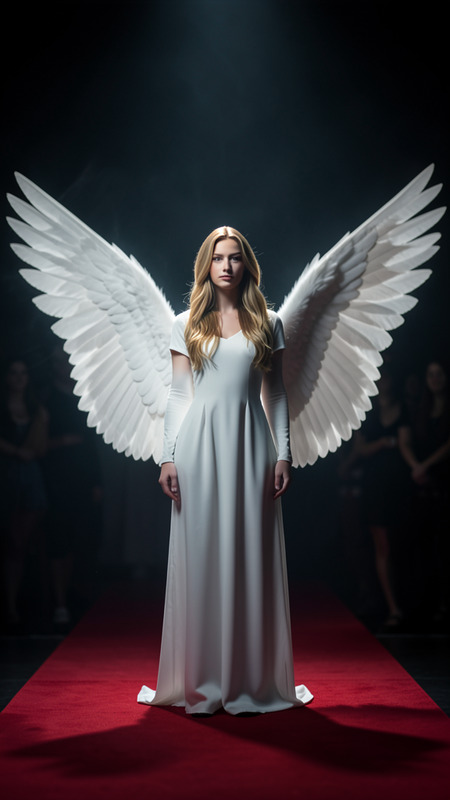
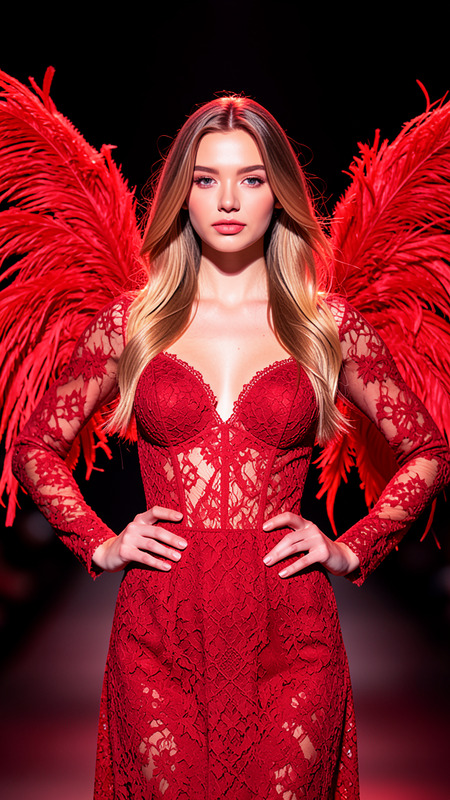
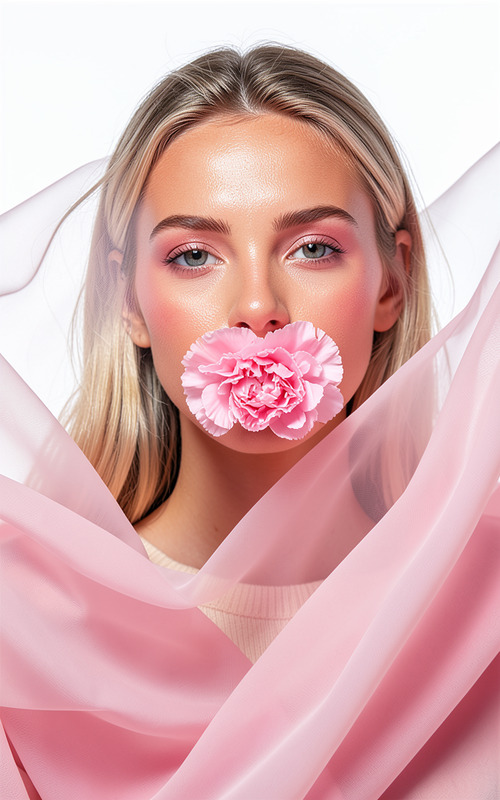
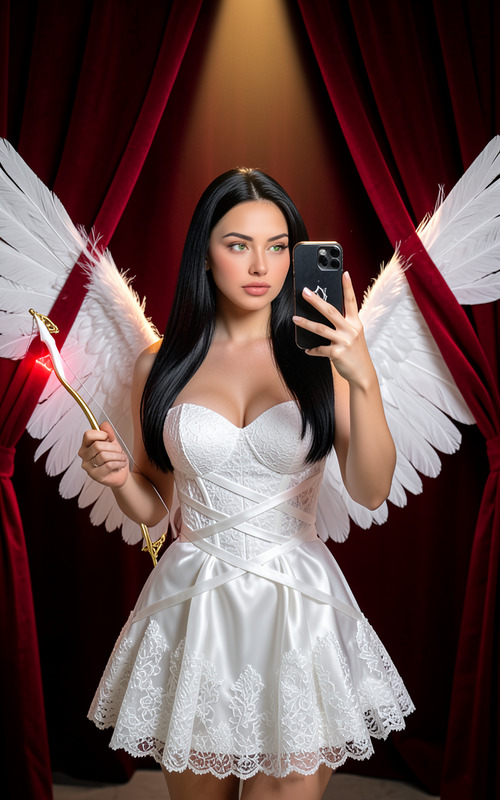
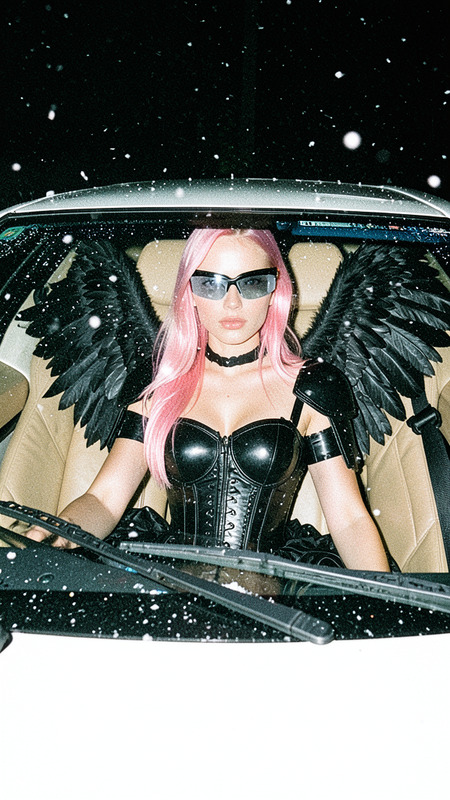
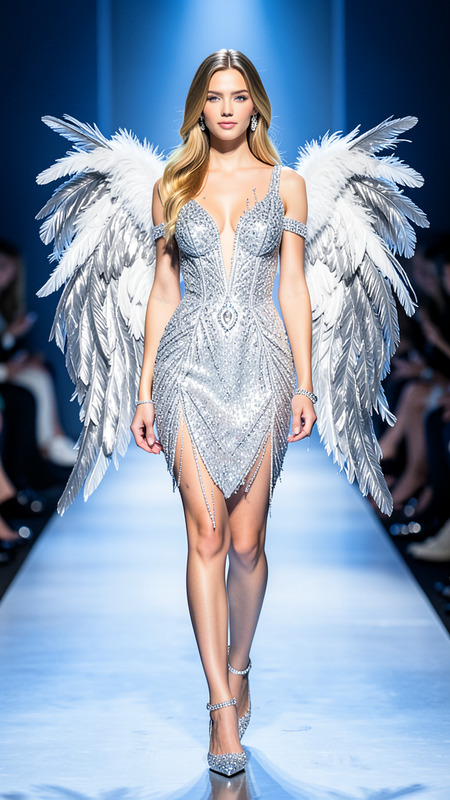
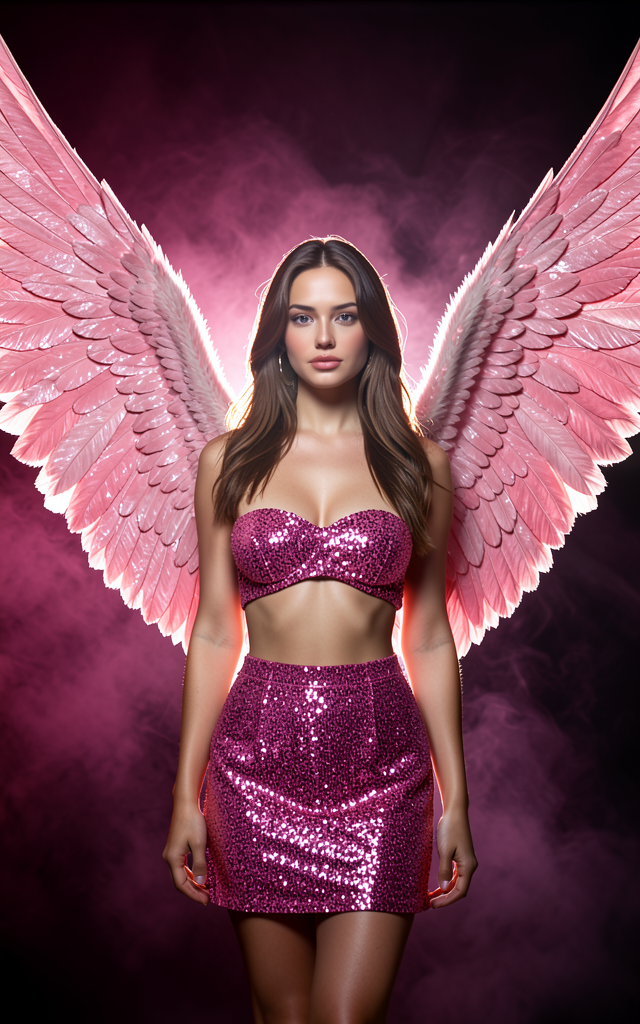
A high-fashion portrait of a female model with realistic proportions and features, wearing a sparkly pink sequined strapless bandeau top and matching high-waisted mini skirt made of premium glitter fabric. She has very large sculpted angel wings behind her, rose-pink with layered feathers, shimmering softly and catching intense backlight that creates a glowing halo effect through volumetric smoke. The wings are significantly taller and wider than her body, curved inward, and positioned behind her shoulders, stretching high above her head with a huge wingspan filling most of the frame. The background is a dark smoky pink studio setting with deep plum and charcoal tones, thick fog softly enveloping but not obscuring the subject. Lighting includes strong backlighting, soft key light on her face and body, rim lighting defining her silhouette and wings, visible light rays, and glossy highlights on skin and sequins for a cinematic, dramatic, ultra-high resolution luxury fashion campaign look.
Any aspect ratio
Overview
The Pink Angel template is a sophisticated tool powered by the flux-2-klein model. Designed for crafting high-fashion imagery, this AI Image Editor template encapsulates luxury and drama. It offers a surreal blend of glowing visuals and fashion elements to create truly captivating photos.
What It Does
This template lets you edit portraits into magnificent visual stories featuring models in opulent attire with large, shimmering angel wings. It utilizes advanced lighting and texturing effects to enhance depth and realism, elevating basic portraits into exquisite fashion photography. The studio-quality lighting settings are perfect for achieving that sought-after cinematic and dramatic ultra-high resolution appearance.
Who It's For
The Pink Angel template is ideal for photographers, fashion designers, and marketers aiming to create high-end campaign visuals. Whether you're enhancing images for a fashion ad creative or developing striking visuals for social media, this tool provides a user-friendly interface to bring bold creative visions to life.
It also benefits brands looking to stand out in product launch campaigns with compelling imagery that grabs attention.
Summary
Crafted for excellence in fashion imagery, the Pink Angel template is your gateway to producing enchanting, high-quality photos. Its integration with the AI Image Editor assures simplicity and efficiency even as you pursue complex creative endeavors. Perfect for capturing luxury, allure, and vivid details, this template supports producing campaign-ready imagery with flair.
How-To

Customize Your Design

Generate Your Image

Use Cases
High-Fashion Editorial Photography
- High-end magazine features
- Luxury brand campaigns
Social Media Content
- Instagram campaigns
- Facebook ads
Product Launch Imagery
- New collection announcements
- Highlighting premium lines
Best Practices
Prioritize Lighting
Use the lighting controls to emphasize the model and wings, drawing focus to the key elements.Optimize Textures
Ensure textures on both fabric and wings are distinct and high-quality for the best visual impact.Consistency Across Campaigns
Maintain uniform tones and styles when using this template across multiple campaign images to build a strong visual identity.