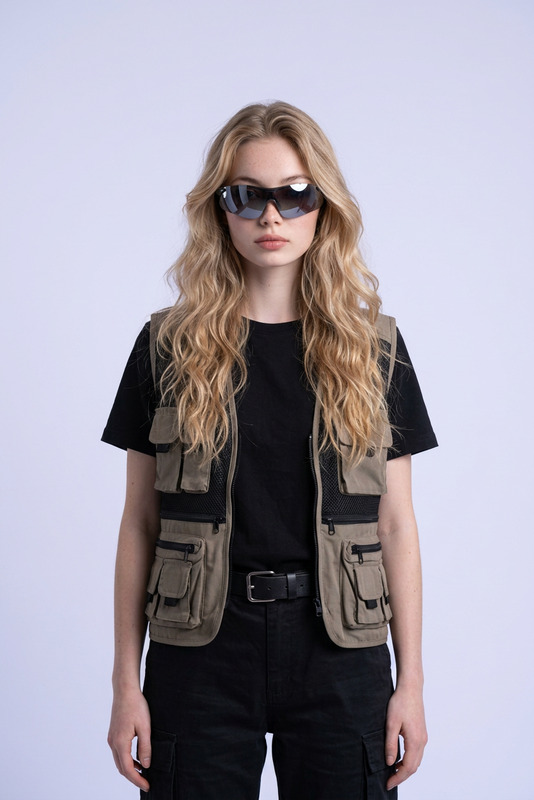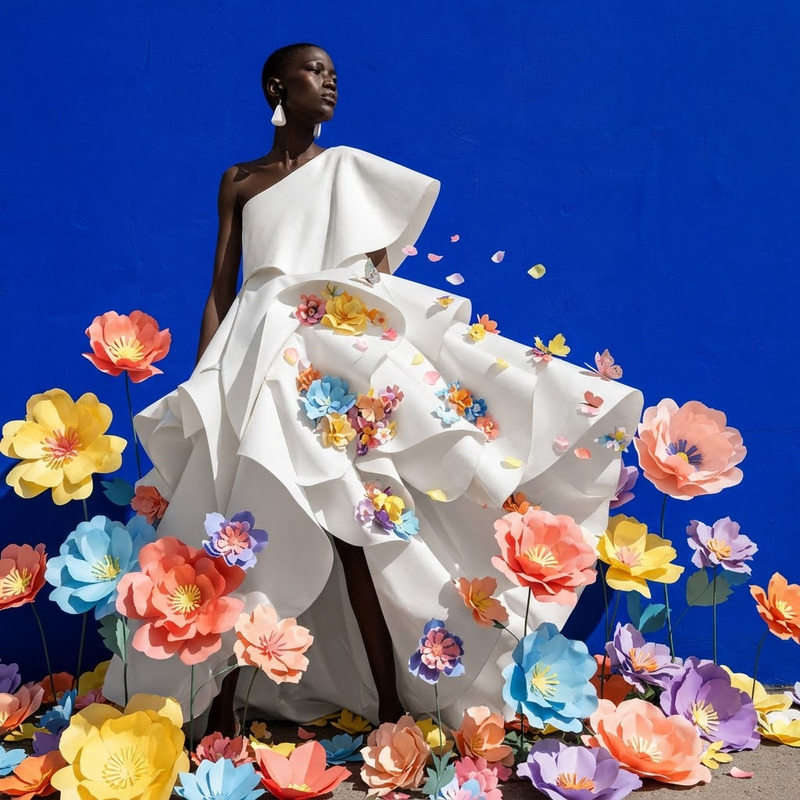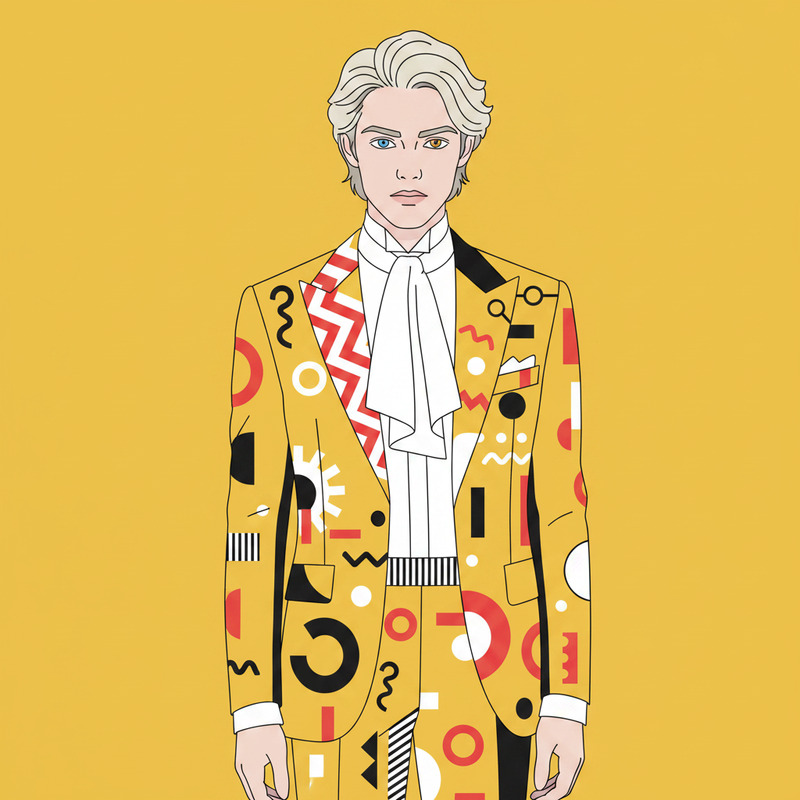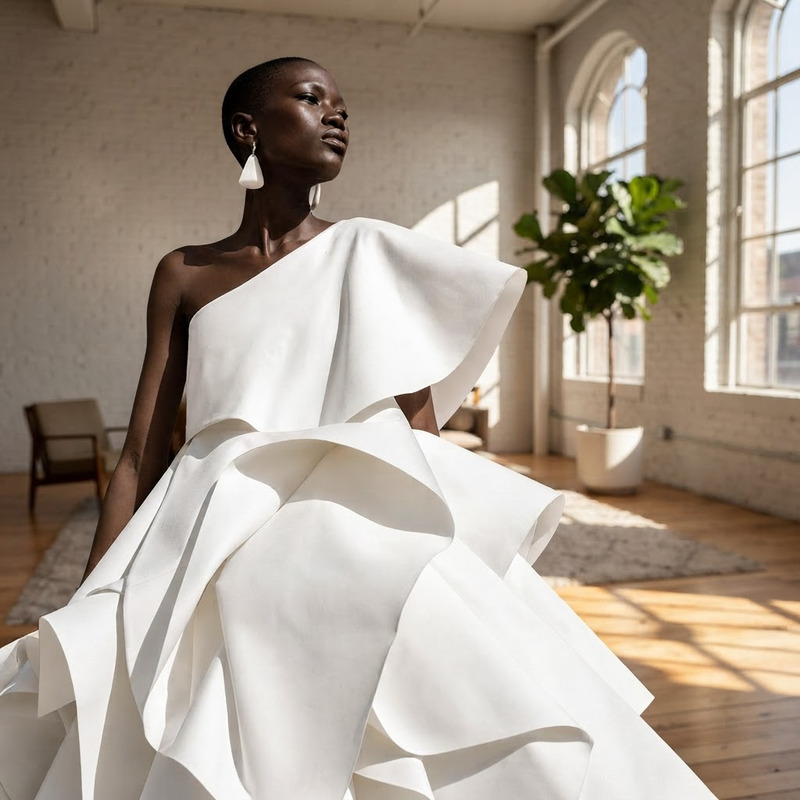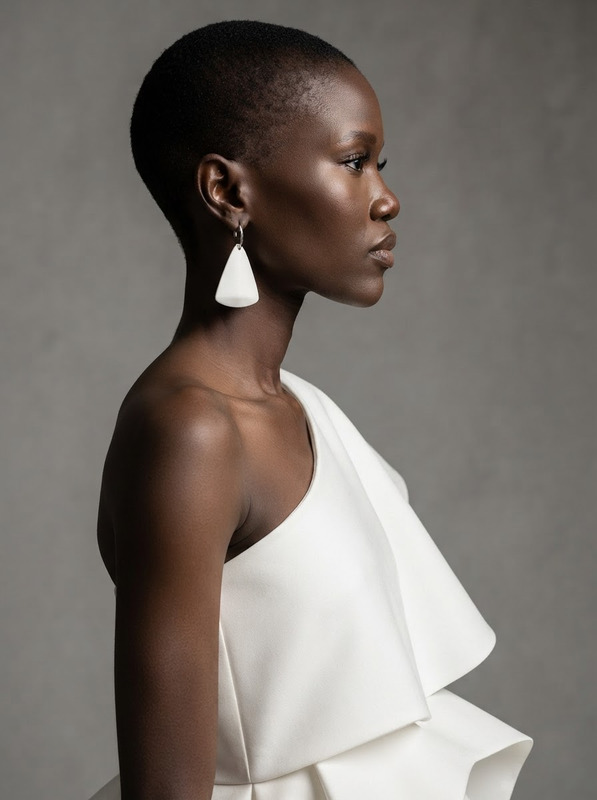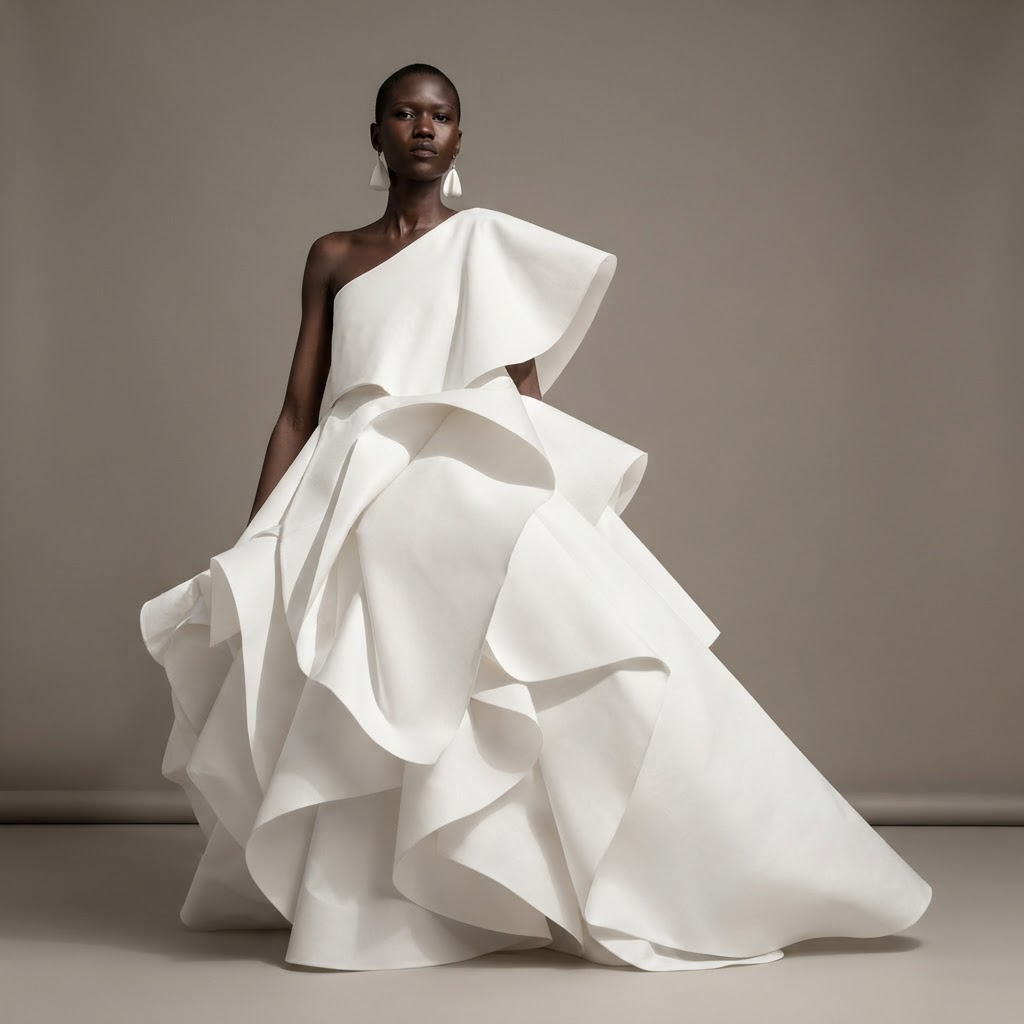
AI Image Editor · Create a clean ecommerce fashi
- Model
- Nano Banana 2 Lite
- Image
- 1024 × 1024 px
Prompt
Create a clean ecommerce fashion photo on a warm gray seamless background, preserving the model
Any aspect ratio
Overview
Enhance your fashion ecommerce photography with the AI Image Editor, specifically designed for creating clean, professional photos featuring models against a seamless warm gray background. Built on the advanced nano-banana-2-lite model, this tool will help you achieve consistent and polished visuals for your online store.
What It Does
This AI Image Editor specializes in refining fashion images by focusing on clarity and composition. The designed prompt ensures your model remains prominent while the background receives a neutral, sophisticated look. Integrate this tool with the AI Background Changer for further customization or use the AI Image Upscaler to boost image resolution.
Who It's For
This tool is ideal for ecommerce retailers, photographers, and digital marketers looking to streamline their fashion image editing processes. Whether you're managing a fashion brand or working as a freelance photographer, this editor simplifies producing consistent, high-quality images for your product pages or marketing materials.
Summary
Transform your fashion product shots effortlessly with the AI Image Editor. Gain the ability to create elegant and professional ecommerce photos that maintain the integrity of your model's portrayal. Discover more about how this integrates with tools like the Photo Colorizer to add an artistic touch to your images.
How-To
Choose Your Template

Customize Your Inputs

Generate and Download

Use Cases
Ecommerce Product Listings
- Aligned brand aesthetics
- Improved customer perception
Social Media Campaigns
- Eye-catching designs
- Increased engagement
Digital Marketing Materials
- Professional look
- Enhanced visual appeal
Best Practices
High-Quality Inputs
Start with high-resolution images to get the best results from the AI Image Editor.Consistent Lighting
Ensure your original photo is well-lit for clearer outputs.Experiment with Backgrounds
Try varying warm gray shades to find the best contrast with your model's clothing.