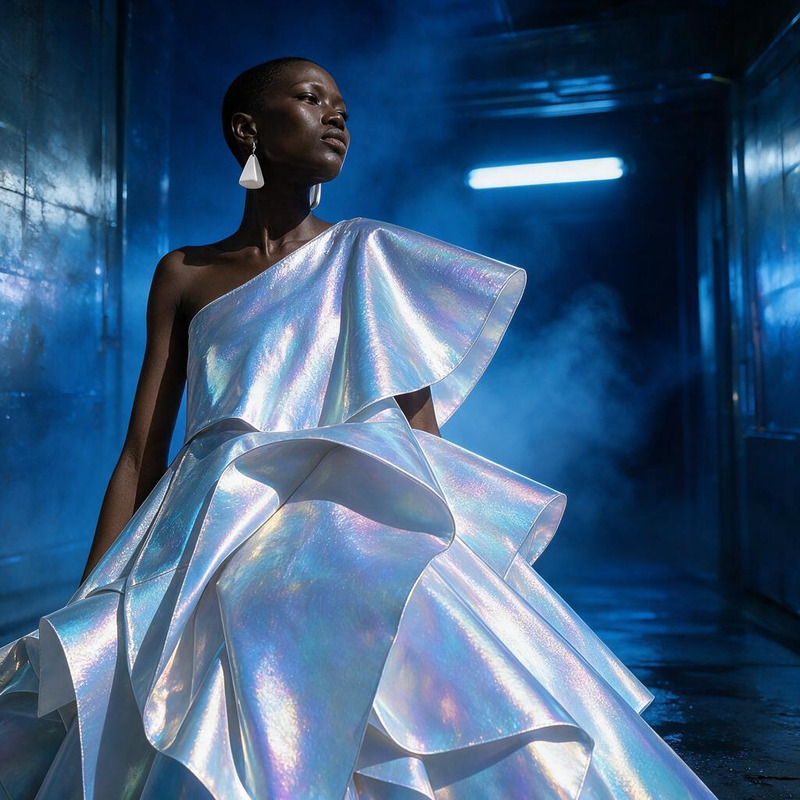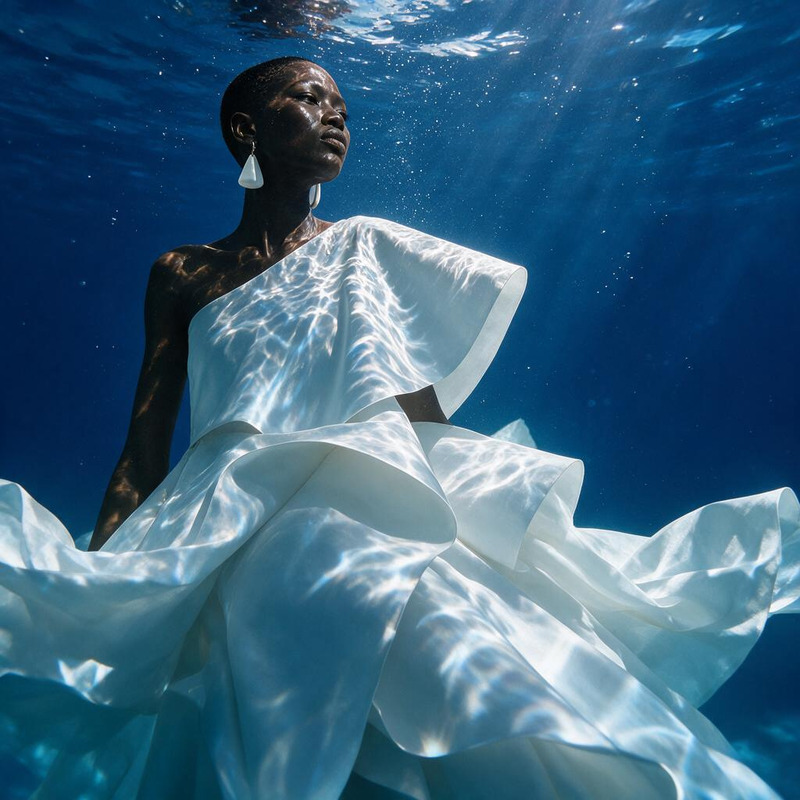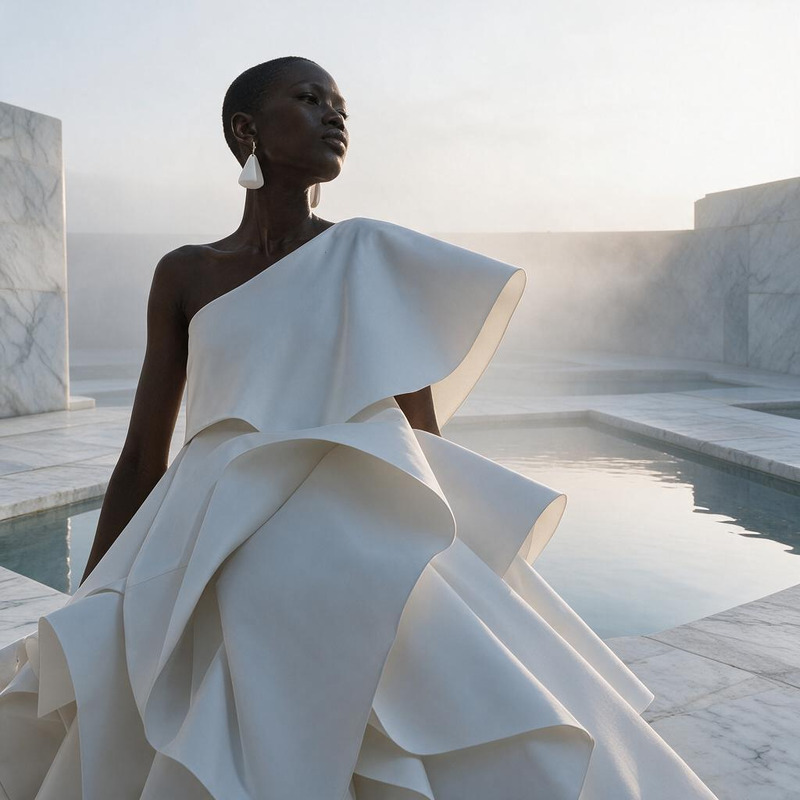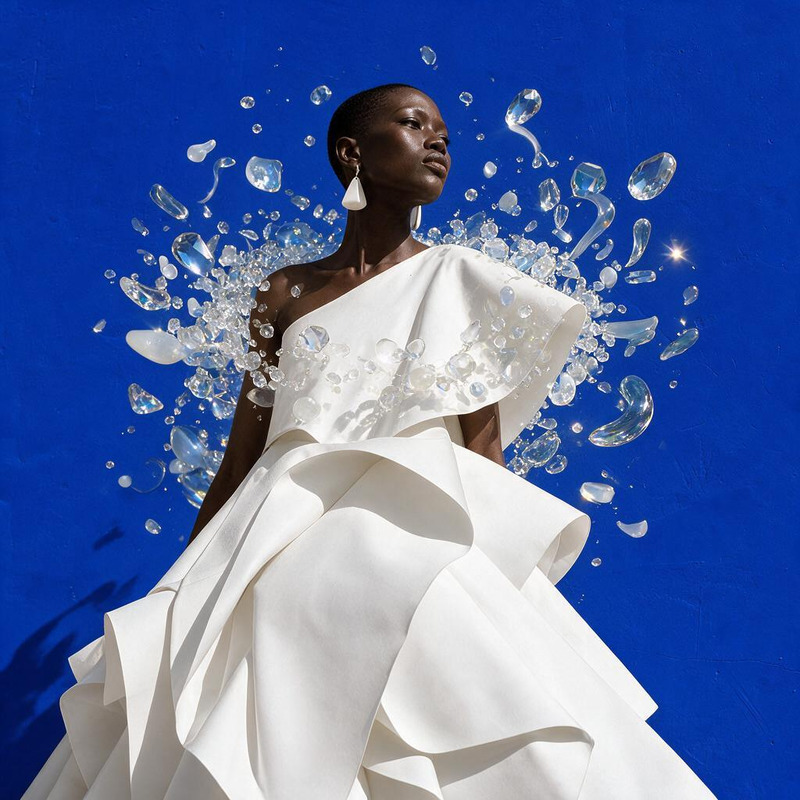
AI Image Editor · Replace the blue background wi
- Model
- Seedream 5 Pro
- Image
- 1024 × 1024 px
Prompt
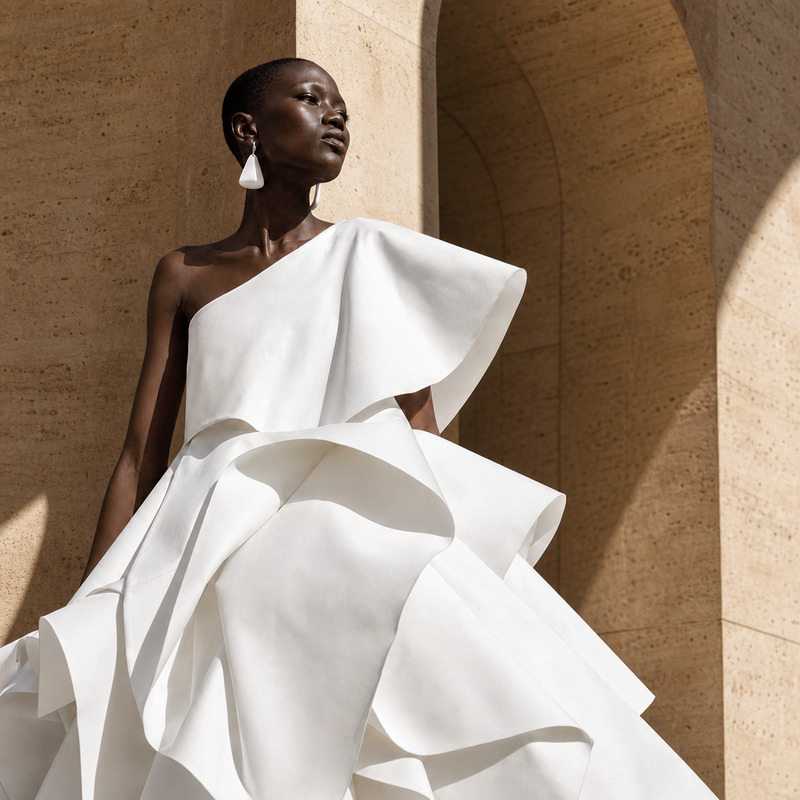
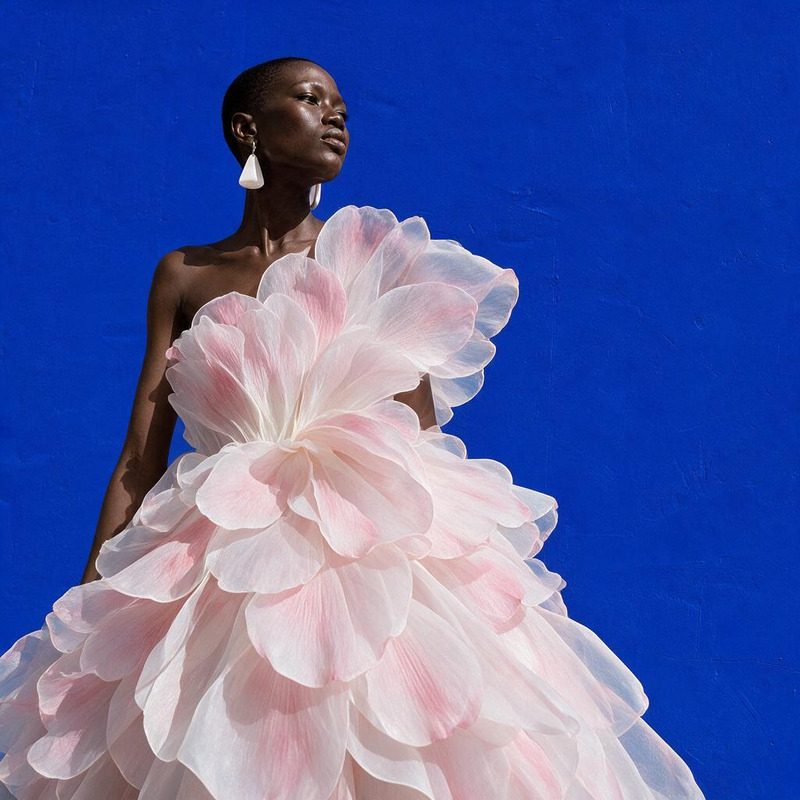
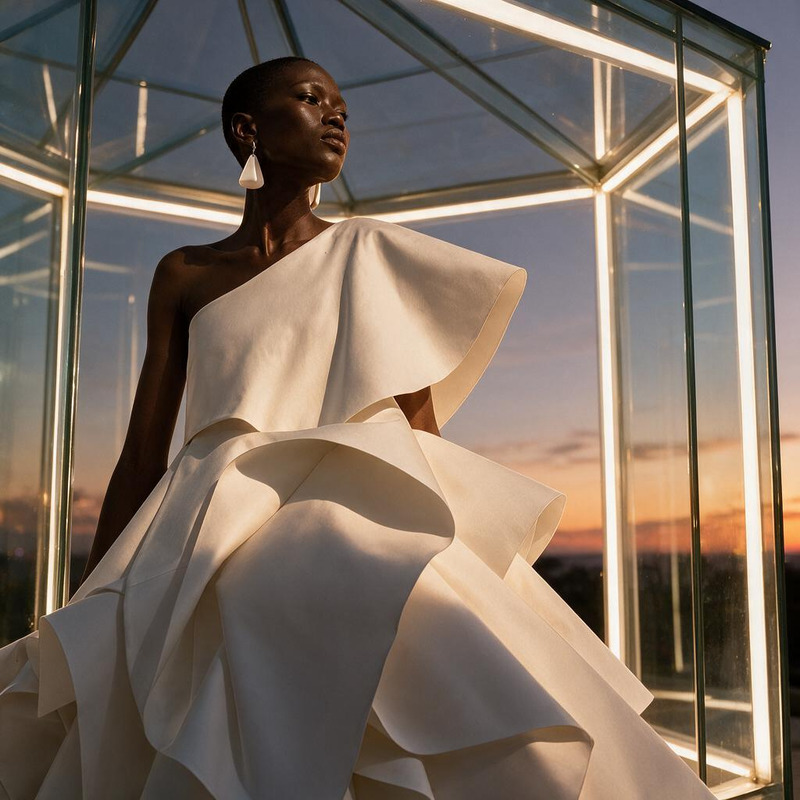
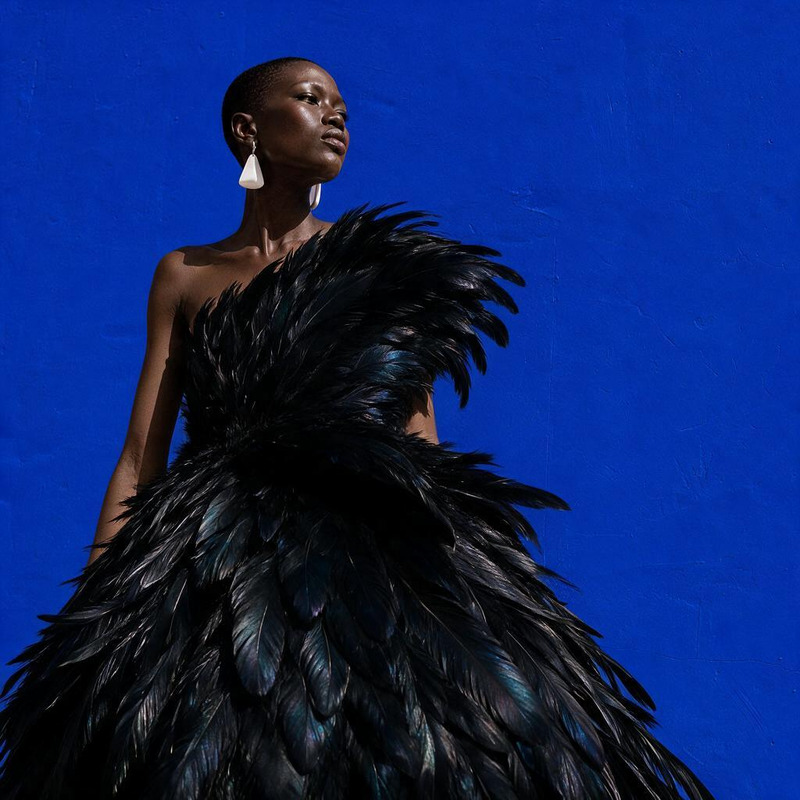
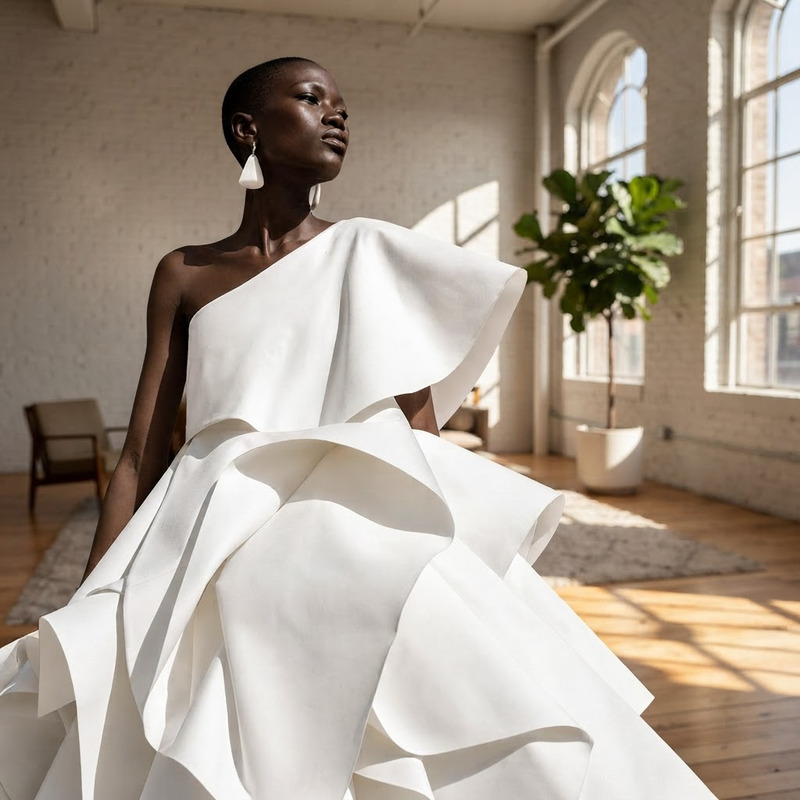
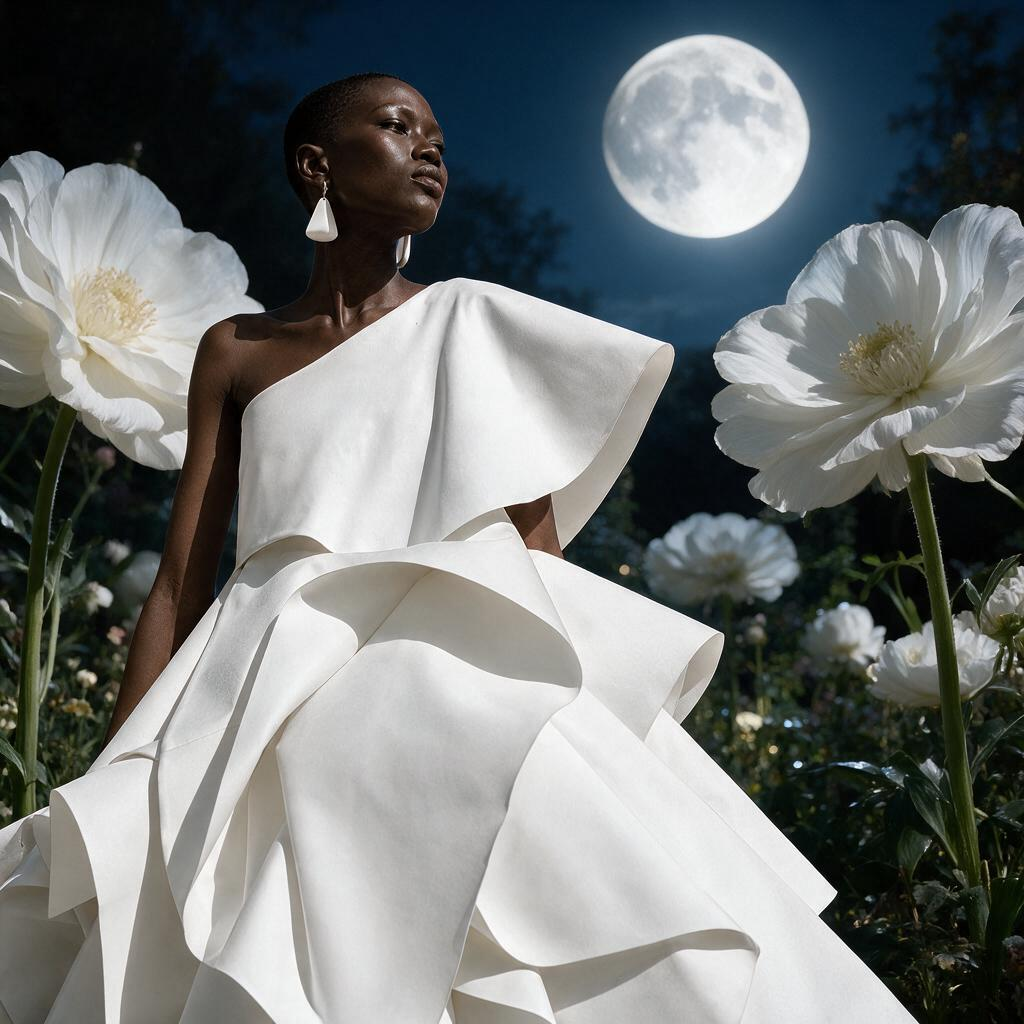
Replace the blue background with a surreal moonlit garden filled with oversized white flowers
Any aspect ratio
Overview
Transform your images into mystical artworks with our AI Image Editor. This template is designed to change a plain blue background into a surreal moonlit garden, perfect for anyone looking to add a touch of whimsical magic to their visuals. The underlying Seedream V5 Pro model ensures high-quality results with its advanced image processing capabilities.
What It Does
The AI Image Editor modifies your image's background, replacing it with a dynamic scene of a moonlit garden and oversized white flowers. This transformation is ideal for creating unique visual content that stands out in social media posts or marketing materials. Paired with AI Image Generator capabilities, the results can be further enhanced to fit any creative project.
Who It's For
This tool is perfect for digital marketers, content creators, and designers who need to produce visually stunning images. It's particularly helpful for those working on product videos, where engaging visuals can significantly impact audience engagement. By utilizing the AI Image Editor, users can tap into creative possibilities previously reserved for professional artists.
Summary
The AI Image Editor effectively transforms plain images into imaginative scenes, suitable for a variety of uses. Whether incorporated into a product photography project or shared as part of a marketing campaign, the tool ensures your images convey the desired mood and aesthetic.
How To
Choose Your Template

Customize Your Input

Generate Your Image

Use Cases
Social Media Content Creation
- Enhance profile pictures with unique backgrounds
- Develop eye-catching posts for better engagement
Marketing Materials
- Use in newsletters and community updates
- Incorporate into product launch campaigns
Creative Projects
- Incorporate art elements into storytelling projects
- Design aesthetic mood boards
Best Practices
Consistency in Themes
When applying new backgrounds, ensure that the theme matches the overall aesthetic of your project for coherence.High-Resolution Images
Upload high-resolution images to maintain quality after editing. Consider using the AI Image Upscaler for optimal results.Experiment with Adjustments
Try tweaking different aspects of the prompt for varied results, experimenting to best suit different project needs.