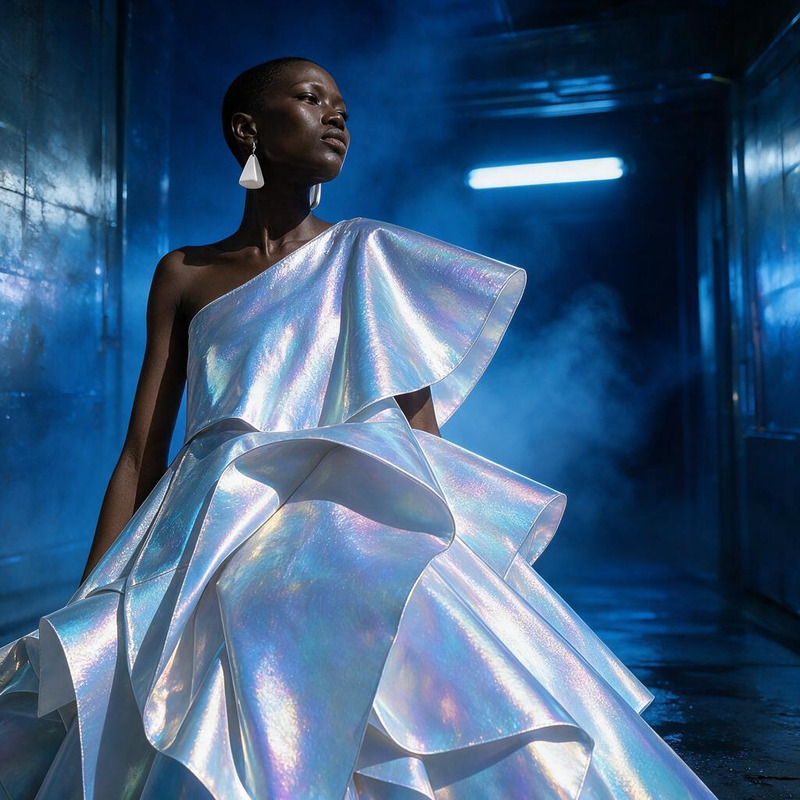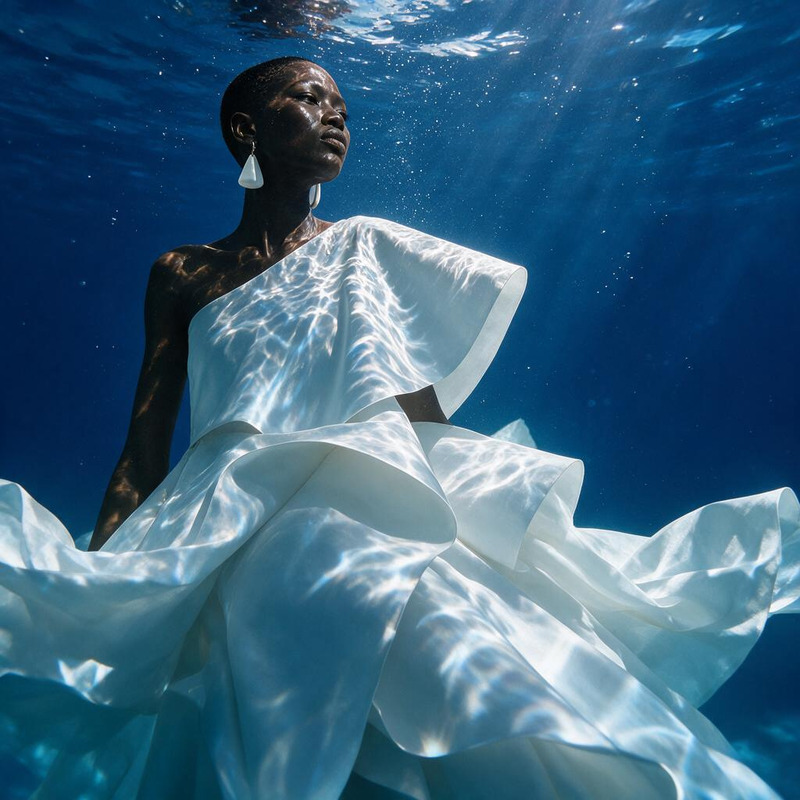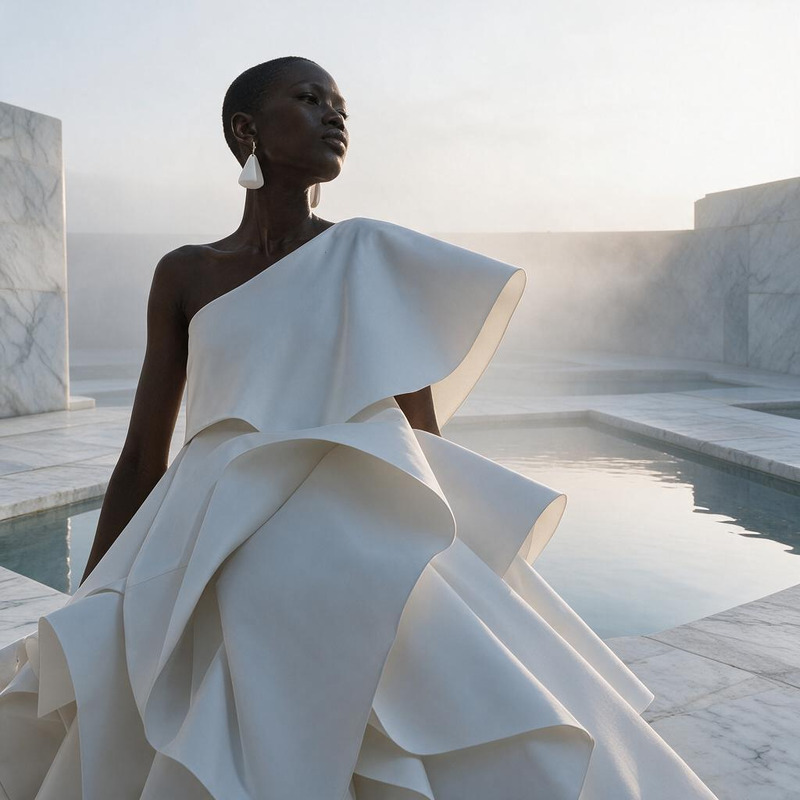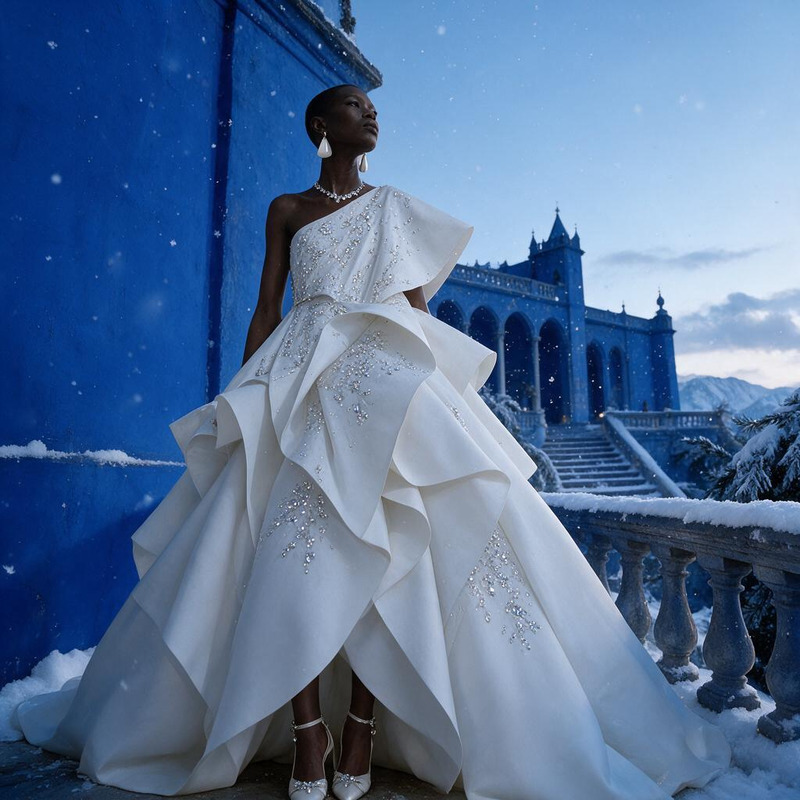
AI Image Editor · Add a halo of floating translu

AI Image Editor · Add a halo of floating translu

AI Image Editor
1 image
0 uses

Any aspect ratio

Prompt

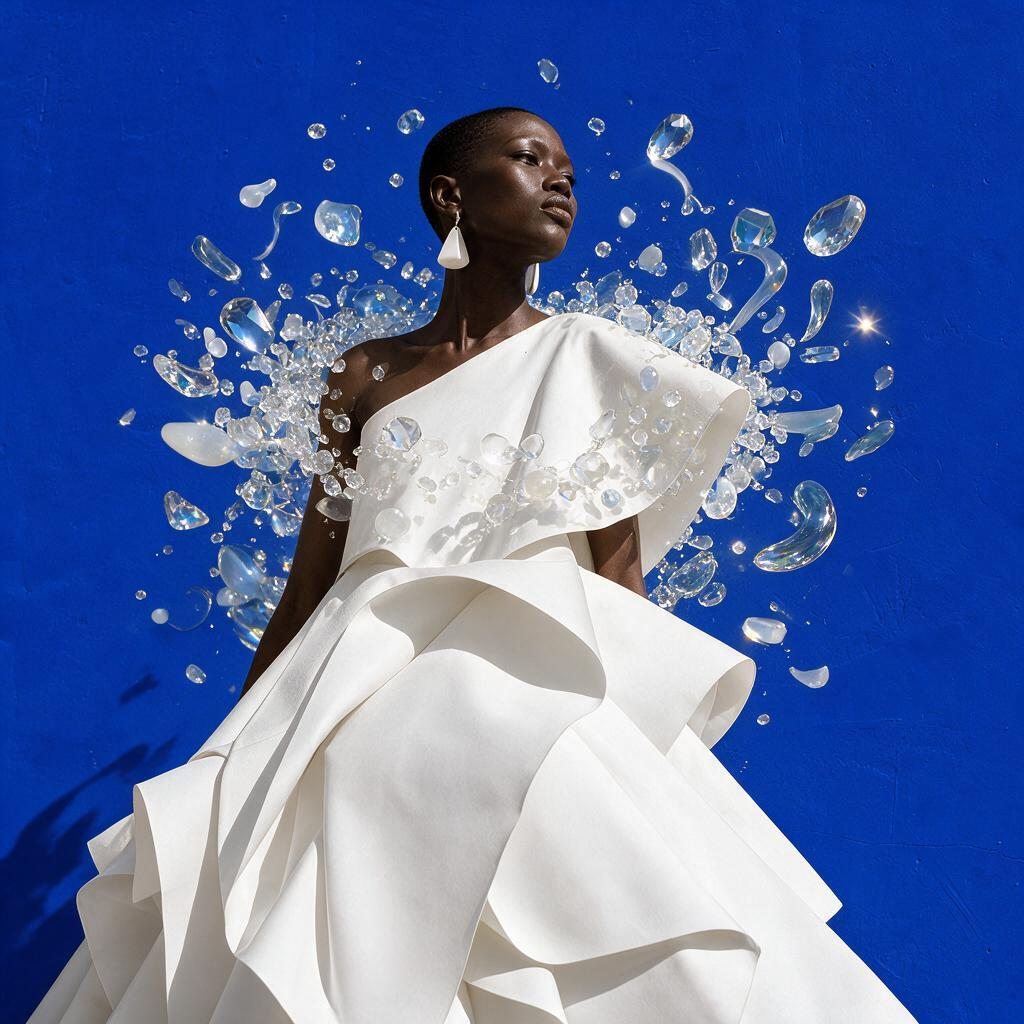
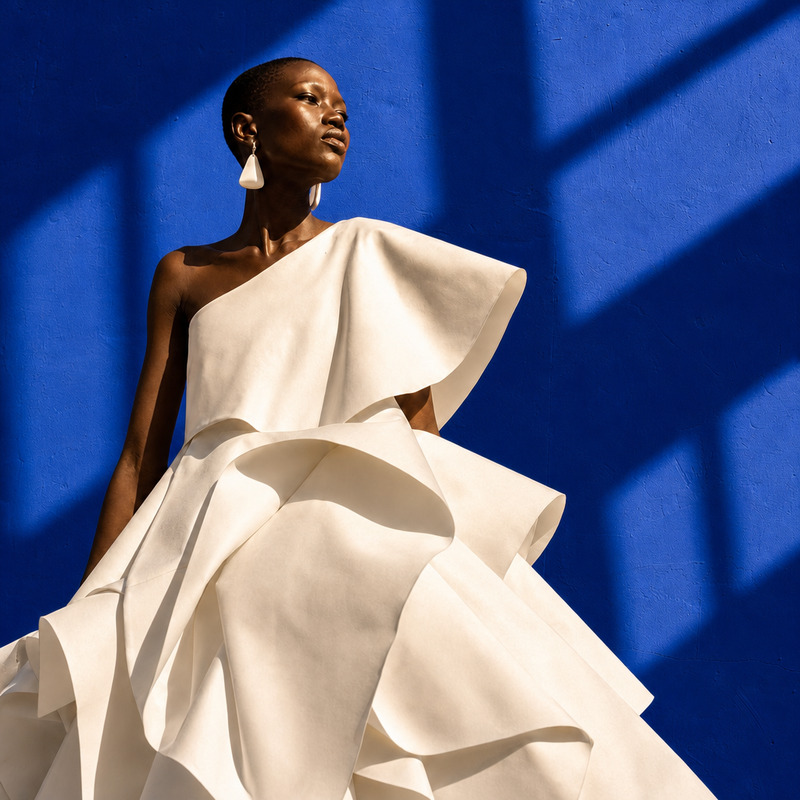
Add a halo of floating translucent glass shapes around the model, polished gallery campaign aesthetic

Overview

The AI Image Editor template lets you transform ordinary images by adding a halo of floating translucent glass shapes around the central model. Utilize the seedream-v5-pro model to give your images a polished, gallery-worthy aesthetic suitable for high-end campaign visuals.

What It Does

This template skillfully integrates ethereal elements into your photos, creating a visually stunning aura with minimal effort. The added halo of glass enhances the existing composition, making your images stand out in any gallery or campaign showcase.

For more image manipulation options, explore our AI Image Editor capabilities.

Who It's For

This tool is designed for photographers, marketing professionals, and creative directors looking to elevate their projects with cutting-edge visual effects. It's perfect for professionals needing high-quality images for magazine spreads, exhibitions, or promotional material.

Summary

Transform your images with our AI Image Editor, turning them into high-concept art pieces with just a few clicks. The halo effect provides a touch of elegance, pushing the boundaries of traditional photography.

Consider using AI Product Photography to complement and further enhance your visual campaign strategies.

How-To

Follow these steps to add a halo of floating translucent glass shapes to your images.
    01

    Choose Your Template

    Browse through the AI Image Editor section on Magic Hour. Select the 'Add a Halo of Floating Translucent Glass' template to get started.
    02

    Customize Your Inputs

    Upload your chosen image and adjust the prompt to specify details. Ensure the model's position is clear to receive the optimal halo effect.
    03

    Generate the Image

    Click 'Generate' to process the image. Once completed, you can download the enhanced image directly to your device.

Use Cases

Explore various scenarios where the floating glass halo can enhance your images.
👗

Fashion Photography

Elevate fashion photos by adding an artistic halo that accentuates the model and outfit.
  • Ideal for magazine covers
  • Enhances editorials
🖼️

Gallery Campaigns

Create striking visuals for gallery exhibitions, offering viewers a unique visual experience.
  • Captivates art enthusiasts
  • Perfect for high-end presentations
📢

Advertising

Capture attention in digital and print ads with eye-catching halo effects.
  • Boosts product imagery
  • Increases ad engagement

Best Practices

Leverage these tips for optimal results with the AI Image Editor template.
  • Choose High-Resolution Images

    For the best outcome, upload high-resolution photos to ensure the halo effect is clear and impactful.
  • Position Subjects Wisely

    Ensure your model is centered to allow the halo to encircle them effectively.
  • Experiment with Light and Shadow

    Utilize the transparency and reflections of the halo to complement existing lighting in your photo.
Frequently asked questions

You can upload JPG, PNG, and TIFF formats for image processing in the AI Image Editor.

Yes, you can tweak various parameters, including the size and transparency of the halo, for a customized effect.

Processing usually takes a few minutes, depending on the image resolution and complexity of effects applied.

While there's no strict limit, editing numerous high-resolution images consecutively may require plan adjustments based on usage.

More Like This

Egyptian Stained Glass Halo
AI Image Editor · Add dramatic golden-hour windo
NEW
AI Image Editor · Add dramatic golden-hour windo
AI Image Editor · Replace the blue background wi
NEW
AI Image Editor · Replace the blue background wi
AI Image Editor · Place the model inside a lumin
NEW
AI Image Editor · Place the model inside a lumin
AI Image Editor · Restyle the portrait as an ele
NEW
AI Image Editor · Restyle the portrait as an ele
AI Image Editor · Transform the dress into sculp
NEW
AI Image Editor · Transform the dress into sculp
AI Image Editor · Transform the background into
NEW
AI Image Editor · Transform the background into
AI Image Editor · Turn the white dress into laye
NEW
AI Image Editor · Turn the white dress into laye
AI Image Editor · Restyle the image as a cinemat
NEW
AI Image Editor · Restyle the image as a cinemat
AI Image Editor · Create a dramatic underwater e
NEW
AI Image Editor · Create a dramatic underwater e
AI Image Editor · Change the environment into a
NEW
AI Image Editor · Change the environment into a
AI Image Editor · Create an ethereal winter cout
NEW
AI Image Editor · Create an ethereal winter cout

AI Image Editor