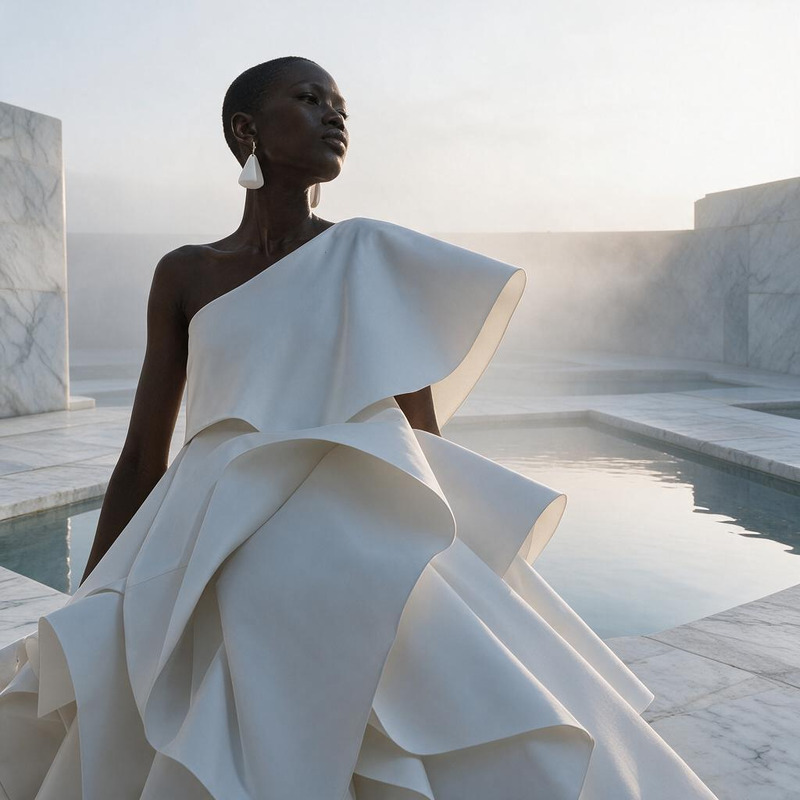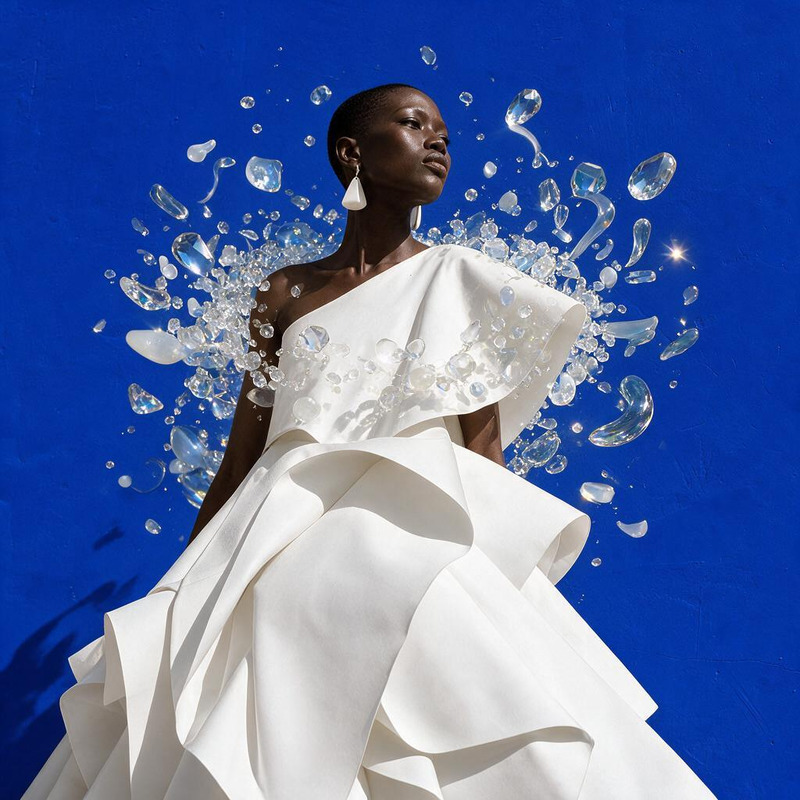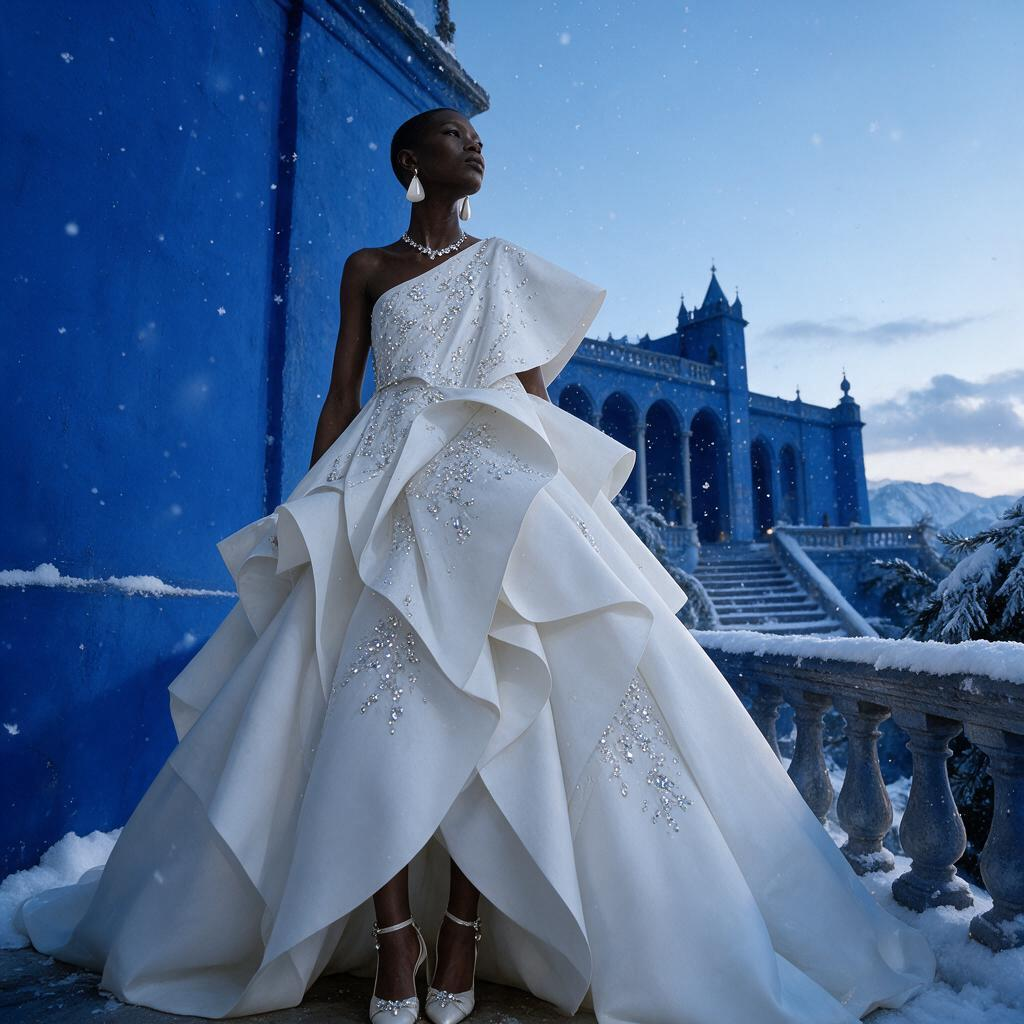
AI Image Editor · Create an ethereal winter cout

AI Image Editor · Create an ethereal winter cout

AI Image Editor
1 image
0 uses

Any aspect ratio

Prompt

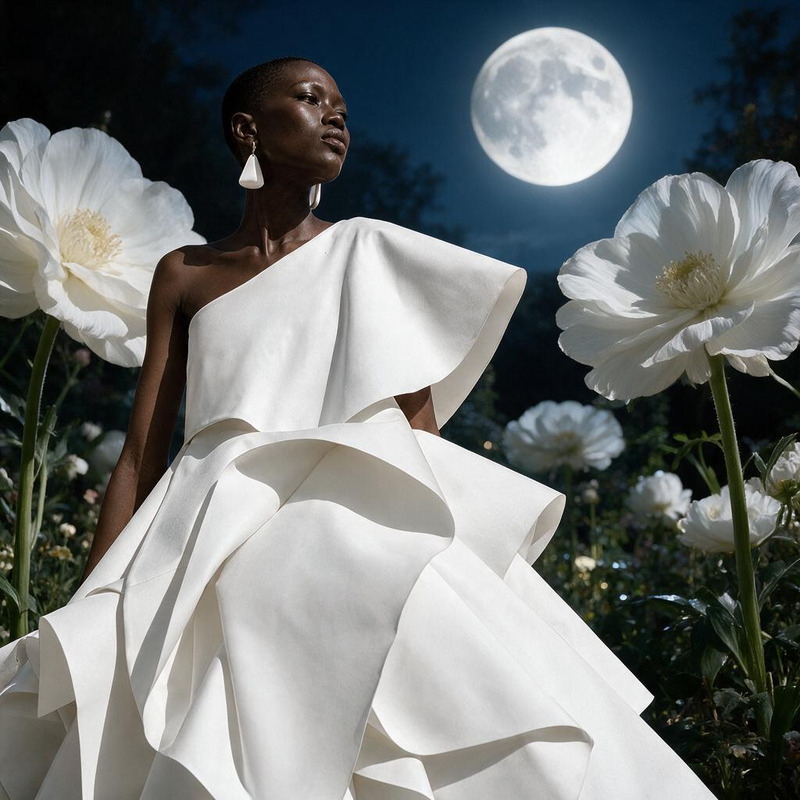
Create an ethereal winter couture scene with falling snow, pale blue light, and crystalline dress details

Overview

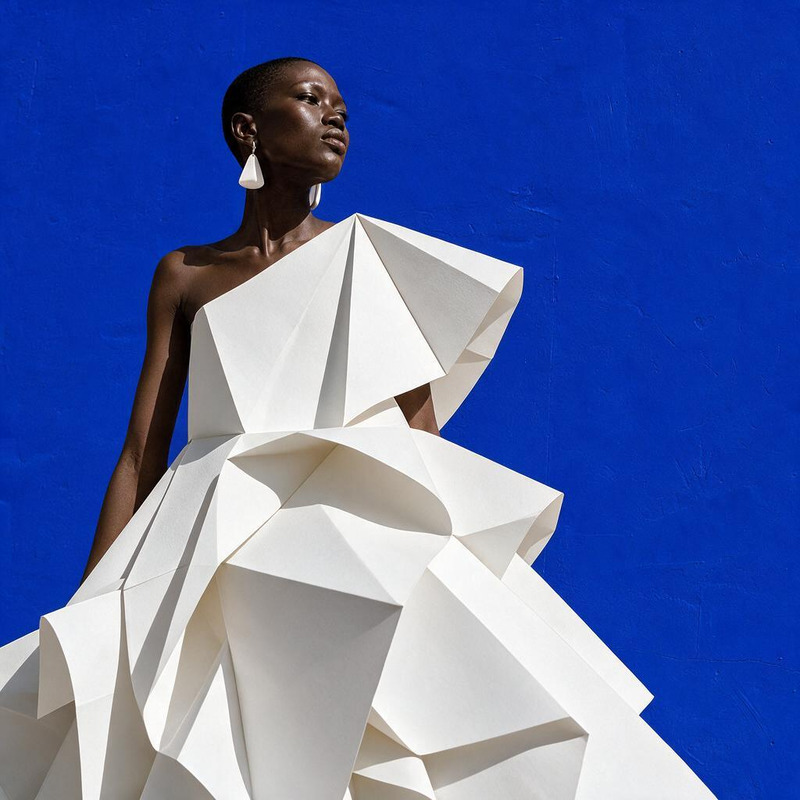
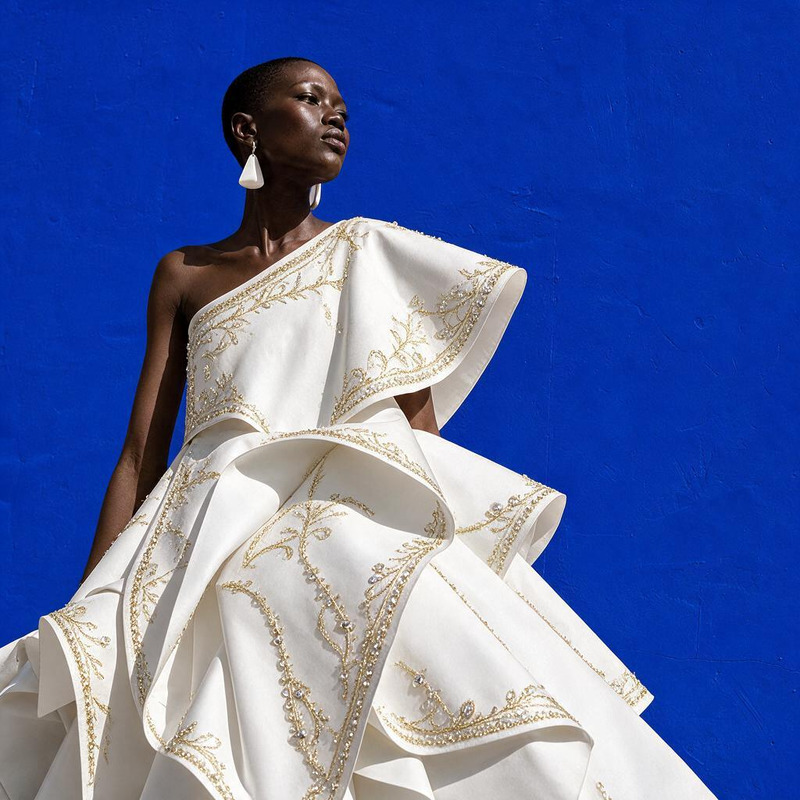
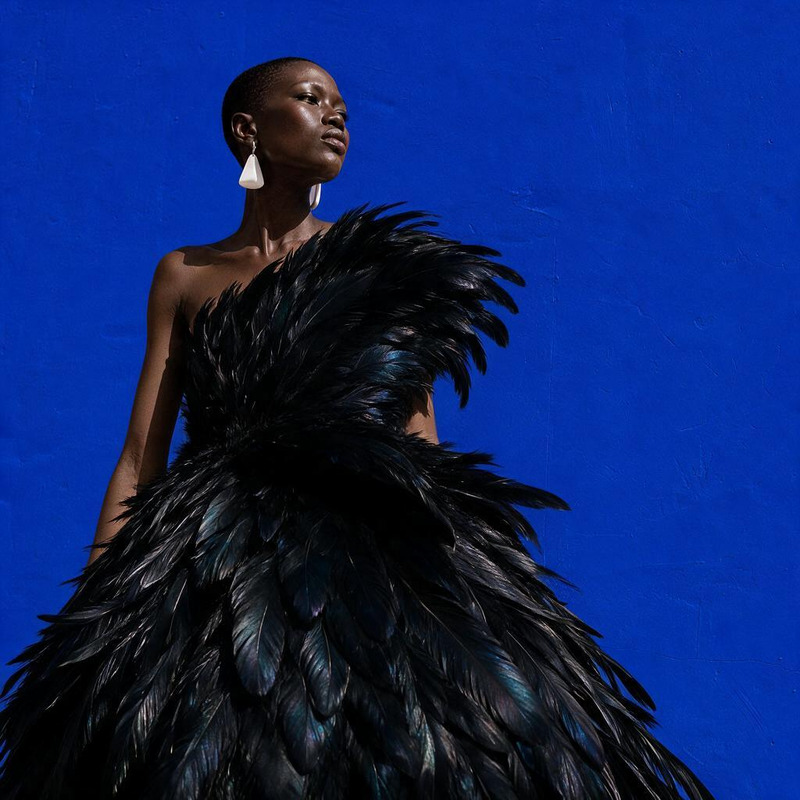
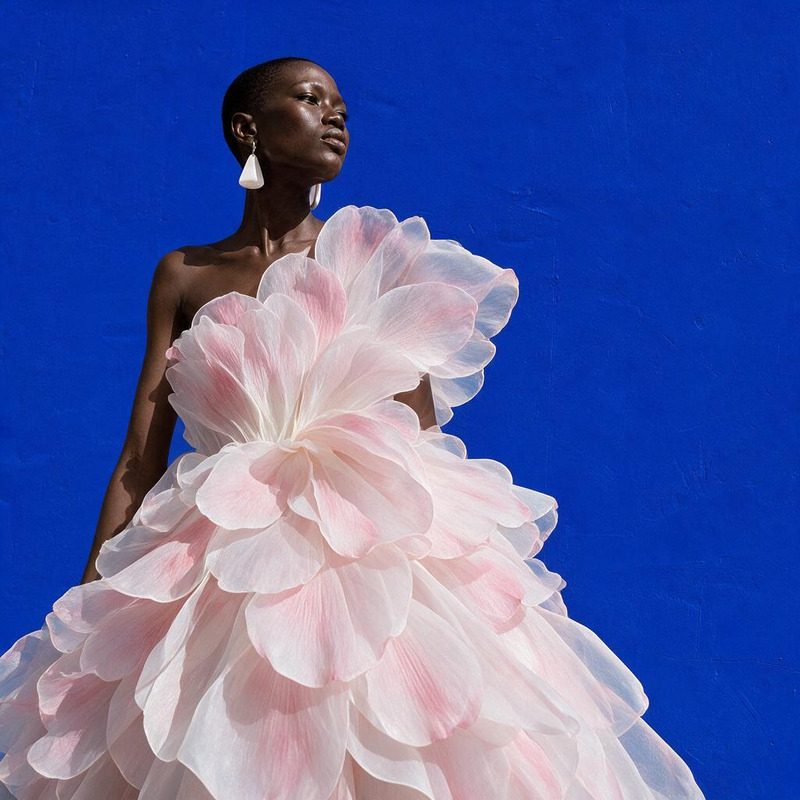
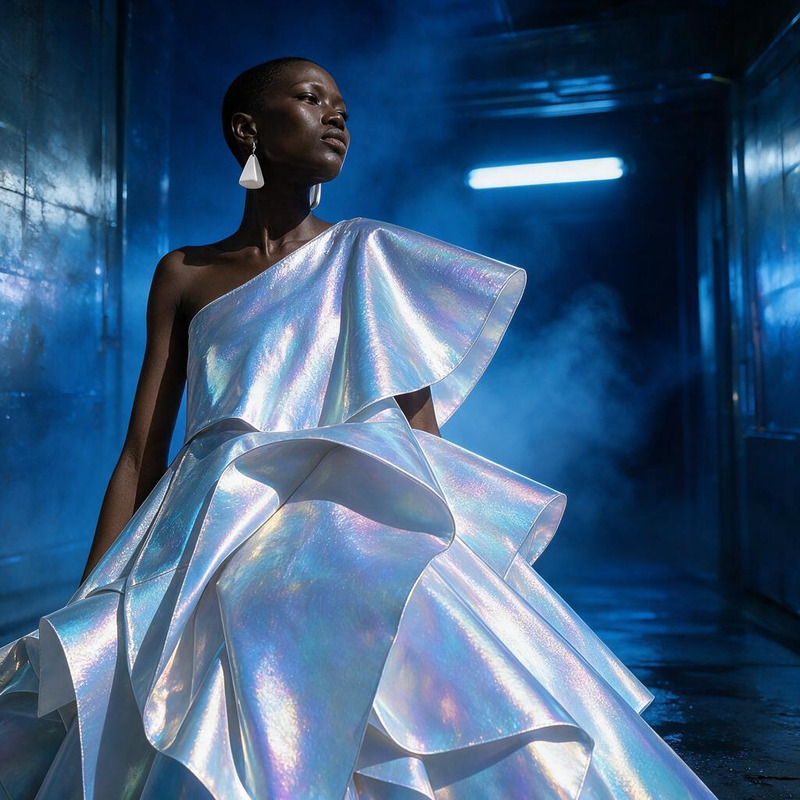
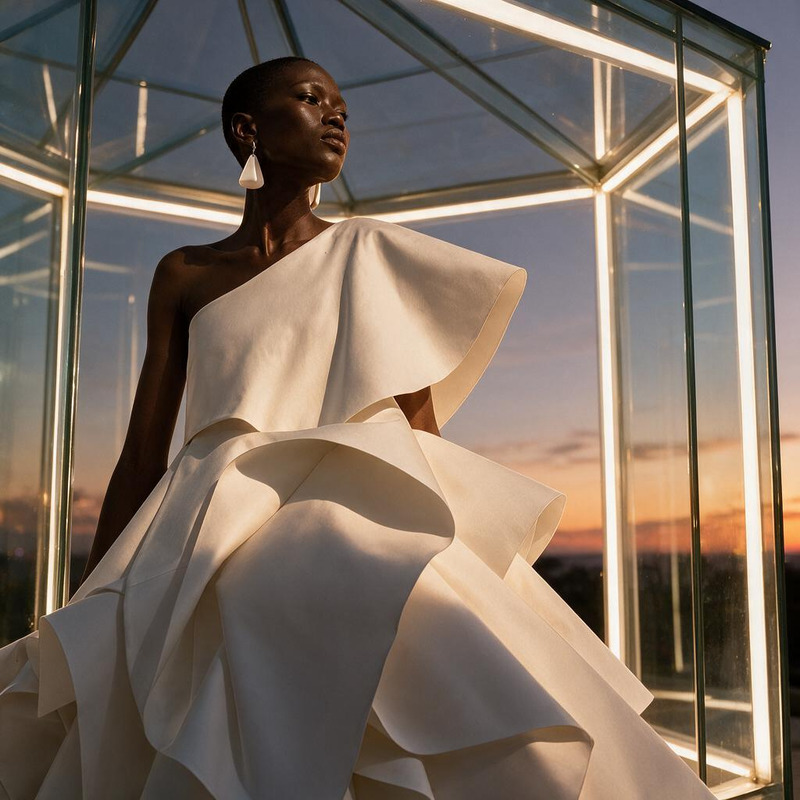
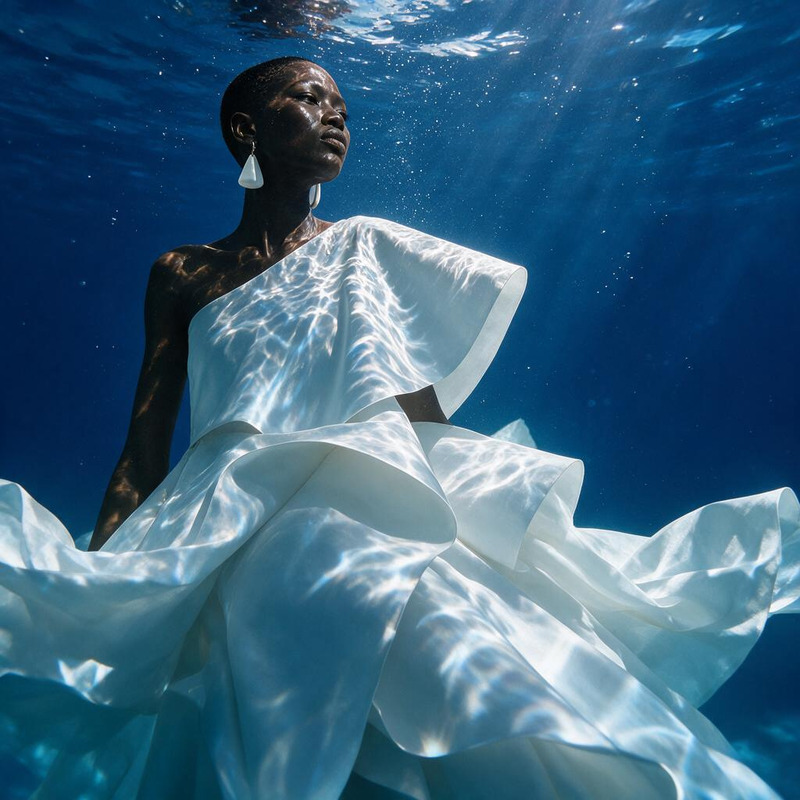
With the AI Image Editor's Ethereal Winter Couture template, craft visually stunning images with snow-clad scenes and icy details. Using the powerful seedream-v5-pro model, you can produce high-quality visuals perfect for fashion and winter-themed projects.

What It Does

This template allows users to transform ordinary images into ethereal winter couture masterpieces. It harnesses AI to apply a pale blue light and includes intricate crystalline dress details, simulating a snow-kissed environment. It's perfect for creating visually captivating scenes for fashion photography or promotional materials.

Who It's For

The AI Image Editor template is ideal for fashion designers, digital artists, and marketers looking to enhance images with a winter-themed essence. It's also a great tool for social media influencers and content creators who want to bring a unique wintry flair to their posts.

Summary

Utilize this template to produce striking winter-themed couture scenes. Whether for personal projects or commercial use, the AI Image Upscaler can further enhance resolution, ensuring your images captivate and inspire viewers.

How To

Follow these steps to create your ethereal winter couture image.
    01

    Choose the Template

    Navigate to the AI Image Editor section and select the Ethereal Winter Couture template.
    02

    Customize Your Inputs

    Upload your image and modify the prompt to refine the wintry scene with details like snowfall, blue hues, or specific dress elements.
    03

    Generate Your Image

    Click generate to process your image. Once complete, you'll be able to download your newly created winter artwork.

Use Cases

Explore how this template can be applied in various scenarios.
❄️

Fashion Photography Enhancements

Elevate your fashion visuals by integrating a stunning winter scene.
  • Add snowy backgrounds
  • Highlight icy dress details
📸

Social Media Content

Use to create compelling visuals that stand out on social platforms.
  • Incorporate into Instagram posts
  • Share themed stories
🖼️

Marketing Visuals

Design engaging promotional materials for winter campaigns.
  • Create print ads
  • Design digital banners

Best Practices

Maximize the effectiveness of your image editing with these tips.
  • Select High-Resolution Source Images

    For better results, start with images in high resolution to ensure the final output is crisp and professional.
  • Refine the AI Prompt

    Experiment with different prompt refinements to find the perfect balance of wintry elements.
  • Use with Complementary Tools

    Combine with the AI Video Extender to create longer narrative sequences from your images.
FAQs

The AI Image Editor template supports standard formats such as JPEG, PNG, and TIFF.

Yes, you can modify the prompt to adjust the intensity and style of snowfall within the image.

There are no set limits, allowing you to edit as many images as your project requires.

Processing time varies based on the image's size and complexity, but most images are completed within a few minutes.

More Like This

Basic Core
Basic Core
AI Image Editor · Replace the blue background wi
NEW
AI Image Editor · Replace the blue background wi
AI Image Editor · Transform the dress into folde
NEW
AI Image Editor · Transform the dress into folde
AI Image Editor · Add delicate gold embroidery a
NEW
AI Image Editor · Add delicate gold embroidery a
AI Image Editor · Restyle the portrait as an ele
NEW
AI Image Editor · Restyle the portrait as an ele
AI Image Editor · Transform the dress into sculp
NEW
AI Image Editor · Transform the dress into sculp
AI Image Editor · Turn the white dress into laye
NEW
AI Image Editor · Turn the white dress into laye
AI Image Editor · Restyle the image as a cinemat
NEW
AI Image Editor · Restyle the image as a cinemat
AI Image Editor · Place the model inside a lumin
NEW
AI Image Editor · Place the model inside a lumin
AI Image Editor · Create a dramatic underwater e
NEW
AI Image Editor · Create a dramatic underwater e
AI Image Editor · Change the environment into a
NEW
AI Image Editor · Change the environment into a
AI Image Editor · Add a halo of floating translu
NEW
AI Image Editor · Add a halo of floating translu

AI Image Editor