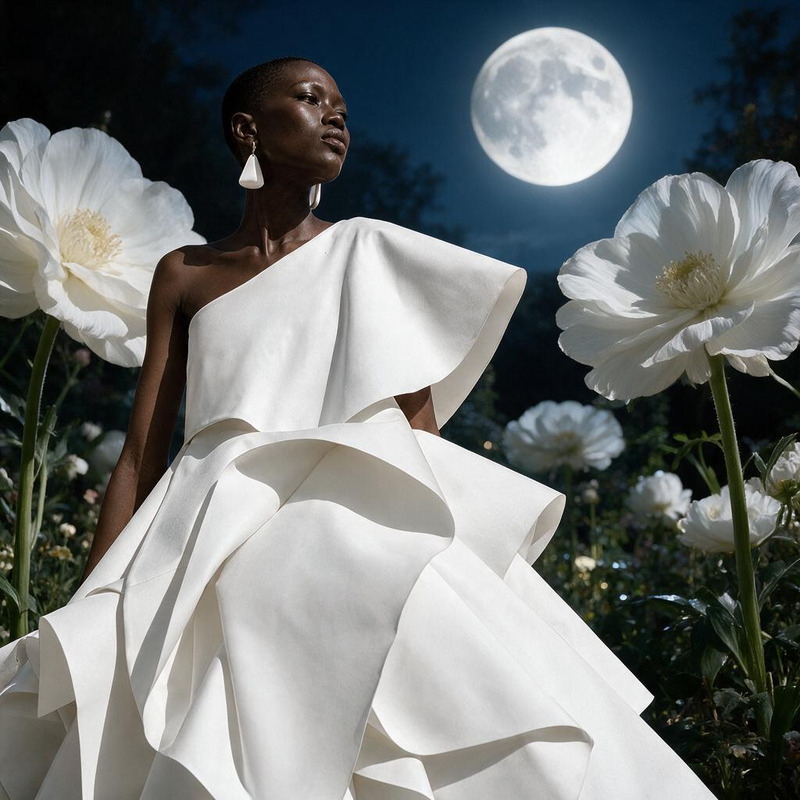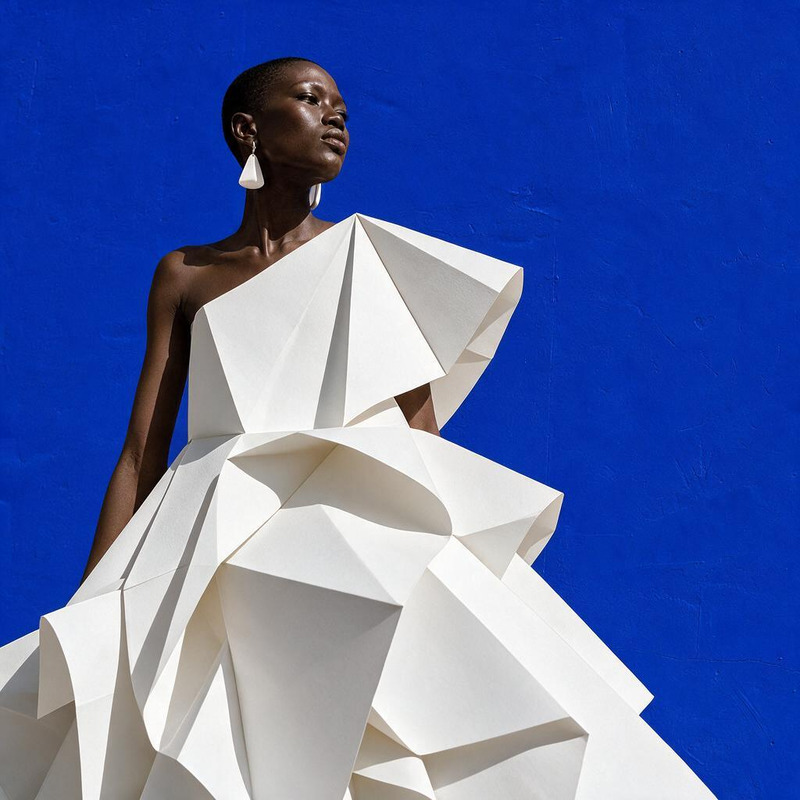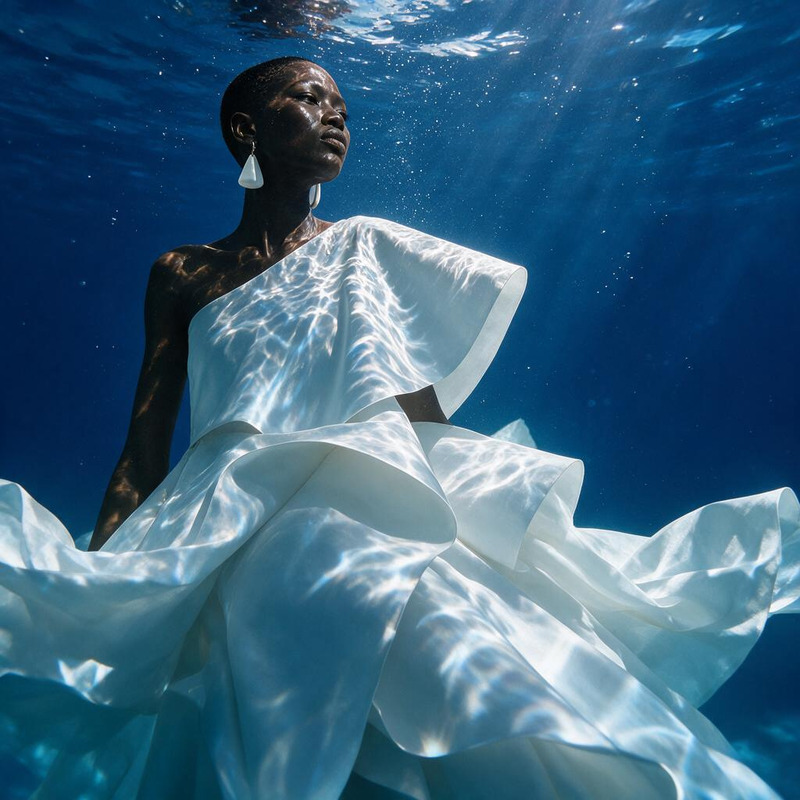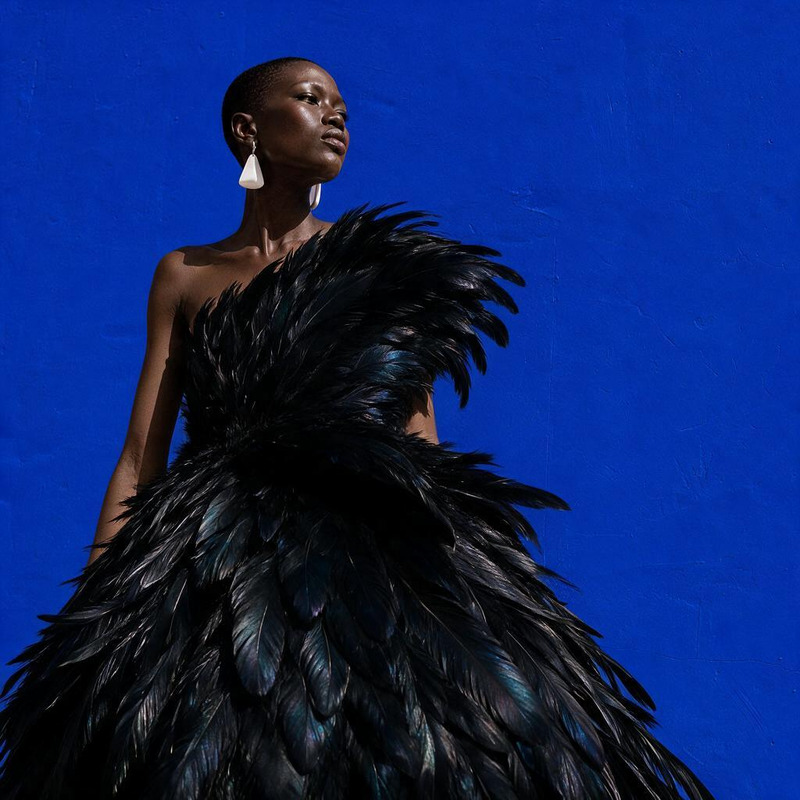
AI Image Editor · Change the environment into a

AI Image Editor · Change the environment into a

AI Image Editor
1 image
0 uses

Any aspect ratio

Prompt

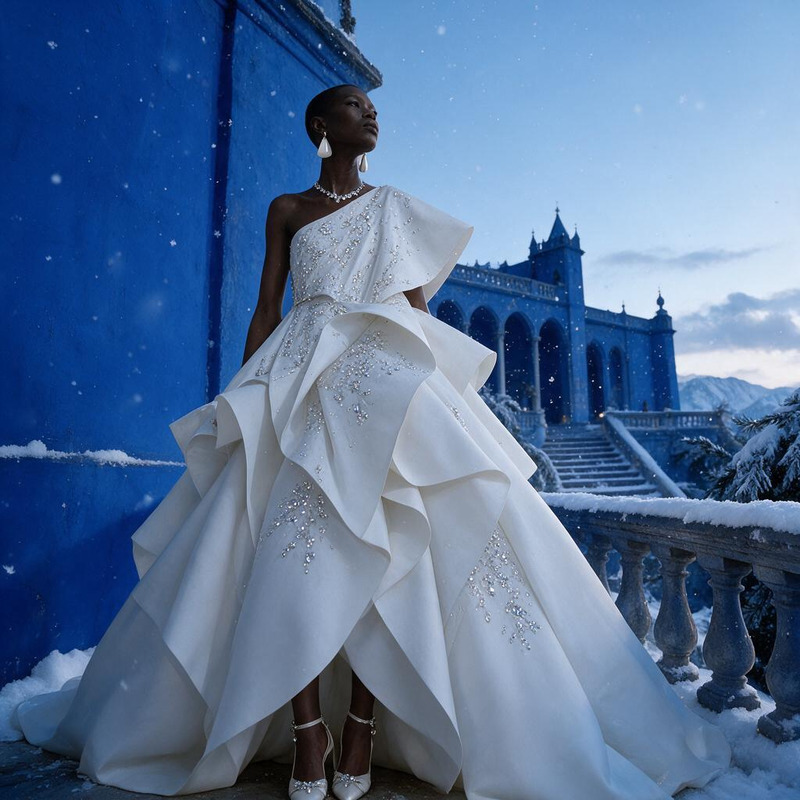
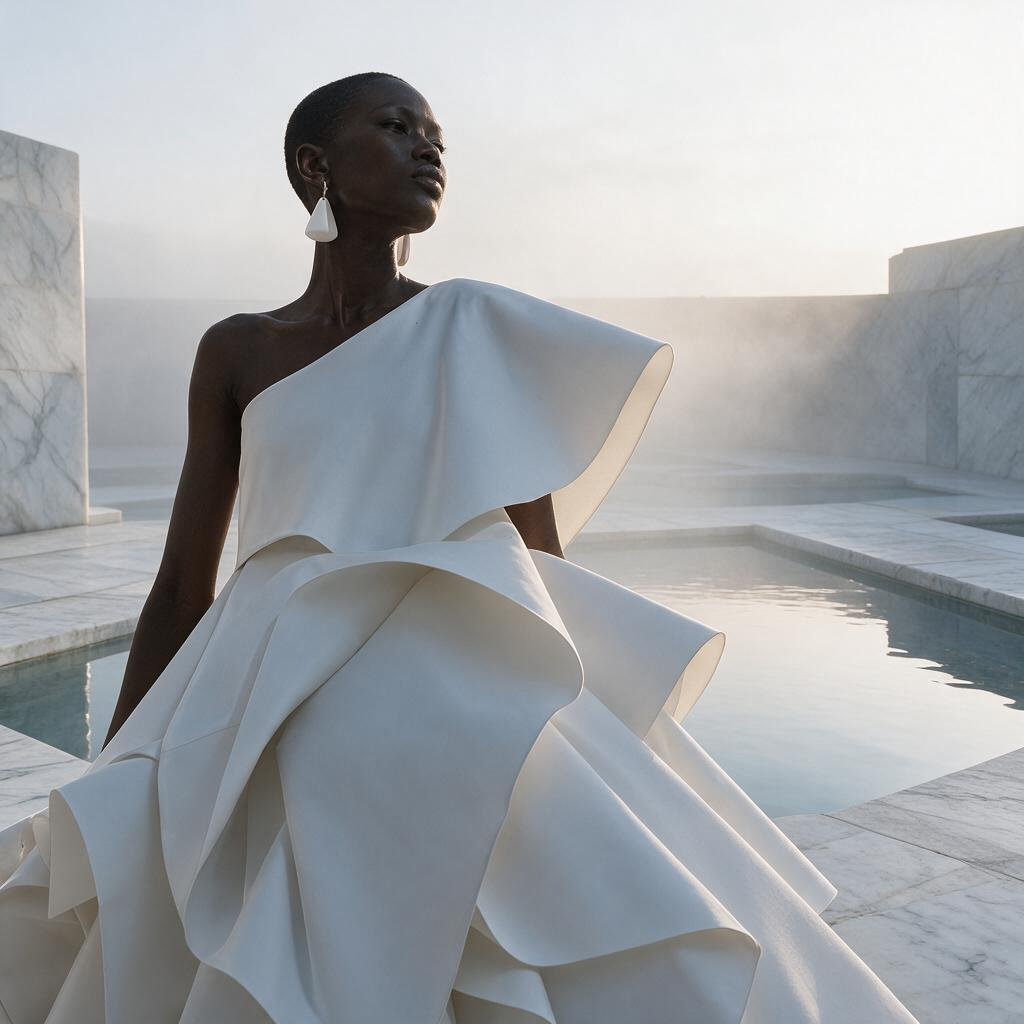
Change the environment into a misty marble courtyard with reflecting pools and soft dawn light

Overview

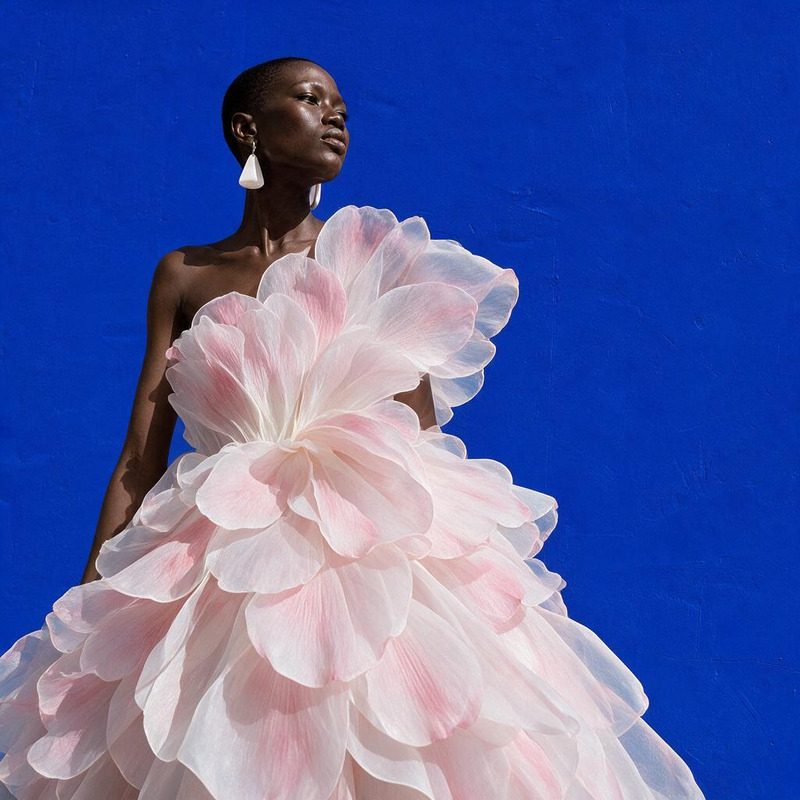
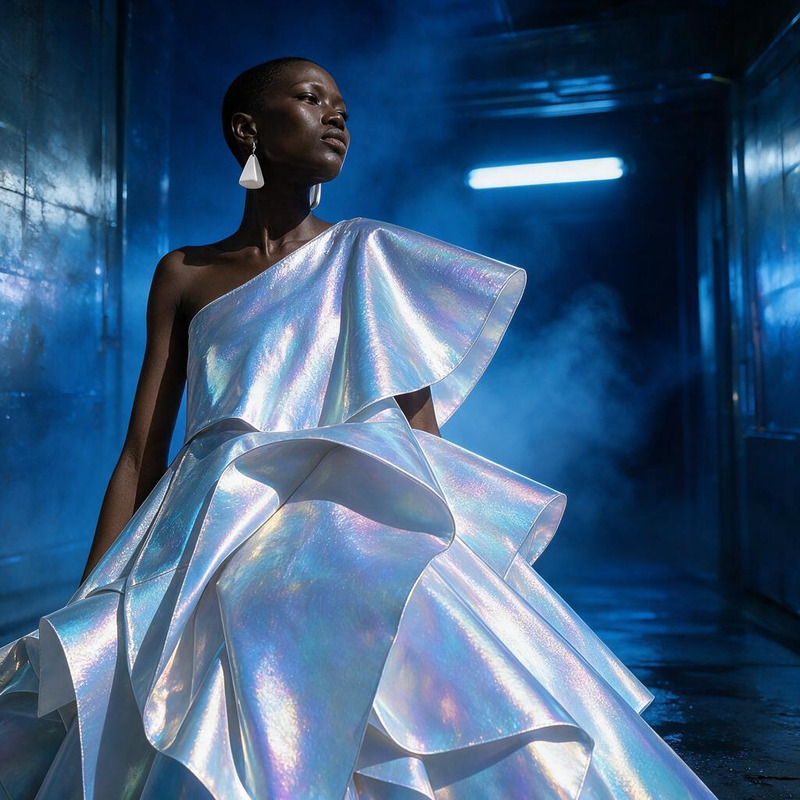
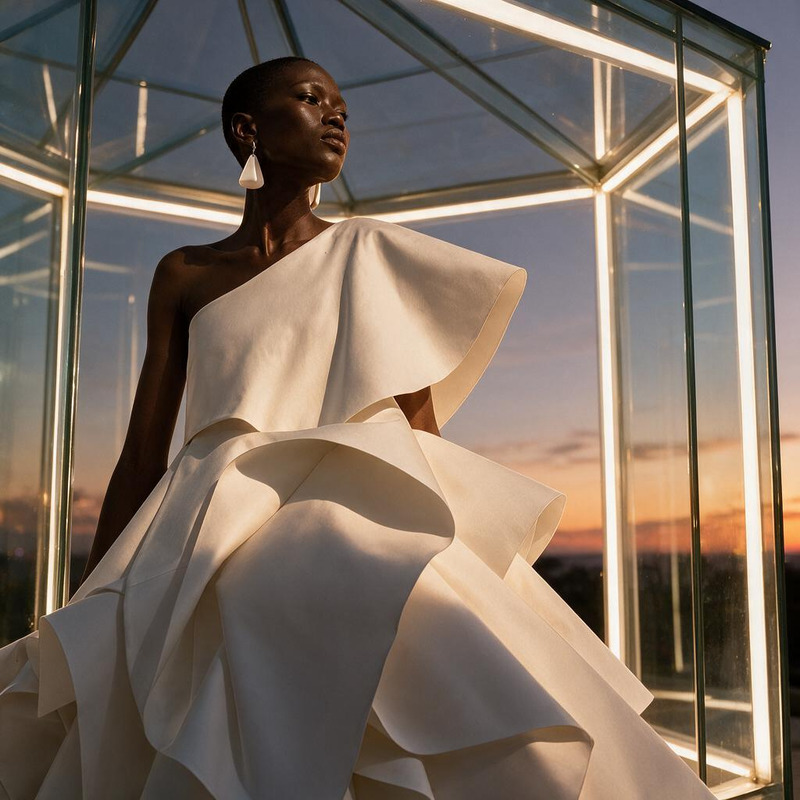
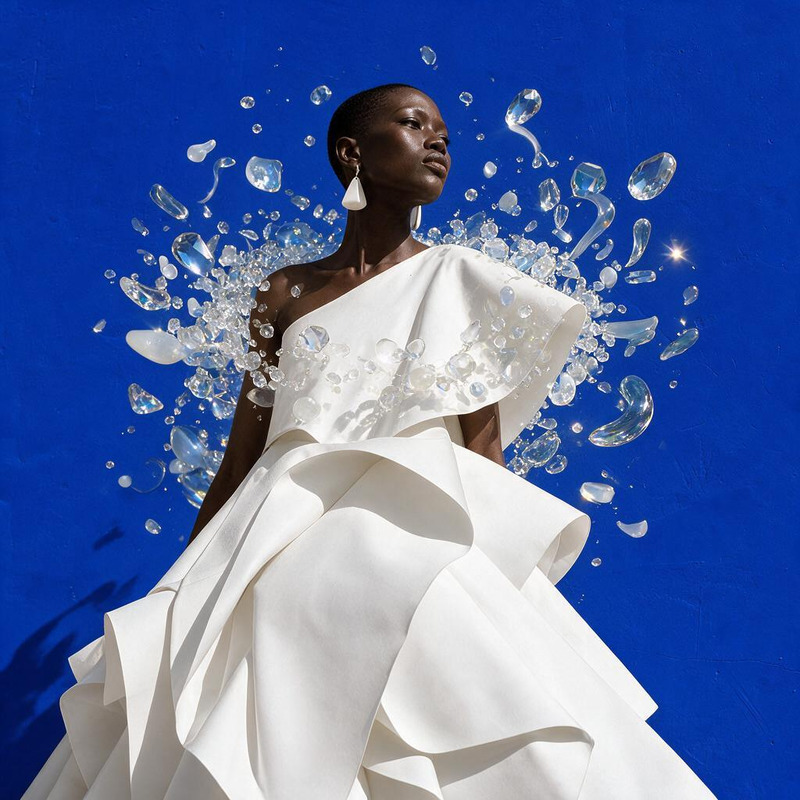
Transform your images into stunning works of art using the AI Image Editor template. This tool harnesses the advanced capabilities of the seedream-v5-pro model to modify your image environments, such as turning them into a misty marble courtyard with reflecting pools and soft dawn light.

What It Does

The AI Image Editor enables you to change the environment or backdrop of your images with precision and artistic flair. Whether you're looking to enhance product images or create unique, atmospheric settings for personal projects, this tool provides the flexibility to apply intricate changes that align with your vision.

Who It's For

This template is ideal for photographers, digital artists, and content creators eager to push the limits of traditional image editing. If you work in industries like marketing or e-commerce, using the AI Image Editor can elevate the visual appeal of your social media ads and promotional materials.

Summary

The AI Image Editor template offers a sophisticated toolset for transforming image environments with ease and precision. Leverage the power of the AI Image Editor to craft visually captivating scenes that engage your audience and enhance your creative projects.

How-To

Use this guide to get started quickly with the AI Image Editor.
    01

    Choose the Template

    Navigate to the AI Image Editor section on Magic Hour's platform and select the 'Change the environment into a' template.
    02

    Customize Your Settings

    Input the specific changes you desire, such as the misty marble courtyard prompt, and adjust any additional settings as needed to fit your artistic vision.
    03

    Generate & Download

    Click the generate button to process your changes. Once complete, download your modified image in your preferred format.

Use Cases

Explore versatile applications for this template across various projects.
🎨

Artistic Projects

Enhance your digital art by creating atmospheric scenes.
  • Create unique backdrops for fantasy art
  • Use in mood board development
📈

Marketing Campaigns

Elevate visuals in advertisements and promotions.
  • Design captivating ad visuals
  • Enhance product backgrounds for retail
📝

Content Creation

Produce stunning visuals for blogs, vlogs, and more.
  • Develop engaging content for platforms
  • Use in storytelling visuals

Best Practices

Maximize the effectiveness of your image editing endeavors.
  • Consistent Lighting

    Ensure lighting in source images is consistent to make transitions more natural and realistic.
  • High-Resolution Images

    Start with high-resolution images to maintain quality in edited output.
  • Experiment with Settings

    Experiment with different settings and prompts to discover unique effects.
FAQs

The AI Image Editor supports popular formats like JPEG, PNG, and TIFF for both input and output.

Yes, you can use outputs generated by the AI Image Editor for commercial projects, including marketing and advertising.

Low-resolution images may result in less detailed outputs. It's recommended to use high-resolution images for optimal results.

The generation time depends on the complexity of changes and image size but typically completes within a few minutes.

More Like This

Fog Motion Portrait
7
Fog Motion Portrait
AI Image Editor · Turn the white dress into laye
NEW
AI Image Editor · Turn the white dress into laye
AI Image Editor · Restyle the image as a cinemat
NEW
AI Image Editor · Restyle the image as a cinemat
AI Image Editor · Place the model inside a lumin
NEW
AI Image Editor · Place the model inside a lumin
AI Image Editor · Restyle the portrait as an ele
NEW
AI Image Editor · Restyle the portrait as an ele
AI Image Editor · Add a halo of floating translu
NEW
AI Image Editor · Add a halo of floating translu
AI Image Editor · Transform the background into
NEW
AI Image Editor · Transform the background into
AI Image Editor · Replace the blue background wi
NEW
AI Image Editor · Replace the blue background wi
AI Image Editor · Transform the dress into folde
NEW
AI Image Editor · Transform the dress into folde
AI Image Editor · Create a dramatic underwater e
NEW
AI Image Editor · Create a dramatic underwater e
AI Image Editor · Transform the dress into sculp
NEW
AI Image Editor · Transform the dress into sculp
AI Image Editor · Create an ethereal winter cout
NEW
AI Image Editor · Create an ethereal winter cout

AI Image Editor