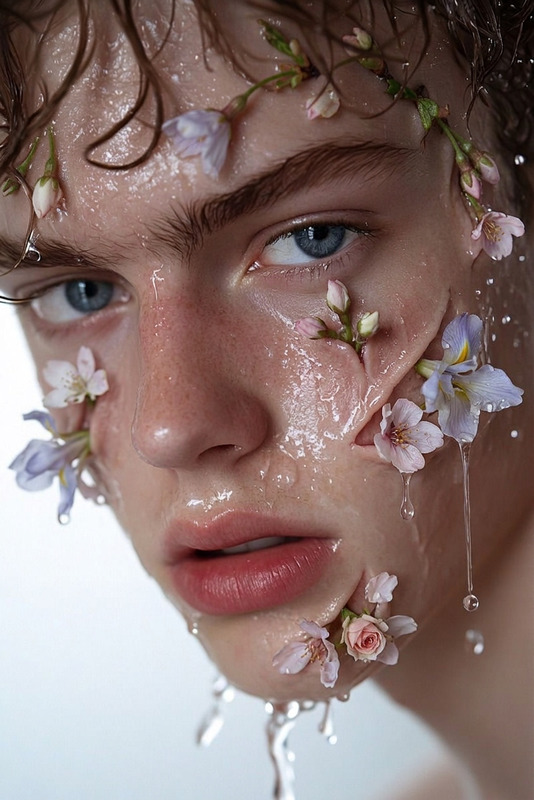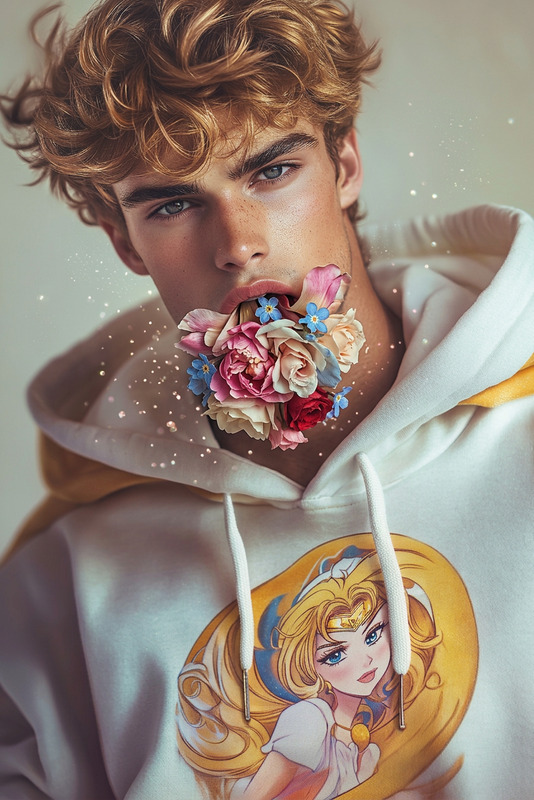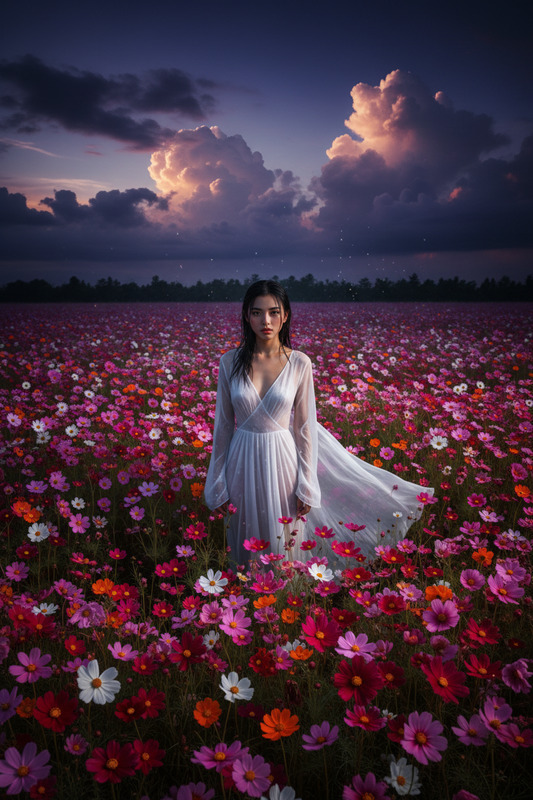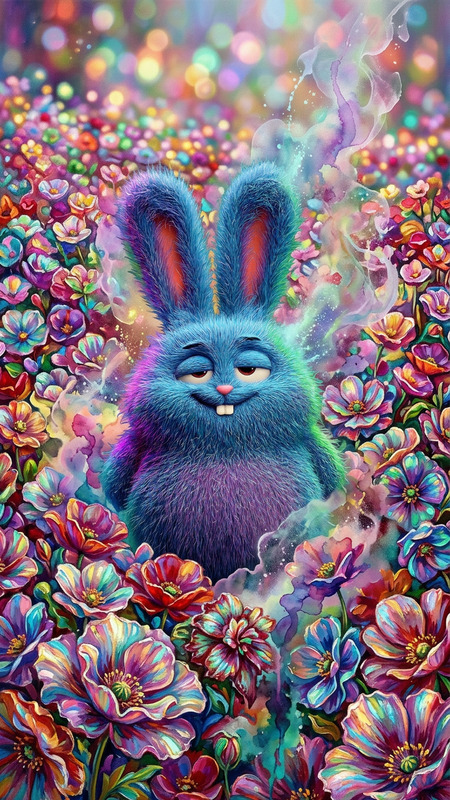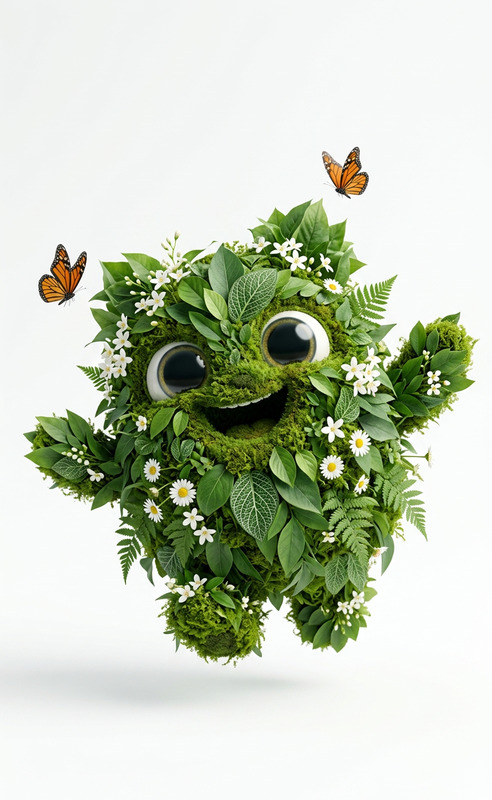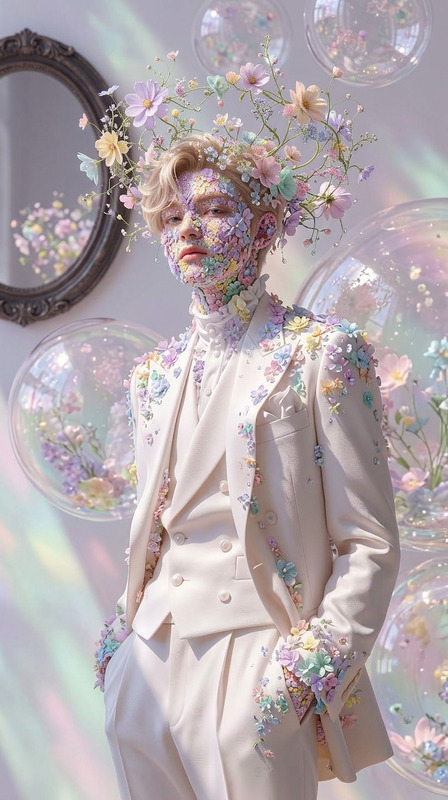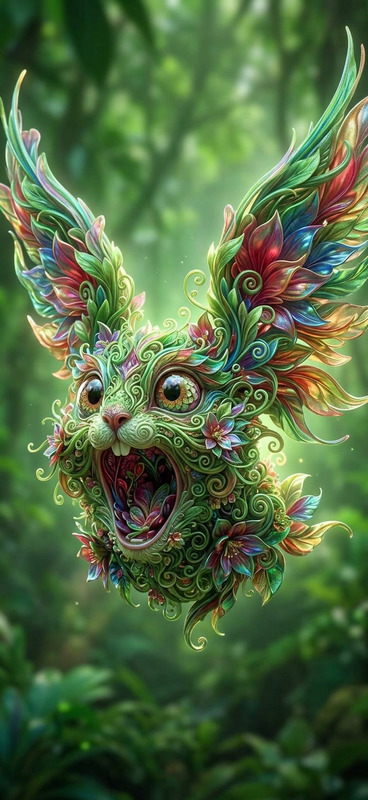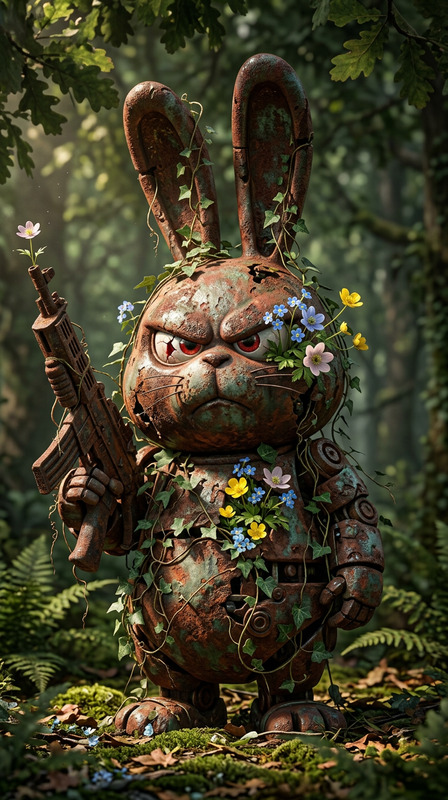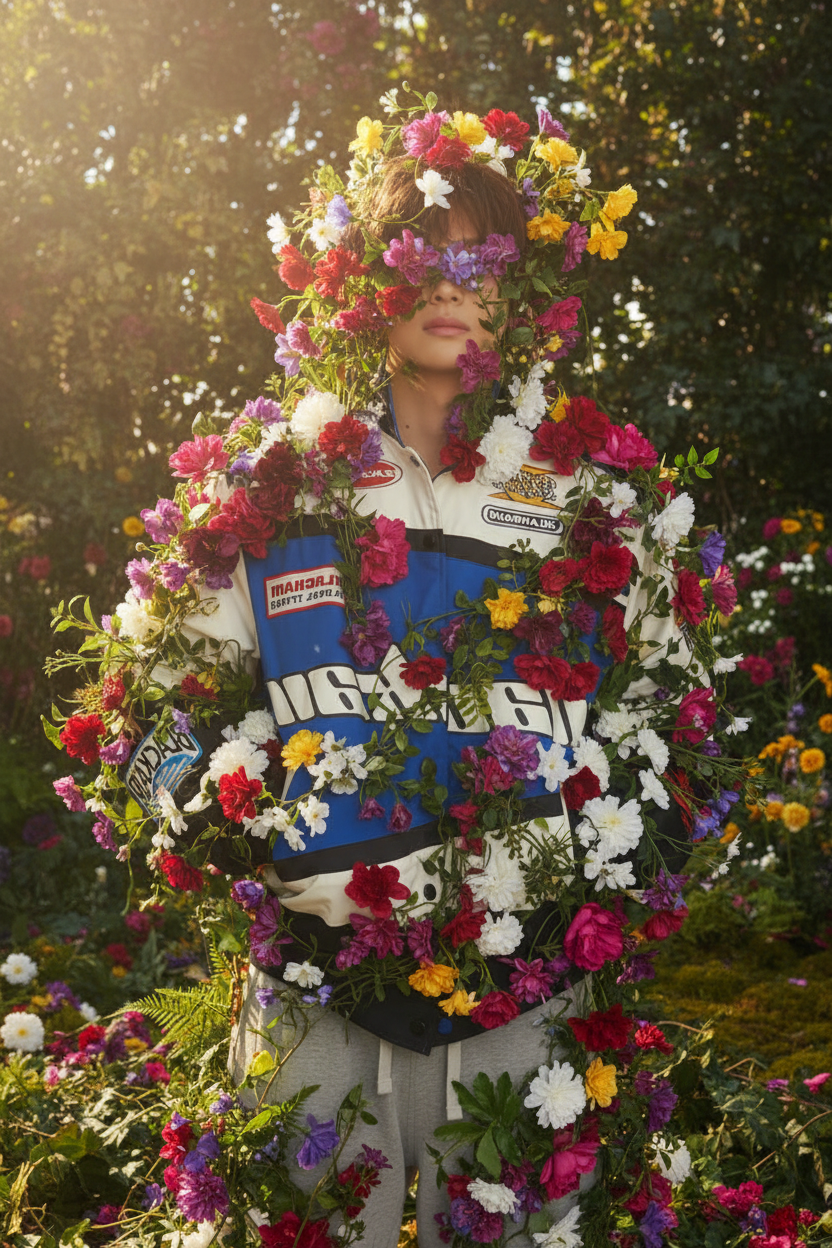
Garden Bloom
- Model
- Nano Banana
- Image
- 832 × 1248 px
Prompt
Subject slowly overtaken by blooming flowers, vines, and dense greenery, plants growing across the body and fully enveloping the figure, petals unfolding and leaves spreading organically, nature reclaiming the subject, soft sunlight filtering through, lush vibrant colors, cinematic composition, dreamy atmosphere, ultra-detailed, 4K.
Any aspect ratio
Overview
With the Garden Bloom template, transform any image into a mesmerizing floral spectacle. This AI Image Editor template allows you to overlay a visual narrative where nature takes over the scene, creating a dreamy and ultra-detailed effect in vibrant 4K quality. Perfect for garden designs or floral-themed concepts, the lush visuals immerse viewers in a world where greenery and blossoms reign supreme.
What It Does
The Garden Bloom template uses the nano-banana model to enrich your images with a cinematic array of blooming flowers, vines, and other lush greenery, organically expanding across the subject. Enhance your creations with a soft sunlight effect filtering through the foliage, creating a beautifully dreamy atmosphere.
For creators looking to enhance their works with vibrant nature elements, this tool offers an array of ultra-detailed options that ensure every leaf, petal, and vine is rendered with precision.
Who It's For
The Garden Bloom template is ideal for designers, photographers, and artists who need to add a touch of organic beauty to their projects. It's particularly beneficial for professionals in the fields of AI Product Photography and botanical illustration, as well as for marketing professionals crafting visuals for floral-themed campaigns.
Summary
Enliven your creative portfolio with Garden Bloom, an AI Image Editor template that turns any scene into a vibrant, flower-filled paradise. Utilizing the nano-banana model, it produces stunningly detailed and immersive images, offering designers and artists a unique tool to convey the beauty of nature in their projects.
To see how it fits into your workflow, explore related tools such as the Gender Swap and Full Body Generator for further creative modifications.
How to Use
Choose Your Template

Customize Your Image

Generate the Final Image

Use Cases
Floral Photography Enhancement
- Add blooming flowers and foliage seamlessly
- Enhance photo backgrounds with greenery
Garden Design Mockups
- Create realistic garden layouts
- Present vivid imagery to clients
Creative Art Projects
- Develop art pieces with strong nature motifs
- Create visually appealing digital art
Best Practices
Start with High-Quality Images
Using high-resolution images as your base will help ensure that the AI's output is sharp and detailed.Balance Elements Thoughtfully
Avoid visual clutter by finding the right density for flowers and foliage. Less can often be more.Adjust Sunlight Settings
Experiment with different lighting options to see how natural or dramatic lighting changes enhance your final image.